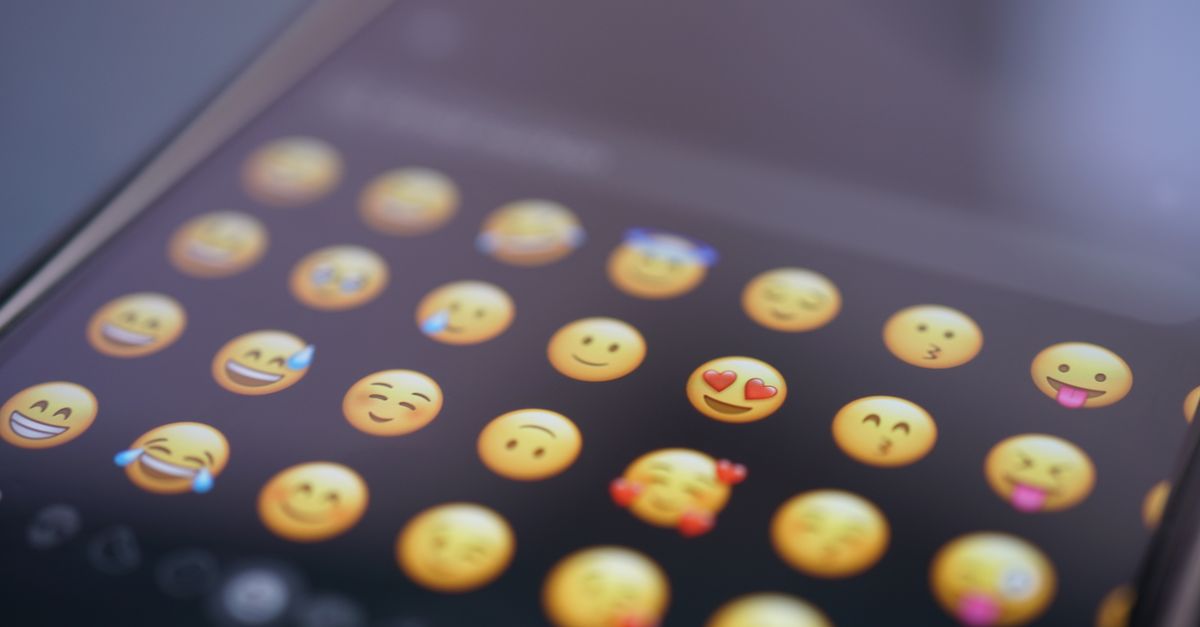
Emoji copy and paste is the act of moving a Unicode emoji character — not a picture, not an image file, but a real text character with its own code point — from one place to another using the system clipboard, the same mechanism that copies any letter or number. Every emoji you have ever seen, from the grinning face 😀 (U+1F600) to the red heart ❤️ (U+2764 plus the variation selector U+FE0F), lives in the Unicode Standard as a specific code point or a sequence of code points. That single fact explains why copy and paste works at all: because an emoji is encoded as text, it behaves like text. It survives copying, pasting, saving, and searching in almost any app, document, or text field that accepts plain text. An online emoji copy and paste tool gives you a searchable, clickable grid of those characters so you can find one by meaning, copy it with a single tap, and paste it anywhere without scrolling through the operating system's emoji keyboard or memorizing code points.
What "Copy and Paste" Means for an Emoji
When most people say "copy and paste," they picture selecting a picture on a webpage and dropping it into a document. Emoji are different. An emoji is a character. It is part of the same character set as the letter A, the digit 7, or the comma — it just happens to look like a small picture when a font draws it. That distinction matters because it controls everything else: file size, searchability, compatibility, and how the character travels across programs.
Behind the scenes, every emoji has a code point — a unique identifier in the Unicode Standard. 😀 is U+1F600. The red heart is U+2764. The fire is U+1F525. Code points are written in hexadecimal and prefixed with "U+" by convention. They are the closest thing an emoji has to an address, and they let operating systems, browsers, and apps agree on which character is which without sending any image data.
Because of this, when an emoji copy and paste tool copies an emoji to your clipboard, the clipboard holds a short string of text, not a graphic. The receiving app then renders that string using its own emoji font. That is why a copied emoji is tiny in terms of size (a few bytes), survives being saved to a plain text file, and works in places that would reject an image, such as a username field, a spreadsheet cell, or a command-line prompt.
How a Browser Emoji Picker Finds the Right Glyph
The challenge with Unicode emoji is not size — modern standards define well over 3,000 of them — but discoverability. Nobody memorizes U+1F600. A good emoji copy and paste tool solves discoverability by indexing two things for every character in its grid:
- The official Unicode short name. The Unicode Standard assigns each emoji a canonical English name, such as "grinning face," "red heart," or "fire." These names are stable across versions and across vendors.
- Optional keyword tags. The tool can attach extra human-friendly words, so a search for "lol" still finds the face-with-tears-of-joy 😂, and a search for "love" finds hearts, roses, and the smiling face with hearts.
When you type in the search box, the picker matches your query against both the official names and the keyword tags. When you click a category chip — smileys, emotion, people and hand gestures, animals, food and drink, travel, activities, objects, symbols, hearts, or flags — it narrows the grid to a predefined slice of the Unicode set without running any new search. Hovering over a result shows the emoji's official name so you can confirm you have the right glyph before copying.
How to Search, Browse, and Copy an Emoji
- Open the Emoji Copy and Paste tool in any modern browser. No sign-up, no installation, nothing to configure.
- Type a word in the search box — a name or keyword like "smile," "heart," "cat," or "fire" — or click a category chip such as smileys, animals, food, or hearts to narrow the grid.
- Browse the matching results in the grid. Hover any emoji to read its official Unicode name.
- Click the emoji you want. It is copied to your clipboard instantly, with every code point, joiner, and variation selector preserved as one intact sequence.
- Paste the emoji wherever you need it — a chat message, a document, a social post, a username, or a spreadsheet cell — using your usual paste shortcut.
That is the whole loop. Because the tool runs entirely in your browser, the search and the clipboard write happen locally on your device, so copying is instant and nothing is uploaded to a server.
Inside an Emoji: Single Code Points, ZWJ Sequences, and Variation Selectors
Not every emoji is a single character. Some are simple; others are stitched together from several code points and invisible characters. Understanding the three main forms explains why some emoji paste correctly and others sometimes break into separate pieces if copied carelessly.
Single code points
The simplest emoji are exactly one code point. 😀 is U+1F600. 🔥 is U+1F525. 🐱 is U+1F431. Pasting them is no different from pasting the letter Q.
ZWJ sequences
More complex emoji are ZWJ sequences — several code points glued together with an invisible Zero-Width Joiner (U+200D). The family 👨👩👧, for example, is the code points for man, woman, and girl joined by two Zero-Width Joiners, rendered by the font as a single composite picture. The same mechanism produces skin-tone variations (each tone is itself a code point attached via a joiner), profession emoji such as the technologist 🧑💻, and combined flags like the rainbow flag 🏳️🌈.
Variation selectors
A few characters have both a text-style and an emoji-style rendering. The plain heart character ❤ (U+2764) normally renders in black and white. Adding the variation selector U+FE0F forces the colorful version ❤️. The Emoji Copy and Paste tool copies the full sequence, including any joiners and selectors, so what you paste stays a single correct emoji rather than breaking into separate characters.
Why the Same Emoji Looks Different on Every Device
Emoji are a shared standard, but the artwork is not. Apple, Google, Microsoft, Samsung, and each social platform draw their own version of every code point, so the exact color and style you paste may look slightly different to the person reading it. The meaning stays the same; only the picture varies. This is normal cross-platform rendering, and nothing is broken — the underlying character is identical everywhere.
A few practical consequences fall out of this:
- What you see on your phone will not match, pixel for pixel, what your friend sees on a laptop or a smartwatch. The shape, color, and shading can all differ.
- The Unicode short name — and therefore the search behavior of any picker — does not change. Searching for "fire" finds 🔥 whether the artwork is Apple's flame or Google's flame.
- If you need a specific brand of emoji (for example, to match a particular design system), copy the character from a source that guarantees it — but remember that the recipient's device will still draw its own version on their screen.
Emoji vs Kaomoji: What Is Actually Different
Emoji and kaomoji look superficially similar — both add expression to plain text — but they are built from completely different machinery. Emoji are single Unicode characters or sequences defined by the Unicode Standard, drawn as colorful pictographs by the operating system's emoji font. Kaomoji are Japanese-style emoticons such as (◕‿◕) or (╯°□°)╯︵ ┻━┻, assembled on the fly from ordinary keyboard characters that read horizontally without tilting your head. Because kaomoji are just punctuation, they survive anywhere plain text survives, including terminal windows and code editors that do not have emoji fonts. Because emoji are Unicode characters, they survive anywhere text is accepted and rendered with an emoji-aware font.
| Property | Emoji | Kaomoji |
|---|---|---|
| Underlying form | Unicode code point or code-point sequence | Sequence of ordinary keyboard characters |
| Visual style | Colorful pictograph drawn by an emoji font | Punctuation assembled by the writer |
| Standardized name | Yes — Unicode canonical short name (e.g. "grinning face") | No standard name; conventions vary by community |
| Searchable by meaning | Yes, via the official name and keyword tags | Hard to search — there is no registry |
| Renders without an emoji font | Not always — older systems may show a blank or fallback | Yes — it is just text |
| Best tool to copy | Emoji Copy and Paste | Kaomoji Copy and Paste |
For text-art faces built from punctuation, use the Kaomoji Copy and Paste tool. For standard Unicode emoji, use the Emoji Copy and Paste tool.
Where You Can Paste an Emoji
Because emoji are text, the list of valid destinations is roughly the same as the list of places that accept text. In practice that covers:
- Messaging apps — iMessage, WhatsApp, Telegram, Signal, Discord, Slack, and the native messaging app on every major phone.
- Social media — captions, comments, bios, and display names on Instagram, X, TikTok, Facebook, LinkedIn, and YouTube (subject to each platform's own length and character rules).
- Documents and spreadsheets — Google Docs, Microsoft Word, Pages, Notion, and any cell in Excel or Google Sheets that accepts text.
- Email — subject lines and bodies in Gmail, Outlook, Apple Mail, and most other clients.
- Usernames and handles — most platforms accept emoji in display names and many accept them in usernames, although some restrict emoji in usernames for compatibility reasons.
- Code and configuration files — emoji are valid Unicode and will survive in source files, though they may render differently in a terminal that lacks an emoji font.
The character travels unchanged across all of these because it is text. The drawing of it may differ.
For a deeper look, see Emoji Remover That Counts What You Actually See.
For a deeper look, see Compare Approaches to Use Heart Symbol Copy Paste.