An emoji remover is a text utility that deletes every emoji grapheme cluster from your pasted text while leaving every other character exactly where it was. The result is plain text stripped of pictographic emoji, flags, skin-tone-modified faces, keycap combinations, and joined family sequences, with spaces, punctuation, accents, and line breaks preserved in their original order. Removing emoji at the cluster level matters because most visible emoji are built from multiple Unicode code points: a single thumbs-up can be a base character plus a skin-tone modifier and a variation selector, while a national flag is two regional indicator symbols joined by a hidden character. A simple find-and-replace that only matches one code point at a time tends to leave broken modifiers or invisible joiners behind. Emoji Remover segments your input using the browser's built-in grapheme implementation and removes each matched cluster as one visible unit, which is why the count you see equals what your eye sees.
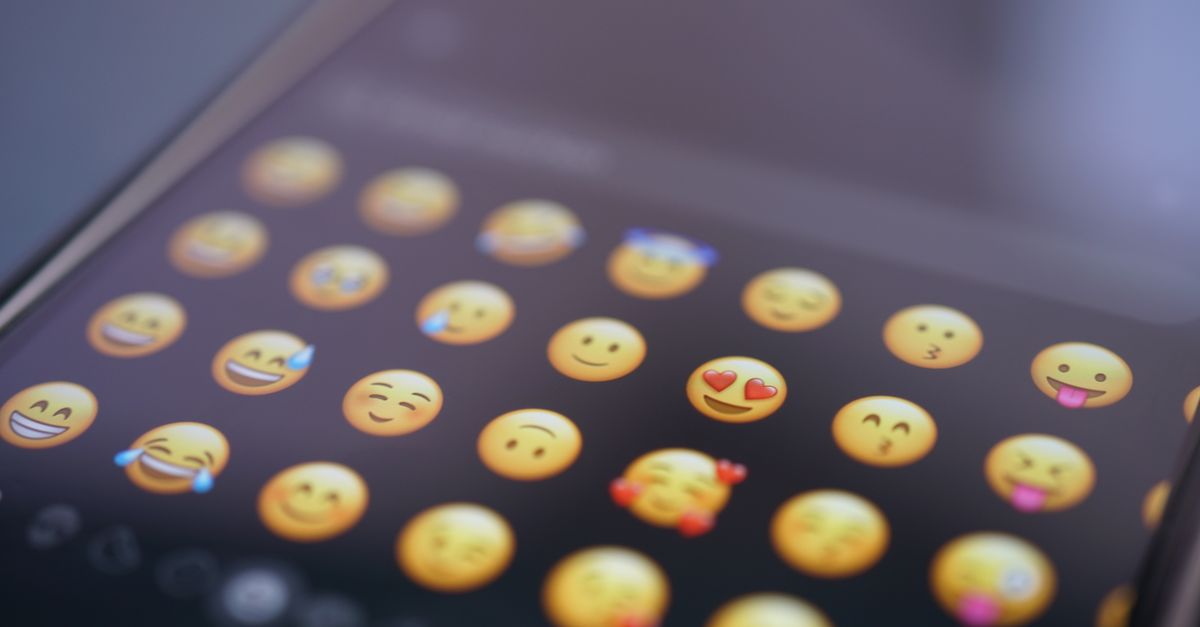
What Counts as an Emoji Here
The detection rule covers three standardized categories: extended pictographic emoji, regional indicator pairs (which combine into flag emoji), and keycap sequences (a digit, optional variation selector, and enclosing keycap mark). Some symbols have both a text and an emoji presentation convention, and a symbol classified by the relevant Unicode property is removed even when a particular font draws it monochromatically. The tool does not ship a hand-written emoji lookup table. Instead, it relies on standardized Unicode property escapes and the browser's Intl.Segmenter grapheme implementation, so results follow whatever Unicode version your current browser implements and evolve as engine data updates.
Because the rule is property-based rather than visual, the output is deterministic: a character the Unicode standard classifies as an emoji is removed, and characters the standard does not classify that way are left alone. Decorative text that merely looks icon-like but is not classified by the detection rule remains in place. If you want to read the exact property definitions that drive matching, the MDN reference on Unicode character class escapes lists the patterns the rule uses.
How to Remove Emoji From Text in Your Browser
- Open the Emoji Remover page.
- Paste or type up to 1,000,000 characters of text containing the emoji you want to strip.
- Select Remove emoji to run the cleaner.
- Read the removed count, which reports complete grapheme clusters rather than code points or bytes.
- Inspect the preview for spacing, newlines, and indentation.
- Download the cleaned result as a UTF-8 TXT file.
The textarea accepts up to one million characters; empty input or text above that limit shows a visible error. Editing the source clears the previous preview and revokes its download URL, so each run is independent and there is no chance of carrying leftover state from a previous cleanup. Nothing is uploaded at any point, which means support tickets, draft captions, and other sensitive material can be cleaned without leaving the page.
Reading the Removed Count and the Preview
The number reported is a count of emoji grapheme clusters, which lines up with what a person sees on screen rather than with the underlying encoding pieces. One joined family of four people counts as one cluster and increases the count by one. Two adjacent thumbs-up emoji increase the count by two, even when one contains a skin-tone modifier. A flag made of two regional indicator symbols is also one cluster and one count. If every grapheme in your input is an emoji, the cleaned output is an empty string and the removed count still reports the completed work.
The preview shows the exact remaining string. Newlines, tabs, repeated spaces, and indentation all stay in place. Long lines wrap visually inside the preview window, but that visual wrapping does not insert newline bytes into the downloaded file. Removing an emoji that sits between two spaces leaves both spaces, because automatically collapsing whitespace would risk changing formatting, columns, indentation, or sentence intent. The original input remains in its textarea so you can compare before and after.
What Stays and What Goes
| Removed as emoji | Preserved in place |
|---|---|
| Extended pictographic emoji (faces, objects, nature, food) | Letters, numbers, and combining accents |
| Regional indicator pairs (flag emoji) | Spaces, tabs, and newlines |
| Keycap combinations such as 1 or * with a keycap mark | Punctuation and sentence symbols |
| Joined family and profession sequences using zero-width joiners | Kaomoji made from ordinary punctuation |
| Skin-tone-modified emoji as one unit | ASCII emoticons such as :) or ;) |
Because the cleaner is property-based rather than visual, you may notice a symbol that looks like a monochrome icon in your font disappearing from the output if Unicode classifies it as an emoji. Conversely, fancy text that is not classified by the detection rule remains. This is a deterministic standards-based cleaner, not an image-recognition or visual-font classifier.
Limits and Edge Cases Worth Knowing
The tool does not inspect Word documents, PDFs, HTML markup, images, filenames, clipboard history, or remote content; it transforms only the string placed in the textarea. If you need to pull text out of a .docx file first, run it through a DOCX-to-text step and feed the extracted string into Emoji Remover. For text already in front of you, a copy and paste is enough.
The download is plain UTF-8 text with no byte-order mark, so it opens cleanly in any editor or spreadsheet that reads UTF-8. For collapsing the extra spaces that sometimes surround removed emoji, normalizing tabs, or removing blank lines, run the cleaned file through a dedicated whitespace tool as a separate step so the original intent stays auditable. Treating whitespace changes as a separate pass means a later reviewer can see exactly which transformation produced which character in the final output.
When Emoji Remover Fits and When a Different Tool Fits
Emoji Remover is the right choice when the only transformation you want is "delete emoji and keep everything else in its original order." Common fits include preparing a dataset for a system that rejects emoji, cleaning a chat export for a support log, tidying a caption before it is fed to a tool that chokes on non-ASCII characters, and stripping emoji from filenames written as plain text before they are submitted to a form. The behavior is intentionally narrow so the result is predictable.
It is the wrong tool when the goal is broader. Kaomoji and ASCII emoticons are built from ordinary punctuation and are not classified as emoji by Unicode, so they remain in the output by design. Platform-specific shortcodes like :thumbs_up: are never sent as Unicode emoji in the first place, so a find-and-replace or your platform's editor is the right approach. If the issue is overly fancy typography, hidden Unicode, or padded spacing added by an AI assistant, a dedicated AI text cleaner is a better fit. If the issue is punctuation density, general special characters, or excessive whitespace, those have their own targeted cleaners.
Related reading: How to See Invisible Characters in Word (Beyond Show/Hide).
Related reading: Count Lines in a File With Clear Boundary Rules.