A digital stopwatch is a precise timer that counts upward from zero, displaying elapsed time in minutes, seconds, and often fractions of a second. Unlike analog stopwatches, digital versions provide exact readings and additional features like lap splits, pause/resume functionality, and instant resets. These tools are essential for timing workouts, exams, cooking, or any task requiring accurate time tracking. The Online Stopwatch tool simplifies this process by offering a free, browser-based solution that works on any device without downloads or sign-ups. Your data stays private, as the timer runs entirely on your device, making it ideal for both personal and professional use.
Whether you're timing a race, managing a study session, or tracking intervals during a workout, a digital stopwatch eliminates guesswork. Traditional methods—like using a phone’s built-in timer or a physical stopwatch—often lack features like lap recording or require manual calculations. The Online Stopwatch tool addresses these gaps by providing a clear, large display and intuitive controls. For example, if you're training for a marathon, you can record each mile split without stopping the clock, allowing you to analyze your pace in real time. Similarly, students can use it to time practice exams, ensuring they stay within the allotted time for each section.
Another advantage of a browser-based stopwatch is accessibility. Unlike physical stopwatches or app-based timers, the Online Stopwatch tool works on any device with an internet connection, including laptops, tablets, and smartphones. This flexibility makes it a reliable choice for users who switch between devices frequently. Additionally, because it runs in your browser, there’s no need to worry about software updates or compatibility issues. For those who prefer a more structured approach to time management, pairing the stopwatch with a Pomodoro Timer can help balance focused work sessions with regular breaks.
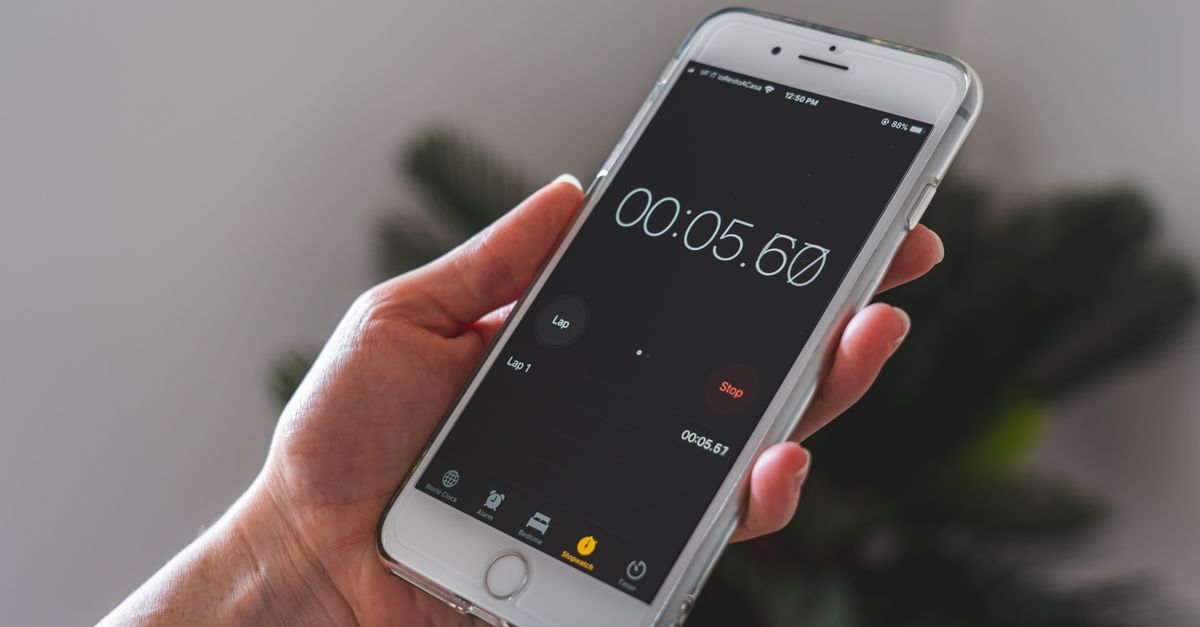
Why Choose a Browser-Based Digital Stopwatch
A browser-based digital stopwatch offers several benefits over traditional methods. First, it’s instant—no need to download an app or create an account. Simply open the tool in your browser, and you’re ready to start timing. This is particularly useful in situations where you need a quick solution, such as timing a presentation or a cooking recipe. Second, it’s private. Since the tool runs locally on your device, your timing data isn’t stored or shared with third parties, which is ideal for sensitive tasks like exams or confidential work.
Third, browser-based stopwatches are highly customizable. The Online Stopwatch tool, for example, features a large, easy-to-read display that shows minutes, seconds, and hundredths of a second. This level of detail is crucial for activities requiring precise timing, such as scientific experiments or athletic training. Additionally, the tool’s lap-splitting feature allows you to record multiple intervals without stopping the clock, which is invaluable for tracking progress during interval workouts or multi-stage tasks.
Finally, browser-based stopwatches are versatile. They work on any device, from desktop computers to smartphones, and don’t require an internet connection once loaded. This makes them a reliable choice for users who need a stopwatch on the go. For those who also need to track time across different time zones, pairing the stopwatch with a World Clock can provide a comprehensive time management solution.
How to Time an Activity with the Online Stopwatch
- Open the Online Stopwatch tool in your browser. No downloads or sign-ups are required.
- Click the Start button to begin the timer. The display will show the elapsed time in minutes, seconds, and hundredths of a second.
- To record a lap or split time, press the Lap button. The tool will display the time for that segment and the cumulative total, with the newest lap appearing at the top of the list.
- If you need to pause the timer, click the Pause button. The time will freeze, and you can resume by clicking Resume to continue from where you left off.
- To clear the timer and start fresh, press the Reset button. This will erase all recorded laps and reset the elapsed time to zero.
Common Uses for a Digital Stopwatch
A digital stopwatch is a versatile tool with applications in various fields. Below is a table outlining common use cases and how the Online Stopwatch tool can address them:
| Use Case | How the Online Stopwatch Helps | Example Scenario |
|---|---|---|
| Fitness Training | Records lap splits for interval workouts without stopping the clock. | Track each mile during a marathon or time rest periods between sets at the gym. |
| Academic Testing | Provides precise timing for practice exams or timed assignments. | Simulate SAT or ACT conditions by timing each section individually. |
| Cooking and Baking | Measures exact durations for recipes requiring precise timing. | Time the boiling of pasta or the baking of a cake to avoid overcooking. |
| Scientific Experiments | Tracks elapsed time for reactions or observations with hundredths-of-a-second precision. | Measure the time it takes for a chemical reaction to complete in a lab setting. |
| Productivity Tracking | Monitors time spent on tasks to improve efficiency and focus. | Use the stopwatch to time how long you spend on emails or project work. |
Troubleshooting Common Issues
While using a digital stopwatch is straightforward, you may encounter occasional issues. Here’s how to address them:
Timer Doesn’t Start: Ensure you’ve clicked the Start button. If the tool isn’t responding, refresh the page or try a different browser. The Online Stopwatch tool is designed to work on all modern browsers, including Chrome, Firefox, Safari, and Edge.
Lap Times Not Recording: Make sure you’re pressing the Lap button while the timer is running. If the lap times aren’t appearing, check that the tool isn’t paused. If the issue persists, reset the stopwatch and try again.
Display Freezes: If the timer freezes, click the Pause button, then Resume to restart it. If the problem continues, refresh the page to reload the tool. This issue is rare but can occur if your device’s resources are overloaded.
Reset Doesn’t Work: If the Reset button doesn’t clear the timer, try refreshing the page. This will reset the tool to its default state. If you’re using the stopwatch for critical timing, such as an exam, ensure you’ve tested the reset function beforehand to avoid disruptions.
For users who rely on precise timing for work or study, combining the stopwatch with other productivity tools can enhance efficiency. For example, using the Online Notepad to jot down lap times or observations can help you stay organized without switching between apps.
Advanced Tips for Using a Digital Stopwatch
Once you’re comfortable with the basic functions of a digital stopwatch, you can explore advanced techniques to maximize its utility. For instance, if you’re timing multiple activities simultaneously, consider opening multiple tabs of the Online Stopwatch tool. This allows you to track different tasks without mixing up the data. For example, a coach could use one stopwatch to time an athlete’s sprint and another to track their rest period between sets.
Another advanced tip is to use the lap-splitting feature strategically. Instead of recording every lap, focus on key intervals. For example, during a 5K run, you might record splits every kilometer to monitor your pace. This approach reduces clutter and makes it easier to analyze your performance later. If you’re using the stopwatch for productivity, try timing your work sessions and breaks separately. Pairing this with the Pomodoro Timer can help you maintain a balanced workflow.
For users who need to share their timing data, the Online Stopwatch tool allows you to manually record lap times or take screenshots of the display. While the tool doesn’t save data automatically, this method ensures you can review your results later. If you’re timing a group activity, such as a relay race, assign one person to manage the stopwatch and call out splits to the team. This keeps everyone informed without interrupting the flow of the activity.
Finally, consider integrating the stopwatch into your workflow for repetitive tasks. For example, if you’re a teacher timing student presentations, use the lap feature to record each student’s time without stopping the clock. This ensures fairness and consistency. Similarly, if you’re a chef timing multiple dishes, the stopwatch’s large display makes it easy to monitor each dish’s progress at a glance.
See also: Stop a Stopwatch in Your Browser Without Apps or Downloads.
For a deeper look, see Take Online Classes Using a Whiteboard in Your Browser.
For a deeper look, see How to Use a Stopwatch: A Practical Browser Guide.