Stopping a stopwatch in your browser is as simple as pressing a button—no apps, no downloads, and no sign-ups. The Online Stopwatch tool runs entirely in your browser, giving you a precise count-up timer with lap splits, pause/resume controls, and a reset option. Whether you’re timing a workout, a cooking step, or a productivity sprint, you can stop, pause, or reset the stopwatch with a single click. The tool displays minutes, seconds, and hundredths of a second in a large, easy-to-read format, and each lap is recorded with both the segment time and the cumulative total. Since everything happens locally, your timing data never leaves your device, ensuring privacy and speed. This makes it ideal for quick, accurate measurements without the hassle of physical stopwatches or app installations.
Many people reach for their phone’s built-in stopwatch or a physical timer, but these often lack features like lap splits or require unlocking the device. Browser-based stopwatches solve this by offering instant access—just open a tab and start timing. The Online Stopwatch is designed for simplicity: press Start to begin, Lap to record a split, Pause to freeze the time, and Reset to clear everything. Unlike some apps that bury controls behind menus or require multiple taps, this tool keeps everything visible and accessible. It’s also lightweight, so it won’t slow down your browser or drain your battery, even during long sessions. For tasks like interval training, cooking, or time-blocking work sessions, this level of control is essential.
Another advantage of using a browser-based stopwatch is cross-device compatibility. if you're on a laptop, tablet, or desktop, the tool works the same way. There’s no need to sync data or install updates—just open the page and start timing. This is especially useful for teams or groups who need a shared timer but don’t want to rely on a single device. For example, during a group workout, everyone can open the stopwatch on their own device and follow the same timer without passing around a phone. The lap feature is also handy for tracking individual performance in races or time trials, as it records each segment while keeping the total time visible. Below, we’ll walk through the exact steps to stop, pause, and reset the stopwatch, so you can use it confidently for any timing task.
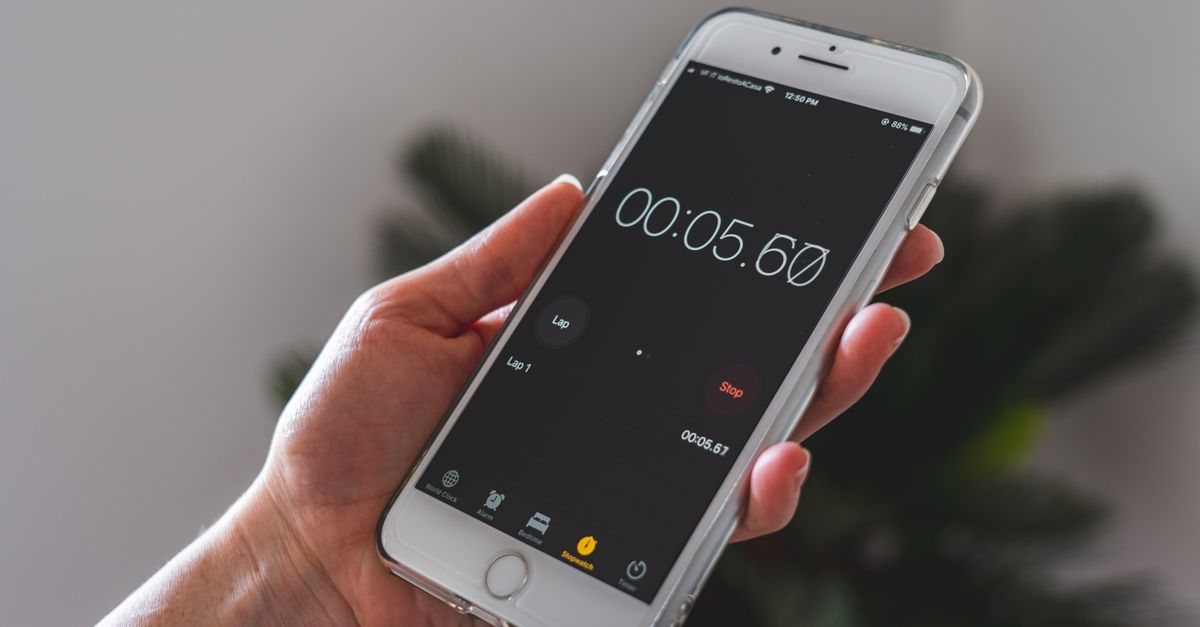
How the Online Stopwatch Works
The Online Stopwatch is built for precision and ease of use. Here’s how each feature works:
| Control | Action | Result |
|---|---|---|
| Start | Press the Start button | The stopwatch begins counting up from zero, displaying minutes, seconds, and hundredths of a second. |
| Lap | Press the Lap button while the stopwatch is running | Records the current segment time and the cumulative total, adding it to the lap list (newest at the top). |
| Pause | Press the Pause button | Freezes the elapsed time and stops the count-up. The display remains visible until you press Resume or Reset. |
| Resume | Press the Resume button after pausing | The stopwatch continues counting from the exact time it was paused, without losing any laps or elapsed time. |
| Reset | Press the Reset button | Clears the elapsed time and all recorded laps, returning the stopwatch to zero for a fresh start. |
The lap feature is particularly useful for tracking multiple segments within a single timing session. For example, if you’re timing a series of sprints, each lap records the time for that sprint while keeping the total elapsed time visible. This way, you can compare individual segments without losing track of the overall duration. The pause and resume controls are equally important for tasks that require interruptions, like cooking or workouts where you might need to step away briefly. Unlike some physical stopwatches that reset when paused, this tool preserves all data until you explicitly press Reset.
How to Stop a Stopwatch in Your Browser
Stopping the Online Stopwatch is straightforward, but the tool also lets you pause, resume, or reset it depending on your needs. Follow these steps to stop or control the stopwatch:
- Open the Online Stopwatch: Go to /productivity/online-stopwatch/ in your browser. The tool loads instantly, with a large display showing 00:00:00 and buttons labeled Start, Lap, Pause, and Reset.
- Start the stopwatch: Press the Start button to begin timing. The display will start counting up from zero, showing minutes, seconds, and hundredths of a second.
- Record laps (optional): While the stopwatch is running, press the Lap button to record a split. Each lap appears in a list above the controls, showing the segment time and the cumulative total. Newest laps appear at the top.
- Pause the stopwatch: Press the Pause button to freeze the elapsed time. The display will stop counting, but all laps and the current time remain visible. This is useful if you need to step away or take a break without resetting the timer.
- Resume timing (optional): If you paused the stopwatch, press the Resume button to continue counting from the exact time it was paused. All laps and elapsed time remain intact.
- Stop the stopwatch: To stop the stopwatch completely, press the Pause button (if it’s running) or the Reset button to clear the elapsed time and all laps. Pressing Reset returns the stopwatch to zero, ready for a new timing session.
These steps cover all the controls you’ll need to stop, pause, or reset the stopwatch. The tool is designed to be intuitive, so you won’t need to dig through menus or settings. when you're timing a quick task or a longer activity, the stopwatch adapts to your needs. For example, if you’re using it for a Pomodoro session, you can pause the timer during breaks and resume it when you’re ready to work again. The lap feature is also handy for tracking intervals in workouts or cooking, where you might need to time multiple steps in sequence.
A Browser-Based Stopwatch vs an App: Which Works Better
Browser-based stopwatches like the Online Stopwatch offer several advantages over traditional apps or physical timers. First, they require no installation or sign-ups. You can open the tool in any browser—on your laptop, tablet, or phone—and start timing immediately. This is especially useful in environments where installing apps isn’t allowed, like work or school computers. Since the tool runs entirely in your browser, it also doesn’t consume storage space or require updates. You always have the latest version without lifting a finger.
Privacy is another key benefit. Unlike some apps that sync data to the cloud or track usage, the Online Stopwatch keeps all timing data local to your device. This means your laps, pauses, and resets are never stored or shared with third parties. For tasks where privacy matters—like timing sensitive work or personal activities—this is a significant advantage. The tool is also lightweight, so it won’t slow down your browser or drain your battery, even during long sessions. This makes it ideal for timing workouts, cooking, or productivity sprints without worrying about performance issues.
Finally, browser-based stopwatches are cross-platform by default. if you're on Windows, macOS, Linux, or a mobile device, the tool works the same way. There’s no need to learn different interfaces or sync data between devices. For teams or groups, this means everyone can use the same timer without compatibility issues. For example, during a group workout, each person can open the stopwatch on their own device and follow the same timer. The lap feature is also useful for tracking individual performance in races or time trials, as it records each segment while keeping the total time visible. Below, we’ll compare browser-based stopwatches to other timing methods to highlight their unique benefits.
| Feature | Browser-Based Stopwatch | Phone App Stopwatch | Physical Stopwatch |
|---|---|---|---|
| Installation required | No | Yes | No (but must be carried) |
| Cross-device compatibility | Yes (works on any browser) | Limited (depends on OS) | No (single device) |
| Privacy | High (data stays local) | Varies (some sync to cloud) | High (no digital footprint) |
| Lap splits | Yes (with cumulative totals) | Varies (some apps lack this) | Varies (some models lack this) |
| Pause/resume | Yes (preserves all data) | Varies (some reset on pause) | Varies (some reset on pause) |
| Accessibility | High (works with screen readers) | Varies (depends on app) | Low (small buttons, no audio cues) |
Common Uses for a Browser Stopwatch
A browser-based stopwatch like the Online Stopwatch is versatile enough for a wide range of tasks. Here are some common scenarios where it comes in handy:
- Workouts and fitness: Time intervals, laps, or rest periods during runs, HIIT sessions, or weightlifting. The lap feature lets you track individual segments without losing the total time.
- Cooking and baking: Time steps in recipes where precision matters, like boiling pasta, proofing dough, or steeping tea. Pause the timer if you need to step away, then resume when you’re back.
- Productivity sprints: Use the stopwatch for time-blocking work sessions, like the Pomodoro technique. The pause/resume feature is perfect for handling interruptions without losing your place.
- Games and challenges: Time speedruns, puzzle-solving, or reaction-time games. The lap feature helps track multiple attempts or segments within a single session.
- Meetings and presentations: Keep track of speaking time, Q&A sessions, or breaks. The large display makes it easy to glance at the time without disrupting the flow.
- Education and training: Time quizzes, drills, or practice sessions. The lap feature is useful for tracking individual attempts or segments in a test.
For tasks like cooking, the pause/resume feature is especially valuable. If you’re timing a recipe and get interrupted, you can pause the stopwatch, handle the interruption, and resume without losing track of the elapsed time. The lap feature is also useful for tracking multiple steps in a recipe, like boiling pasta and simmering a sauce. In fitness, the lap feature lets you time individual exercises in a circuit while keeping the total workout time visible. For productivity, the stopwatch can help you stick to time-blocked schedules, like the Pomodoro technique, where you work for 25 minutes and take a 5-minute break. The tool’s simplicity ensures you won’t waste time figuring out controls—just press Start and go.
Another advantage of a browser-based stopwatch is its accessibility. Since it runs in a browser, it works with screen readers and other assistive technologies, making it a good choice for users with disabilities. The large display and clear controls are also easier to use than small physical stopwatches or phone apps with tiny buttons. For teams or groups, the cross-device compatibility means everyone can follow the same timer without passing around a single device. when you're timing a group workout, a cooking session, or a productivity sprint, the Online Stopwatch adapts to your needs.
For a deeper look, see Change Your World Clock in Seconds with This Free Tool.
For a deeper look, see Test Keyboard Accessibility in Minutes Without Special Software.