A reliable random letter generator alternative is a free browser-based tool that produces 1 to 100 letters at a time, lets you pick uppercase, lowercase, or mixed case, and optionally restricts the pool to vowels only or consonants only — with the whole thing running locally so nothing leaves your device. That combination of controls, speed, and privacy is exactly what most people are actually looking for when they outgrow physical tiles, random-number tricks, or coding their own solution in a spreadsheet. The Random Letter Generator delivers that exact mix, and the rest of this article walks through why it works as a drop-in alternative, how to drive it, and what to use it for.
People start searching for a random letter generator alternative for surprisingly practical reasons. The wooden letter tiles feel sluggish once you have done it more than twice. The spinning wheel app on a phone eats battery and adds lag between rounds. Writing a Python or JavaScript snippet works, but you have to switch windows, install a runtime, and debug a Unicode issue the moment you want uppercase output. Spreadsheet formulas like CHAR(RANDBETWEEN(65,90)) get the job done in a hurry but recalculate every time the sheet breathes, which turns a single letter into a moving target. Online random letter tools look simple until you notice the ads, the pop-ups, the email sign-up wall, or the network requests firing every time you click generate.
The Random Letter Generator on this site sidesteps those frustrations by keeping the entire workflow inside one HTML page. There is no install, no account, no server round-trip, and no surprise pop-up. You set the count, pick the case, narrow the pool if you want, decide whether repeats are allowed, and the result appears the moment you press a button. If you want to learn the broader picture of how the same tool fits into everyday letter-based tasks, the guide Generate Random Letters for Any Task in One Click gives a useful side-by-side view.
Why People Switch Away From Common Methods
Every alternative method for producing random letters has at least one annoying edge. Knowing which one you are moving away from makes it easier to appreciate what the browser tool replaces.
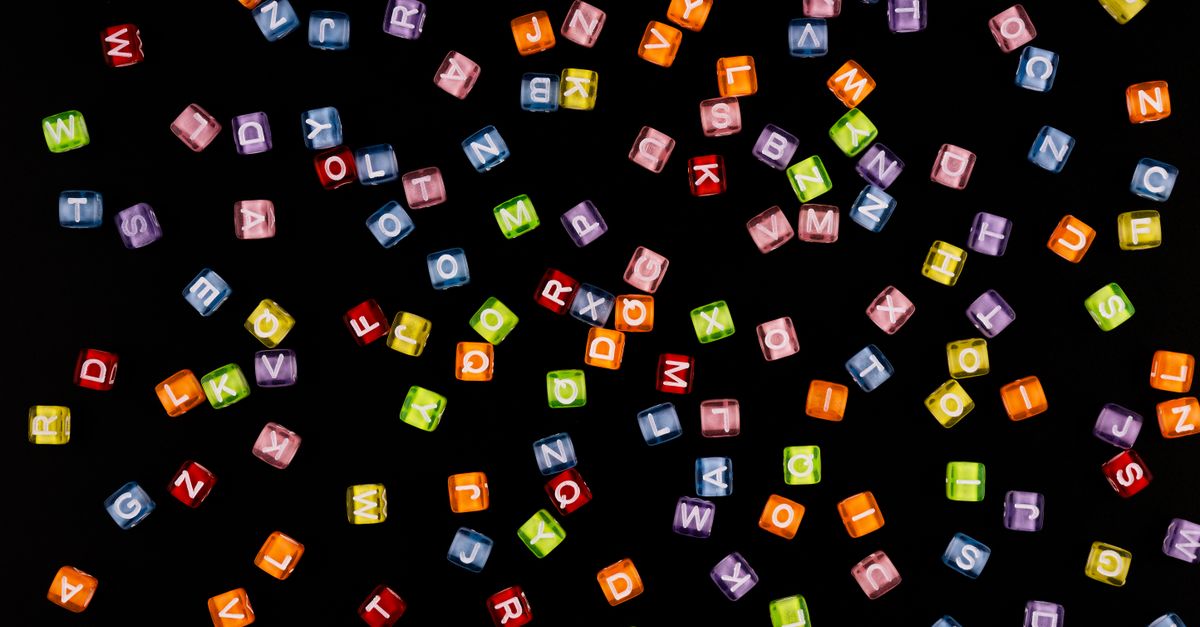
- Wooden or plastic letter tiles. They are tactile and friendly for kids, but they need a flat surface, they go missing, they are hard to read from across a room, and they cost time to scoop back into the bag between rounds.
- Spinning wheel apps. Most use animation to sell the illusion of randomness, drain battery, and force you to keep a phone unlocked mid-lesson. They also struggle to draw more than one letter at a time.
- Self-generated letters. Closing your eyes and pointing at the alphabet works in a pinch, but human memory anchors hard on recent picks and vowels, which quietly biases the result over a long session.
- Code snippets in Python, JavaScript, or Java. A five-line script does the job, but only after you set up an environment, handle uppercase and lowercase conversions, decide on a random source, and write the output somewhere you can read it. Most casual users do not want to do that for a single letter.
- Spreadsheet formulas. Functions like CHAR(RANDBETWEEN(65,90)) work but recalculate whenever the sheet changes, so the letter you copied ten seconds ago may no longer match the current cell.
- Other online generators. Many are loaded with ads, require sign-ups, throttle you behind a paywall, or quietly send your clicks to analytics services.
The browser tool replaces each of those with a single screen, a few controls, and an instant copyable result.
How to Generate Random Letters in Your Browser
The tool is designed so the very first visit already has sensible defaults. You do not need to learn a settings menu before your first result. To produce a string of random letters, follow these steps.
- Open the Random Letter Generator page in any modern browser on desktop or mobile.
- Enter how many letters you want, anywhere from 1 to 100.
- Choose the letter case: uppercase, lowercase, or mixed case.
- Optionally limit the pool to vowels only or consonants only, and decide whether repeated letters are allowed.
- Press Generate to create your random letters, then use the Copy button to copy the result.
That is the entire workflow. The output appears immediately below the controls, formatted as a readable string. The Copy button writes the same string to your clipboard so you can paste it into a slide, a worksheet, a chat message, or a game prompt without retyping.
Controls That Change Your Result
The settings are deliberately narrow so each one has an obvious effect. Understanding them lets you produce exactly the string you had in mind instead of regenerating until the output happens to fit.
| Control | Options | What it changes |
|---|---|---|
| Count | 1 to 100 | Number of letters drawn per click. Results cap automatically if the chosen pool is smaller than the count and repeats are off. |
| Case | Uppercase, lowercase, mixed | Uppercase gives classic A–Z capitals, lowercase gives a–z, and mixed blends both together in one draw. |
| Letter pool | All, vowels only, consonants only | Vowels only narrows the pool to A, E, I, O, U. Consonants only excludes those five. All letters gives the full 26. |
| Repeats | Allowed, not allowed | Allowed means the same letter can appear more than once. Not allowed produces a string of distinct letters and caps at the pool size. |
The cap mentioned in the table is worth pausing on. If you ask for 30 unique letters with vowels only and repeats off, the result is exactly five letters, because there are only five vowels in English. Switching to consonants only or turning repeats back on fixes that immediately. This behaviour is intentional — it prevents the tool from silently padding your string with duplicates you did not want.
What People Actually Use Random Letters For
The variety of use cases is wider than most people expect, which is part of why a flexible tool beats a one-purpose physical method. A few common scenarios show up again and again.
Classroom drills. Teachers and parents call out a random letter and ask children to name a word that starts with it, sound it out, or write it down. The vowel-only and consonant-only settings make it easy to focus a drill on the sound the class is practising that day, without flipping through flashcards.
Word and party games. Random letters are the starting gun for Scattergories, hangman, Boggle-style challenges, Word A Round, and a long tail of homemade classroom or family games. Producing a fresh unpredictable letter keeps rounds fair and stops anyone from arguing about who picked what.
Creative writing prompts. Writers staring at a blank page grab a single letter and ask themselves to draft a sentence, a name, or a setting that begins with it. Mixed-case output doubles as a quick visual prompt for monogram or nameplate mockups.
Puzzles, quizzes, and improv. Puzzle writers seed categories with random letters so clues stay surprising, and improv groups use them on the spot to pick a theme letter for the next scene.
Placeholders and brainstorming. Designers and developers use longer random letter runs as throwaway placeholder text, and people experimenting with usernames, gamer tags, team names, or brand names use the output as raw material that they later mix with their own numbers and symbols.
Privacy and What Happens Behind the Scenes
Everything the tool does happens inside the browser tab you already have open. There is no account, no upload, no server-side processing, and no analytics request fired off when you press Generate. Nothing you produce is saved on a remote server, and there is no history of your clicks beyond what your own browser may keep in its local storage. That makes the tool comfortable to use on a classroom projector, a shared work laptop, or a personal phone without worrying about leaving a trail.
It also means the tool works the same way on a plane, on a hotel Wi-Fi network with a captive portal, or in any environment where outbound requests are blocked.
How the Randomness Is Produced
The letters come from your browser's built-in Math.random pseudo-random generator. That source is fine for games, teaching, prompts, brainstorming, and everyday fun because the letters do not need to be unpredictable to an attacker. The same source is not cryptographically secure, so the tool should not be used to generate real passwords, security keys, salts, or anything that needs tamper-proof randomness. For those jobs, use a password manager or a tool built on a cryptographically secure source instead.
Choosing the Right Alternative for the Job
Different situations call for different tools. The table below maps the most common needs to the method that fits best, including when the Random Letter Generator on this site is the right pick.
| Need | Best method | Why |
|---|---|---|
| One random letter for a quick game or prompt | Random Letter Generator | One click, no setup, copyable result. |
| A string of distinct letters with no repeats | Random Letter Generator (repeats off) | Cap is enforced automatically, pool can be narrowed. |
| Letters embedded in a spreadsheet | Spreadsheet formula or local tool | Lives next to the data and recalculates with the sheet. |
| A reproducible random letter for a script | Code snippet in Python or JavaScript | You control the seed and can rerun the exact result. |
| A password or security token | Password manager or CSPRNG tool | Requires cryptographic randomness that Math.random does not provide. |
| Letters inside a classroom game with young kids | Random Letter Generator (large display) | Big readable output, no setup, no distractions. |
The bottom row is worth repeating: for casual letter generation that needs to be fast, private, and easy to explain to someone else, a focused browser tool tends to beat the alternatives. The Random Letter Generator keeps the controls obvious, the output predictable, and the workflow short, which is why it works as a clean replacement for the slower or more fiddly methods people usually start with.