A fortune cookie generator gives you five approaches, not one: All Categories, Focus, Curiosity, Creativity, and Everyday, each pulling from a distinct nine-line pool inside a 36-message original collection. Choosing the right approach means matching your purpose to the kind of line you want to see, then trusting the browser to draw it without bias. The decision is small but real, because the four themed pools are not interchangeable. Focus centers on small tasks and clear starts; Curiosity leans toward questions and unusual angles; Creativity points at drafts, constraints, and remixes; Everyday sketches light scenes such as pages, pens, walks, music, snacks, and fresh air. Leaving the category on All Categories pulls from all 36 lines evenly, which is the right call when you want the broadest possible novelty. Because each pool is nine lines long and selection uses rejection sampling over the full 2^32 space, no category or pool size changes the fairness of the draw, so the only question is which mood or topic fits the moment you are trying to create.
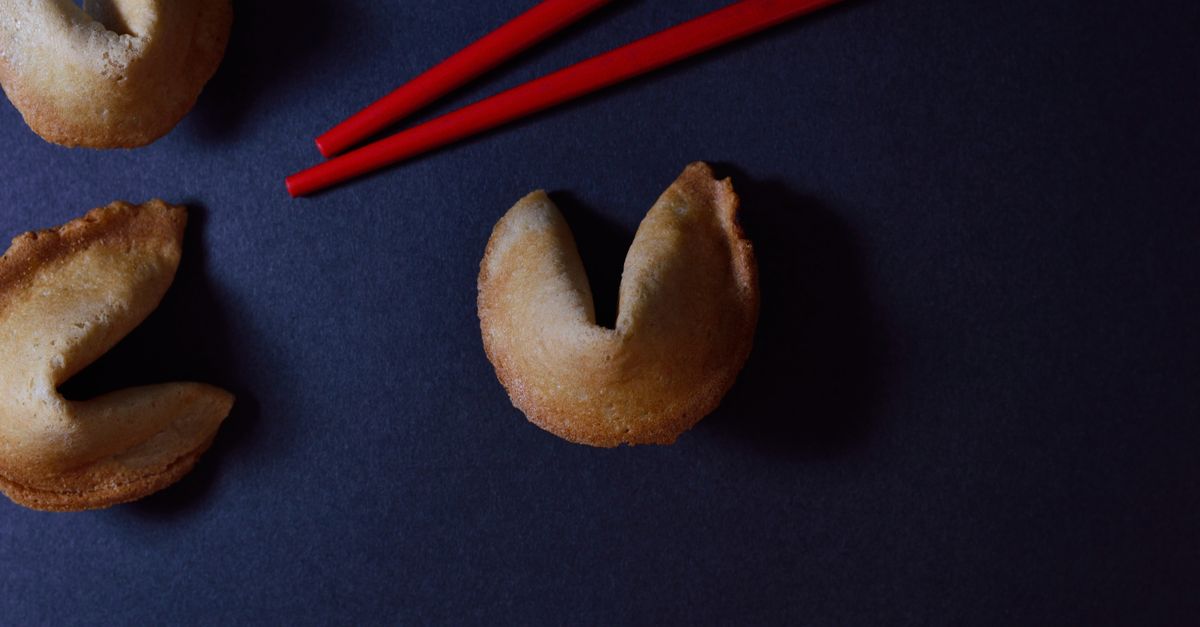
Five Approaches, One Tool: What "Right Approach" Means Here
The phrase "right approach" can mean different things to different readers, so it helps to define it for this generator before deciding. In the Fortune Cookie Generator, an "approach" is the category filter you set before pressing Generate message, plus the implicit decision about whether to filter at all. Five options sit on the category selector: All Categories, Focus, Curiosity, Creativity, and Everyday. All Categories draws from the complete 36-line library; the four themed options draw from one quarter of that library, which is nine original lines each.
The framework that follows is built around one practical question: what role does the fortune cookie moment play in your day? The answer steers the pool rather than the algorithm, since every category uses the same unbiased Web Crypto randomness and rejection-sampled index. If you frame "approach" as "which pool," this article is a short decision guide. If you frame it as "which mechanic," the random selection itself is documented on the article body of how a fortune cookie generator picks lines without bias, and the mechanics of "All Categories" are detailed in the how to choose All Categories guide. Read this article for the decision; use those for the mechanics.
Compare the Four Themed Categories at a Glance
Each category is a distinct nine-line slice of the 36-message original library. The table below summarizes what every pool actually contains, so you can match the mood to your situation without guessing.
| Category | Lines | Tone | Best For |
|---|---|---|---|
| Focus | 9 | Gentle, task-aware | Beginning a small task, starting a clear block of work |
| Curiosity | 9 | Questioning, playful | Prompting reflection, seeding a conversation, story angles |
| Creativity | 9 | Drafty, exploratory | Writing prompts, remix sparks, unsticking a draft |
| Everyday | 9 | Light, scene-based | Icebreakers, small moments of novelty, placeholder copy |
| All Categories | 36 | Mixed across all four | Broad novelty, recurring team breaks, variety runs |
The four themed pools are equal in size, so no category gives you "more chances." That detail matters because some readers worry that a narrow pool makes lucky draws more likely. Rejection sampling with a 128-attempt safety boundary keeps each pool as fair as the full library, even when the pool size is unevenly aligned to the 2^32 sample space. Picking a category only narrows the topic; it does not change the probability architecture.
Match Your Purpose to the Best Category
The fastest path to the "right" approach is to name what you are about to do with the line. The list below pairs common purposes with the pool that tends to fit best. Treat these as a starting point rather than a rule, and switch categories freely if the first result feels off-tone.
- Beginning a small task. Focus lines are gentle observations about small tasks and clear starts. Use this pool when you want a low-pressure nudge before opening a doc, drafting an email, or stepping into a short work block.
- Prompting reflection or starting a conversation. Curiosity lines are questions, unusual angles, and playful connections. Pick this category for journal prompts, team icebreakers, or anything that benefits from a question rather than a statement.
- Unstick a draft or seed creative work. Creativity lines reference drafts, constraints, remixes, and unfinished ideas. Use this when you want a playful micro-prompt that nudges a writing block or an image idea.
- Add a small moment of novelty. Everyday lines sketch scenes with pages, pens, walks, music, snacks, fresh air, browser tabs, and chairs. Use this category when you want a calm, scene-based line that fits a meeting opener, a card, or a pause between tasks.
- Want the widest variety across runs. All Categories draws from all 36 lines evenly. This is the right approach when you are running the tool repeatedly and want the broad pool rather than a single mood.
Switching mid-session is simple. The interface clears the previous result the moment a new category is selected, so a line drawn under the old label cannot accidentally remain under the new one. Press Generate again after switching to receive a fresh draw from the new pool.
How to Generate the Message in the Fortune Cookie Generator
The decision and the draw are separate actions. Decide on an approach in step one, then use the same three-button flow the rest of the tool follows. The Fortune Cookie Generator keeps all state in the current tab, calls the browser's Web Crypto API for the draw, and never logs prompts or results.
- Choose All Categories or narrow the pool. Open the category selector and pick All Categories for the complete pool, or choose Focus, Curiosity, Creativity, or Everyday to narrow the draw to nine lines. The selector stays in place until you change it.
- Press Generate message. The generator requests a fresh 32-bit unsigned integer from globalThis.crypto.getRandomValues, then maps the value to an entry using rejection sampling. The result panel shows the chosen category and the full line.
- Copy the message if useful, or Reset. Use Copy message to push the line to your clipboard through the Clipboard API; the button reports either success or a manual-copy fallback when access is denied. Press Reset to remove the produced message and return the category to All Categories with a stable idle panel.
The tool draws only on demand, so the first render stays empty by design. This avoids hydration differences in the underlying component and prevents a result from appearing without a user action. If your browser blocks Web Crypto, the output clears and the panel reports the browser-support condition explicitly rather than producing a placeholder line.
When to Stay on All Categories
All Categories is not a fallback; it is the broadest pool and the right approach in several specific situations. Use All Categories when you are running the tool on a recurring schedule, leading a team break where variety is more important than theme, or comparing the four moods against each other in one sitting. Because each themed pool is nine lines, switching categories four times across four runs gives you roughly the same exposure as one long All Categories session, but the themed runs let you stop early once a line fits the moment.
All Categories also pairs well with the Copy message action. If your goal is to build a personal list of original microcopy for placeholders, captions, or card inserts, a sequence of All Categories draws gives the widest possible set of starting lines before you begin curating. Use Reset between copies if you want a clean panel for the next team member or the next meeting.
Practical Considerations Before You Press Generate
A few practical points shape the "right" choice once the mood is set. First, the tool produces no lucky numbers, no predictions, and no health, financial, relationship, legal, medical, or safety advice, and it does not accept a name or birthday to tailor output. Treat every line as playful microcopy rather than individualized guidance; if you need a decision aid, choose a separate tool rather than leaning on the fortune-cookie format. The category picker is a mood filter, not a personalization layer.
Second, all state stays in the current tab. Nothing is sent to a server, written to localStorage, sessionStorage, or IndexedDB, or attached to a user account. Clipboard access happens only when you press Copy, and the line remains visible even if the browser denies clipboard permission. These privacy conditions let you pick any approach freely without worrying that the choice leaves a trail.
Third, the lines are original microcopy written for this tool. None of the 36 entries are attributed quotations, proverbs, or commercial fortune-cookie text. That detail is part of the "right approach" decision: if you want a line you can paste into a published card or team slide without attribution worry, the original library is the safer fit. For a quick reference on how the categories were built, the 36 original messages in 4 categories guide lays out the equal-count structure and the reasoning behind each pool.
Finally, if you are running the tool on a small screen, the action row reflows so Generate, Copy, and Reset remain at their intended heights. Output text wraps inside the result card, so a longer Everyday line or a multi-clause Curiosity prompt fits without horizontal scroll. The category selector and the buttons keep their 44-pixel targets on touch devices, which matters when you are choosing the approach on the fly during a meeting or a workshop.
Choosing the right approach reduces to one decision: name the moment, pick the pool, press Generate. Focus for gentle starts, Curiosity for questions, Creativity for drafts, Everyday for scenes, and All Categories for variety. The draw is the same in every case; only the mood changes.