An online RGB to CMYK converter is safe to use when it processes colors entirely within your browser, without uploading data to external servers. This free tool instantly converts RGB screen colors (0–255 per channel) into CMYK print percentages (0–100%) and vice versa, using a standard mathematical formula. Because the conversion happens locally, your color values remain private, and the tool works offline once the page loads. This makes it ideal for designers, printers, and anyone preparing files for professional printing—such as business cards, flyers, or packaging—without risking data exposure.
The need for RGB to CMYK conversion arises because screens and printers use fundamentally different color models. RGB (Red, Green, Blue) is an additive model where light combines to create colors, with full intensity producing white. CMYK (Cyan, Magenta, Yellow, Black), on the other hand, is subtractive: inks absorb light, and layering all four on white paper moves toward black. This inversion means that vibrant screen colors often appear muted in print, as CMYK inks cannot reproduce the full range (gamut) of RGB light. For example, electric blues or neon greens may shift noticeably when printed, not because the converter is inaccurate, but because the target medium—ink on paper—simply cannot achieve those hues.
While the converter provides a quick and practical solution for everyday tasks, it’s important to understand its limits. The tool uses a "naive" mathematical conversion, which is fast and consistent but does not account for the specific inks, paper, or press conditions of a real print job. Professional print shops use ICC profiles (like US Web Coated SWOP or FOGRA39) to fine-tune CMYK values for their equipment, which may yield slightly different percentages than the converter’s output. For this reason, the tool is best suited for estimating print colors, sanity-checking logo shifts, or generating starting values for design files. Always request a printed proof from your printer before finalizing production files, as this will show the exact color outcome for your specific materials.
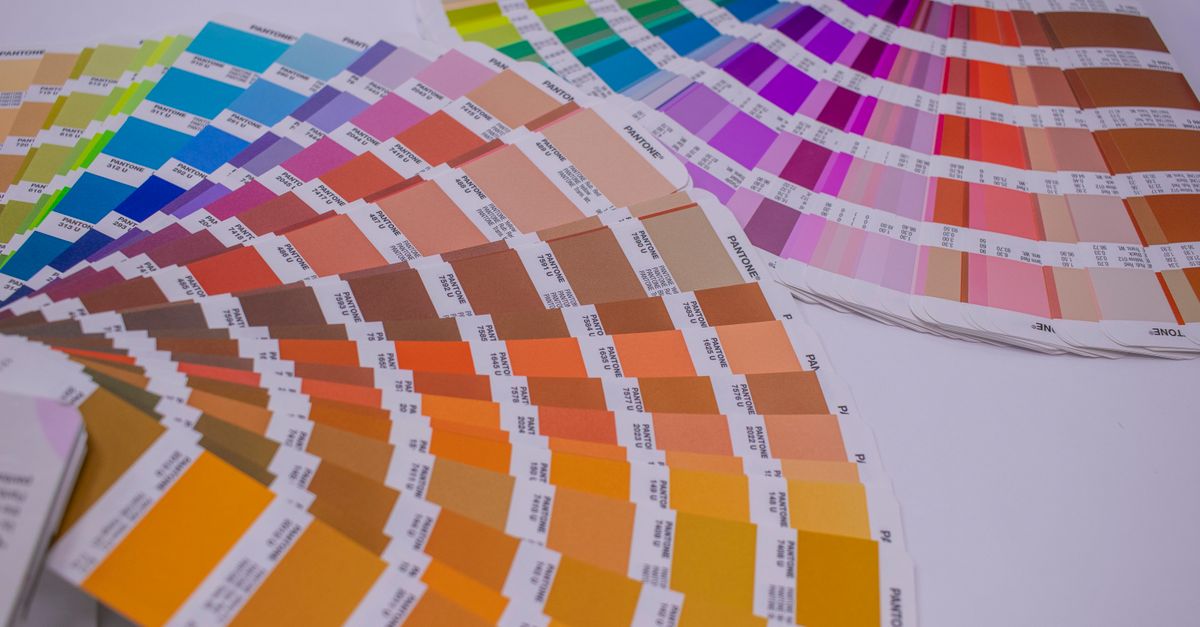
How the RGB to CMYK Conversion Works
The RGB to CMYK Converter uses a straightforward mathematical process to translate between the two color models. Here’s how it works under the hood:
- From RGB to CMYK: Each RGB channel (0–255) is first scaled to a 0–1 range. The black (K) channel is calculated as 1 minus the maximum of the three scaled RGB values. If K equals 1 (pure black), the C, M, and Y channels are set to 0. Otherwise, C, M, and Y are derived by subtracting the scaled RGB values and K from 1, then dividing by (1 - K). The result is output as percentages (0–100).
- From CMYK to RGB: Each CMYK percentage (0–100) is converted back to a 0–1 range. The RGB values are calculated by multiplying (1 - C/100) × (1 - K/100) for red, (1 - M/100) × (1 - K/100) for green, and (1 - Y/100) × (1 - K/100) for blue, then scaling the result back to 0–255.
This formula is standard for quick conversions but does not include ICC color management, which is why professional print workflows may adjust the numbers further. The converter also clamps out-of-range inputs to ensure valid results, such as preventing negative percentages or values above 100.
When to Use an Online RGB to CMYK Converter
An online RGB to CMYK converter is most useful in scenarios where you need a fast, no-install solution for color translation. Here are common use cases:
| Scenario | Why Use the Converter | Example Task |
|---|---|---|
| Designing for print | Avoids color shifts by previewing how screen colors will appear on paper before sending files to a printer. | Converting a brand’s website color (e.g., RGB 255, 102, 0) to CMYK for a business card. |
| Logo or brand consistency | Ensures a logo’s color remains recognizable in print, even if the exact hue can’t be replicated. | Checking how a bright blue logo (RGB 0, 153, 255) will look in CMYK for a poster. |
| Learning color theory | Helps designers understand the relationship between additive (RGB) and subtractive (CMYK) color models. | Comparing how pure red (RGB 255, 0, 0) converts to CMYK versus a muted red (RGB 200, 50, 50). |
| Quick CMYK previews | Allows you to see how a CMYK value from a print spec will appear on screen, even if it’s not 100% accurate. | Entering a CMYK value (e.g., 60, 30, 0, 0) to preview its RGB equivalent for a web mockup. |
The converter is not a replacement for professional color management in high-stakes print jobs, such as magazine covers or large-format advertising. For these, always use your printer’s ICC profile and request a physical proof. However, for everyday tasks like converting a flyer design or checking a logo, the tool provides a practical and safe way to bridge the gap between screen and print.
Convert RGB to CMYK in Your Browser: Step-by-Step
Using the RGB to CMYK Converter is simple and requires no downloads or sign-ups. Follow these steps to convert your colors instantly:
- Enter your color values: Type your RGB values (0–255 per channel) into the red, green, and blue input fields to see the equivalent CMYK percentages. Alternatively, enter CMYK percentages (0–100) to convert back to RGB.
- Check the live preview: Below the input fields, a color swatch updates in real time to show how the converted color will look. This helps you confirm you’ve entered the correct values and see any shifts between RGB and CMYK.
- Review the output values: The converter displays the CMYK percentages, RGB values, and HEX code for your color. This gives you multiple formats to use in your design or print files.
- Copy the values you need: Click the "Copy" button next to any format (CMYK, RGB, or HEX) to save it to your clipboard. Paste the values directly into your design software or print specifications.
The tool also handles edge cases automatically. For example, if you enter an RGB value outside the 0–255 range, it will clamp the input to the nearest valid number. Similarly, CMYK percentages are capped at 0–100 to ensure printable results. This makes the converter foolproof for everyday use, even if you’re not familiar with color theory.
Why RGB Colors Often Look Different in CMYK
The difference between RGB and CMYK colors is rooted in their underlying physics. RGB is an additive model: screens emit light, and combining red, green, and blue at full intensity creates white. CMYK is subtractive: inks absorb light, and layering all four colors on white paper absorbs most light, resulting in a dark, muddy brown—hence the need for a dedicated black (K) plate. This fundamental difference means that some RGB colors simply cannot be reproduced in CMYK, leading to shifts in brightness, saturation, or hue when printed.
Here are the key reasons why RGB colors may look different in CMYK:
- Gamut limitations: CMYK inks cover a smaller range of colors than RGB light. Bright, highly saturated colors—such as neon greens or electric blues—often fall outside the CMYK gamut and are approximated with the closest printable match. This is why a vibrant RGB blue (e.g., 0, 102, 255) may appear duller in CMYK.
- Black plate (K): In CMYK, the black channel (K) is used to create deeper shadows and crisp text, as printing cyan, magenta, and yellow alone would waste ink and produce a muddy result. This means that dark RGB colors (e.g., 20, 20, 20) may convert to a CMYK value with a high K percentage and lower C, M, and Y values, altering the perceived color.
- Paper and ink properties: The converter uses a standard formula, but real-world print results depend on the paper type (glossy vs. matte), ink brand, and press conditions. For example, a color printed on uncoated paper may appear less vibrant than the same color on glossy stock.
- No ICC profile: The converter does not account for specific press profiles (like SWOP or FOGRA39), which adjust CMYK values to match the capabilities of a particular printer. This is why the tool’s output is an estimate, not a final print-ready value.
To minimize surprises, always preview your design in CMYK mode before sending it to print. If you’re working with a professional printer, ask for a hard-copy proof to confirm the final colors. For critical projects, consider using a Color Contrast Checker to ensure text remains readable after conversion, especially if your design includes small or fine print.
How to Get the Most Accurate Print Results
While the RGB to CMYK Converter provides a quick and safe way to translate colors, achieving the most accurate print results requires a few additional steps. Here’s how to ensure your printed materials match your expectations:
- Use the converter as a starting point: Treat the tool’s output as an estimate. For example, if you convert RGB 255, 0, 102 (a bright pink) to CMYK, the result might be 0, 100, 60, 0. This is a close approximation, but your printer’s ICC profile may adjust these values slightly for optimal results.
- Request a printed proof: Always ask your printer for a hard-copy proof before finalizing a large print run. This allows you to see the exact colors on the paper and ink combination you’ll be using, accounting for any shifts the converter couldn’t predict.
- Work in CMYK mode for print files: If your design software supports it (e.g., Adobe Photoshop or Illustrator), create your file in CMYK mode from the start. This gives you a more accurate preview of how colors will print. For example, in Photoshop, you can set the color mode to CMYK when creating a new document for print.
- Communicate with your printer: Share the CMYK values from the converter with your printer, but also ask for their recommended adjustments. Some printers may tweak the black (K) channel to reduce ink usage or improve shadow detail, which can affect the final color.
- Test with a small batch: If you’re printing a large quantity (e.g., business cards or flyers), order a small batch first to verify the colors. This is especially important for brand-critical colors, such as a company logo or specific Pantone shades.
For designers who frequently work with print, it’s also helpful to build a library of trusted CMYK values for common brand colors. For example, if your company’s primary color is RGB 0, 153, 204, save its CMYK equivalent (e.g., 100, 25, 0, 20) in a reference document. This ensures consistency across projects and reduces the need for repeated conversions. If you’re unsure how to create a cohesive palette, a Color Palette Generator can help you find complementary or analogous colors that work well in both RGB and CMYK.
If you're weighing options, Free CMYK to RGB Conversion Without Signing Up covers this in detail.
If you're weighing options, CMYK Color Chart for Web Design: Why You Need RGB Instead covers this in detail.