Convert CMYK to RGB free and without signing up by typing four ink percentages — cyan, magenta, yellow, and black, each from 0 through 100 — into a browser tool that returns the matching 8-bit red, green, and blue channels, a six-digit hexadecimal value, and a visual swatch in real time. The conversion runs entirely in the browser tab, so no account, email, or payment is required and the color values never leave the device. The math follows the naive device-CMYK fallback published in the W3C CSS Color specification: each display channel is computed as 255 × (1 − ink) × (1 − black), then serialized with half-even rounding to match the W3C firebrick test case. Because the tool deliberately skips ICC profiles, the result is an approximation rather than a press proof — useful for screen mockups, palette exploration, and rough comparisons, but not for contracts, brand-color targets, or production color matching where a calibrated profile-aware workflow is required.
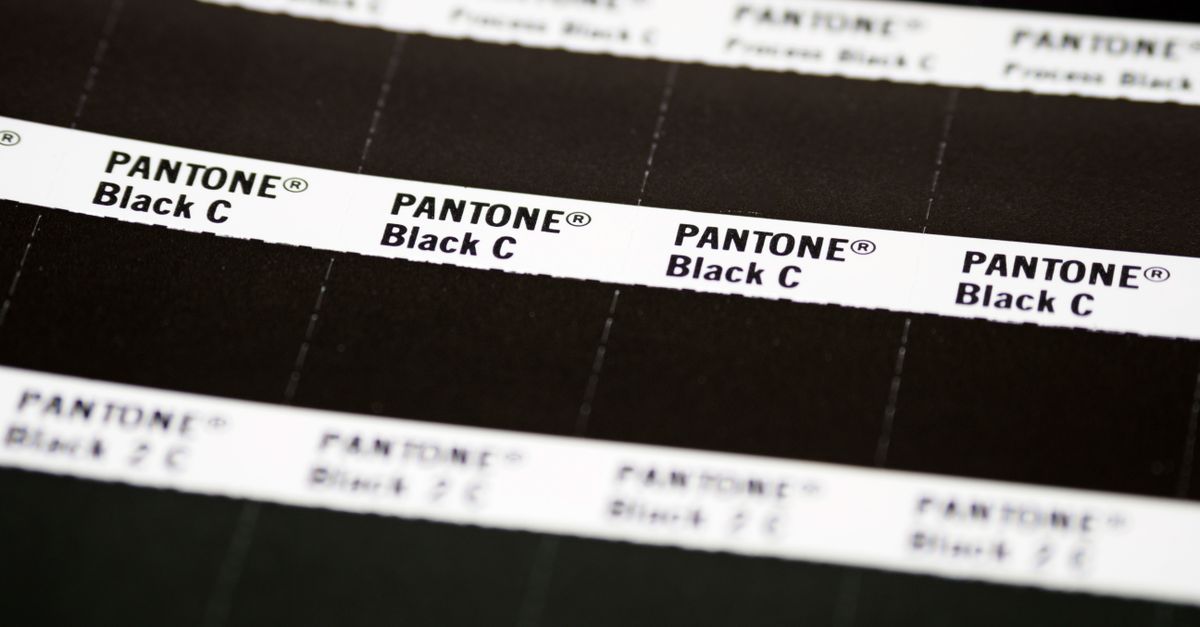
What "Free, No Sign-Up" Means for a Color Tool
The phrase covers three concrete promises: price, friction, and where your data goes.
- Price. Nothing is paywalled, metered, or hidden behind a trial that converts into a subscription.
- Friction. No email address, no password, no OAuth login, no captcha before the first conversion.
- Data location. The conversion and preview happen in the browser tab itself. None of the four percentages, the resulting RGB channels, the hex string, or the swatch is sent to a server, written to a cookie, or appended to an analytics log.
That last point matters because color values often encode early-stage work — a campaign palette, a packaging direction, a client's draft identity — that should not be uploaded to a third-party host before it is approved. A purely browser-side tool sidesteps the privacy question entirely, which is the single biggest practical difference between this kind of tool and an account-based conversion service.
The Naive Formula Behind the Approximation
The browser tool implements the naive device-CMYK to RGB fallback defined by the W3C CSS Color Module Level 4 working draft. Each percentage is normalized to a 0–1 fraction, combined with black into a single display channel, scaled back to the 0–255 range, and rounded to an integer with half-even tie-breaking.
The three formulas, with C, M, Y, K already expressed as fractions between 0 and 1, are:
- R = 255 × (1 − C) × (1 − K)
- G = 255 × (1 − M) × (1 − K)
- B = 255 × (1 − Y) × (1 − K)
The W3C draft also allows the equivalent form 1 − min(1, ink × (1 − K) + K), which the tool uses internally and which collapses to the same answer at every endpoint. The integer channels are then serialized as a six-digit hexadecimal string — rgb(255, 0, 0) becomes #FF0000, for example.
Worked endpoint. A recipe of C 0%, M 100%, Y 100%, K 0% — full magenta and yellow with no cyan or black — gives R = 255 × (1 − 0) × (1 − 0) = 255, G = 255 × (1 − 1) × (1 − 0) = 0, B = 255 × (1 − 1) × (1 − 0) = 0, which serializes to rgb(255, 0, 0) and the hex string #FF0000. That single substitution is the only arithmetic worked out on this page; every other endpoint follows the same three formulas.
Reference: W3C device-CMYK naive conversion.
Convert CMYK to RGB Without an Account
- Open the CMYK to RGB tool in any modern desktop or mobile browser — no install, no extension, no account.
- Set the cyan slider or numeric input to the first percentage from your print recipe. The accepted range is 0 through 100; values outside that range are clipped to the nearest endpoint.
- Repeat for magenta, yellow, and black. Each channel updates independently, so the swatch, the 8-bit red/green/blue readout, and the hex string refresh after every change.
- Read the resulting rgb(r, g, b) line and the six-digit hexadecimal value. Copy either directly into a screen mockup, a CSS stylesheet, or a design tool such as Figma, Sketch, or a code editor.
- For round-trip work, paste the resulting hex or RGB into the RGB to CMYK Converter to recover a CMYK percentage — useful when a printer asks for a four-ink swatch to match a screen color.
Because the entire flow is browser-side, there is no waiting on a network round trip, no queue for batch jobs, and no upload step to interrupt.
Familiar Endpoints and Their Screen Previews
Even without ICC profiles, a handful of endpoints behave predictably because the formulas degenerate to a trivial case. These are useful sanity checks the first time you open the tool, and the implementation includes independent fixtures for primary endpoints, mixed channels, and the W3C firebrick example so the values you read should match what the table below predicts.
| CMYK recipe | Expected screen result |
|---|---|
| 0%, 0%, 0%, 0% (no ink) | White — rgb(255, 255, 255) |
| 0%, 0%, 0%, 100% (full black) | Black — rgb(0, 0, 0) |
| 0%, 100%, 100%, 0% (magenta + yellow) | Red — rgb(255, 0, 0) |
| 100%, 0%, 100%, 0% (cyan + yellow) | Green — rgb(0, 255, 0) |
| 100%, 100%, 0%, 0% (cyan + magenta) | Blue — rgb(0, 0, 255) |
For a wider printable ink reference beyond these primary endpoints, see the CMYK to RGB chart guide.
When a Browser Approximation Is Enough (and When It Isn't)
The naive formula is a deliberately limited shortcut. It treats CMYK as if it were a self-describing color space and ignores every variable that real print production depends on, which is why the page labels the result a preview rather than a proof.
| Scenario | Browser approximation | Profile-aware workflow |
|---|---|---|
| Sketch a UI mockup from a brand recipe | Good fit | Also works, but unnecessary |
| Compare two CMYK recipes on screen | Good fit | Also works, but unnecessary |
| Send a quick screen preview to a colleague | Good fit | Also works, but unnecessary |
| Approve a press proof or brand spec | Not suitable | Required |
| Match a Pantone, ink set, or paper stock | Not suitable | Required |
| Stay compliant with a contractual color target | Not suitable | Required |
Real CMYK is device-dependent: the press, ink set, paper, dot gain, rendering intent, and embedded ICC profile all change the printed result. Profile-aware software reads the source CMYK profile, the destination RGB profile, and the rendering intent before producing a single channel — Adobe documents this workflow in its color conversion and ink management reference. The browser approximation skips every one of those steps, which is exactly why it can run without uploading anything in the first place.
Practically, that means using the tool for a quick screen mockup by copying four percentages from an unprofiled recipe, dialing them into the sliders, and pasting the resulting hex into a stylesheet — and reaching for profile-aware software with a calibrated display and a physical proof whenever the result needs to match what comes off a press.
Other Browser Color Tools to Keep Open
Color work rarely stops at one conversion. A few adjacent browser tools fit naturally next to a CMYK-to-RGB tab and respect the same "free, no sign-up, local-only" promise.
- RGB to HEX for the other direction — paste an 8-bit red, green, blue triple and read the matching six-digit hex, useful when the tool outputs channels but a CSS stylesheet needs a hash.
- RGB to CMYK for round-trip work — convert a hex picked from a screen mockup back into four ink percentages when a printer asks for a CMYK swatch.
- Color Contrast Checker for accessibility — once a hex is in hand, drop it onto a background and check the pair against WCAG AA or AAA contrast rules before the layout ships.
All three run in the browser without an account, mirror the privacy posture of the CMYK-to-RGB tool, and keep the workflow inside a single browser tab from the first percentage to the final hex.
If you're weighing options, CMYK Color Chart for Web Design: Why You Need RGB Instead covers this in detail.