CMYK to RGB for web design converts four ink percentages — cyan, magenta, yellow, and black — into an 8-bit RGB triplet and a six-digit hex code through the W3C naive device-CMYK formula 1 − min(1, ink × (1 − K) + K), scaled to 255. A browser tool built around that formula takes the ink percentages, runs each channel through the expression, multiplies by 255, and applies half-even rounding to match the published firebrick example. The result is labeled as a screen approximation rather than a print target, which is exactly what a web designer needs when a brand supplies CMYK values and the deliverable is a landing page, a hero banner, or a UI component. No ICC profile is loaded, no server call is made, and the page updates the moment any slider moves, so iteration is essentially free. The point of the conversion is not to predict what the press will produce but to give a designer a fast, repeatable read of how an uncalibrated CMYK recipe will look on a typical sRGB display.
Why Web Designers Reach for a CMYK to RGB Preview
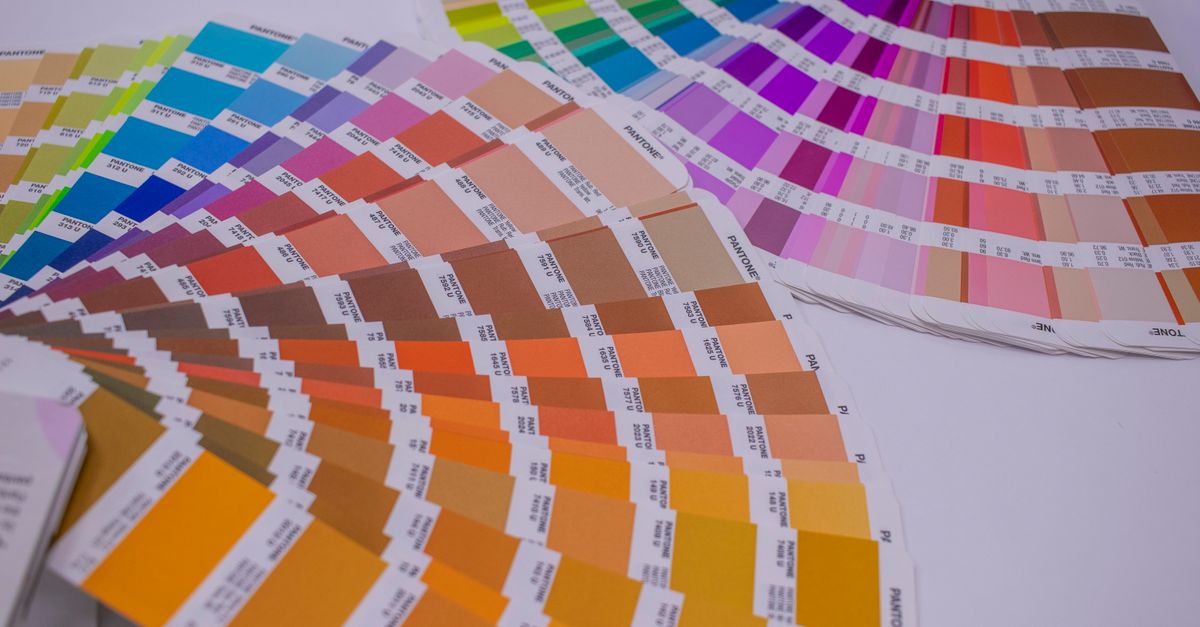
Most web projects start from a print asset, not from a blank canvas. A brochure, a product package, a magazine spread, a Pantone-coated brand guide — each one hands a designer a swatch book, an exported PDF, or an InDesign document that lives in CMYK. The web side of that work still needs an answer in RGB, and getting it the slow way means opening Photoshop, choosing the right working space, profiling the source, and exporting a swatch library for every job. A browser preview skips all of that for the cases where the designer just needs to know whether a brand cyan will read as a teal, a sky blue, or a deep navy when it lands in a hero gradient.
Web design also runs on speed. A landing page mockup usually needs six or seven palette decisions in an afternoon, and most of them come from a single brand reference. A tool that converts CMYK percentages to RGB and a hex code on a single page lets a designer sketch the palette, paste it into a Figma frame, and keep moving. Because the math happens in the browser and no values leave the device, designers can drop in values from a private brand guide without sending sensitive color data anywhere.
The audience for the conversion is also different from the audience for a press proof. Web visitors see the result on an sRGB monitor lit by ambient light, sitting in front of a sofa. Press operators see the result on coated stock under a D50 viewing booth, signed off against a physical Pantone chip. The naive CMYK to RGB approximation targets the first audience; profile-aware software targets the second. Knowing which audience a deliverable belongs to is what decides which tool to open.
How the Naive CMYK to RGB Formula Works
The browser tool follows the device-CMYK fallback that the W3C CSS Color specification publishes for cases where no ICC profile is available. The full recipe fits on one line:
display = 255 × (1 − min(1, ink × (1 − K) + K)), rounded half-even.
For each of the three screen channels, the relevant ink and the black value are normalized to the 0–1 range first. Red uses cyan, green uses magenta, and blue uses yellow — the subtractive ink of each color subtracts that color of light from white. The min(1, …) term prevents the inner sum from exceeding full ink coverage, which keeps the channel from accidentally going negative or above 255 in the scaled result. The half-even tie-rounding rule matches the published firebrick reference so that the browser output lines up with what CSS engines expect.
A worked example shows the mechanics. Take C=100%, M=0%, Y=0%, K=50%, normalized to C=1.0, M=0.0, Y=0.0, K=0.5.
- Red channel: 1 − min(1, 1.0 × 0.5 + 0.5) = 1 − 1.0 = 0.0 → 0.
- Green channel: 1 − min(1, 0.0 × 0.5 + 0.5) = 1 − 0.5 = 0.5 → 127.5 → 128 (half-even).
- Blue channel: same as green → 128.
The combined result is rgb(0, 128, 128), or #008080, a teal that web designers can drop straight into a CSS variable. The W3C publishes the same arithmetic under the device-CMYK section of CSS Color 4, where the firebrick reference value is the published test case the implementation is checked against.
Convert CMYK to RGB for Web Design in Three Steps
Three steps take a designer from a CMYK recipe in a brand guide to a usable hex code in a stylesheet.
- Set the four ink percentages. Enter cyan, magenta, yellow, and black values from 0 through 100. Each slider updates the page immediately, so small adjustments are cheap and there is no need to commit to a value before checking it against the rest of the palette.
- Read the approximate screen result. The tool displays 8-bit red, green, and blue channels, the six-digit hexadecimal value, and a visual swatch. Copy the hex or the triplet for the CSS, Figma, or design-tokens file. The screen swatch also doubles as a sanity check against the printed swatch book.
- Hand off to profile-aware software for print. If the deliverable reaches a printer, stop here for the screen work and open a profile-aware application that loads the correct source and destination ICC profiles. The browser approximation is not a press proof and must not be used as a contractual color target.
Predictable Endpoints at a Glance
A handful of CMYK recipes always land at familiar web-safe colors because the formula reduces to a pure subtraction in those cases. The table below shows the endpoints a designer will hit most often, taken directly from the math the tool runs.
| CMYK Recipe | Screen Result | Hex Code | Typical Web Use |
|---|---|---|---|
| C 0%, M 0%, Y 0%, K 0% | rgb(255, 255, 255) | #FFFFFF | Page background, blank canvas |
| C 0%, M 0%, Y 0%, K 100% | rgb(0, 0, 0) | #000000 | Body text, primary UI |
| C 0%, M 100%, Y 100%, K 0% | rgb(255, 0, 0) | #FF0000 | Error states, brand red |
| C 100%, M 0%, Y 100%, K 0% | rgb(0, 255, 0) | #00FF00 | Success states, brand green |
| C 100%, M 100%, Y 0%, K 0% | rgb(0, 0, 255) | #0000FF | Link color, brand blue |
| C 100%, M 100%, Y 100%, K 0% | rgb(0, 0, 0) | #000000 | Maximum ink coverage fallback |
Anything outside those clean recipes sits somewhere on the gradient between them, which is the practical reason most brand palettes land in the middle range of the sRGB cube rather than at its corners. Designers who recognize the endpoints can spot a wrong conversion at a glance — if a brand magenta returns anything other than #FF00FF, the percentage inputs almost certainly came in wrong.
Where the Browser Approximation Breaks Down
Real CMYK is device-dependent. The press, the ink set, the paper stock, the dot gain, the rendering intent, and the embedded ICC profile each change what reaches the paper. The W3C naive formula ignores every one of those variables, which is why a swatch built with this tool can drift from a press proof by several visible steps. A magenta that the formula predicts as #FF00FF may come off the press as a slightly muted plum when the ink is actually a coated Pantone process set.
Web designers can absorb that drift because their target is an sRGB monitor in a living room. A print buyer, a prepress operator, or a brand manager cannot. For any deliverable that gets signed off against a printed piece, the workflow must include source and destination ICC profiles, a calibrated display, and a physical proof from the actual press. The browser tool stays useful inside that workflow: paste the recipe, read the screen hex for the mockup, close the tab, and keep the original CMYK values intact for the print pipeline.
Two practical limits are worth stating directly. First, the calculation has no concept of gamut mapping — colors that fall outside the sRGB cube simply clip to the nearest in-cube value, which can silently flatten a brand accent. Second, the tool does not simulate paper white, ink opacity, or viewing conditions, so the same CMYK recipe can look different against a recycled uncoated stock and a glossy coated stock even when the screen output is identical.
Putting It Into a Web Design Workflow
Three habits make the tool pay off across a typical week. First, treat the printed CMYK recipe as the source of truth, not the screen hex — the tool converts, but the brand owns the recipe. Second, capture each conversion in a small design-tokens file that lists both the CMYK source and the hex output, so a future designer can see exactly where the color came from and roll back if the brand updates its recipe. Third, when a brand hands over a Pantone or coated swatch, ask for the actual CMYK breakdown from the printer instead of estimating from the chip — guesswork at this stage is what causes hero banners and product packaging to land in noticeably different shades of the same color.
A clean handoff to engineering also matters. Once a designer has the hex code from the tool, paste it into a CSS custom property or a design-token export and reuse it across the site. The CMYK To RGB tool on Lizely is built for exactly this loop: set the four inks, read the screen result, copy the hex, and move on to the next swatch without leaving the browser.
For the reverse case — a designer who already has a screen hex and needs to brief a printer — the RGB to CMYK converter on Lizely runs the same naive math in the opposite direction. The two-step path, brand CMYK in, screen hex out, scheme around it, covers most of the day-to-day web design work without leaving the toolset.
Related reading: Is an Online RGB to CMYK Converter Safe to Use?.
Related reading: Free CMYK to RGB Conversion Without Signing Up.