Repeatable audio equalizer results come from deterministic math: the same source file combined with the same integer dB values, the same decoded sample rate, and the same filter order will produce the same PCM16 WAV on every run. The Audio Equalizer implements that determinism by applying the peaking biquad equations from the W3C Audio EQ Cookbook, normalizing each section's coefficients, and cascading the three sections in a fixed Bass, Mid, Treble order. Because no part of the pipeline picks random rounding, random filter state, or hidden headroom, identical inputs and identical slider positions always yield identical processed samples, identical raw peak values, identical output peak values, and an identical safety scale.
What changes that predictability is anything that alters the input or the path before the equalizer runs. A re-exported file, a different codec, a different browser decoder, or a different decoded sample rate all feed the biquads different numbers, so the processed result is no longer byte-for-byte the same. Repeatability is therefore a contract between you, the file, and the browser tab, and the rest of this article explains exactly how to keep that contract intact.
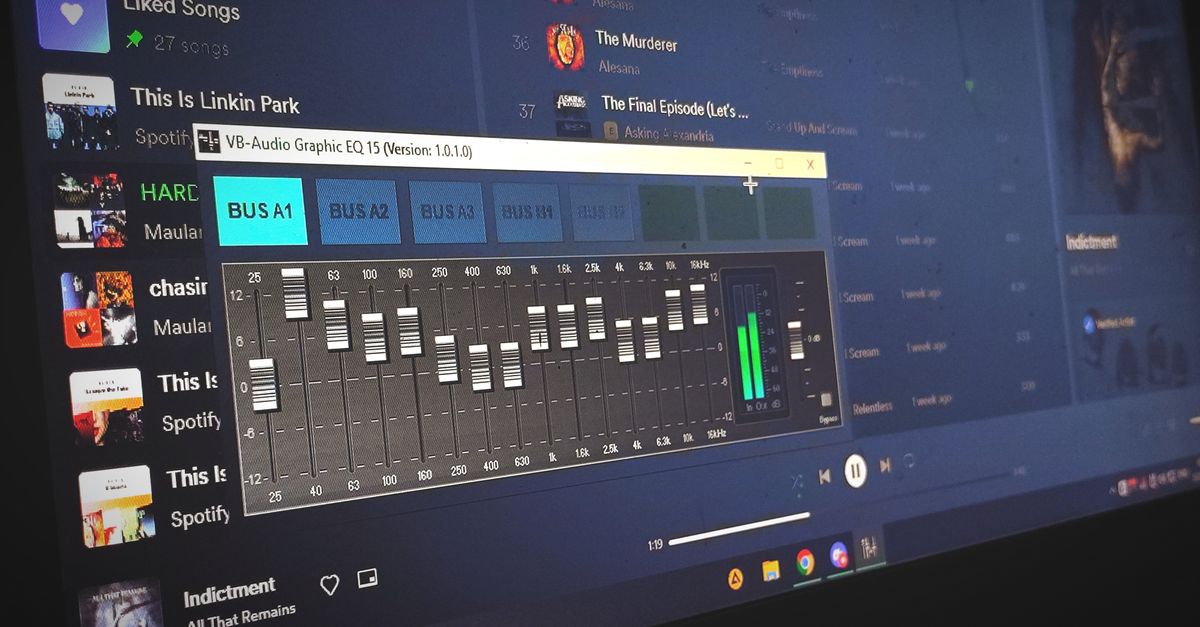
What Makes an Equalizer Result Repeatable
Repeatability in this tool rests on three concrete conditions: the same decoded samples in, the same fixed coefficients, and the same deterministic pipeline. The peaking biquad equations published in the W3C Audio EQ Cookbook take five inputs (center frequency, sample rate, Q, gain in dB, and filter type) and return a fixed set of coefficients. With Q locked at 1, gain as an integer, and center frequencies of 100 Hz, 1,000 Hz, and 10,000 Hz (or 45 percent of the decoded sample rate at low rates, to stay below Nyquist), the only inputs that change are your dB values and the decoded audio itself. That limited surface area is what makes the output stable.
The pipeline then normalizes every coefficient by a0, runs the second-order recursive filter channel by channel, and cascades the three sections in a fixed order. Each channel keeps the same number of sample frames, and every accepted channel is filtered independently with identical settings. After filtering, the tool measures the absolute peak across all processed samples and channels. If that raw peak is 0.99 or lower, the result is written verbatim. If it is higher, one uniform scale factor reduces the entire processed result so the largest magnitude becomes 0.99. None of those steps introduce randomness, so the only way to get a different file is to change one of the inputs.
The Controls That Fix the Output
Three controls drive the equalizer, and each one is constrained in a way that supports repeatability:
- Bass — integer values from −12 through +12 dB, applied through a peaking biquad centered at 100 Hz.
- Mid — integer values from −12 through +12 dB, applied through a peaking biquad centered at 1,000 Hz.
- Treble — integer values from −12 through +12 dB, applied through a peaking biquad centered at 10,000 Hz, reduced to 45 percent of the decoded sample rate at low rates so it remains below the Nyquist limit.
All three sections use a Q value of 1, which is a disclosed product choice rather than a value inferred from the file. The Q is not adjustable on the page, so two runs at the same dB values always compute the same coefficients. Setting all three controls to 0 dB produces a flat path: the tool copies the decoded channel samples without running any nonzero filter section, and the output peak equals the raw peak with safety scale equal to 1.
Because the gains are integer dB values, there is no question of "approximately the same." Every value from −12 through +12 maps to a specific coefficient set. Two runs of the same file at Bass +4, Mid −2, Treble +6 will always use the same coefficients in the same order.
How to Repeat the Same Result When You Use an Audio Equalizer
- Choose the same source file in the same format. Open the Audio Equalizer and select the original browser-decodable audio file (MP3, WAV, M4A, AAC, Ogg, WebM, or FLAC when your current browser and operating system support the codec). The file must stay under the 50 MiB input cap, decode to five minutes or less, contain one through eight channels, use a sample rate from 8,000 through 192,000 Hz, and stay under 30 million channel samples.
- Note the decoded sample rate. After the browser's Web Audio decoder finishes, the page reports the decoded sample rate rather than the rate from the source container. Record that number, since it is the rate the biquads were computed against, and any future re-run that ends up at a different decoded rate will not produce the same file.
- Set Bass, Mid, and Treble to integer dB values. Use whole numbers between −12 and +12 dB. Keep the same combination you used previously; even a 1 dB change shifts the coefficients and the processed samples.
- Apply the equalizer locally. Click the apply action. The three peaking biquads run in Bass, Mid, then Treble order, channel by channel. No upload occurs; the decoding, filtering, and encoding stay inside the current browser tab.
- Compare raw peak, output peak, and safety scale. Before downloading, read the three reported values. A repeated run on the same source at the same settings should show identical raw peak, identical output peak, and an identical safety scale (1 when raw peak is 0.99 or below, or 0.99 divided by raw peak when raw peak is above 0.99).
- Preview, then download the WAV. Listen through the preview using the speakers or headphones that matter, then download the new uncompressed PCM16 WAV. The download is generated fresh each time and the previous Blob URL is revoked, so always grab the latest one rather than a stale link.
What Stays in the Output and What Changes
The output is a fresh PCM16 WAV written by a tested shared encoder. Some properties are preserved across runs, others are intentionally discarded, and knowing the difference is part of keeping results repeatable.
| Property | Behavior in the downloaded WAV |
|---|---|
| Channel count | Same as decoded input (1 through 8). |
| Sample frames per channel | Same as decoded input; every channel keeps equal length. |
| Sample rate | The decoded sample rate, written to the WAV header, not the source container rate. |
| Bit depth | Signed 16-bit PCM, little-endian, interleaved by frame. |
| Original codec / bitrate | Dropped. The result is uncompressed PCM; there is no MP3 or AAC bitrate to preserve. |
| Tags, artwork, chapters, loop markers | Dropped. Container-specific metadata is not carried over. |
| Per-sample processing | Three cascaded peaking biquads plus a uniform safety scale if the raw peak exceeded 0.99. |
The verified WAV header records the actual channel count, sample rate, byte rate, block alignment, bit depth, and complete data length. Because the header reflects the decoded numbers, two runs at the same settings and the same decoded rate will agree on every header field. Anything that depends on the source container (bitrate, ID3 tags, embedded artwork, chapter markers) is not preserved in either run.
When Results Will Differ Anyway
Even with identical dB values, the output can change if the decoded samples feeding the biquads change. The most common causes are:
- Different browser or operating system. A file extension is not a guarantee. An M4A or MKV container can hold a codec a given browser cannot decode. When the decoder fails, the tool reports an error and produces no download, so a partial result cannot masquerade as a repeat.
- Sample-rate conversion upstream. If the source was resampled before reaching the tool, the decoded rate reported on the page will not match the rate recorded on a previous run, and the biquad coefficients will differ.
- File edits between runs. Re-exporting through another editor, trimming the head or tail, or recompressing the file changes the decoded samples, so the same slider positions will not produce the same WAV.
- Non-integer dB values from another tool. This tool only accepts whole dB values, so any value like +3.5 dB from a different equalizer will not map to a control here. That changes the coefficients and the processed samples.
Limits also guard the run. Files over 50 MiB, longer than five minutes once decoded, outside the 8,000–192,000 Hz range, or above 30 million channel samples are rejected before any filtering happens, and the tool never silently truncates the end of a file. A rejected file produces no stale download; only a re-run with an accepted file yields output.
Verifying a Repeated Run
Repeatability is only useful if you can confirm it. Three checks are enough to confirm that the math produced the same output as a previous run:
- Match the reported centers, frames, and sample rate. The page reports centers (100 Hz, 1,000 Hz, and either 10,000 Hz or 45 percent of the sample rate), the decoded sample rate, and the frame count per channel. These are diagnostic values, not guarantees of a good mix, and matching them on a second run is the first signal that the input was treated the same way.
- Match raw peak, output peak, and safety scale. The raw peak is the absolute maximum across every processed sample and channel before scaling. The output peak is what was actually written (0.99 when scaling triggered, otherwise equal to raw peak). The safety scale is the uniform multiplier, which is 1 when the raw peak is 0.99 or below, and 0.99 divided by raw peak otherwise.
- Compare the WAV bytes. Both runs are produced through the same tested shared PCM16 encoder. With identical dB settings, identical decoded samples, and identical scaling, the resulting WAV files will match byte-for-byte. Use a checksum utility if you need a third-party check.
For example, if a repeated run reports raw peak = 1.05 and output peak = 0.99, the safety scale is exactly 0.99 / 1.05 ≈ 0.9429, and every processed sample in both runs is multiplied by that same factor. A third run at the same settings on the same decoded samples must report the same three numbers; if it does not, the input has changed somewhere upstream.
When the same slider positions no longer produce the same WAV, treat that as a signal to re-check the file, the decoded rate, and the browser rather than a flaw in the equalizer. The math behind the biquads, the cascade order, the safety rule, and the WAV encoder is fixed and shared across every run.
Related reading: Audio Equalizer Online: Local Effects to Adjust Your Audio.
Related reading: Plan the Steps Needed to Use an Audio Equalizer.