Removing emojis from a video comes down to two distinct jobs: editing the video frames themselves, which requires a video editor, and cleaning the text portions of a video — captions, subtitles, on-screen scripts, descriptions, and transcripts — which can be handled with a text cleaner like Emoji Remover. The browser-based tool strips complete emoji grapheme clusters from any pasted text up to one million characters while leaving every other character — letters, numbers, punctuation, spaces, tabs, and line breaks — in its original position. It works because modern browsers segment Unicode strings into user-perceived grapheme units, and a single visible emoji such as a skin-tone-modified thumbs-up or a national flag is actually composed of several code points joined together. The cleaner recognizes those joined sequences and removes the entire cluster instead of leaving broken modifiers or invisible joiners behind. That makes it a precise, standards-based option for the textual side of any video production workflow, from auto-generated transcripts and SRT subtitle files to short-form caption drafts.
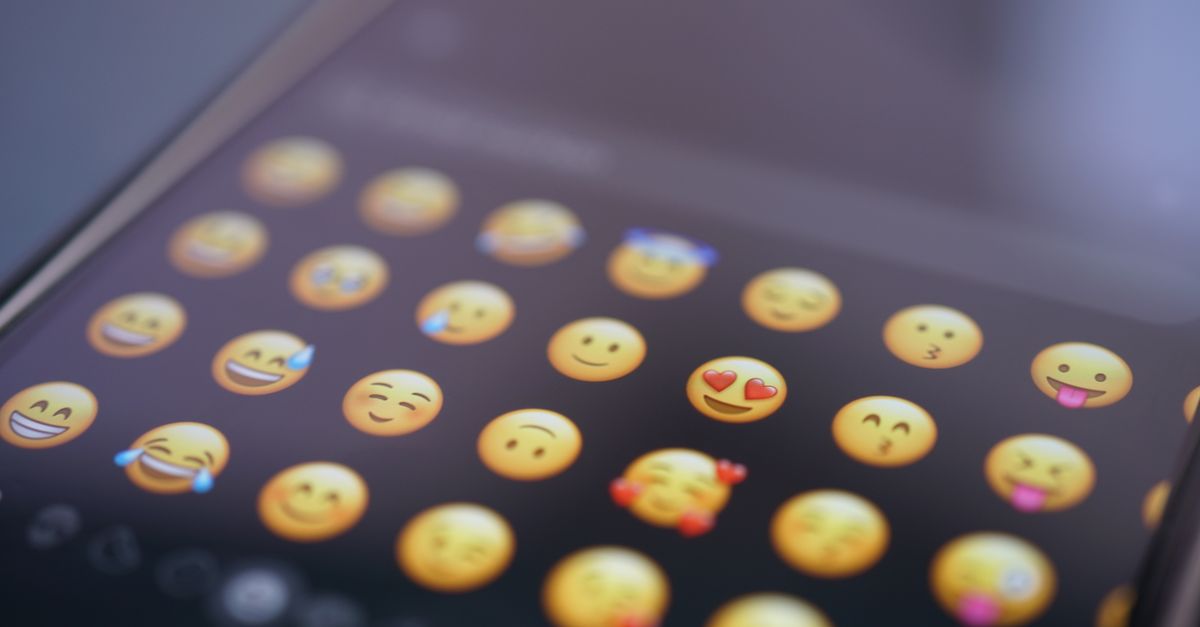
What "Removing Emojis From a Video" Actually Involves
The phrase "remove emojis from videos" covers two very different tasks, and the right answer changes depending on which one you mean. If a creator has burned an emoji sticker, a reaction GIF, an animated lower-third, or a brand watermark into the actual video frames, you need pixel-level work — masking, inpainting, or AI object removal inside video editing software. That is not a text problem and is outside the scope of any browser text utility.
The second task, and the one this article focuses on, is cleaning the text that travels with a video: the title, the description, the chapter markers, the captions and subtitles, the script the talent reads from, and any transcript file exported from the edit. All of that is plain text on the page or inside a file, and every visible emoji inside it can be stripped without ever touching the video frames. That second interpretation is exactly what Emoji Remover is built for, and it is what the rest of this guide walks through.
Why Grapheme Clusters Matter for Captions and Subtitles
Most visible emoji are not single Unicode characters. A thumbs-up with a medium skin tone is a base pictograph plus a Fitzpatrick modifier. A family of two adults and two children is several human pictographs joined by zero-width joiners. A national flag is a pair of regional indicator symbols, one per letter of the country code. A keycap such as 1️⃣ combines a digit, an optional variation selector, and an enclosing keycap combining mark. If a script removes only one of those code points, the others stay behind as broken modifiers, invisible joiners, or replacement characters that look like glitches to the viewer.
Browsers expose a built-in Intl.Segmenter object that splits a string into user-perceived grapheme units, and the cleaner relies on that, together with standardized Unicode property escapes, to decide what counts as one emoji cluster. Because the segmentation matches what a person actually sees on screen, a joined family counts as one cluster and a skin-tone thumbs-up counts as one cluster, even though both occupy more than one code point in memory. Removing the full cluster leaves a clean caption string with no dangling modifiers, no orphaned keycap combining marks, and no half-flags.
Strip Emoji From Video Captions in Three Steps
The how-to flow takes a few moments for a typical caption file and works the same way whether your source is a YouTube transcript, a TikTok draft, an SRT subtitle export, or a teleprompter script.
- Open the Emoji Remover page and paste the captions, subtitles, script, description, or transcript into the text area. The input accepts up to one million characters in a single paste, which covers most full-length documentary transcripts.
- Click the remove control and read the cluster count displayed under the preview. That number is a count of complete emoji grapheme clusters, not raw code points or bytes, so a family 👨👩👧👦 counts as one and two adjacent thumbs-up emoji count as two even when one carries a skin-tone modifier.
- Inspect the preview for the exact spacing you expect to keep, then download the remaining text as a UTF-8 TXT file. The output is plain UTF-8 with no byte-order mark, and the original input remains in the textarea so you can compare before and after side by side.
If your caption source is an SRT or VTT subtitle file, open it in any plain text editor first, select all, copy, and paste the contents into the cleaner. Saving the cleaned output back as the same .srt or .vtt file preserves the cue timing and numbering because the cleaner leaves every non-emoji character in place. For a broader look at how the same cleaner fits into picture captioning and on-screen overlays, see the related guide on removing emoji from picture captions and on-screen text.
What the Cleaner Removes and What It Preserves
The table below summarizes how the tool classifies the most common inputs it sees from video-caption work. Detection follows Unicode property rules rather than a hand-maintained emoji list, so results track whichever Unicode version your current browser engine ships.
| Element | Removed by tool | Detection rule |
|---|---|---|
| Single pictographic emoji (🙂, 🚀, 🎬) | Yes | Extended_Pictographic property |
| Skin-tone thumbs-up 👍🏽 | Yes (1 cluster) | Modifier attaches to the base pictograph |
| ZWJ family 👨👩👧👦 | Yes (1 cluster) | Zero-width joiner sequence |
| National flag 🇯🇵 | Yes (1 cluster) | Two Regional_Indicator symbols |
| Keycap 1️⃣ | Yes (1 cluster) | Trailing keycap combining mark |
| ASCII emoticon :-) | No | Ordinary punctuation, not an emoji cluster |
| Kaomoji (╯°□°)╯︵ ┻━┻ | No | Ordinary punctuation, not an emoji cluster |
| Colon shortcode :fire: | No | Platform shortcode, not Unicode |
| Spaces, tabs, line breaks, letters, digits | No | Appended unchanged in place |
Two behaviours matter for caption formatting. First, removing an emoji that sits between two spaces leaves both spaces behind, because automatically collapsing whitespace could change indentation, columns, or sentence intent. Second, editing the source clears the previous preview and revokes its download URL, which prevents you from accidentally saving the wrong file. Empty input and input above the one-million-character limit produce a visible error rather than a partial result, so the cleaner either returns the full transformation or tells you to shorten the input.
Comparing Common Video-Text Cleanup Tasks
Different video text sources need the same cleaner applied in slightly different ways. The table below maps each source to the practical workflow you can follow with Emoji Remover.
| Video text source | Typical size | Recommended workflow |
|---|---|---|
| Auto-generated YouTube transcript | Up to roughly 50k characters per hour of video | Open the transcript, copy the whole block, paste and clean, save back as UTF-8 TXT |
| TikTok or Reels caption draft | 150 to 300 characters | Paste directly, clean, copy the preview back into the uploader |
| SRT or VTT subtitle export | 1k to 100k characters | Open the file in a plain text editor, copy contents, clean, save with the same extension |
| Director's script with on-screen notes | Up to roughly 50k characters | Paste the script body, clean, replace the section in your script editor |
| Video metadata description | Up to about 5k characters | Paste from the uploader, clean, paste the result back into the description field |
Across every row, the cleaner is doing the same job: removing complete emoji clusters, preserving whitespace and structure, and producing a UTF-8 download that drops straight into the editor or uploader you started from. No character class other than emoji is touched, so combining marks, accents, CJK punctuation, and right-to-left text behave the way they did in the original. That predictability is what makes the cleaner safe to run on a script before dubbing, on a subtitle file before broadcast, or on a description before a platform migration.
When You Need a Video Editor Instead
The cleaner is the right tool for everything inside the text channel of a video project and the wrong tool for everything inside the pixel channel. Emoji stickers, reaction GIFs, animated overlays, watermarks, and brand bugs that are baked into the frames need masking, inpainting, or AI object removal inside a video editor. The cleaner also does not parse SRT timing, VTT cues, or chapter markers; it transforms only the string placed in the textarea, so cue numbers and timestamps remain in their original positions only when you paste the raw text rather than a styled block from a word processor.
For text-only follow-up jobs that often pair with caption cleanup, separate dedicated tools handle each transformation explicitly. Whitespace normalization, line-break replacement, empty-line removal, and punctuation stripping are all separate steps with their own rules and preview. Running the emoji cleaner first, then a focused whitespace or line-break tool, gives you predictable, auditable changes instead of one button doing several things at once and changing the spacing in ways you did not ask for.