Removing emojis from a picture's caption, alt text, or filename is a text-cleaning task handled by the Emoji Remover, which strips complete emoji grapheme clusters—including joined sequences, skin-tone modifiers, regional indicator flags, and keycap combinations—while preserving every other character in its original position. The tool treats text the way a reader sees it, segmenting a paragraph into user-perceived grapheme units before deciding which to delete. A family emoji joined with a zero-width joiner, a thumbs-up with a skin-tone modifier, a flag built from two regional indicator symbols, and a keycap made of a digit plus an enclosing mark are each removed as a single visible unit rather than as scattered code points that could leave behind invisible modifiers. Everything outside those clusters—spaces, line breaks, punctuation, letters, numbers, combining accents, and other symbols—stays exactly where it was. The transformation runs entirely in the browser, so nothing is uploaded. Picture-related text cleanup like this is the exact job the Emoji Remover is built for, and the rest of this article walks through how to do it safely.
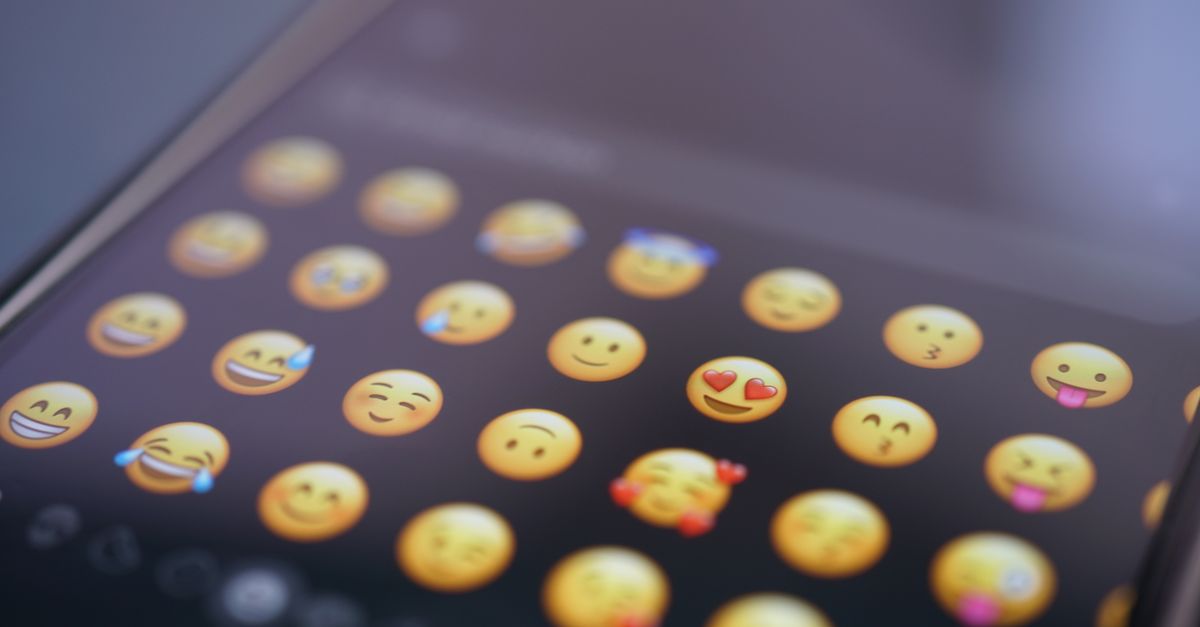
Why "Emojis in Pictures" Often Means Text
Searches for removing emojis from pictures usually land on two distinct jobs. The first is image editing: a sticker, reaction, or decorative emoji baked into the pixels of a JPG or PNG, removed with clone-stamping, content-aware fill, or an AI inpainter. The Emoji Remover does not do that job, because it has no access to image data and no awareness of what a pixel looks like. The second job is text: the caption under a social-media post, the alt text describing an image for accessibility, the filename on an uploaded photo, the description field in a CMS, the metadata in a product listing, or the message body of a chat containing an attached picture. These are plain strings of characters, and that is what the Emoji Remover operates on. If your real goal is to clean the words around a picture so a downstream system stops choking on emoji, or so an alt-text reader does not read "camera with flash" aloud, you are in the right place.
This distinction matters because the two jobs need completely different tools. Inpainting, generative fill, and stamp-clone workflows live inside image editors like Photoshop, GIMP, Snapseed, Pixelbin, or Media.io. Text cleanup lives inside any browser tab running the Emoji Remover. Knowing which job you actually have determines which tool to open.
What Counts as a Complete Emoji Grapheme Cluster
Many visible emoji are not single Unicode characters. A profession emoji such as a health worker combines a person glyph, an optional skin-tone modifier, a zero-width joiner, and an object such as a stethoscope. A family emoji joins several people with zero-width joiners. A national flag is two regional indicator symbols next to each other. A keycap combines a digit, an optional variation selector, and an enclosing keycap mark. Because each visible emoji can be made of several code points, removing only one piece leaves the others behind as broken modifiers or invisible characters.
The Emoji Remover solves this by segmenting pasted text into user-perceived grapheme clusters using the browser's built-in Intl.Segmenter implementation, then classifying each cluster by its Unicode properties. A cluster is removed if any of its code points is flagged as Extended_Pictographic, as a regional indicator, or as the keycap combining mark (see Unicode character class escapes). The result is a per-cluster decision that matches what the reader actually sees.
The removed counter reflects that decision. One joined family displays as one cluster and adds one to the count, even though it is built from many code points. Two adjacent thumbs-up emoji with skin tones add two, because each is one visible unit. This is closer to the way a person counts emoji than a raw code-point count would be, and it is also why the counter behaves intuitively even when the underlying encoding looks complicated.
How to Remove Emojis From a Picture's Caption
- Copy the caption, alt text, description, or filename text you want to clean from your photo post, CMS, or chat history.
- Paste or type the text into the Emoji Remover textarea. You can paste up to one million characters in a single pass.
- Run the cleaner and review the count of complete emoji grapheme clusters that were removed.
- Inspect the exact preview pane. Confirm that spaces around the removed emoji, line breaks, and tabs are preserved in place rather than collapsed.
- Download the remaining text as a UTF-8 TXT file, then paste it back into your upload form, caption field, or filename editor.
Editing the source textarea clears the previous preview and revokes its download URL, so the cleaned file always corresponds to whatever is currently in the box. If every grapheme in the input is an emoji, the output is an empty string and the removed count still reports the completed work. Empty input or text above the one-million-character limit produces a visible error instead of a partial result. The download is plain UTF-8 text with no byte-order mark, and visual line wrapping inside the preview does not insert new newline bytes into the file.
What the Tool Removes and What It Leaves Alone
| Input | Tool behaviour | Why |
|---|---|---|
| Caption: "Sunset 🌅 today!" | Becomes "Sunset today!" | Pictographic emoji grapheme removed, both surrounding spaces kept |
| Joined family: "Trip 👨👩👧👦 photos" | Becomes "Trip photos" | Zero-width joiner sequence counted as one cluster |
| Flag: "From 🇫🇷 to 🇯🇵" | Becomes "From to " | Each pair of regional indicators removed as one cluster |
| Keycap: "Press 1️⃣ to continue" | Becomes "Press to continue" | Digit plus keycap combining mark removed together |
| Kaomoji: "(╯°□°)╯︵ ┻━┻" | Unchanged | Built from ordinary punctuation, not Unicode emoji |
| ASCII smiley: "Great shot :)" | Unchanged | Not classified as a Unicode emoji |
| Custom shortcode: ":fire: sale" | Unchanged | Platform markup, not Unicode characters |
| Sticker inside an actual JPG | No effect | Tool only processes pasted strings, never image pixels |
Two design choices explain most of the rows above. First, spaces and line breaks are never auto-collapsed because collapsing could silently change indentation, column widths, or sentence boundaries; users who want that effect apply a separate whitespace step afterward. Second, detection uses standardised Unicode properties rather than a font-rendering or visual classifier, so a monochrome black-and-white glyph that the relevant property classifies as an emoji is still removed, while a decorative shape that just looks icon-like but is not classified by the rule stays in place. The project does not ship or maintain a hand-written emoji lookup table, so results follow the Unicode data implemented by the current browser.
Why Local Browser Processing Matters for Picture Text
Picture captions can carry private context. Travel photos may reveal locations in the alt text, medical images may carry patient identifiers in their descriptions, screenshots of error messages may include session tokens, and product photos may include internal SKUs in the filename. Sending that string to a remote service for cleaning adds an unnecessary copy of that text to a server log you cannot see. The Emoji Remover runs segmentation, filtering, preview, and TXT download creation inside the current browser tab using the built-in Intl.Segmenter and standard Unicode property escapes, which is why nothing is uploaded to Lizely during the run. The original input also remains unchanged in its textarea so users can compare before and after without losing their source.
The result is deterministic. Because the rule follows Unicode properties instead of a hand-maintained emoji table, the tool does not need periodic updates whenever the Unicode Consortium adds new pictographs. As the engine adopts newer Unicode versions, the same tool follows along without a separate download. That predictability matters for batch work, where a regenerated dataset has to look the same run after run.
Common Situations for Picture-Related Text Cleanup
Social-media captions are the most obvious use case. Posts that flowed nicely on a phone often fail when pasted into a CMS that rejects non-ASCII or flags emoji as spam signals. Cleaning the caption before submission avoids the rejection without forcing you to rewrite the post from scratch. Alt text is a related case: screen readers spell out alt text aloud, and a decorative emoji with no semantic value makes the audio experience noisy for visually impaired users. Filenames prepared as text strings can carry emoji if the source device auto-substitutes them; cleaning those filenames before upload to a storage system that stores bytes keeps the path portable.
Support transcripts copied from chat windows frequently contain a mixture of timestamps, names, and reaction emoji. Datasets that feed analytics or training pipelines often need emoji stripped so tokenisation stays predictable. Filenames in bulk-rename scripts, copy decks handed to translators, and product descriptions that route to a print system can all benefit from a deterministic, local pass that strips complete emoji clusters while leaving every other character untouched. For any case where you need to dig deeper into a related transformation, the remove emoji without losing formatting guide covers similar preservation rules, and the copy and paste emoji on any device guide explains the reverse flow when you want to put the emoji back.
Limits and Companion Tools
The Emoji Remover does not claim to handle everything. It does not parse Word documents, PDFs, HTML markup semantics, images, clipboard history, or remote content, because it transforms only the string placed in the textarea. If your caption lives inside a DOCX file, extract the text first with the DOCX to Text Converter. If the emoji is embedded as pixels inside the image itself, you need a real image editor with content-aware fill or an AI inpainter; the Emoji Remover cannot help with pixel data.
The tool also does not remove kaomoji, ASCII emoticons, decorative punctuation faces, or platform shortcodes such as :sunset:. Those are not Unicode emoji grapheme clusters under the rule, so they pass through untouched. If you need them removed for a specific output, apply the special characters remover or a find-and-replace pass over the colon-delimited markup. Whitespace normalisation, line-break conversion, and accent stripping are also separate jobs and live in their own dedicated tools, which is why the documentation recommends chaining them rather than asking the Emoji Remover to perform them as a side effect.