The eight recurring mistakes when I use a debate timer are assuming the schedule is universal, starting before checking the slot order, losing the sequence in a generic countdown, advancing more than one segment, overlooking the reset caused by edits, repairing a wrong transition by guesswork, treating daily history as a transcript, and treating a browser practice aid as an official tournament timer. Each mistake can leave the right countdown attached to the wrong part of a structured round.
The Debate Timer is a browser-local practice aid for classroom drills, tournament preparation, coaching, judging practice, and other structured speaking exercises. It keeps an ordered queue of named segments instead of requiring repeated resets of one generic timer. That solves sequence confusion, but only when you configure the round and change slots deliberately.
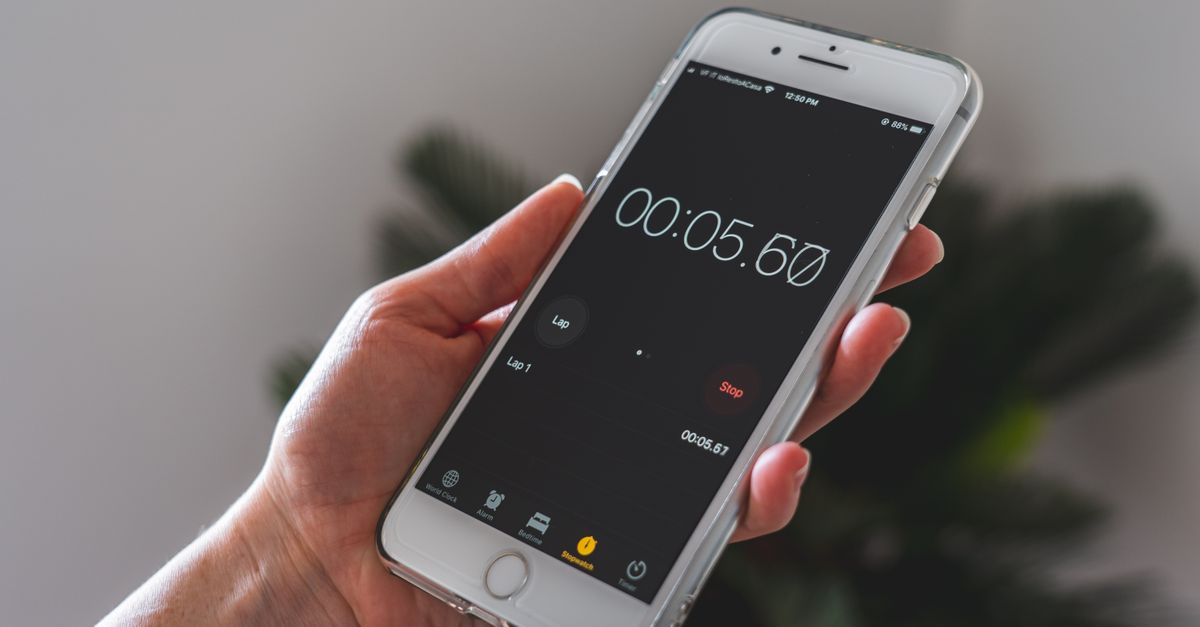
Mistakes that break the round and their fixes
The most damaging errors happen at transitions: one skipped speech can make every later segment appear wrong. Use the following corrections before a practice round.
| Common mistake | Why it causes trouble | Correction |
|---|---|---|
| Assuming the included schedule is universal | Your event may use different segment names, durations, or an entirely different order. | Check the published rules and replace the relevant names and seconds before starting. |
| Starting before the queue is checked | The wrong speech may become the active slot, leaving every later transition aligned incorrectly. | Confirm the visible order and duration first, then press Start. |
| Using one generic countdown for a structured round | You must remember when to reset it and which speech comes next. | Use an ordered queue with a separate visible name and duration for each segment. |
| Pressing Advance segment more than once | Each press moves exactly one slot, so a second press can skip the next speech. | Make one transition at each natural speaking boundary. |
| Overlooking the reset caused by an edit | Continuing with the previous remaining time could make the display seem inconsistent with the new schedule. | Complete all edits first and start the revised round fresh. |
| Repairing a wrong transition by guessing the old duration | Changing the number alone may not restore the earlier slot or its history count. | Use Undo segment, which restores the earlier complete snapshot. |
| Treating daily history as a detailed transcript | The history records completed structured segments, not what was said or how well it was delivered. | Use it as a practice count and export a record only when you need one. |
| Trusting a browser practice timer with official decisions | It does not administer tournament rules, preparation banks, eligibility, judging, or results. | Use official timing and the competition's published rules for a sanctioned round. |
Two habits reinforce those fixes. First, read the visible segment name as well as the remaining digits whenever a turn begins. Second, press Pause when practice stops rather than leaving a slot running. These checks separate an intentional transition from a timer that was merely left active.
Confirm the format before the clock starts
The product begins with the current Coolidge 1v1 template. Its eight named slots are affirmative constructive, cross-examination, negative constructive, another cross-examination, affirmative rebuttal, negative rebuttal, affirmative rationale, and negative rationale. The Coolidge 1v1 Singles Debate source describes the 2025-2026 ordering as five-minute constructives, two-minute cross-examinations, and four-minute closing speeches.
Those values belong to the starting template, not to debate as a whole. The DebateUS policy debate overview also distinguishes constructive, cross-examination, rebuttal, and preparation segments while emphasizing event-specific timing. For a school, public forum, tournament, or personal drill, confirm the format that governs your practice and replace the relevant names and seconds.
Applying an edit resets the current local round, deliberately preventing old remaining time from silently carrying into the revised schedule. Make the changes before timing begins, confirm every visible label and duration, and only then press Start. For a drill centered on cross-examination, the cross-examination timing guide can help you identify where that exchange belongs in the sequence.
Set up and run a clean practice round
- Choose the governing schedule. Use the published competition or classroom rules as the source. Keep the included Coolidge 1v1 template when it fits; otherwise replace the relevant segment names and seconds.
- Finish every edit before timing. An edit resets the current local round. Make the final change first, then begin the revised round and check the currently displayed slot.
- Start the visible slot. Press Start for the current segment. Keep its name and duration visible during practice, and press Pause when the practice stops.
- Change one slot at a boundary. When a speech or cross-examination ends, check the active name. If the queue has not moved, press Advance segment once; if the countdown has already moved it, do not press again. Advance records one completed local segment and gives the next slot its own full configured duration.
- Handle the final transition deliberately. When the final slot advances, the round reports completion at 00:00. This marks completion of the local queue, not a debate result.
- Correct an error immediately. Use Undo segment after an accidental advance. Review the private daily history and export it only if you want a portable practice record.
Undo an accidental advance without rebuilding the queue
Do not repair a wrong transition by guessing the previous duration. Manually typing a number may make the display look plausible without restoring the earlier slot or history. Undo segment instead restores the complete earlier snapshot, including the prior current slot, its remaining time, and the daily count. It is the supported correction when Advance segment was pressed by mistake.
The guide to fixing a wrong debate-timer result provides a focused walkthrough of this recovery process.
Every advanced segment creates a small record under the device's local calendar day. The daily history answers one limited question: how many structured segments were completed on that practice day. It is not a transcript, quality assessment, or report of the time spent in each speech. CSV export creates one Date and Segments advanced row per saved day. PNG export creates a 1080 by 1350 image containing the daily total and recent days, with no URL or participant names.
The schedule and daily history stay in this browser's local storage. Another device starts empty, clearing browser data removes the records, and unavailable storage is disclosed rather than treated as a hidden backup. Exports create portable copies; they do not add cloud sync or participant tracking.
Know where browser practice timing stops
Background behavior is another common source of mistaken assumptions. Browser callback timing can be delayed in a hidden tab. The active slot retains a saved remaining duration and timestamp anchor, and elapsed time is calculated from that anchor rather than treating every interval callback as one second. This design accounts for delayed callbacks, but the tool does not promise official timing accuracy while the device is suspended.
It also does not decide a tournament's official order, preparation-time bank, speaker eligibility, judging result, or rule interpretation. Published competition rules control those matters, and the local timer is not a substitute for an official tab room or a coach's instruction. Use official timing for a round whose result must satisfy those rules; use the queue for transparent practice.
Likewise, the final 00:00 display and completion message describe the state of the local queue. They do not score the debate, determine a winner, or validate a speaker's conduct.
Final pre-round check
- Read the published schedule for the exact format you are practicing.
- Confirm that every visible segment name and duration is correct.
- Make all edits before pressing Start and remember that editing resets the current local round.
- Check the active slot name whenever a speaker changes.
- Press Pause when practice stops and Advance segment only for one transition.
- Use Undo segment immediately after an accidental advance.
- Export a record only when you need one, and use official timing for a sanctioned round.
A structured queue removes much of the confusion associated with repeatedly resetting a generic timer, but it does not remove the need for careful setup. Configure the schedule, make deliberate one-slot transitions, correct mistakes immediately, and keep the published competition rules separate from your local practice record.