An aesthetic online alarm clock is a browser-based clock that displays the live current time in a clean, minimal layout while still functioning as a real alarm, ringing with both an on-screen alert and a repeating sound the moment your chosen minute arrives. The Online Alarm Clock from Lizely combines both jobs in a single tab: a 24-hour HH:MM:SS live clock at the top that refreshes every second and uses your device's local time, plus a working alarm you set with two clicks. Nothing has to be installed, no account is created, and the entire experience runs in the page you are already looking at. The aesthetic appeal comes from visual restraint — no clutter, no popup distractions, no calendar widgets fighting for attention — just a generous live clock and a clearly labeled alarm area below it. That combination makes the page pull double duty: a beautiful, glanceable desk clock when you are working, studying, cooking, or running a meeting, and a dependable alarm when you actually need a hard reminder. When people search for an online alarm clock aesthetic, they usually want both jobs at once: a clock that looks good on screen and an alarm that truly rings.
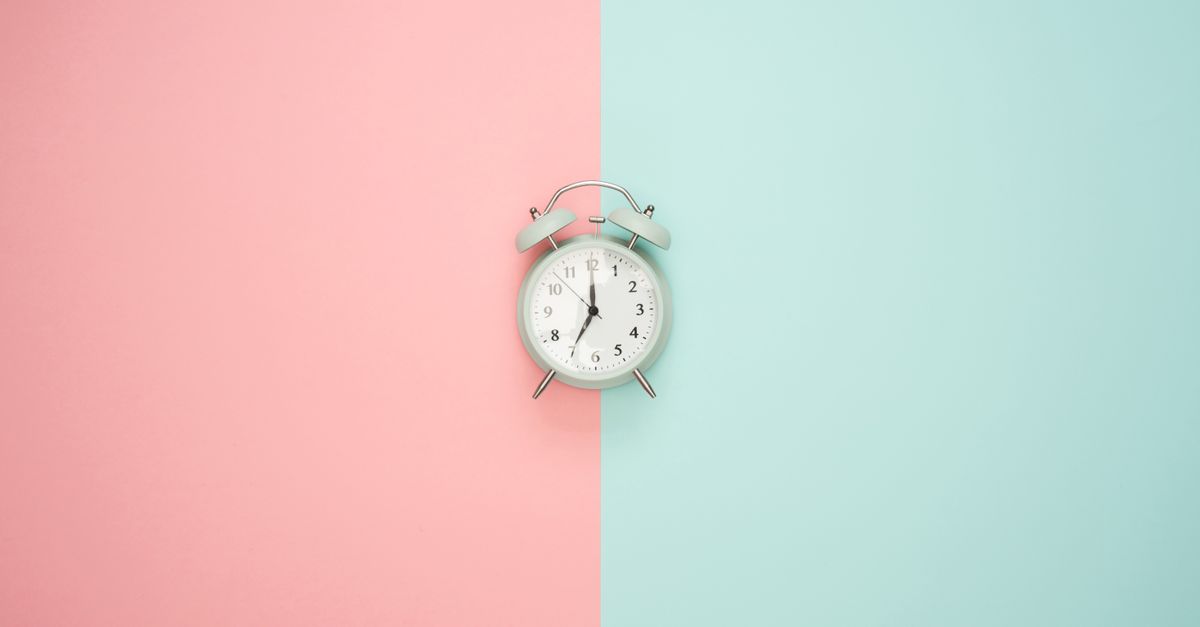
What "Aesthetic" Means in a Browser Alarm Clock
The word "aesthetic" gets thrown around a lot, but in the context of a clock on your screen it has a few specific meanings. It means large enough to read across the room without squinting. It means the digits update visibly, so you can tell at a glance that the page is alive and not frozen. It means a layout that does not fight the rest of your desktop for attention — no oversized banners, no chat widget popping up in the corner, no autoplay video running behind the digits.
For an alarm specifically, "aesthetic" also means the alarm state itself looks good when it fires. The Online Alarm Clock keeps that moment simple: a bold on-screen "Alarm!" banner appears alongside your chosen label, and a repeating beep plays through your browser's built-in audio. There is no garish flash, no spinning animation, no color scheme that fights the rest of your workspace. The whole alert is designed to interrupt you without feeling like spam.
A genuinely aesthetic alarm clock also has to be quiet when it is not firing. The Lizely tool sits as a calm, glanceable clock between alarms, never demanding attention until the exact moment you asked it to.
Why a Clean Live Clock Changes How Your Workspace Feels
Most of the time a desk clock is just decoration — something to glance at while you are waiting on a deadline. The Online Alarm Clock is designed for that mode by default: the live HH:MM:SS clock at the top of the page ticks every second in your device's local time, which means it always matches the time on your phone, your wall clock, and your laptop taskbar without any time-zone math.
That local-time behavior is what makes it feel like a real piece of your desk rather than a foreign widget. The clock reads from your browser, so it respects your system's time zone automatically, including any daylight saving adjustments your device has already made. The page becomes part of your environment rather than a tool you have to translate from.
For a wider, full-bleed look, the Online Clock from Lizely displays the local time as both a live analog and digital face with 12/24-hour, fullscreen, and date controls — a natural companion when you want the alarm page plus a separate, more decorative clock for your second monitor or a stream overlay.
Set an Aesthetic Browser Alarm in Four Steps
- Confirm the live time. Glance at the live clock at the top of the page. Because it reads from your device, it should already match your phone and wall clock. If it does not, the alarm will fire when your device says to fire, not when you assumed — fix your device clock first if it is off.
- Pick a target time. Use the time picker to choose the hour and minute you want the alarm to ring. You can also type a short label such as "Standup meeting", "Take the bread out", or "Stretch break" so the alarm reminds you why it went off, not just that it went off.
- Press Set alarm. The status line below the picker confirms the target time and tells you the alarm is armed. Keep this tab open and keep your device awake from now until the alarm fires.
- Handle the alarm when it rings. A bold "Alarm!" banner appears with your label, and a repeating beep plays until you act. Press Dismiss to silence the alarm and end it for good, or Snooze to push the ring forward by five minutes and get a second nudge. The alarm fires only once for that target minute, so it will not double-trigger or stutter.
Use It as a Pure Desk Clock When You Do Not Need an Alarm
You do not have to set an alarm to get value out of the page. Open it, leave it on a second monitor or a side panel, and the live ticking clock does the work of any expensive desk clock. Because the digits are large and the layout is uncluttered, it stays readable from a distance, and the constant one-second refresh gives the screen a subtle sense of motion that makes the workspace feel less static.
That mode is genuinely useful during cooking, when your phone is greasy or already full of timers, or during long focus blocks when you want to track how the session is going without opening another tab. The clock keeps your device's local time honest, so what you see on screen matches everything else in the room. For Pomodoro-style work rhythms rather than an arbitrary alarm, the Pomodoro Timer on Lizely runs the classic 25/5/15 cycle with a large countdown and completed-session counter, which pairs naturally with the live clock for focused work.
Privacy and the Honest Browser Trade-Off
Because everything happens on your device, the aesthetic is also privacy-respecting by construction. The current time is read from your browser, the alarm comparison runs in your browser, and the beep is generated by your browser's built-in audio. Nothing you type — neither the alarm time nor any label you add — is uploaded, logged, or shared. There is no sign-up, no account, no tracking of your schedule, and no data leaving your machine. A workspace tool you can actually trust not to phone home is part of what makes it feel clean.
There is one honest limitation worth stating before you trust the tool for something important: this is a browser-based alarm, so the tab must stay open and your device must stay awake for the alarm to ring. If you close the tab, quit the browser, or let the computer sleep or lock, the alarm cannot sound. Browsers also require a user interaction before playing audio, which is why clicking Set alarm is what enables the beep.
For long-running setups where you might forget the tab is open, the Keep Screen On tool from Lizely requests a browser screen wake lock locally while the page is active, which is a clean way to prevent the machine from dozing right before your reminder fires. For anything truly critical, use a dedicated device alarm as a backup.
When an Online Alarm Clock Aesthetic Actually Makes Sense
The aesthetic framing is most useful when you want a tool that disappears into your workspace until the moment it is needed. The same surface that looks pleasant on a stream overlay or a propped-up kitchen laptop is also the surface that fires a labeled alarm with a repeating beep when you ask it to.
| Scenario | How the aesthetic clock fits |
|---|---|
| Cooking with messy hands | A glanceable clock at the top of a propped-up laptop keeps you off your phone. |
| Focus blocks and timeboxing | The live second hand shows progress without needing a separate timer open. |
| Streaming or content creation | A clean, branded-looking clock fits a stream overlay or recording background. |
| Office or meeting countdowns | The page sits on a side display and fires at the exact minute a meeting starts. |
| Short nap reminders | The label tells you which nap is ending, and Snooze buys you another five minutes. |
The point is that aesthetic and function are not in tension here. The same clean, minimal, browser-based surface that makes the page pleasant to look at is what makes the alarm behave predictably when it fires. The honest constraint — that the tab must stay open and the device must stay awake — is the price of having a tool that needs no install, no account, and no upload to do its job.
Related reading: Put a World Clock on Your Lock Screen in a Browser.
Related reading: Online Alarm Clock Alternative: Browser Tabs That Ring.