A basketball scorekeeper built for two-team score tracking is a score and team-foul ledger only, so it does not include a game clock or shot clock. The Basketball Scorekeeper on this site follows that boundary strictly. It records the score for two named teams, the current period, and each side's period-local team foul count in one readable layout, and nothing else runs in the background. There is no countdown, no possession indicator, no player-foul tally, and no referee-event panel. The buttons you actually see are +1, +2, +3 for either side and a Record team foul action. The FIBA Official Basketball Rules 2024 define those exact point values in Article 16, and USA Basketball's youth guidelines confirm them independently, which is why those three buttons — and only those three — are present. If you need a running game clock, a 24-second shot clock, possession arrows, or a player roster with personal fouls, this is the wrong tool for the job. If you need a clean, private record of who scored what and when the period changed, this is exactly what it does.
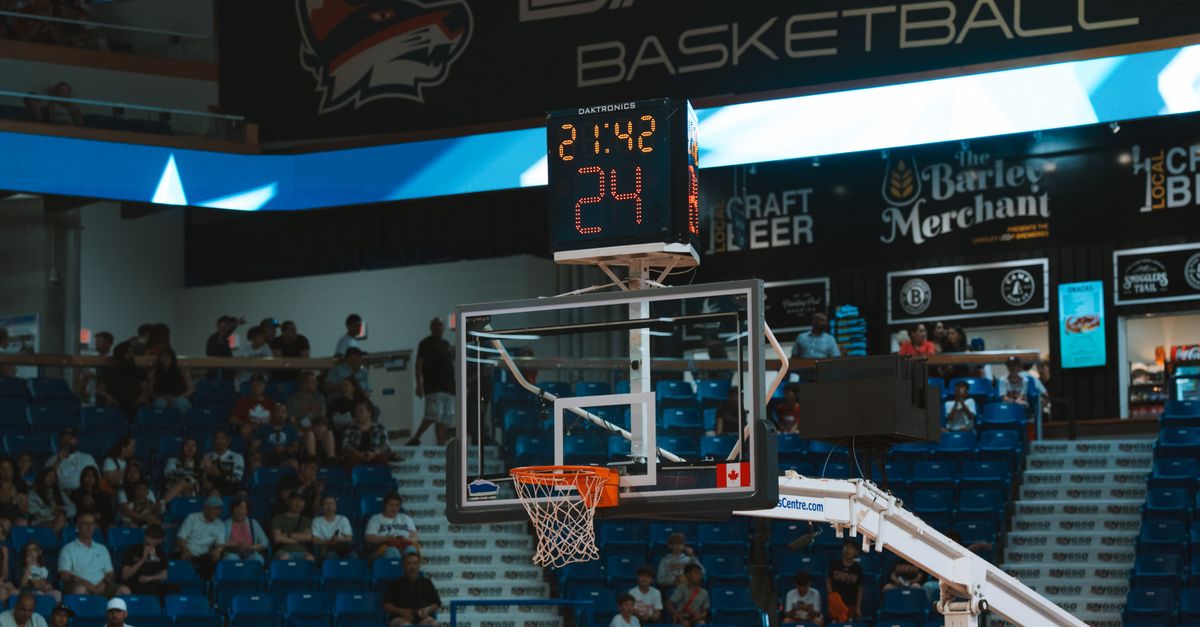
What a Basketball Scorekeeper Includes and Excludes
The first thing to settle is the scope. A scorekeeper in this category is meant to replace a scrap of paper where someone is keeping a tally by hand. The Basketball Scorekeeper tool is built around that single task, and the product contract is explicit about the boundary. The screen shows two team names, two running totals, the current period, and a team-foul counter for each side. It does not show a minute:second readout, a 24-second reset, a possession arrow, a player column, a substitution line, or any controls for free-throw situations beyond the +1 button. If you are shopping for a scoreboard because you want the time on the wall, you are shopping for the wrong product.
This boundary is deliberate. Timing and scoring live in different jobs, and a tool that tries to do both usually does both badly. By keeping the scope to a two-team ledger with one-, two-, and three-point buttons, the scorekeeper keeps the score event type intact. A +3 stays a three-point event in the daily summary; it does not get folded into an undifferentiated total. That single property is what separates a scorekeeper from a generic counter. Readers comparing it with the Online Scoreboard on this site should know that the scoreboard is aimed at a more generic +1 counter with subtract and reset, so the choice between them is whether you want to preserve the event type or not.
| Scope area | Handled by the scorekeeper | Not handled |
|---|---|---|
| Running two-team score | Yes — separate totals per side | — |
| Event type (1, 2, or 3 points) | Yes — +1, +2, +3 buttons per side | — |
| Team fouls in current period | Yes — separate count per side, resets on Next period | — |
| Game clock / shot clock | — | No — no countdown, no possession timer |
| Player fouls / roster | — | No — team-level only |
| Official-event administration | — | No — not a referee panel |
| Daily local history | Yes — saved per local calendar date | — |
| PNG / CSV export | Yes — native browser downloads | — |
Score Buttons and Foul Tracking, Step by Step
- Type the home team name into the home field and the away team name into the away field at the top of the scorekeeper.
- Tap +1, +2, or +3 under the team that scored whenever a basket or free throw happens — for example, tap +3 when a player from the home team hits a three. If the home total was 14 before the tap, 14 + 3 = 17 is shown in the home score field after.
- Tap Record team foul under the team that committed the foul — never the team that was fouled — so the foul is attributed correctly.
- When the period ends on the floor, choose Next period; the running score stays put and the displayed team-foul totals reset for the new period.
- Use Undo last event immediately after any mistaken tap. It restores the full prior game state, including both score totals and the daily summary, so undoing a +3 puts the three points back and undoing a recorded foul removes the foul without touching the score.
- When the game is over, leave the scorekeeper as is for in-day reference, or use Start new game to clear the active scoreboard while keeping saved daily history.
How Fouls Reset Between Periods and What Happens in Overtime
Period handling is the part of a scorekeeper most readers underestimate. The Basketball Scorekeeper follows the convention used by FIBA, NCAA, NBA, WNBA, and USA Basketball youth play: the running score carries across periods, while team fouls reset. In this tool, advancing to the next period preserves the game score and resets the currently displayed team-foul totals. The scorekeeper chooses when to advance — the tool does not decide whether overtime is required or whether a foul bonus applies at any threshold. After the fourth period, the display continues as numbered overtime periods (OT1, OT2, and so on) when you tap Next period again.
The same rule means a +3 in overtime is logged the same way as a +3 in regulation: it adds three points to the team that scored it and leaves the team-foul totals in their current overtime state. Because the foul counter is a reminder rather than a rulebook engine, a scorekeeper using this for a pickup game can ignore the foul counter entirely, while a coach running a youth scrimmage can use it as a quick visual reference for the five-foul bonus without claiming the tool is officiating. The line is drawn at the rules engine: this tool records what happened, it does not interpret what should happen next.
What Stays in the Browser and How to Export
Every score and foul is saved into a small private daily summary under the device's local calendar date. The daily row counts the points recorded on that date. The CSV export includes home points, away points, home fouls, and away fouls for each saved date, so a later reader does not have to guess what a total means. The PNG export creates a natural 1080 by 1350 visual record with a total and recent days, and it deliberately leaves out team names and a web address to reduce unnecessary context when the file is shared. Both downloads are produced with native Blob and canvas APIs in this browser, so there is no account, no upload, no remote sports database, and no server-side conversion in the path.
Team names, the active game, and daily history stay only in this browser under the tool's local storage key. A different device starts empty. Clearing site data removes the record. If browser storage is unavailable, the scorekeeper discloses that instead of pretending it has a hidden backup. Start new game clears the active scoreboard and current-period foul display while keeping saved daily history. Clear local history removes every locally saved record when you deliberately want a fresh browser state. The boundary matters here as well: this is a private record-keeping tool, not a shared league system, so two devices will not see the same game unless one of them exports and the other imports the file manually.
Where the Tool Fits on Game Day
The Basketball Scorekeeper is a focused local scoreboard for a game where a plain plus-one counter loses useful information. That makes it practical for a pickup game in a driveway, a school practice that needs visible period and foul reminders, a community event with volunteer scorekeepers, and a sideline helper who needs a simple two-team score without signing into a league platform. It is not a licensed official scoresheet, a shot clock, a possession tracker, a player roster, a player-foul ledger, or a rules engine that can decide penalties and substitutions. Competition rules vary across FIBA, NBA, WNBA, NCAA, youth, and pickup formats, and the tool does not claim to resolve those differences.
If your game requires a referee-signed scoresheet, you still need a paper scoresheet or a sanctioned scoring platform. If your league requires a 24-second shot clock, the tool will not remind you — you still need a separate timing device, such as the Online Stopwatch for elapsed time or the Online Countdown Timer for a fixed interval. Use the scorekeeper where a standard one/two/three point two-team ledger, a visible period, and a team-foul reminder are the desired convenience. Record each event, correct a mistaken tap with Undo, move the period deliberately, and export only the private history you choose to keep.
For a deeper look, see Avoid Mistakes When Using a Basketball Scorekeeper.
For a deeper look, see Does This Chess Clock Use Fischer Increment or Delay?.