No — restarting Memory Match does not change the card order; the game returns to the exact same twelve-card opening layout every single time you press Restart, with the identical symbol at the identical position, no shuffle and no randomization involved. The opening arrangement is hard-coded into the game as a fixed twelve-entry array of six product-authored pair IDs, and every reveal, mismatch, score, and turn-back action happens against that one audited board. Because the layout never shifts between runs, you can plan a memorized route, write a browser test that expects specific cards in specific positions, or replay the challenge under identical conditions for practice. The only state that Restart clears is your progress: the score, the matched pairs, the flip count, the mismatch tally, and the pending review state all reset, while the cards themselves snap back to their original faces and positions.
What "Deterministic Board" Actually Means
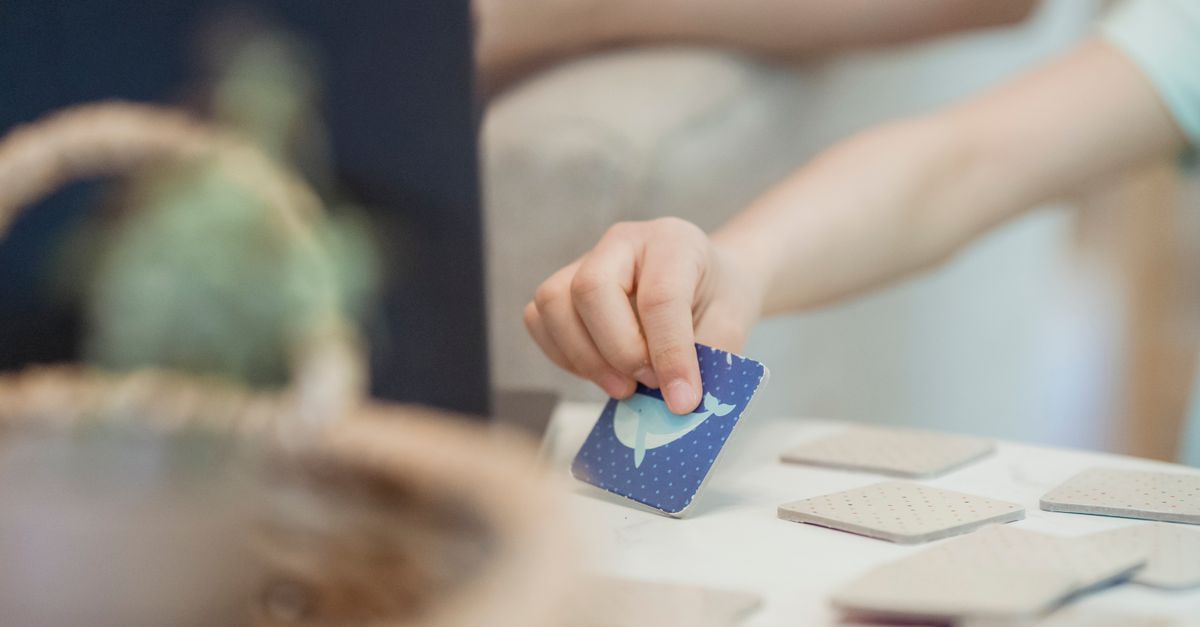
A deterministic board means the opening layout is fixed in code rather than generated by a random shuffle at the start of each run. In Memory Match, the deck consists of twelve cards drawn from six familiar symbols — a teddy bear, moon, leaf, rocket, kite, and shell — and each of those symbols appears exactly twice. The pair IDs are written into one twelve-entry array in a specific order, so card one always sits in the top-left slot, card twelve always sits in the bottom-right slot, and the same partner for any symbol is always in the same partner position. There is no "New shuffle" button, no seed input, and no JavaScript random call during initialization, because the design deliberately trades the variety of a shuffled deck for the predictability of an audited one.
How Restart Resets the Game Without Reshuffling
When you click the Restart control (or activate it through your keyboard), Memory Match performs a targeted reset rather than a fresh deal. The matched set is emptied, the score returns to zero, the flip count and mismatch counter both clear, and any pending mismatch review is dismissed so the two face-up cards turn back over. Crucially, the underlying array is never re-randomized, so the next run you start will begin from the exact same twelve cards in the exact same positions as the run you just finished. This makes Restart a "play again on the same board" control rather than a "new deal" control. If you want to start completely fresh and clear your best score, the only state stored outside of the run itself is a local best score saved in your browser, which is cleared through your browser's storage controls rather than by Restart itself.
How to Play Memory Match Step by Step
- Open Memory Match in your browser and wait for the twelve-card grid to load in its fixed arrangement.
- Reveal your first card by tapping it, clicking it, or moving the keyboard cursor to it with the Arrow keys and pressing Space or Enter.
- Reveal your second card the same way; if the two symbols match, both cards stay visible and your score advances by 150 points for each of the first five pairs.
- If the two symbols differ, the cards stay face up so you can study them, then tap the "Turn cards back over" button or press the F key to dismiss the mismatch and continue.
- Track your own progress across the four-column grid; remember that one mismatch is recoverable, but a second mismatch ends the run in a deadlock with the final incorrect pair left face up.
- Match all six pairs to lock in exactly 1,000 points, or press Restart at any point to reset score, flips, mismatches, and the review state while keeping the same opening board.
Why a Fixed Card Order Matters for Players and Tests
A fixed opening layout changes how the game feels compared to a shuffled concentration deck. Because the partner for every symbol is always in the same position, repeated practice lets you learn the entire route and complete the puzzle in twelve flips with zero mismatches. That learning curve is a feature rather than a flaw: the page describes the challenge as a short, repeatable matching puzzle with clear rules, and players who memorize the board simply prove that the puzzle is solvable under deterministic conditions. The same property also benefits anyone using the page for browser testing, accessibility auditing, or scripting. A test that expects the teddy bear in position three and its partner in position eight will pass on every run, because no shuffle will ever displace those cards.
| Action | Card Order | Score | Matched Pairs | Mismatch Count |
|---|---|---|---|---|
| First run, opening layout | Fixed twelve-card arrangement | 0 | 0 | 0 |
| Press Restart mid-run | Same fixed arrangement restored | 0 | 0 | 0 |
| Match first five pairs | Matched cards stay face up | 750 | 5 | 0 or 1 |
| Match the sixth pair | All cards revealed | 1,000 | 6 | 0 or 1 |
| Trigger second mismatch | Deadlock; final pair stays face up | Frozen | Frozen | 2 |
Scoring, the Two-Strike Rule, and Why the Order Never Shifts
The scoring in Memory Match is intentionally simple so that the result depends only on the game state, not on animation timing, input speed, or browser performance. Each of the first five matched pairs adds exactly 150 points to the displayed score, and matching the sixth and final pair sets the total to exactly 1,000. A perfect route uses twelve flips and no mismatches, but the score is not described as a memory, cognitive, attention, intelligence, or health assessment — it is only a product-defined game result for this fixed board. The two-strike rule reinforces the deterministic design: the first mismatch is recoverable by pressing F or using the Turn cards back over button, the second mismatch ends the run in a deadlock, and once the board is complete or deadlocked, card reveals, cursor movement, and turn-back actions are ignored so the earned result stays stable. Because that terminal freeze is built into the same code path as the fixed opening array, every completed run — whether at 1,000 points or in a deadlock — can be re-tested or re-played by pressing Restart, which always restores the same audited twelve-card arrangement for the next attempt.
Keyboard and Touch Play on the Same Fixed Board
Every interaction in Memory Match works without a mouse, and none of those interactions change the underlying card order. The board uses a four-column grid with one keyboard cursor; Arrow keys move the cursor among the cards, Space or Enter reveals the card under the cursor, and F turns a reviewed mismatch face down. The shared Restart control begins a new run on the same opening layout, and pressing Escape twice opens the site-wide boss-key spreadsheet view. Touch and pointer users get the same behavior through native button targets and standard focus handling, with each hidden card carrying a numbered accessible label and each face-up card announcing its symbol plus whether it has already been matched. Because no input path ever calls a shuffle routine, switching between keyboard, touch, and pointer mid-run will not rearrange the cards either — the order you see is the order the page was built to show.