The concentration card game is a flip-and-match memory challenge in which all cards start face down, players reveal two cards at a time, and matching pairs stay visible while nonmatching pairs are turned back over until every pair has been found. The classic version, also called Memory, Pairs, Pelmanism, or simply Pairs, has appeared on real card tables, in print puzzle books, and in browser games for decades, and the modern online version most people meet today follows the same core loop: remember where each symbol sits, then collect every pair before the deck runs out. Memory Match distils that loop into a deterministic twelve-card board with six fixed symbol pairs, touch and keyboard controls, no download, and no timer pressure, so anyone who wants to understand or play the concentration card game can start within seconds of opening the page.
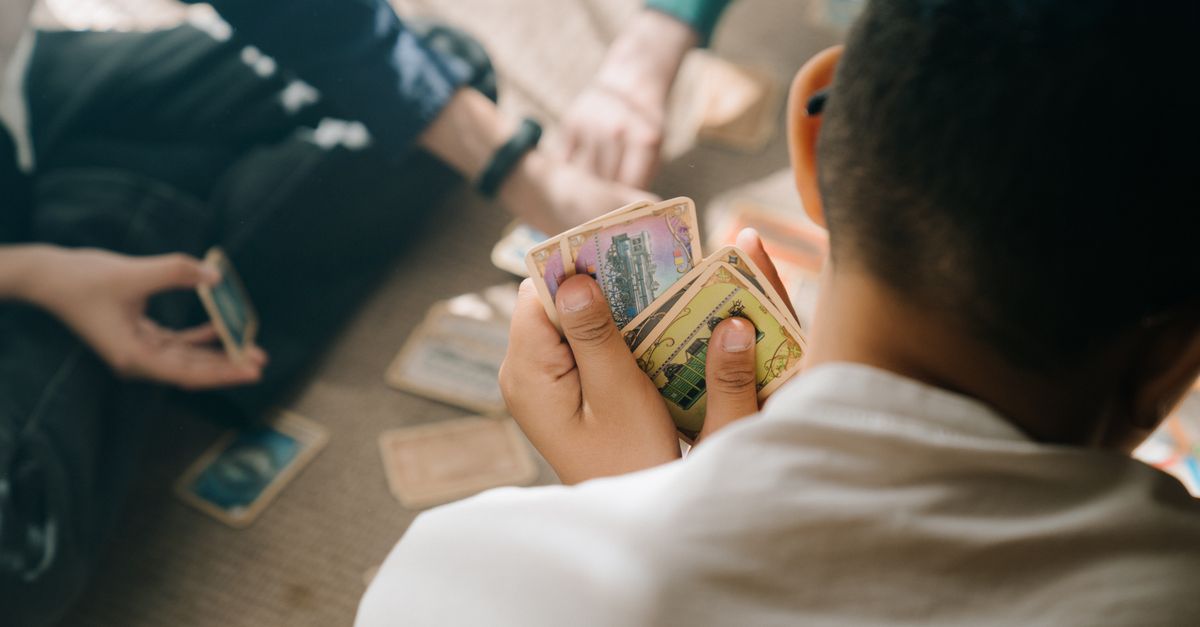
What the Concentration Card Game Actually Is
Concentration is one of the simplest rules sets in the matching-puzzle family, which is part of why it has survived for so long. The full deck sits face down in a grid, two cards are flipped on each turn, and a successful pair is removed or stays visible while a failed pair goes back face down. The strategic layer is pure memory: every successful match removes two cards from the unknown pool, and every mismatch reveals two symbols that a careful player files away for later turns.
The name concentration comes from the mental effort required to keep track of partial information while a long game is in progress. Most physical versions use a standard deck of playing cards with ranks like sevens or aces, and the table size varies from a tiny four-by-three beginner layout to a sprawling eight-by-eight expert grid. Online versions keep the same idea but replace face cards with emoji, geometric shapes, or themed symbols so the artwork is unambiguous on any screen.
What separates one concentration variant from another is how it handles the mismatch moment. Some timers flip an incorrect pair back automatically after a short delay, some keep the pair face up for the rest of the player's turn, and a few, including the version described below, pause the board in an explicit review state and let the player press a turn-back button themselves. The rule for what counts as game over also varies, ranging from a soft running tally to a hard two-strike deadlock.
The Fixed Twelve-Card Layout Behind Memory Match
The concentration card game in Memory Match uses a fixed twelve-card board arranged as four columns by three rows. Six product-authored symbols each appear exactly twice: a teddy bear, a moon, a leaf, a rocket, a kite, and a shell. The opening order is deterministic rather than randomized, which means the same card always occupies the same starting position across every run and every browser.
A deterministic deck is unusual for a matching game. Most concentration variants shuffle the cards at the start so that no two sessions are identical, but a fixed board has three practical benefits. First, it is easy to audit: a reviewer can list every position and confirm that each symbol appears exactly twice. Second, browser tests are reproducible, because a script can replay the exact same opening arrangement on every run. Third, returning players can learn a route through the challenge instead of depending on a lucky shuffle, which mirrors how experienced players handle physical concentration sets they have played many times.
The four-by-three grid is intentionally compact. Twelve cards are large enough to require several cross-board comparisons before the last pair falls into place, but small enough to clear in a short break. Each hidden card carries a numbered accessible label, and face-up cards announce both their symbol and whether they have already been matched, so the game does not rely on emoji artwork alone.
How to Play the Concentration Card Game in Your Browser
- Open Memory Match in any modern browser; the four-by-three board renders immediately with no download, account, or installation step.
- Reveal a first hidden card by tapping or clicking it, or by moving the keyboard cursor with the Arrow keys and pressing Space or Enter. The chosen symbol stays face up.
- Reveal a second card using the same input method. Matching symbols stay visible and the score advances; nonmatching symbols both remain face up.
- When two symbols differ, inspect the face-up pair, then choose Turn cards back over with a tap or click, or press F on the keyboard, before making another selection.
- Repeat the reveal-and-compare loop, using memory of previously seen symbols to choose pairs deliberately rather than guessing.
- Aim for exactly 1,000 points. The first five matched pairs each add 150 points, and the sixth and final pair sets the result to exactly 1,000.
- If you trigger a second mismatch, the run deadlocks with the final incorrect pair face up. Press Restart to restore the original opening board and reset the score, matched pairs, flips, and mismatch count.
Scoring, Strikes, and the Deadlock Rule
Concentration card game scoring is intentionally simple. The first matched pair raises the displayed score by 150 points. The second, third, fourth, and fifth pairs each add another 150, so five intermediate matches contribute 150 + 150 + 150 + 150 + 150 = 750 points. The sixth and final pair does not add 150 on top of that running total; instead, completing the board sets the score to exactly 1,000 points regardless of animation timing, input speed, screen size, or browser performance.
The deadlock rule adds a second layer of feedback. A single mismatch is recoverable: the two incorrect cards stay face up, you press Turn cards back over or F, and the game continues. A second mismatch ends the run in a deadlock, leaving the final incorrect pair face up so the cause stays visible. Once the board is complete or deadlocked, card reveals, cursor movement, and turn-back actions are ignored, which keeps an earned result stable for screenshots and automated checks.
Best score is saved locally in the browser when storage is available, so a returning player can see whether a new run beat a previous one without any account or remote sync. Because the score is only a product-defined game result for this fixed board, it should not be read as a memory or cognitive assessment.
Comparing Concentration Variants at a Glance
Different concentration card game implementations choose different rules at the mismatch moment and the endgame. The table below summarises the main families you will meet online, with the Memory Match column reflecting only what the product contract confirms.
| Variant | Deck size | Mismatch handling | Endgame rule | Replay variation |
|---|---|---|---|---|
| Classic physical Concentration | Standard 52-card or smaller subset | Player turns cards back manually | Collect all pairs | Shuffled per game |
| Timed browser variant | Often larger, 16 to 36 cards | Auto-hide after a short delay | Collect all pairs or beat the clock | Shuffled per game |
| Two-strike browser variant | 12 to 24 cards | Explicit review state, manual turn-back | Second mismatch ends the run | Random or fixed |
| Memory Match | 12 cards, 6 pairs | Explicit Turn cards back over control or F key | Second mismatch deadlocks, final pair stays visible | Deterministic opening board |
Touch and Keyboard Controls Compared
Touch and pointer users can drive the entire concentration card game with taps and clicks. Reveal a card by tapping it, reveal a second card the same way, then tap the Turn cards back over control after a mismatch. Native buttons act as touch targets and follow standard focus behavior, so a stylus or a screen-reader-friendly tap is enough to play a full run. If you want to confirm that no download is involved, see the short guide on playing Memory Match without downloading.
Keyboard players get an equally complete route. The four-by-three board has a single keyboard cursor that moves with the Arrow keys, and the highlighted card is revealed with Space or Enter. After a mismatch, F turns the reviewed pair face down. The shared Restart button begins a fresh run on the same audited opening board, and pressing Escape twice opens the site-wide boss-key spreadsheet view so the game can be hidden quickly during a shared screen or a meeting. Every input maps to exactly one visible state transition, with no asynchronous hiding timer racing against key repeats.
The fixed deck and the explicit mismatch review together remove two classic sources of frustration in matching puzzles: a randomized shuffle that hides the layout you just learned, and a hiding timer that hides a mismatch before slow devices can process it. On narrow screens the same four-column board remains available; square cards scale within the available width without horizontal scrolling, and no control is removed.
Building a Memorization Route Through Six Pairs
Once you understand the rules, the practical question is how to clear the twelve-card board efficiently. Because the opening order is fixed, a returning player can deliberately learn a route instead of hoping for lucky draws. A useful first habit is to map the six pair positions on the very first reveal pass: as soon as you see any symbol, note which row and column it sits in, even if its partner has not appeared yet.
A second habit is to keep first-pass mismatches cheap. The concentration card game rewards revealing low-information cards early, when a mismatch costs almost nothing, and saving the most ambiguous pair for the moment when both symbols are already mapped. Because the run allows one recoverable mismatch, an intentional early mismatch can be a strategic choice rather than a failure, as long as you spend it before the most consequential comparison of the run.
Finally, treat Restart as a practice tool rather than an escape hatch. The same audited opening board appears after every restart, so repeated runs train the same route and the same cursor movements. If you eventually memorize every pair position, that is expected behavior for a fixed deck, and the remaining challenge is to land a perfect twelve-flip, zero-mismatch run for the 1,000-point terminal score.