The geocentric Moon-Sun phase angle is the difference in ecliptic longitude between the Moon and Sun measured from the center of the Earth, and that single number — 0°, 90°, 180°, or 270° at the four named instants — defines whether the Moon is new, first quarter, full, or last quarter at any chosen moment. Because the calculation uses the same center-of-Earth geometry for every observer, today's moon phase in local time only needs the time zone your browser already knows and the instant it currently reports. The Moon Phase Today tool reads those two pieces of information locally, computes the angle and the illuminated fraction with a precisely pinned astronomy-engine 2.1.19 build, and then shows the eight-stage label, the illumination percentage, and the surrounding primary-phase events in your resolved time zone. No city, GPS coordinate, account, file upload, or runtime network request is part of that flow.
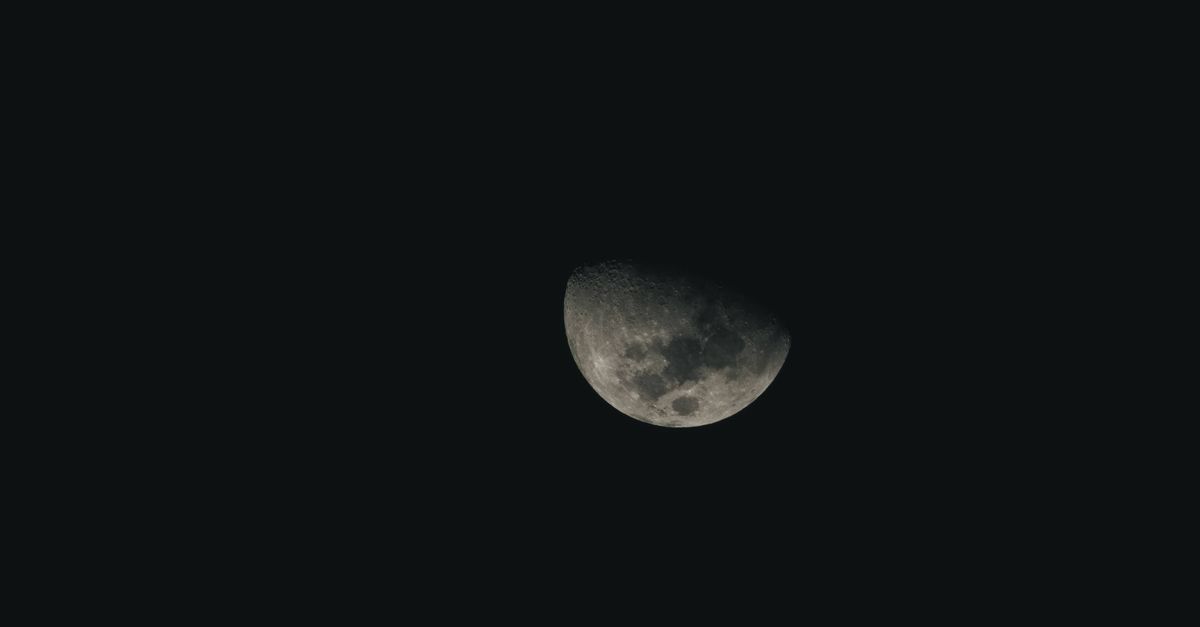
Why the Moon Phase Does Not Need Your City
Astronomical phase is a question about the geometry of the Sun, Earth, and Moon, not about what you can see from a particular street. The Moon-Sun ecliptic longitude difference is the same value whether you stand in Reykjavik, Lagos, or Tokyo at the same instant, because all of those places share the same Earth-centered reference frame. That is why the tool does not ask for location permission: a geocentric phase simply does not depend on the viewer's city. What does change from place to place is how the Moon appears against your local horizon, when it rises and sets, what the weather does to visibility, and whether it is currently above your rooftops. Those are genuinely location-specific questions, and the Moon Phase Today tool is built to stay away from them so the core phase calculation can stay precise, testable, and reproducible.
The practical consequence is that the only inputs the tool needs are (1) the current date and time as reported by your browser and (2) the time zone your browser has already resolved from your system clock. Both of those are read inside the widget itself; neither is uploaded, neither is sent to a remote astronomy service, and neither is logged against your identity. This is also why the tool still works when you load the page, go offline, and reopen the tab later: the astronomy-engine 2.1.19 package is shipped with the application rather than pulled from a CDN, so the calculation runs entirely on your device once the assets are in place.
How to Read Today's Result
The result card gives you four pieces of information at a glance: a calculation timestamp in your resolved time zone, an eight-stage display label, the geocentric phase angle in degrees, and the illuminated fraction as a percentage. Above or beside that block, the tool lists the nearest primary-phase events before and after the current instant so you can see how far you are from the next new moon, first quarter, full moon, or last quarter. To use the widget deliberately:
- Open the tool and wait for the local calculation to show the current eight-stage label, phase angle, illuminated percentage, and nearby primary-phase events.
- Read the calculation timestamp and resolved browser time zone shown with the result so you know exactly which instant the numbers describe.
- Choose Recalculate whenever you want to sample a fresh browser instant; the widget also refreshes automatically once per minute while it remains mounted on the page.
- Compare the displayed angle against the eight-stage band table on the page to confirm which label the tool picked and why.
- Check the listed primary-phase events to see how many hours or days remain until the next exact 0°, 90°, 180°, or 270° crossing.
That sequence is enough for everyday use: you walk away with a current label, a current illumination, and a clear pointer to the next astronomical milestone. The next sections explain what those numbers actually mean.
The Eight-Stage Display Bands vs. the Four Primary Phases
It is easy to confuse the friendly eight-stage label with the formal four primary phases, and the tool is explicit about the difference. New Moon, First Quarter, Full Moon, and Last Quarter are exact mathematical instants defined by a geocentric phase angle of 0°, 90°, 180°, and 270° respectively. The eight-stage label — New Moon, Waxing Crescent, First Quarter, Waxing Gibbous, Full Moon, Waning Gibbous, Last Quarter, Waning Crescent — is a Lizely display convention created by dividing the angle circle at the half-way points between those four primary angles. Each band covers a 45° slice of the circle, and the boundaries are fully disclosed on the page so you can read them yourself rather than trust a hidden classifier.
| Display label | Geocentric phase angle range | Primary event inside the band |
|---|---|---|
| New Moon | 337.5° through 360° and 0° through 22.5° | New Moon (0°) |
| Waxing Crescent | 22.5° through 67.5° | — |
| First Quarter | 67.5° through 112.5° | First Quarter (90°) |
| Waxing Gibbous | 112.5° through 157.5° | — |
| Full Moon | 157.5° through 202.5° | Full Moon (180°) |
| Waning Gibbous | 202.5° through 247.5° | — |
| Last Quarter | 247.5° through 292.5° | Last Quarter (270°) |
| Waning Crescent | 292.5° through 337.5° | — |
Each lower bound is included and each upper bound is excluded, except at 360° where the angle wraps cleanly back to 0°. The four labels that contain a primary event sit centered on that event; the four in-between labels mark the crescent and gibbous transitions. Knowing this lets you treat the eight-stage name as a quick reader for everyday conversation while still treating the four primary times as the precise astronomical milestones.
How Accuracy Is Tested Against an Independent Source
Because the tool is local, its precision has to be earned rather than re-checked against a live service every time you load it. The build pins astronomy-engine 2.1.19 and verifies it against twelve minute-resolution primary-phase timestamps frozen from the official USNO Phases of the Moon service. Those fixtures cover every one of the four event types, a February in a leap year, dates near the 1700 and 2100 service limits, and events that cross from December into January. For each fixture, the local search walks the angle circle, finds the same primary phase, and the resulting time must differ from the USNO minute-resolution timestamp by no more than two minutes.
That same USNO Astronomical Applications API documentation defines the public input and output window of 1700 through 2100, which is why the tool is honest about the same boundary in its product description. The current-time interface normally stays well inside that window. The two-minute tolerance and the 1700–2100 window together give the tool a defensible accuracy story: it is an educational astronomical estimate whose precision has been measured against a recognized authority, not a claim of second-level ephemeris quality.
What the Tool Does Not Calculate
The Moon Phase Today widget is intentionally narrow, and a clear list of what it leaves out helps you avoid misusing the result. It does not give you observational-apparent timing for a specific site, it does not predict moonrise or moonset for your location, it does not factor in atmospheric visibility, local horizon obstructions, or weather, and it does not output a professional ephemeris suitable for navigation, photography safety planning, tide prediction, or religious observance decisions. Those are separate questions that require location-specific data the tool is built not to collect. It also does not upload your date, contact a remote astronomy service at runtime, write a cookie, or ask for camera, GPS, or file access; the page still functions fully offline once the assets have loaded, and Recalculate simply takes a fresh browser instant whenever you press it.
If you want to apply today's phase to a historical birthday or a future date, the same geocentric approach is available through the related birthday-phase path; if you want to understand the Moon's zodiacal position for a specific moment, the Moon Sign Calculator uses the same offline engine and a documented UTC or UTC-equivalent offset. Both sit alongside Moon Phase Today in the fortune category and share its offline, no-location design.
Related reading: How to Interpret Your Moon Sign in the Big Three.
Related reading: What Moon Phase Was I Born Under: A Practical Answer.