Starting a tarot card reading means entering one non-sensitive seed, pressing Prepare, and revealing three unique upright cards from a complete 78-card deck in fixed Past, Present, and Future order, one position at a time. The seed you type is normalized and combined with each of the 78 card identifiers through SHA-256, the same hash defined in NIST FIPS 180-4, and the three lowest-ranked cards stay face down until you explicitly ask for each reveal. Because the draw is deterministic and documented on the page itself, the same seed always returns the same three cards on the same browser, which removes the guesswork that puts most beginners off. The only input is the seed. Nothing else is asked for, nothing is transmitted over the network, and nothing is stored outside the current tab.
For someone who has never shuffled a deck before, that kind of structured starting point matters more than the symbolism itself. Three positions, three reveals, one conditional prompt per panel — that is the entire cognitive load before the reading begins. The widget is honest about its scope: it calls the third card a reflection rather than a prediction, uses conditional language ("if current patterns continue") in Future, and never claims an event is guaranteed, fixed, or fated. From the second reading onward, you can start paying attention to which suits and Major Arcana numbers recur, and which themes line up with what your week actually felt like.
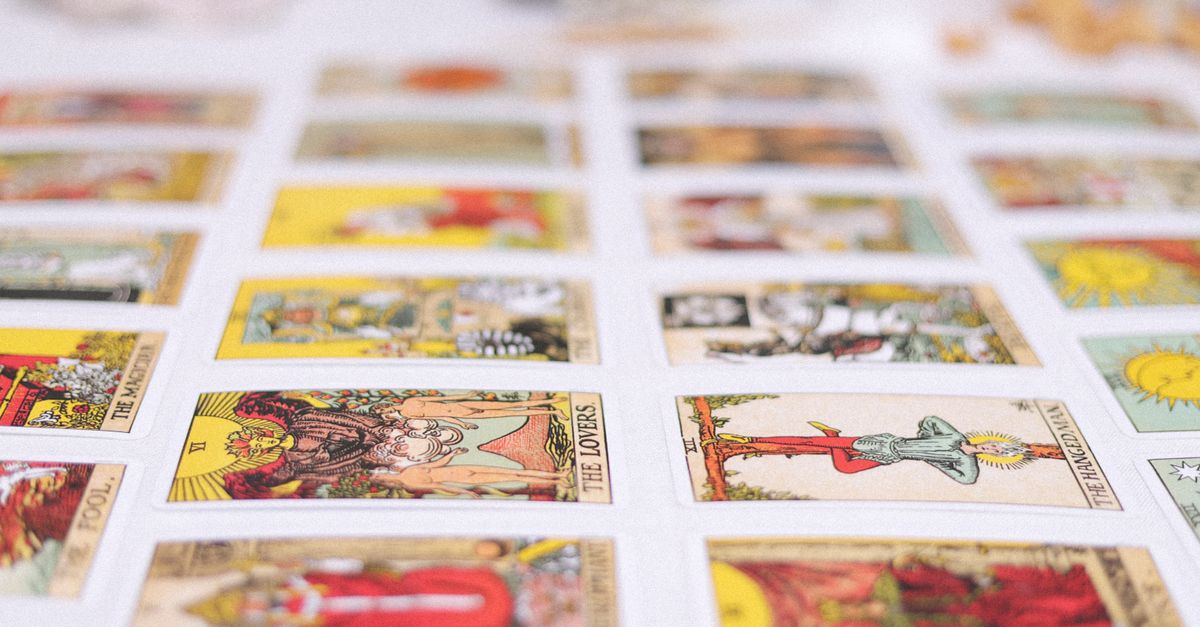
What "starting a tarot card reading" actually involves
Beginners searching for how to start a tarot card reading usually hit three walls before they ever see a card. The first wall is data exposure: most online readings ask for a personal question, a name, an email, or a birth date before they hand over a draw. The second wall is layout confusion — Celtic Cross, Horseshoe, single-card, Past-Present-Future, decision spreads, and dozens of homemade overlays — and choosing the layout can become the whole reading. The third wall is selection opacity: "random" draws that quietly load only 22 Major Arcana and still call themselves a tarot reading are common, and they leave the beginner unsure whether the deck they pulled from was complete.
The Tarot Card Reading tool resolves all three at once. It reads only a non-sensitive seed you create or generate locally. The only layout on offer is a three-card Past, Present, Future spread, so there is no second-guessing the format. The deck is the literal 78-card catalogue — 22 Major Arcana and 56 Minor Arcana across Wands, Cups, Swords, and Pentacles — and the tool states this plainly on the page.
In practice, "starting" the reading is a verb-noun pair: you create the seed, the tool selects the cards, and you decide when each one is revealed. None of those steps requires any prior knowledge of a specific card's meaning. The themes block shown after each reveal is kept short on purpose, so you can answer the prompt before scrolling past it.
Why this three-card layout suits a first session
The three-card Past, Present, Future spread has a long history of being the first layout any new reader learns, and the reason is structural: it forces a temporal frame on reflection without forcing you to memorize a list of meanings. A past-reading question is inherently backward-looking; a present-reading question is inherently current; a future-reading question is inherently open. That division of labor lets a beginner stay focused on the situation at hand instead of trying to remember whether the Hanged Man is "sacrifice" or "suspension."
Conditional wording is the second reason. The Past prompt asks how the card's themes shaped what came before; the Present prompt asks where those themes may be appearing now; the Future prompt says, explicitly, "if current patterns continue, notice how the themes might develop." The Future sentence never asserts that an event will happen or is fixed. The widget calls that a reflection rather than a prediction, and the language is consistent across every reveal, not a softer mode that flips on only when a card looks ominous.
The third reason is privacy-by-design. The only input is the seed. There is no question text, no birth date, no name, no relationship detail, no email, and no account. Normalization runs through Unicode NFKC, followed by trimming, collapsing repeated Unicode whitespace to one ASCII space, and lowercasing. So "FirstTry", " firsttry ", and "FIRSTTRY" all reproduce the same draw, which means a casual capitalization or whitespace slip will not silently change what you receive. The seed and draw live in the current tab only. No fetch request is made, no cookie is set, nothing is written to localStorage, sessionStorage, or IndexedDB, and no analytics endpoint is contacted.
You can open the Tarot Card Reading tool in a fresh tab and run a complete Past, Present, Future session with only the seed box as input and no personal details requested.
Preparing and running your first draw
The verified operating order below is what actually happens when you press the buttons. Following this order is what the tool expects and what produces a reproducible result.
- Type a short non-sensitive label into the seed box — anything memorable that you would not mind writing on a sticky note, such as "firsttry" or "march-reflection". Do not type a personal question, your name, your birth date, or any account-style identifier.
- If you would rather not invent one, choose to generate a local 128-bit hexadecimal seed. The seed is created in your browser through Web Crypto and never leaves the tab.
- Press "Prepare reading". The browser normalizes the seed through Unicode NFKC, trims it, collapses repeated whitespace, and lowercases it. The three selected card identifiers are stored in component memory, but no card is revealed yet.
- Read the Past panel. The first revealed card appears with its position label, arcana or suit and rank, title, conditional reflection sentence, and themes block. Keyboard focus moves to the visible card automatically.
- Choose "Reveal" again to move into Present. The order is fixed — you cannot skip ahead to Future without revealing Present first.
- Choose "Reveal" a third time for Future. The future prompt is conditional and the widget calls it a reflection rather than a prediction.
- If you want to reproduce this exact draw later, copy the seed shown beneath the cards. If you want a clean slate, choose "Start over" — it clears the seed, the selected identifiers, the reveal counter, system messages, and any error states from the current tab.
A few practical points come up the first time through. The same seed reproduces the same three cards in the same three positions across sessions on the same browser, which is by design rather than a bug. Cards that have not yet been revealed are not resolved for rendering — their title, identifier, index, suit, rank, or themes do not appear in DOM text, ARIA labels, data attributes, class names, or inline styles. The widget prevents accidental disclosure from a quick view-source peek on a partial page; it does not stop a determined reverse engineer who reads the client bundle in DevTools, and the product is honest about that line. If Web Crypto fails — insecure context, disabled feature, blocked random source — the widget surfaces an explicit error rather than falling back to a weaker random number generator. The draw does not happen, and you can retry.
Reading the three positions in order
Each of the three panels carries the same structural shape — position label, arcana or suit and rank, title, conditional reflection sentence, themes — but the prompt underneath changes with the position. Knowing what each one is asking lets you respond in place instead of pausing to look things up.
| Position | Prompt focus | Conditional language used |
|---|---|---|
| Past | How this card's themes shaped what came before | Reflective, backward-looking |
| Present | Where those themes may be appearing now | Current |
| Future | If current patterns continue, how those themes might develop | Conditional, open-ended |
The Past prompt is the easiest to over-read. It is not asking what the universe "sent" you; it is asking how the card's themes shaped what came before. A few minutes of honest looking-back is usually enough. The Present prompt is the most concrete — it asks where those themes may be appearing now, and noticing where they show up is the point. Resist the urge to read all three cards at once by revealing Future early. The widget does not allow that, and the discipline stays yours regardless.
The themes shown alongside each card are starting points, not instructions. If you want fuller symbolism for a specific card, the Tarot Card Meanings reference covers card themes. For a complementary walk-through that focuses on the learning side of the same three-card framework, how to learn tarot card reading with a three-card draw covers the practice angle in more depth.
Reproducing, copying, or restarting the draw
The selection is deterministic. Every card's identifier is ranked by SHA-256 over the documented versioned string "tarot-v1 NUL seed NUL card.id", with canonical index as a tie-break for an impossible practical collision. That makes a small seed act as a memory anchor. If a reading resonates, save the seed string. Pasting the same seed next week returns the same three cards in the same positions. If the cards match across sessions, the seed matched; if they differ, the seed changed. That makes it possible to track whether a theme shifts over weeks without confusing the variable.
For readers who want to verify the cryptography directly: SHA-256 is the algorithm documented in NIST FIPS 180-4, and the browser-native digest is implemented through SubtleCrypto.digest. The widget does no fetching, no third-party service calls, no persistence, no model calls — it computes the digests and ranks locally.
"Start over" is one click. It empties the seed box, removes the prepared reading, clears the reveal counter, drops any system messages, and clears any error states. It does not undo anything you have already copied or screenshotted — that lives outside the tab. Closing the tab ends the session entirely. There is no backup because nothing was transmitted; the privacy posture is "nothing to leak," not "we promise not to look."
Limits and what stays out of scope
A clean start also means knowing what is and is not on offer. The reading will not ask for a personal question, name, birth date, relationship detail, email, or account. The draw is upright only — no reversed cards appear, and the labels on the page say so plainly. The presentation is plain text and CSS, with no commercial card imagery and no third-party image CDN contacted during the reading. If you have only seen illustrated decks, the minimalist presentation may feel underwhelming; it is deliberate, so the meaning-making work happens in your head rather than on a borrowed graphic.
The boundary language on the page is explicit and worth restating: the tool is for entertainment and self-reflection only. It is not medical, mental-health, legal, financial, safety, crisis, or other professional advice. The Future prompt never claims an event is guaranteed, fixed, or fated, and no part of the experience should override a professional consultation that your situation actually requires.
The Past, Present, Future three-card draw is the only layout this widget offers, and you can return to it whenever you want a quick, structured session without leaving the browser.
If you're weighing options, I Ching Reading Online for Clarity: Read the Structure covers this in detail.