RGB to CMYK conversion produces four print ink percentages — cyan, magenta, yellow, and black — from three screen light values — red, green, and blue — using a formula that maps every RGB color onto the nearest CMYK equivalent. The conversion exists because screens and printers build color in opposite ways: a monitor adds red, green, and blue light together until full intensity produces white, while a press lays down cyan, magenta, yellow, and black ink that subtract brightness from white paper until layering all four produces black. That inversion means a glowing screen color almost never lands on press at the same intensity — neon greens, electric blues, and bright oranges especially get approximated or muted. Examples make this tradeoff concrete. A pure screen red like RGB(255, 0, 0) becomes CMYK(0%, 100%, 100%, 0%) — full magenta and yellow ink, no cyan and no black needed — and a darker brand navy can land near CMYK(85%, 70%, 30%, 60%) where the K channel carries most of the depth. Seeing numbers side by side is the fastest way to understand why a brand color that pops on a website can read flatter on a flyer.
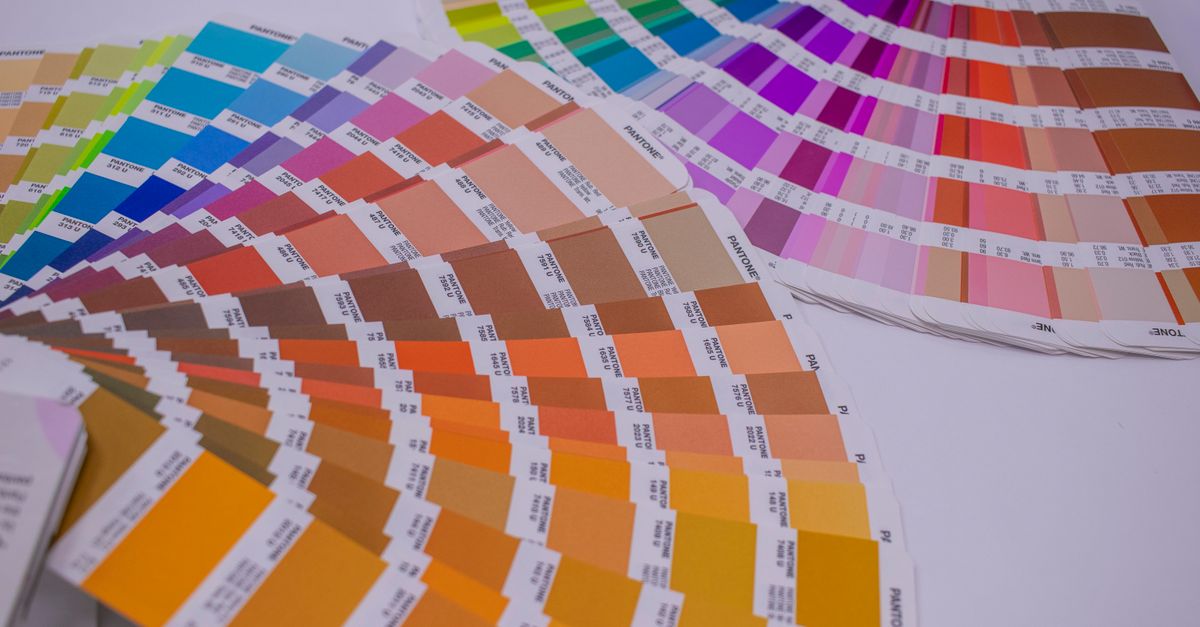
RGB vs CMYK in Plain English
RGB and CMYK describe the same colors in two incompatible languages. RGB is the additive model used by monitors, phones, cameras, and TVs: every pixel mixes red, green, and blue light, and pushing all three channels to 255 produces white. Drop them to 0, 0, 0 and the screen goes black because no light is emitted. CMYK is the subtractive model used by commercial printing: cyan, magenta, yellow, and black ink are layered onto white paper, and each ink absorbs (subtracts) part of the light bouncing back. With no ink on the page you see white paper; with all four inks at full coverage you approach black.
The K in CMYK stands for "key" and refers to a dedicated black plate rather than the K in RGB. In theory, layering equal amounts of cyan, magenta, and yellow produces black, but in practice that mix looks muddy, wastes ink, over-saturates the paper, and takes longer to dry. A separate black ink produces sharper text, denser shadows, lower ink cost, and faster turnaround, which is why every commercial press uses K as its own channel.
Because RGB and CMYK cover different color spaces, the conversion is not a perfect round trip. The RGB gamut — the full range of colors a screen can display — is wider and brighter than what CMYK inks can reproduce on paper. Bright screen colors that fall outside the CMYK gamut get clipped or approximated, which is the real reason vivid web colors often look muted in print. Understanding that gap, not just the math, is what makes the conversion useful.
Inside the Standard Conversion Formula
The standard RGB to CMYK formula is the naive one used in most online converters, and it has three steps.
First, each RGB channel is scaled from its 0–255 range into a 0–1 range by dividing by 255. So RGB(255, 0, 0) becomes R' = 1.0, G' = 0.0, B' = 0.0, and RGB(15, 23, 42) becomes roughly R' = 0.059, G' = 0.090, B' = 0.165.
Second, the K (black) channel is computed as 1 minus the largest of the three normalized channels. In formula form: K = 1 − max(R', G', B'). For pure red the largest channel is R' = 1.0, so K = 1 − 1.0 = 0. For pure black RGB(0, 0, 0) the largest channel is 0, so K = 1, which triggers the pure-black special case where C, M, and Y are all forced to 0 and K carries the entire load.
Third, with K set, the remaining three channels are calculated as what's left of each color after the black component is removed: C = (1 − R' − K) / (1 − K), M = (1 − G' − K) / (1 − K), Y = (1 − B' − K) / (1 − K). These produce values in the 0–1 range, which get multiplied by 100 to give percentages. The same formula in reverse — R = 255 × (1 − C/100) × (1 − K/100), and the equivalent for G and B — converts CMYK back into RGB. The math is symmetrical and well-tested, but it is a plain numerical conversion. It does not know which press, paper, or ink set you are using, and that is the most important caveat.
One Worked Example: Pure Red RGB(255, 0, 0)
To see the formula run end to end, take a single color — pure screen red, RGB(255, 0, 0) — and step through it.
Step 1, normalize the channels: R' = 255 / 255 = 1.0 G' = 0 / 255 = 0.0 B' = 0 / 255 = 0.0
Step 2, compute K: K = 1 − max(1.0, 0.0, 0.0) = 1 − 1.0 = 0
Step 3, compute C, M, Y. Since K = 0 (not 1), we use the full formula: C = (1 − 1.0 − 0) / (1 − 0) = 0 / 1 = 0 M = (1 − 0.0 − 0) / (1 − 0) = 1 / 1 = 1 Y = (1 − 0.0 − 0) / (1 − 0) = 1 / 1 = 1
Multiply by 100 to get percentages: C = 0% M = 100% Y = 100% K = 0%
Final result: RGB(255, 0, 0) → CMYK(0%, 100%, 100%, 0%).
That makes intuitive sense once you know how a printer builds color: to produce red on paper you need no cyan (which is the ink that absorbs red light), and full magenta and yellow inks layered on top of each other absorb green and blue light, leaving only red bouncing back. The K plate stays empty because there is no darkness to add.
How to Convert RGB to CMYK With the Browser Tool
For every other color beyond pure red, the fastest path is the RGB to CMYK Converter. It runs the same formula shown above but does the math instantly, displays a live swatch, and lets you copy the result in any format.
- Open the converter in your browser and enter your color as RGB. Each of the three channel fields accepts a value from 0 to 255. As soon as you fill in the red, green, and blue inputs, the tool recalculates and shows the CMYK percentages on the right.
- Read the CMYK, RGB, and HEX values together and check the live color swatch. The swatch is the fastest way to confirm you are looking at the same color the converter is reading — your eyes catch a typo faster than re-checking the numbers.
- Switch direction by typing CMYK percentages instead. Each of the four CMYK fields accepts 0 to 100, and the RGB and HEX values update as you type. This is useful for previewing a printer's spec sheet on screen.
- Click Copy next to any format — CMYK, RGB, or HEX — to grab that exact string for your design file. Paste the result into Illustrator, InDesign, Photoshop, Canva, or any print-ready document.
Because everything runs locally in the browser, no color is uploaded to a server. The tool works offline once the page has loaded and stays responsive on slow connections.
Common Scenarios Where Examples Save You Time
Looking up RGB to CMYK examples is rarely idle curiosity — it usually happens in the middle of a real design task. The scenarios below are the ones where a quick reference value or a browser tool prevents a costly reprint.
| Scenario | Direction | Why a quick example helps |
|---|---|---|
| Pulling a brand color from a website into a flyer or business card | RGB → CMYK | The press needs CMYK percentages, and seeing a comparable example sets expectations for how much the color may shift on paper. |
| Pulling a color from a printer's spec sheet to mock it up on screen | CMYK → RGB | A rough screen preview lets you compare against digital artwork before you receive a printed proof. |
| Sanity-checking a logo color before committing to a print run | RGB → CMYK | A reference example shows whether the brand color sits inside or outside the CMYK gamut. |
| Producing a learning resource or tutorial about color theory | Both directions | Real paired examples teach the additive-vs-subtractive relationship far better than abstract definitions. |
For exact percentages on any specific color, the RGB to CMYK Converter is the quickest way to get them — type the values once and copy the result.
Why Example Values Don't Always Match What Prints
There is an honest ceiling on what any example can tell you, and it is worth stating plainly.
The naive formula used by every quick online converter — including this one — is a mathematical translation, not a color-managed conversion. Real print shops convert through an ICC profile such as US Web Coated SWOP, FOGRA39, or Japan Color that accounts for the specific ink set, paper stock, dot gain, and press behavior of the equipment being used. A SWOP conversion and a FOGRA39 conversion of the same RGB value can differ by several percentage points per channel, and either can differ noticeably from the naive result.
That mismatch is the second source of inaccuracy, beyond the gamut gap itself. RGB covers a wider, brighter range than CMYK, so highly saturated screen colors — neon greens, electric blues, hot magentas — get approximated when they land in CMYK, and they will look duller in print no matter which conversion you use. The naive formula does not warn you about this; it just produces the closest in-gamut equivalent.
For design exploration, palette planning, learning, and getting a sensible starting CMYK value, the formula and a browser tool are exactly enough. For final production files, trust your printer's profile and a physical proof over any web calculator. If you want to dive deeper into the accuracy question, the guide on converting RGB to CMYK without losing color accuracy walks through how profiles and gamut warnings fit into a print-ready workflow.
Related reading: RGB to HSV Chart: Wheel Reference and Conversion.