The HTML Color Names Chart is a searchable reference for all 148 opaque CSS Color 4 named-color keywords and their exact standardized sRGB HEX and RGB mappings. For readers searching for “cmyk color charts and values,” the important distinction is that this chart documents CSS colors, not CMYK ink percentages: each result identifies a standardized keyword, a live swatch, a lowercase six-digit HEX value, and a decimal rgb(r, g, b) value. It does not attach a CMYK value to a named color, so it should not be presented as a print-production chart. The chart solves the narrower, exact task of finding the value already defined for an HTML or CSS color name, checking a known HEX or complete RGB string, and copying the HEX token without altering capitalization or adding CSS syntax. Open the HTML Color Names Chart, enter a name fragment, exact #RRGGBB code, or complete rgb(...) string, then review the matching row. Clear the filter to restore the complete 148-row reference. Searches run entirely in the browser, and a no-match result is shown rather than an approximate substitute.
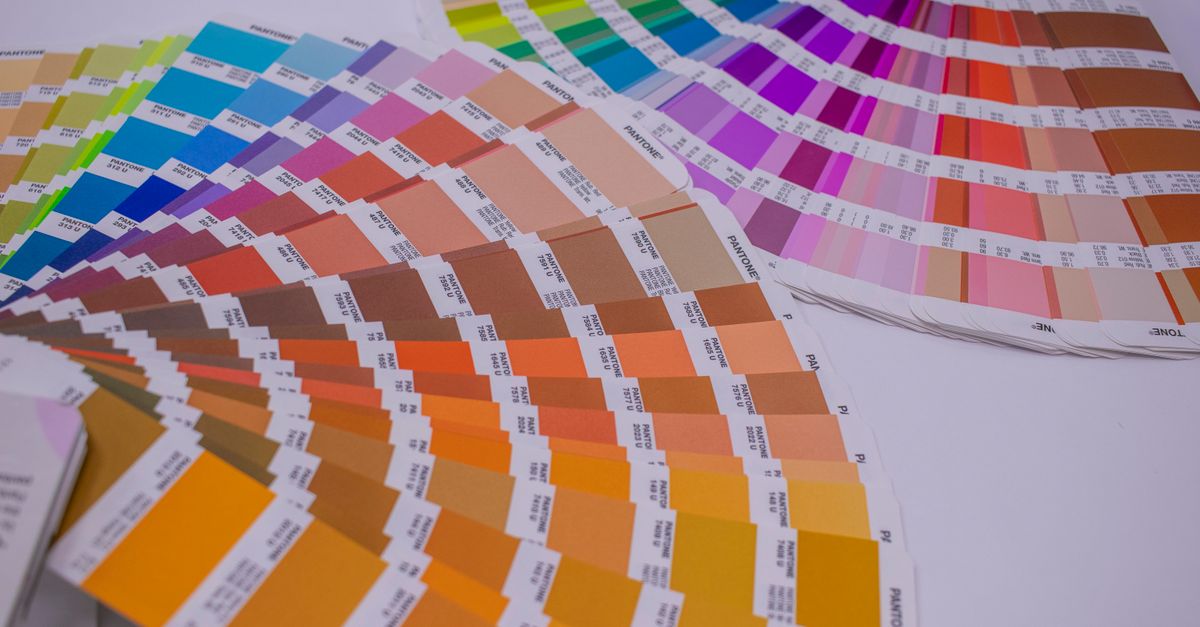
A CSS lookup, not a CMYK ink chart
The chart embeds the named-color model published in the W3C CSS Color 4 named-colors specification. Every row contains one CSS keyword, one rendered swatch, one lowercase six-digit #RRGGBB value, and one decimal rgb(r, g, b) value. All listed colors resolve in the sRGB color space.
Use the reference to translate a legacy stylesheet, confirm the value behind a keyword, locate standardized aliases, or copy a stable color token into CSS. It does not calculate CMYK percentages, rate accessibility, generate gradients, sample an image, or reproduce a physical printing pigment.
Find and copy a CSS color value
- Open the chart and focus its filter.
- Type part of a CSS color name, an exact six-digit #RRGGBB value, or a complete rgb(...) value.
- Review each matching standardized keyword, swatch, HEX value, and RGB mapping. A name-fragment search may return several possible names.
- Click the HEX value you need to copy it. The visible value is copied without hidden formatting or added CSS declarations.
- Clear the filter when you want to return to all 148 opaque named colors.
Clicking a HEX value requests a clipboard write, and the chart reports success only after the browser resolves that request. If clipboard permission is denied, the visible keyword, HEX, and RGB text remain selectable for manual copying.
How the three search modes behave
| Filter input | Matching rule | Useful outcome |
|---|---|---|
| Name fragment | Case-insensitive substring matching | Find candidate CSS keywords without relying on a fuzzy synonym |
| #RRGGBB | Exact matching when the search begins with # | Confirm the standardized mapping stored for a six-digit HEX value |
| Complete rgb(...) | Exact whole-string matching | Check a full decimal RGB mapping without a short number matching an unrelated channel |
| Cleared filter | Restores the complete reference | Browse all 148 opaque named-color rows |
Search results retain the specification table order, which is ASCII alphabetical by keyword in this implementation. If a query has no match, the chart displays a no-match message rather than substituting a nearby color. Filtering never changes a mapping, merges aliases, invents fuzzy synonyms, or converts the color into another color space.
Standardized aliases and repeated values
A standardized alias is a separate CSS identifier that maps to the same sRGB value as another name. Aqua and cyan both map to #00ffff, while fuchsia and magenta both map to #ff00ff. American and British gray spellings also coexist for several color names.
These repeated rows are not accidental duplicate records. Each spelling is a valid CSS identifier, so the chart preserves aliases as separate entries. When maintaining an existing stylesheet, retaining its original spelling can avoid an unnecessary textual change even when the displayed color remains identical.
The names are historical identifiers rather than a perceptually even palette or scientific taxonomy. Neighboring names can look surprisingly similar, and a name does not consistently communicate relative lightness. The chart therefore works best as an exact reference, not as a substitute for visual color selection.
What the 148-color count includes
The count covers opaque CSS named-color keywords with fixed sRGB mappings, including standardized aliases as separate rows. Two special CSS keywords are deliberately excluded because neither belongs in that fixed opaque-color group.
| Keyword or group | Included in 148 rows? | Reason |
|---|---|---|
| Opaque named colors and standardized aliases | Yes | Each has a fixed lowercase six-digit HEX value and decimal RGB mapping in sRGB |
| transparent | No | It is a special alpha-bearing keyword representing transparent black rather than an opaque named swatch |
| currentColor | No | It depends on the computed color property of an element and has no fixed standalone HEX value |
Keeping transparent and currentColor outside the opaque table prevents the chart from presenting a misleading numeric mapping for either keyword.
Turn a CSS mapping into a CMYK starting point
CSS named colors and process-ink percentages describe different color models. The chart establishes the exact screen-color source; it does not define a universal CSS-to-CMYK correspondence. For a broader explanation of that distinction, see CMYK Color Chart Explained Using HTML Named Colors.
- Search the CSS source color in the HTML Color Names Chart by its keyword fragment, exact HEX value, or complete RGB value.
- Confirm the standardized keyword, rendered swatch, lowercase HEX value, and decimal RGB mapping.
- Copy the HEX value if the stylesheet needs a numeric color token. A named-color identifier can also be used wherever CSS accepts one, subject to the property grammar and browser support.
- Open the RGB to CMYK converter for a separate CMYK handoff.
- Confirm important print work with the output provider or a physical proof. Ask about spot colors when an exact branded or special-ink match is required.
The conversion remains a separate step from the named-color lookup. It does not alter the CSS keyword or original sRGB mapping stored in the chart.
Exactness, privacy, and clipboard behavior
The embedded dataset is protected by fixed invariants: 148 rows, 148 unique keyword keys, six lowercase hexadecimal digits per value, and separate rows for aliases. External golden cases cover endpoints, aliases, mixed channels, rebeccapurple, and the first and last alphabetical entries. These checks help detect missing rows, misspelled identifiers, or transposed color channels during maintenance.
The chart runs entirely in the browser, so searches and copied values are not sent to a server. Copying places only the displayed HEX token on the clipboard: the chart does not change capitalization, add a CSS declaration, or hide another format inside the copied text.
Use the chart within the wider color workflow
The strongest use cases are translating a legacy stylesheet, checking the exact value behind a name, finding an alias, choosing a readable keyword for a prototype, and copying a stable CSS token. The MDN named-color reference is useful for confirming how a named identifier fits into CSS syntax.
A color name alone cannot establish accessibility. Contrast depends on the foreground-background pair, text size, weight, and applicable guidance, so use the Color Contrast Checker for that decision. For gradients, palette generation, image sampling, or historical web-safe colors, use the corresponding focused tools rather than treating this 148-name reference as a generator or pigment chart.
Related reading: Convert RGB to CMYK in Acrobat: A Practical Workflow.