The HTML Color Names Chart is a searchable reference of all 148 opaque CSS named-color keywords standardized by the CSS Color specification, each row pairing one identifier with an exact lowercase #RRGGBB value and a decimal rgb(...) triple in the sRGB color space. It answers a very specific task: when you have a color name, a six-digit HEX, or a complete rgb(...) string, you can confirm the standardized value behind it and copy that HEX for reuse in CSS. The chart is not a CMYK calculator and it does not rate accessibility. CMYK percentages for print and a WCAG contrast ratio for foreground and background text pairs are separate decisions that require their own tools, fed by the exact sRGB value you first pull from this reference. Treating the chart as the starting point of a print or contrast workflow, rather than a one-stop answer, is what makes it actually useful.
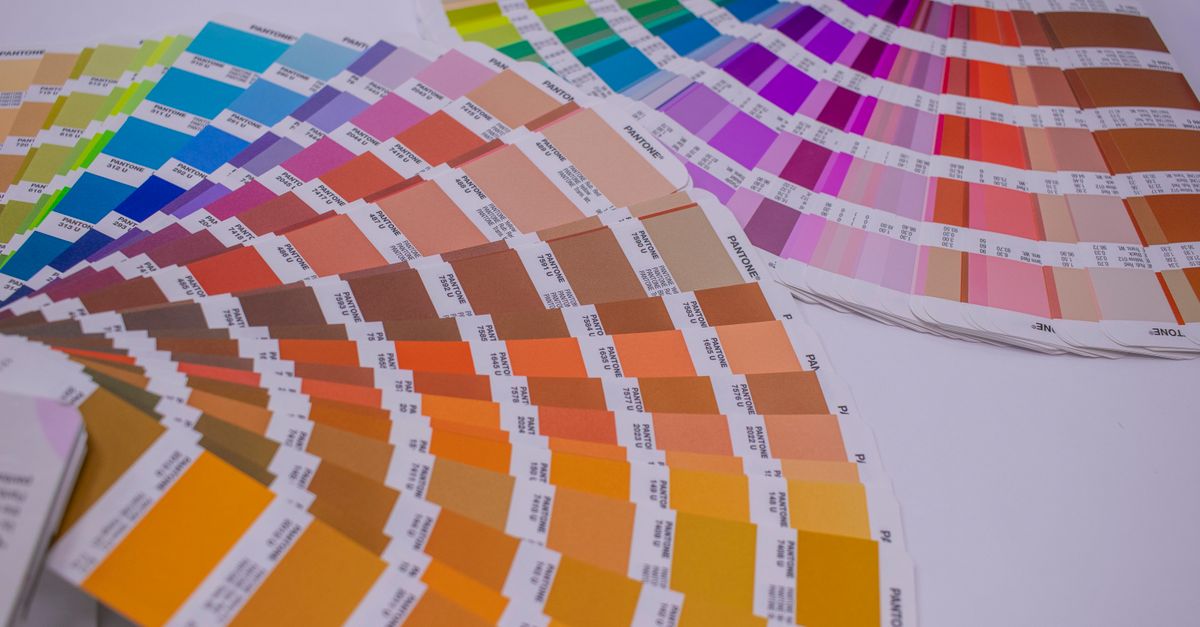
What the HTML Color Names Chart gives you
The chart embeds the full list of opaque CSS Color 4 named-color keywords with their standardized sRGB mappings, as defined by the W3C CSS Color 4 specification and reflected in the MDN named-color reference. Every row contains four pieces of information: the CSS keyword itself, a lowercase six-digit HEX value, a decimal rgb(r, g, b) triple, and a rendered swatch so you can see the color at a glance. There are 148 rows in total, and the chart preserves standardized aliases as separate valid identifiers rather than merging them. Aqua and cyan both map to #00ffff; fuchsia and magenta both map to #ff00ff. American and British gray spellings — gray, slategray, lightgray, and dimgray alongside grey, slategrey, lightgrey, and dimgrey — coexist as distinct rows. Each spelling is a valid CSS identifier, which matters when reading or maintaining legacy stylesheets that use one spelling while your own stylesheets use the other.
Because the chart runs entirely in the browser, searches and clipboard actions never leave your machine, and you can copy values without a network round trip. The list is locked by invariants — 148 rows, 148 unique keyword keys, six lowercase hexadecimal digits per value, and separate alias rows — so the chart stays a faithful reference rather than a generator. When you want to verify what a name like rebeccapurple actually is, or confirm a HEX you saw in a tutorial, this is the tool built for that lookup.
Why CMYK and accessibility contrast are separate tasks
A named-color chart is built around sRGB screen values, but two common follow-up questions — what does this color look like in CMYK for print, and does it meet accessibility contrast guidance — do not have answers inside the table. CMYK is a subtractive model tied to ink and paper, and the conversion from an sRGB HEX depends on the target profile, the press, and the substrate. Any RGB-to-CMYK result is therefore an approximation rather than a fixed mapping, which is why print color decisions belong in a dedicated RGB to CMYK converter rather than a static chart.
Accessibility contrast works on a different axis entirely. A color name alone does not pass or fail WCAG; the ratio is computed between a specific foreground color and a specific background color, and the threshold changes with text size and weight. The HTML Color Names Chart lists standardized sRGB values; it cannot tell you whether darkseagreen on ivory is readable at 16px body text. Use the chart to pin down the exact HEX value, then feed that HEX into a separate contrast checker that evaluates the pair against WCAG AA or AAA. Treating names, CMYK, and contrast as one combined answer is what produces contradictory or unusable output.
| Task | Right tool | What it produces |
|---|---|---|
| Confirm the exact HEX behind a CSS color name | HTML Color Names Chart | Standardized lowercase #RRGGBB and decimal rgb(...) |
| Convert an sRGB HEX to CMYK for print | RGB to CMYK Converter | Approximate CMYK percentages for the working profile |
| Check WCAG contrast for a text or background pair | Color Contrast Checker | Numeric ratio and pass or fail for AA or AAA |
| Find the digital inverse of a six-digit HEX | Complementary Color Finder | 8-bit RGB inverse with channel values |
How to look up a color in the chart
- Type part of a CSS color name, an exact #RRGGBB value, or a complete rgb(...) string into the filter at the top of the HTML Color Names Chart.
- Review the matching rows. Each surviving row shows the keyword, a rendered swatch, the lowercase HEX, and the decimal rgb(...) triple.
- If your search begins with #, the chart switches to exact HEX matching, so a value like #ff8c00 returns only darkorange.
- If you paste a complete rgb(...) string such as rgb(72, 209, 204), matching is also exact, which prevents a short numeric fragment from accidentally matching an unrelated channel value.
- Click the HEX value to copy it to the clipboard. The chart reports success only after the browser resolves the clipboard request.
- Clear the filter to restore all 148 rows. If nothing matches, the chart shows a no-match message instead of substituting a nearby color.
If your browser denies clipboard permission, the keyword, HEX, and RGB text remain selectable for manual copying. The chart never modifies capitalization or wraps the value in a CSS declaration, so whatever you copy is exactly what the table shows.
From an HTML color name to a CMYK print value
When a designer hands you a stylesheet built on CSS keywords and you need to send the result to a print shop, the HTML Color Names Chart is where you start, not where you finish. Pull the exact sRGB HEX from the chart for the keyword you intend to print. That HEX is a fixed anchor — the same value the chart shows is what your screen displays and what conversion tools will read.
Once you have the HEX, convert it to CMYK percentages using a dedicated screen-to-print converter that accounts for the working profile. RGB and CMYK are different color models, and the conversion is approximate: a vivid sRGB color like mediumslateblue at #7b68ee converts to CMYK numbers that depend on the profile you choose, the paper stock, and the press. Treat the CMYK output as a starting point that the print shop will proof against, not as a guarantee.
Names that look similar in the chart can produce surprisingly different CMYK values. Hotpink at #ff69b4 and lightpink at #ffb6c1 differ only in saturation, but their cyan, magenta, yellow, and black percentages can shift independently when converted. Look up each name separately, copy its HEX, and convert that HEX individually rather than assuming one CMYK recipe for a color family.
Using the same color in an accessibility contrast check
The HTML Color Names Chart does not score accessibility, but the exact HEX values it provides are exactly what a contrast checker needs to give you a real answer. WCAG defines contrast as a ratio between two sRGB colors in a specific pair, with different thresholds for normal text, large text, and non-text UI components. A single color — even a single keyword — cannot meet or fail the standard on its own.
To check a pair, pick the foreground color from the chart, copy its HEX, then pick the background color and copy its HEX. Feed both into a contrast checker that evaluates the foreground and background ratio against WCAG 2.x thresholds. The checker returns a numeric ratio and a pass or fail for the body-size or large-size target you set. Names that look distinct in the chart can sit close together in luminance and produce ratios that fail AA, while names that look similar can produce ratios that pass AAA. The only reliable way to know is to compute the pair.
If you are selecting colors for a design system, do this loop once for every keyword you plan to ship against each background it will appear on. Copy HEX from the chart, paste into the contrast tool, record the ratio, and only then lock the keyword into the stylesheet. Two minutes of lookup prevents the larger problem of redeploying a stylesheet because a single text-background pair failed review.
Limits of the named-color chart
The 148 CSS keywords are historical identifiers in the sRGB color space. They are not a perceptually even palette, a scientific taxonomy, or a guarantee that a display reproduces a physical pigment. Neighboring names can look surprisingly similar, and some names do not describe relative lightness consistently. The chart also deliberately excludes transparent and currentColor from the 148-row count. Transparent is a special alpha-bearing keyword representing transparent black, and currentColor depends on a computed color property, so neither has a fixed standalone HEX. That exclusion keeps the table honest about what each row is: one standardized opaque mapping, nothing more.
Filtering never changes a mapping, merges aliases, invents fuzzy synonyms, or converts the color to another color space. Clearing the filter restores all 148 rows, and a no-match message is shown rather than substituting a nearby color. The chart is therefore reliable for translation, verification, and copy work, and intentionally narrow when it comes to generation or accessibility scoring.
Related reading: Convert RGB to CMYK in InDesign: A Practical Workflow.
Related reading: Color Difference Calculator Chart: Read Delta E 2000.