One mile per hour is exactly 1.609344 kilometers per hour, and one kilometer per hour is exactly 1,000 ÷ 3,600 = 0.277777... meters per second. Every reliable comparison between a speed you read in one unit and one you wrote down in another depends on those exact numbers, and on the international foot being defined as 0.3048 meter and the nautical mile being defined as exactly 1,852 meters. The Speed Converter uses these documented relationships to convert a single non-negative speed value among meters per second (m/s), kilometers per hour (km/h), miles per hour (mph), knots, and feet per second (ft/s), routing every calculation through meters per second so the conversion stays internally consistent and fully traceable to standards published by NIST SP 811 and NOAA. This matters whenever you compare a vehicle speedometer reading, a navigation log, a weather report, or a sensor output recorded in a different unit than the one you want to present it in.
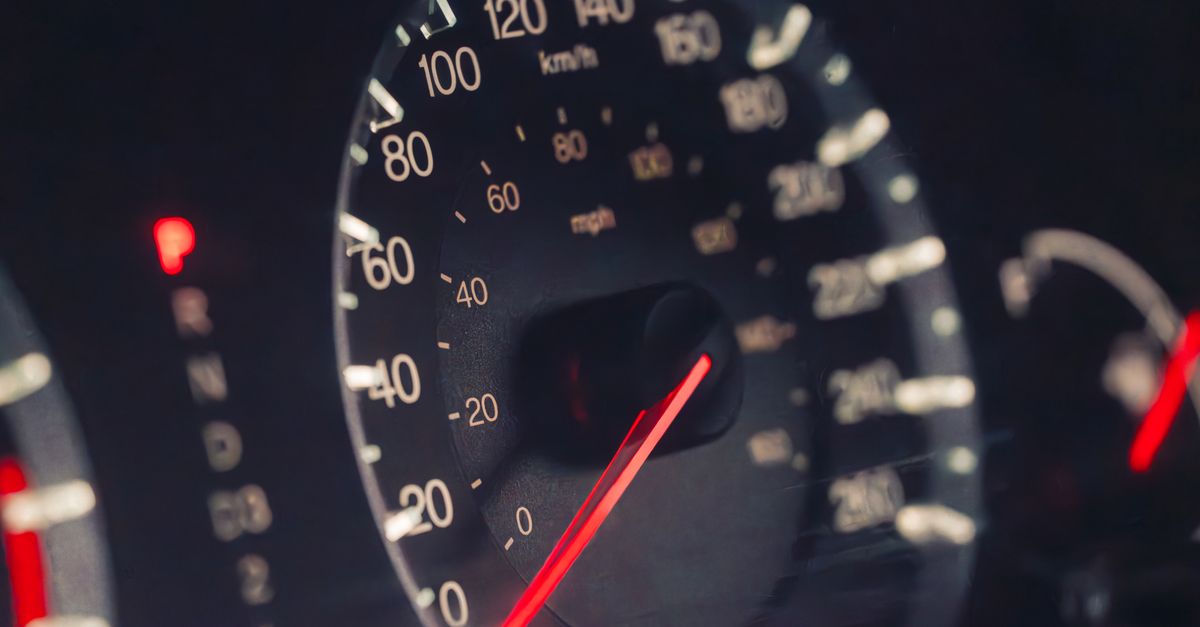
Why the Read-vs-Write Phrase Matters for Scalar Speeds
The phrase "read speed vs write speed" shows up most often in storage and memory benchmarks, where a device reads data from one place and writes it to another at different throughput rates. In scalar speed measurement the same idea applies in a quieter way: a speed you read from one instrument or chart is expressed in the unit that instrument uses, and a speed you write into a log, report, or calculation is expressed in the unit the destination expects. If those two units differ, the only honest comparison is a unit-converted value backed by an exact, traceable relationship. Speeds that are off by even a small factor at the unit level will skew every downstream calculation — a forecast, a journey-time estimate, an engine test report, or a published navigation fix.
Scalar speed differs from data throughput in a critical way: it is one-dimensional magnitude only. The Speed Converter is built for that exact case. It converts a single magnitude value (for example, the speed of a car, a vessel, a wind reading, or a falling object) and does not handle vector quantities, directions, accelerations, or data-rate units such as megabytes per second. Treating the two interchangeably produces nonsense — for instance, mph and MB/s share the letters but not the physics — so it pays to be explicit about which kind of "speed" you actually need to convert.
The Exact Unit Relationships Used by Speed Converter
Every conversion performed by Speed Converter passes through meters per second. The tool maps the source unit to its m/s factor using the table below, then divides by the target unit's m/s factor. Because the factors come from the international definitions of the foot (exactly 0.3048 m), the international mile (exactly 1,609.344 m), and the nautical mile (exactly 1,852 m), there is no rounding loss inside the conversion itself — only the final display rounds.
| Unit | Exact m/s factor | Source of the factor |
|---|---|---|
| m/s (meters per second) | 1 | SI base unit (NIST SP 811) |
| km/h (kilometers per hour) | 1,000 ÷ 3,600 = 5/18 | 1 km = 1,000 m; 1 h = 3,600 s |
| mph (miles per hour) | 1,609.344 ÷ 3,600 = 0.44704 | 1 international mile = 1,609.344 m (NIST) |
| knot (nautical miles per hour) | 1,852 ÷ 3,600 ≈ 0.514444... | 1 nautical mile = 1,852 m (NOAA) |
| ft/s (feet per second) | 0.3048 | 1 international foot = 0.3048 m (NIST) |
Two of these relationships deserve special attention because they are easy to mis-remember. First, one knot is not "one nautical mile per second" — it is one nautical mile per hour, which is why a knot's m/s value is roughly 0.5144, not 1,852. Second, 1 mph is not "1.6093 km/h" rounded; it is exactly 1.609344 km/h, and the difference is large enough to matter in navigation, motorsport telemetry, and aviation planning.
How to Convert a Speed Using Speed Converter
- Enter a finite non-negative speed value in the input box. Zero is accepted; negative numbers, blanks, and infinities are rejected.
- Choose the source unit from the five supported options: m/s, km/h, mph, knots, or ft/s.
- Choose the target unit from the same five-option list.
- Select Convert speed. The tool routes the value through meters per second using the exact factors in the table above.
- Read the displayed result and round it to the precision appropriate for your source measurement. The tool displays up to 12 significant digits, but that display precision does not improve the accuracy of your input.
The interface is intentionally minimal so the conversion is the only variable. The source value, the source unit, and the target unit determine the output; nothing else influences the result.
Worked Example: Converting 60 mph
Road-speed limits and motorsport pace notes are usually given in mph, while maps and weather services usually show km/h and knots. Converting 60 mph step by step, using the exact factors in the table:
60 mph × 1,609.344 m per mile ÷ 3,600 s per hour = 96,560.64 ÷ 3,600 m/s = 26.8224 m/s exactly.
From there, the same value expressed in the other units is:
- In km/h: 60 × 1.609344 = 96.56064 km/h
- In knots: 60 × (1.609344 ÷ 1.852) ≈ 60 × 0.86897624 ≈ 52.138575 knots
- In ft/s: 26.8224 m/s ÷ 0.3048 m per ft ≈ 88 ft/s
That same 60 mph reading can now be compared honestly against a 90 km/h European road sign, a 50-knot coastal vessel report, or an 88 ft/s engineering reference — because every one of those numbers came from the same source value converted through the same exact factors.
Input Limits, Display Precision, and What the Tool Will Not Do
Speed Converter accepts finite numbers from zero through one billion. Negative numbers, empty fields, infinity, and unsupported unit labels are rejected before any conversion runs, so a typo cannot silently produce a wrong answer. Results are formatted to at most 12 significant digits — enough to preserve useful conversion precision and to suppress the typical trailing noise of binary floating-point arithmetic, but not enough to imply that a measurement taken with a hand-held anemometer or a car speedometer is accurate to twelve digits. If you need to report an uncertainty, retain it explicitly and round to the significant figures of the original measurement; the converter will not do that for you.
The converter handles scalar magnitude only. It does not calculate travel time for a distance, acceleration from a speed change, velocity direction, pace per kilometre or mile, wind chill, Mach number, relativistic effects, legal speed limits, vehicle calibration, GPS position error, or measurement uncertainty. A unit conversion can never improve the accuracy of a sensor or a speed estimate — it can only express an existing value in a different unit without distortion. For regulated, engineering, or scientific work, always retain the governing standard and the instrument's calibration record alongside the converted number.
Where the Calculations Run and What Is Sent Over the Network
Every conversion is computed locally in the browser, and no value entered into the converter is uploaded, stored, or transmitted. That is useful when you are converting a personal navigation log, a research measurement, or a vehicle telemetry value that should not leave your device. It also means the tool is fully reproducible offline once the page is loaded, and there is no server-side batch to wait on.
When to Verify Against the Governing Standard
For ordinary everyday conversions — reading a speedometer, comparing a road sign to a map, checking a navigation ETA — the documented factors in this tool are sufficient. For aviation, maritime certification, engineering tolerance stacks, scientific publication, or any regulated measurement, retain the conversion factor from the governing standard (NIST SP 811 for SI and imperial, NOAA for the nautical mile and the knot), keep the calibration certificate for the instrument that produced the source value, and record the uncertainty of the original measurement. A high-precision display does not change a noisy measurement into a precise one; it only guarantees that the unit conversion between two values is exact.
If you regularly need to convert a single speed value while you work, bookmark Speed Converter and enter the value once. For related conversions — distances, areas, volumes, and other everyday units — the rest of the calculator library covers them with the same local, standards-backed approach.
If you're weighing options, How to Calculate Speed of Sound at Different Altitudes covers this in detail.
If you're weighing options, Digits of Pi Chart: Read Any Length, Grouped and Copyable covers this in detail.