PSV set pressure is the inlet pressure at which a pressure safety valve is calibrated to begin opening, while design pressure is the value used as the mechanical basis for calculating a vessel's wall thickness and structural rating — and the cardinal rule in conventional service is that PSV set pressure must be set at or below the vessel's design pressure (and at or below the maximum allowable working pressure, MAWP) so the equipment is never asked to operate above its rated strength before the relief device lifts. In practice this means a process engineer sizing a relief device starts from the design pressure, works down through MAWP, and then sets the PSV below that line with a deliberate safety margin built in.
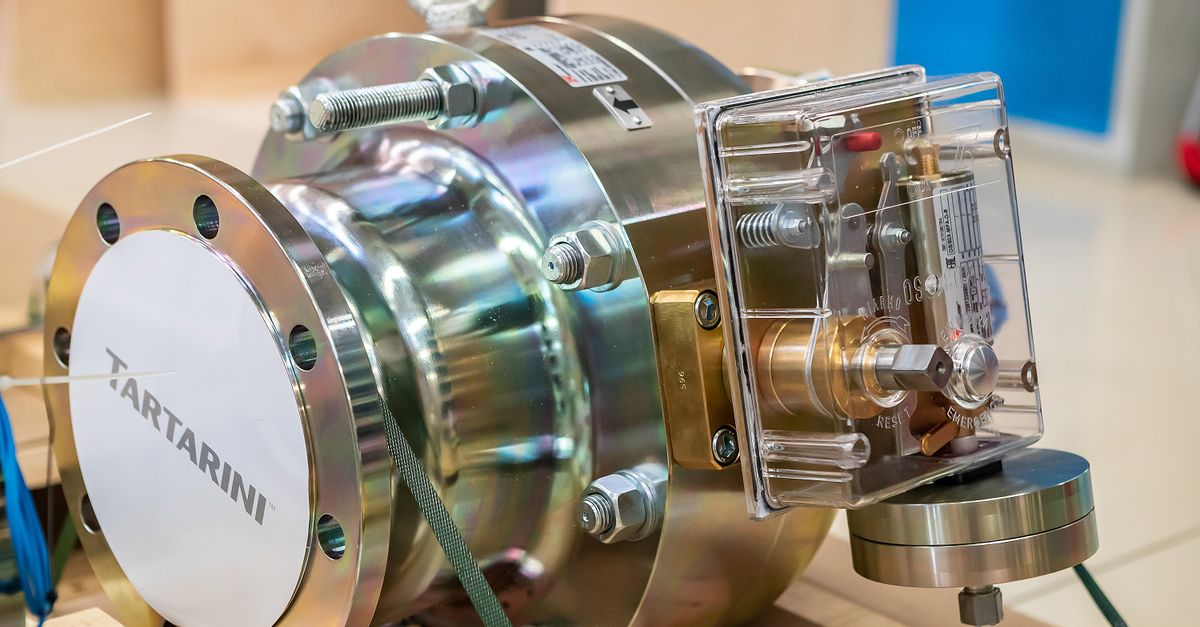
PSV Set Pressure and Design Pressure: What They Mean
These two terms describe pressures at different stages of a pressure vessel's life, and confusing them is one of the most common sources of relief-valve selection errors.
Design pressure is the pressure used by the mechanical engineer to calculate the required wall thickness, head thickness and reinforcement of a vessel. It is chosen at the design stage and is usually set slightly above the highest expected operating pressure so that the vessel has built-in structural margin. Design pressure is expressed in the units of the project — bar in European and most EPC work, psi in North American shop-fabricated equipment, and MPa or kgf/cm² on older Asian specification sheets.
MAWP, or maximum allowable working pressure, is the highest pressure at which the vessel is permitted to operate, derived from the design pressure and the relevant code (ASME Section VIII, EN 13445, GB 150 and so on). MAWP is stamped on the vessel nameplate and is the upper bound for normal operation.
PSV set pressure is the inlet pressure at which the pressure safety valve begins to open. It is the pressure at which the spring is pre-loaded and the disc starts to lift off the seat. Below this pressure the valve stays closed; at and above it the valve opens and begins to relieve. Set pressure is set during PSV bench-shop calibration and is verified at the shop with a test rig.
All three numbers — design pressure, MAWP, and PSV set pressure — should appear on the datasheet of a protected vessel, usually with the PSV set pressure sitting below the other two.
How Set Pressure Is Chosen Relative to Design Pressure
The relationship between these values is governed by code, not by judgement alone. For most conventional (non-fire) services the relevant limit comes from ASME Section VIII, which is mirrored in most national and international pressure vessel codes:
- The 90% rule (conventional PSV). Set pressure must not exceed 90% of MAWP for a single conventional PSV protecting a vessel. This reserves 10% of the pressure span for accumulated pressure from other relief devices on the same system, plus ordinary overpressure during relief.
- The 96% / 97% rule for multiple PSVs. When two or more PSVs are installed on the same vessel, the set pressure of each may be raised, but the combined capacity must still relieve the required fire or blocked-outlet case without exceeding MAWP by more than the code-allowed overpressure (typically 116% of MAWP for fire case, 110% for non-fire).
- Fire-case relief. When the relieving scenario is external fire, the set pressure may be higher — up to 95% of MAWP is a widely used figure — because the overpressure allowed during fire relief is also higher.
- Set pressure must remain below design pressure. Because MAWP is itself derived from design pressure (MAWP ≤ design pressure for most codes), the PSV set pressure is automatically below design pressure whenever the 90% rule is observed.
In short: design pressure sits at the top of the stack, MAWP sits just below it, and the PSV set pressure sits below MAWP with code-mandated margin. A relief valve set above the design pressure is, by definition, protecting equipment it cannot save.
Why Unit Conversion Is a Common Pitfall in PSV Sizing
The mechanical codes are unit-agnostic — they accept any consistent set of units — but the equipment in the real world is not. A European pressure vessel fabricator may issue a datasheet showing design pressure in bar; a US valve vendor may quote PSV set pressure in psi; a Chinese origin compressor package may use MPa; an older refinery nameplate may still show kgf/cm². The same number — 100 bar, 1450 psi, 10 MPa, 1019.7 kgf/cm² — has to be agreed across the whole package before the PSV is selected.
This is where mistakes creep in. A PSV set pressure of "150" written next to a design pressure of "10" looks alarmingly close to the MAWP limit, but if one number is in psi and the other in bar the actual ratio is roughly 1.034, not 15. Conversely, a 150 psi set pressure against a 10 bar design pressure looks like a 67% margin — but in the same units it is 10 bar = 145.038 psi, and the set pressure 150 psi is now above design pressure by roughly 3.4%, well outside code.
The conversion is straightforward once it is done carefully. 1 bar = 14.5038 psi = 100 kPa; 1 atm = 14.6959 psi = 1.01325 bar = 101.325 kPa; and 1 psi = 6.89476 kPa. The Pressure Converter carries all of these — plus MPa, hPa, mbar, torr, mmHg, inHg and kgf/cm² — and ties every factor back to NIST Special Publication 811, so the numbers on the cross-check match what the relief-valve vendor's own data sheet is using.
Convert PSV and Design Pressure Values With the Pressure Converter
The fastest way to confirm a PSV set pressure against a design pressure that has been quoted in a different unit is to run both through the Pressure Converter and compare them in the unit of your choice.
- Enter the design pressure value (for example, 100) into the input field.
- Choose the unit the value was originally quoted in — bar, if the datasheet is European.
- Pick the unit you want the result in — psi, if the PSV vendor data sheet is in US units.
- Read the converted value below the input field; there is no submit button.
- Repeat the process for the PSV set pressure using the same units, so the two numbers can be compared directly.
- Tick Show all units at once to see the value expressed in all twelve units side by side, which is handy when a code clause quotes a limit in mmHg or inHg and you want a sanity check at a glance.
Everything runs locally in the browser, so a PSV datasheet review can be done offline once the page is loaded, and no pressure value is uploaded to any server. This matters when the numbers being checked are commercially sensitive — refinery operating pressures rarely leave the engineer's laptop.
Worked Example: 100 bar Design Pressure in psi
Suppose a European datasheet quotes a vessel design pressure of 100 bar, and the proposed PSV set pressure from a US valve shop is 1450 psi. You want to know whether the PSV set pressure is below the design pressure, expressed in the same unit.
Step 1. Convert the design pressure to psi using the documented factor 1 bar = 14.5038 psi:
100 bar × 14.5038 psi/bar = 1450.38 psi
Step 2. Compare to the PSV set pressure of 1450 psi.
The PSV set pressure is just below the design pressure in the same unit, by 0.38 psi. For a check against MAWP — which the source datasheet should also give — the 90% rule applies, and the PSV must be at or below 0.9 × MAWP in the same units. The same calculation works in reverse: divide 1450.38 by 14.5038 to get back to 100 bar, or use the Pressure Converter to read both values in all twelve units at once.
Reference Units Used for Relief-Valve Engineering
Different industries and regions gravitate to different units for design pressure and PSV set pressure. Knowing which unit a project expects saves a round of clarification with the fabricator.
| Region / Industry | Common Unit for Design Pressure | Common Unit for PSV Set Pressure |
|---|---|---|
| European EPC and refining | bar (or MPa for high-pressure) | bar or barg |
| North American ASME shops | psi (or psig) | psi or psig |
| Asian EPC and older machinery | kgf/cm² or MPa | kgf/cm² |
| Process piping, API 570 / API 521 | psi or bar (project-dependent) | psi or barg |
| Compressor and hydraulic packages | MPa (high-pressure) or bar | bar or MPa |
A useful sanity check before issuing a PSV purchase order: take the design pressure from the vessel datasheet, convert it to the unit on the PSV vendor's quote (or vice versa), and confirm that the set pressure is at least the code-required percentage below the design pressure and MAWP. For most non-fire services the ASME-documented ratio is 90%; for fire-case relief it can rise to 95%. The exact percentage is code-specific, so the codes themselves — ASME Section VIII, API 520 / API 521, EN 13445 or the local equivalent — should always be the primary reference, with the Pressure Converter used to confirm the numerical comparison.
Related reading: How to Find Sector Area: Formula, Units, and Steps.