A metronome is a tool that produces a steady click or beep at a set tempo, measured in beats per minute (BPM), to help musicians practice rhythm and timing. For beginners, it acts as a reliable guide, ensuring you stay on beat and develop a strong internal sense of timing. Whether you're learning an instrument, practicing scales, or working on a new piece, a metronome keeps your practice disciplined and consistent. The Online Metronome tool simplifies this process by letting you adjust tempo, beats per measure, and stop the sound instantly—all without downloads or installations. This makes it ideal for beginners who want to focus on playing rather than fiddling with settings.
When you first start using a metronome, it can feel unnatural to follow an external click instead of your own internal rhythm. This is normal. The key is to start slowly, giving yourself time to synchronize your movements with the beat. Over time, your brain and muscles will adapt, making it easier to play at faster tempos. The Online Metronome’s range of 30 to 240 BPM accommodates everything from slow, deliberate practice to fast, challenging exercises. Additionally, the ability to set 1 to 12 beats per measure helps you work with different time signatures, if you're playing a simple 4/4 song or a more complex 7/8 rhythm.
For beginners, the biggest challenge is often staying focused on the beat while playing. It’s easy to rush ahead or lag behind, especially when learning a new piece. The Online Metronome’s accented first beat acts as a helpful anchor, making it clear where each measure begins. This feature is particularly useful for practicing pieces with multiple time signature changes or syncopated rhythms. By using the metronome regularly, you’ll train your ears and muscles to recognize and maintain a steady tempo, which is essential for playing with other musicians or recording.
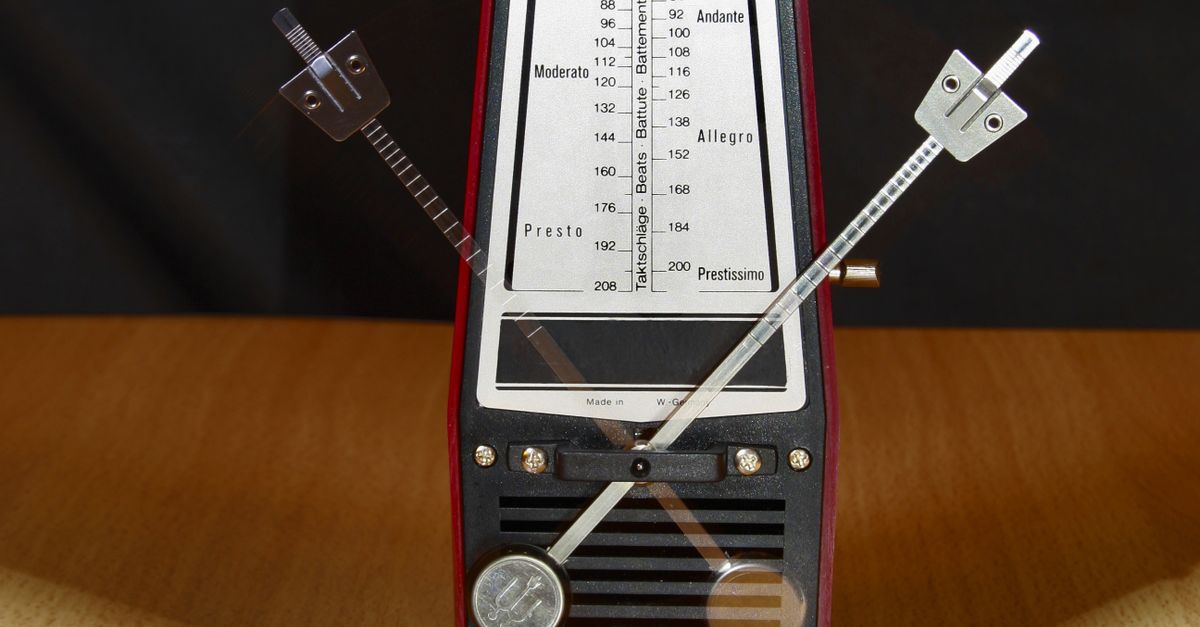
Why the Online Metronome Works for Beginners
The Online Metronome is designed with simplicity in mind, making it perfect for beginners. Unlike physical metronomes or complex software, it requires no setup, downloads, or technical knowledge. You can access it instantly from any device with a browser, when you're practicing at home, in a lesson, or on the go. The tool’s interface is straightforward: enter a tempo, choose the number of beats per measure, and press Start. The metronome plays locally in your browser, so there’s no delay or reliance on an internet connection after the initial load.
Another advantage is the tool’s flexibility. Beginners often need to experiment with different tempos to find what works best for their skill level. The Online Metronome’s wide range of 30 to 240 BPM allows you to start as slow as needed and gradually increase the speed as you improve. The option to set 1 to 12 beats per measure also means you can practice in any time signature, from common 4/4 rhythms to more unusual ones like 5/4 or 12/8. This versatility ensures the tool grows with you as your skills develop.
The immediate stop control is another feature that benefits beginners. If you make a mistake or need to pause, you can stop the metronome with a single click, avoiding the frustration of having to wait for the next measure. This makes it easier to reset and try again without losing your place. Additionally, because the metronome runs locally, there’s no risk of it continuing to play in the background if you navigate away from the page, saving you from unexpected noise or battery drain.
Setting Up the Online Metronome for Your Practice
Before you start using the Online Metronome, it’s helpful to understand how to tailor it to your practice needs. The first step is choosing the right tempo. If you’re a beginner, start with a slow tempo, such as 60 BPM, which gives you one beat per second. This pace is easy to follow and allows you to focus on playing accurately. As you become more comfortable, you can gradually increase the tempo in small increments, such as 5 or 10 BPM at a time. This gradual progression helps you build speed without sacrificing accuracy.
The number of beats per measure is another important setting. Most music is written in 4/4 time, meaning there are four beats in each measure. However, some pieces use different time signatures, such as 3/4 (three beats per measure) or 6/8 (six beats per measure). The Online Metronome lets you set 1 to 12 beats per measure, so you can practice in any time signature. For example, if you’re working on a waltz, you might set the metronome to 3 beats per measure. The accented first beat helps you stay oriented, making it easier to count and play along.
Here’s a quick reference table to help you choose the right settings for common practice scenarios:
| Practice Goal | Recommended Tempo (BPM) | Beats per Measure |
|---|---|---|
| Learning a new piece | 40–80 | Depends on time signature (e.g., 4 for 4/4) |
| Building speed | Start at 60, increase by 5–10 BPM | Depends on time signature |
| Practicing scales | 80–120 | 4 (for most scales) |
| Working on rhythm accuracy | 60–100 | Depends on time signature |
| Playing along with recordings | Match the song’s tempo | Depends on time signature |
How to Use the Online Metronome Step by Step
- Open the Online Metronome tool in your browser. No downloads or installations are needed.
- Enter a tempo between 30 and 240 BPM in the tempo field. For beginners, start with a slow tempo like 60 BPM.
- Choose the number of beats per measure by selecting a value from 1 to 12. For most practice sessions, 4 beats per measure is a good starting point.
- Click the Start button to begin the metronome. Listen for the higher-pitched accent on the first beat of each measure.
- Play or practice along with the metronome, focusing on aligning your notes with the clicks. If you make a mistake, pause and reset.
- When you’re finished, click the Stop button to turn off the metronome. This ensures it doesn’t continue running in the background.
If you’re practicing a piece with multiple sections, you can adjust the tempo or beats per measure as needed. For example, if you’re working on a song with a slow verse and a fast chorus, you can set the metronome to the verse’s tempo first, then increase it for the chorus. This flexibility makes the Online Metronome a versatile tool for all types of practice.
Tips for Getting the Most Out of Your Metronome Practice
Using a metronome effectively takes practice, but these tips can help you get the most out of your sessions. First, always start slow. It’s tempting to jump into a fast tempo, but playing accurately at a slow speed is more valuable than playing sloppily at a fast one. Once you can play a passage perfectly at a slow tempo, gradually increase the speed in small increments. This approach builds muscle memory and ensures you’re playing correctly.
Second, focus on the accented first beat. The Online Metronome’s higher-pitched click on the first beat of each measure helps you stay oriented, especially in complex rhythms. Use this accent to count along with the metronome, saying “one” on the first beat, “two” on the second, and so on. This verbal counting reinforces your sense of timing and makes it easier to stay on track.
Third, practice with a purpose. Instead of mindlessly playing along with the metronome, set specific goals for each session. For example, you might focus on playing a scale evenly, nailing a tricky rhythm, or increasing your speed by 5 BPM. Having a clear goal keeps your practice focused and productive. You can also use the Online Drum Machine to create simple beats to play along with, adding variety to your practice routine.
Finally, be patient with yourself. Learning to play in time is a skill that takes time to develop. If you struggle to keep up with the metronome, slow down the tempo or break the passage into smaller sections. Over time, your timing will improve, and you’ll find it easier to play at faster speeds. Remember, the metronome is a tool to help you, not a judge of your abilities.
Common Time Signatures and How to Practice Them
Understanding time signatures is essential for using a metronome effectively. A time signature tells you how many beats are in each measure and what note value gets the beat. The most common time signature is 4/4, which means there are four beats per measure, and the quarter note gets one beat. Other common time signatures include 3/4 (three beats per measure, quarter note gets the beat), 6/8 (six beats per measure, eighth note gets the beat), and 2/4 (two beats per measure, quarter note gets the beat).
To practice in different time signatures, set the Online Metronome to the appropriate number of beats per measure. For example, if you’re working on a 3/4 piece, set the metronome to 3 beats per measure. The accented first beat will help you stay oriented, making it easier to count and play along. Here’s how to approach some common time signatures:
- 4/4: This is the most common time signature, used in everything from pop songs to classical music. Set the metronome to 4 beats per measure and count “1, 2, 3, 4” along with the clicks. The accented first beat helps you keep track of each measure.
- 3/4: Often used in waltzes, 3/4 time has three beats per measure. Set the metronome to 3 beats per measure and count “1, 2, 3.” The accented first beat is especially helpful for staying oriented in this time signature.
- 6/8: This time signature has six beats per measure, but it’s often felt in two groups of three. Set the metronome to 6 beats per measure and count “1, 2, 3, 4, 5, 6.” The accented first beat helps you keep track of the larger groupings.
- 2/4: Common in marches and polkas, 2/4 time has two beats per measure. Set the metronome to 2 beats per measure and count “1, 2.” The accented first beat helps you stay on track.
If you’re new to a time signature, start by clapping or tapping along with the metronome before trying to play your instrument. This helps you internalize the rhythm before adding the complexity of playing notes. Once you’re comfortable, try playing simple scales or exercises in the new time signature. For example, you might play a C major scale in 3/4 time, counting “1, 2, 3” for each note. This approach builds your confidence and helps you adapt to different rhythms.
Combining the Metronome with Other Practice Tools
The Online Metronome is a powerful tool on its own, but it becomes even more effective when combined with other practice resources. For example, you can use the Online Drum Machine to create simple beats to play along with. This adds variety to your practice and helps you develop a sense of groove. Start by setting the drum machine to a basic 4/4 beat, then use the metronome to keep time as you play along. This combination is especially useful for practicing improvisation or working on rhythmic accuracy.
Another useful tool is the Audio Pitch Changer. If you’re working on a piece that’s too fast for your current skill level, you can slow it down using the pitch changer, then practice along with the metronome. This approach lets you learn the piece at a comfortable tempo before gradually increasing the speed. You can also use the pitch changer to shift the key of a song, making it easier to play along with your instrument.
For more advanced practice, try recording yourself playing along with the metronome, then listen back to identify areas for improvement. You can use the Audio Cutter to trim the recording to the sections you want to focus on. This method helps you hear your playing objectively and pinpoint mistakes or inconsistencies in your timing. Over time, you’ll develop a better sense of rhythm and improve your overall musicianship.
More on this topic: How to Use a Metronome Online for Practice.
If you're weighing options, Delete Volume vs Format: Which One to Use for Audio Files covers this in detail.
If you're weighing options, How to Change Audio Pitch in CapCut: Complete Walkthrough covers this in detail.