Three peaking biquad filters centered at 100 Hz, 1,000 Hz, and 10,000 Hz with a Q of 1 form the disclosed design of a clean three-band audio equalizer, and the single largest avoidable mistake is stacking three boosts that push the output past digital full scale before the encoder ever clips a sample. Many people also mistake "louder" for "better" and read a safety scale of 0.97 as a failure rather than as the tool preventing clipping. Others push treble hard and discover sibilance, or boost bass against a recording that already has rumble. A local browser-based three-band equalizer that runs the W3C peaking biquad equations, reports the raw peak and output peak, applies one uniform safety scale only when the raw peak exceeds 0.99, and encodes a complete PCM16 WAV gives you a way to avoid these errors before you commit the result to disk.
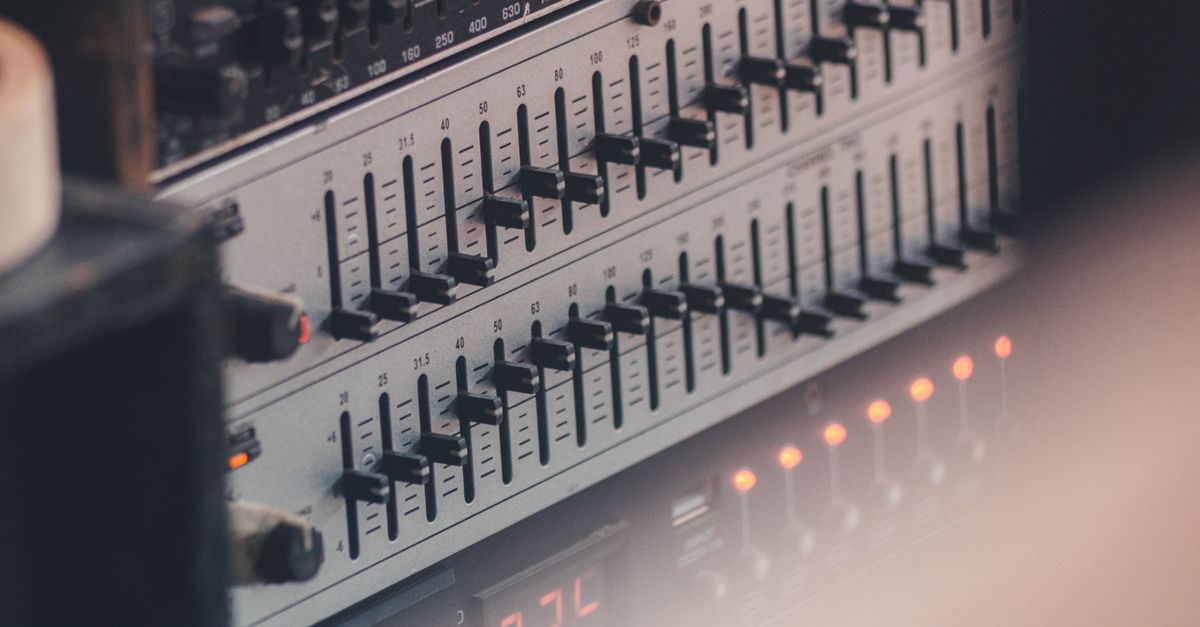
The Mistakes That Show Up Again and Again With a Three-Band EQ
Most equalizer mistakes come from treating each band as an independent volume knob rather than as a region of energy that interacts with everything around it. The patterns that appear most often are:
- Stacking three positive gains. Bass +6, Mid +4, Treble +6 sounds bold in the preview, but the cascaded filter can push samples past 1.0 even when the source did not clip.
- Judging the result by loudness. A safety scale of 0.94 means the entire processed result was multiplied by 0.94 so the loudest sample sits at 0.99 of full scale, not that the EQ failed. If you A/B compare at matched perceived level, the equalized version usually sounds quieter, not better.
- Boosting a frequency that already has a problem. Pushing treble on a sibilant vocal or bass on a boomy room recording amplifies the flaw. A cut at that band is almost always the safer fix.
- Skipping the preview. The preview and the reported numbers are checks, not proof of a good mix. Listening on the speakers or headphones that matter, and comparing against the original, is the only honest test.
- Expecting a 10-band graphic, automation, or LUFS normalization. Three fixed bands with Q=1 will not replace a full audio editor. The tool is honest about that scope.
What a Disclosed Three-Band Peaking Equalizer Actually Does
The Audio Equalizer runs three peaking biquad filters in a fixed order: Bass first, then Mid, then Treble. The W3C Audio EQ Cookbook equations describe each section, the page converts the selected decibel gain into the coefficient A parameter from that note, and the resulting second-order recursive filter runs over every decoded channel. Bass is centered at 100 Hz, Mid at 1,000 Hz, and Treble at 10,000 Hz when the decoded sample rate permits it. At a low sample rate the treble center is reduced to 45 percent of that rate so it stays below the Nyquist limit instead of asking an invalid digital filter to operate outside the available spectrum.
Q is fixed at 1, a broad adjustment that affects a region around each center rather than every frequency below or above a hard boundary. Positive values boost energy around that band, negative values cut it, and zero on all three controls is a genuine flat path. In that flat case the tool copies the decoded channel samples without running a nonzero filter section, so a download with the sliders untouched is not silently rewritten by the processor.
| Band | Center frequency | What it tends to control | Safer starting move |
|---|---|---|---|
| Bass | 100 Hz | Body, warmth, low-end weight | Cut if rumble is present; small boost only if the recording sounds thin |
| Mid | 1,000 Hz | Vocal presence, midrange clarity | Small cut to reduce boxy tone; boost only when the voice sits behind the mix |
| Treble | 10,000 Hz (or 45% of sample rate) | Air, sibilance, cymbal detail | Cut if the recording is hissy; small boost only if it sounds dull |
The three controls are independent integer sliders from −12 through +12 dB, so the decision is which band to move and in which direction, not how to set dozens of parameters at once. For a deeper look at what each band covers, the three-band equalizer explainer walks through the same centers with worked examples.
Equalize a File Locally Without Clipping
Following a fixed workflow prevents most of the mistakes above. Each step exists to either bound the input, surface a number you can verify, or keep processing local so the source never leaves the tab.
- Choose one browser-decodable audio file within the 50 MiB and five-minute decoded limits. Web Audio decodes MP3, WAV, M4A, AAC, Ogg, WebM, or FLAC when the current browser and operating system support the actual codec, but a familiar extension is not a guarantee because containers can hold codecs a browser cannot read.
- Confirm the file passes the decoded budget. The tool rejects an over-limit file before filtering and never silently truncates the end. Decoded audio must be five minutes or shorter, have one through eight channels, use a sample rate from 8,000 through 192,000 Hz, and contain no more than 30 million channel samples.
- Set Bass, Mid, and Treble to whole values from −12 through +12 dB. Start with cuts rather than boosts when a problem frequency is obvious, and prefer a single change of ±3 to ±6 dB over stacking positive gains across all three.
- Apply the equalizer locally. The three peaking sections run in Bass, Mid, then Treble order over every accepted channel, with identical settings on each one.
- Check the raw peak, output peak, safety scale, sample rate, and frame count before you download. If the raw peak exceeds 0.99, one uniform scale factor reduces the entire processed result so the largest magnitude becomes 0.99, and the safety scale reports the exact factor that was applied.
- Preview against the original at a matched perceived level, then download the PCM16 WAV. The download is a new uncompressed PCM16 file whose RIFF header records the actual channel count, sample rate, byte rate, block alignment, bit depth, and complete data length; it does not keep the original MP3 or AAC bitrate, compression mode, tags, artwork, chapters, loop markers, or container metadata.
Reading the Numbers the Equalizer Reports
The interface surfaces five numbers because each one answers a different question, and reading them together prevents the mistake of treating the EQ as a magic improvement.
- Raw peak is the largest absolute sample across every processed channel before scaling. A raw peak above 0.99 is the signal that the safety scale was triggered.
- Output peak is the largest absolute sample after scaling. The tool targets 0.99, never 1.0, so the PCM encoder never chops an individual peak.
- Safety scale is the exact uniform factor applied to every channel. A safety scale of 1.00 means no scaling was needed; a value of 0.85 means the whole result was reduced by 15 percent to keep the loudest sample at 0.99. This prevents the encoder from independently chopping peaks, but it can reduce the overall level.
- Sample rate and frame count come from the decoded buffer. Web Audio may resample while decoding, so the result reports and writes the decoded sample rate rather than claiming the source container rate survived unchanged.
The safety scale is not loudness normalization and does not target LUFS, RMS, replay gain, or any streaming-platform specification. Treat it as a clipping guard, not as a loudness target.
When a Three-Band Equalizer Is the Wrong Tool
Honest scope matters as much as honest settings. A compact three-band equalizer with Q fixed at 1 is not a graphic 10-band system, a linear-phase mastering processor, or an automatic room-correction system, and it cannot deliver adjustable Q, spectrum analysis, automation, dithering controls, codec selection, or metadata preservation. Use a full audio editor when you need precise center frequencies, a movable Q, loudness metering, or any control beyond three integer sliders in decibels.
Three habits remove most of the remaining risk: cut the offending band instead of boosting three bands, A/B compare at matched perceived level rather than at the same fader position, and treat the safety scale as protection rather than failure. The equalizer never uploads audio, never keeps your original codec or tags, and never presents a stale download after a decode error, so the only thing you commit to disk is the PCM16 WAV you just verified.
Related reading: Avoid Mistakes When You Use Reverse Audio Locally.