𝒸𝓊𝓇𝓈𝒾𝓋𝑒 text works for bios because every script character comes from Unicode's Mathematical Alphanumeric Symbols block, where each letter — such as 𝒜 — is a genuinely different code point from a normal A, B or C, and that distinction is exactly why the styling survives copy and paste into message and bio boxes that strip fonts. A Cursive Text Generator converts ordinary words like "Hello" into 𝒽𝑒𝓁𝓁𝑜 by replacing each Latin letter with its script twin instead of applying a font, so the resulting text behaves as plain characters on every platform. Because the style is baked into each character, you can paste the result into Instagram bios, TikTok profiles, Discord server names, X display names and WhatsApp status lines without losing the flowing look. Pairing those script letters with heart characters such as ♥, ❤, ♡ or any of the dozens of Unicode hearts lets you build decorated names like 𝒜𝓁𝒾𝒸𝑒 ♥ or Valentine's captions that read correctly on a phone years later. The tool runs locally in your browser, doesn't upload anything, and gives you two side-by-side styles — script and bold script — each with its own single-click copy button. Below is exactly how to use the cursive text generator for heart-bearing bios, captions and chat messages.
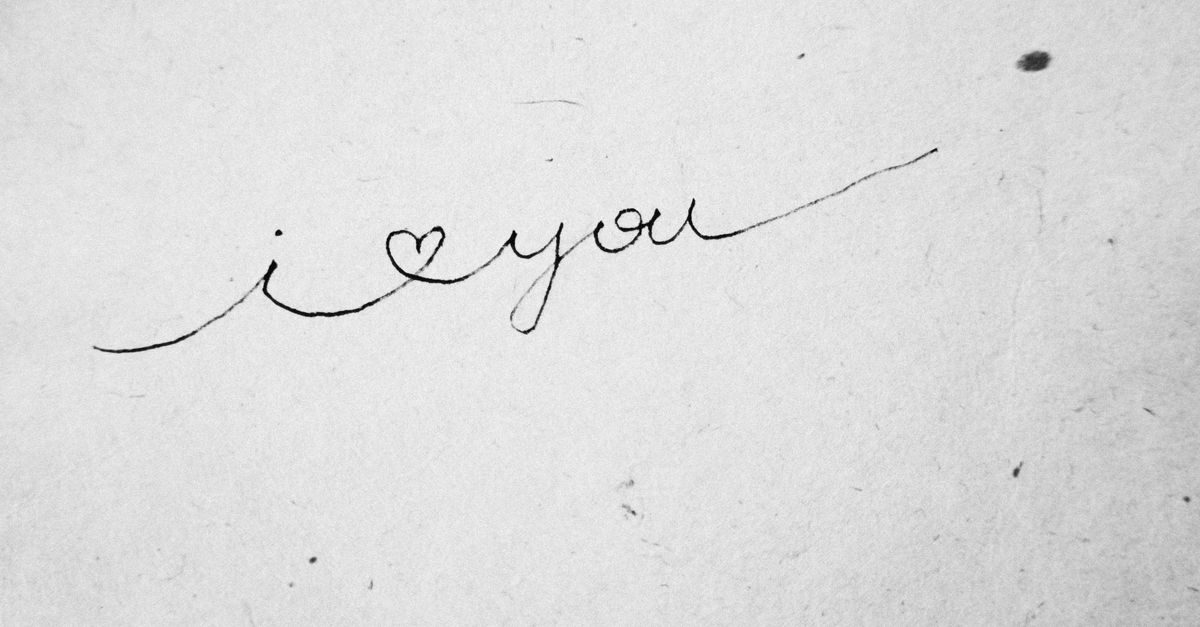
How to Generate Cursive Text and Combine It with Hearts
- Open the Cursive Text Generator in any browser — desktop or phone.
- Type or paste your text into the input box at the top of the page.
- Look just below the input for two generated versions of your text: a flowing script style and a heavier bold script style. Both update instantly as you type.
- Pair one of those outputs with a heart character of your choice — ♥, ❤, ♡, ❥, ❣, or any emoji heart like 💕 — by typing the heart after your word, before it, or on both sides.
- Click Copy next to the script or bold-script style you want to use.
- Switch to Instagram, TikTok, Discord, X, WhatsApp or any other app that strips fonts, and paste the result directly into your bio, post, status or message field.
- Preview on a second device — especially a phone — before publishing, so you can confirm every character, including the joined heart, renders properly.
Where Cursive Text with Hearts Works Best
| Platform | Where to paste | Cursive + heart example |
|---|---|---|
| Instagram bio | Profile → Edit profile → Bio | 𝒜𝓁𝒾𝒸𝑒 ♥ ♡ |
| TikTok profile | Profile → Edit profile → Bio / Name | 𝓂𝑒𝓁 ♥ |
| Discord server name | Server settings → Server name | 𝒻𝓇𝒾𝑒𝓃𝒹𝓈 ♥ |
| X (Twitter) display name | Settings → Display name | 𝒮𝒶𝓂 ♥ ❤ |
| WhatsApp status | Status → Text | 𝒽𝒶𝓅𝓅𝓎 𝓁𝑜𝓋𝑒 ❤ |
Even apps that actively strip fonts still display the script characters because each one is a real code point in Unicode, not a styled version of an ordinary letter. For a broader set of heart shapes and styles — solid, double, outlined, musical, cherry-blossom — the Heart Symbol Copy Paste tool gives you dozens of verified characters with their official Unicode names. Combining one of those hearts with script text covers the most common romantic bios and Valentine's Day captions people build in the days around February 14.
Script vs Bold Script: Picking the Right Cursive Style
The Cursive Text Generator produces two side-by-side styles because they behave slightly differently in the wild. The flowing script set — the original "mathematical script" characters — looks like joined handwriting and is the style most people picture when they search for cursive text. It carries one well-known quirk: a handful of letters were added to Unicode years before the rest of the script block, so they live in a separate area called Letterlike Symbols. The bold script set was added later, all at once and all in the same Mathematical Alphanumeric block, which is why it has no missing-glyph gaps.
Pick script when you want the most authentic handwriting look and the reader will be on modern devices. Pick bold script when you want a heavier, sticker-like feel, or whenever a word such as "Blog," "Hello," "Memory" or "Forest" keeps coming out wrong in another generator — exactly the words where the eleven stray letters appear. The Bold Text Generator covers a related but distinct need if you only want thicker characters without the cursive form.
Why Some Cursive Letters Show as Squares (and How the Tool Fixes Them)
| Letter | Plain script code point | Unicode block |
|---|---|---|
| B | ℬ (U+212C) | Letterlike Symbols |
| E | ℰ (U+2130) | Letterlike Symbols |
| F | ℱ (U+2131) | Letterlike Symbols |
| H | ℋ (U+210B) | Letterlike Symbols |
| I | ℐ (U+2110) | Letterlike Symbols |
| L | ℒ (U+2112) | Letterlike Symbols |
| M | ℳ (U+2133) | Letterlike Symbols |
| R | ℛ (U+211B) | Letterlike Symbols |
| e | ℯ (U+212F) | Letterlike Symbols |
| g | ℊ (U+210A) | Letterlike Symbols |
| o | ℴ (U+2134) | Letterlike Symbols |
A naive generator that takes every letter and adds a fixed numeric offset lands on reserved, unassigned code points for exactly these eleven characters and prints empty boxes (□) in their place. The cursive text generator maps each of those eleven letters to the genuine Letterlike Symbols character shown in the table, so "Blog" stays ℬ𝓁ℴℊ rather than turning into □𝓁□□. If you ever paste script text from a different tool and see square boxes in the middle of common words, that block mismatch is the reason.
Combining Script Letters with Heart Symbols
Heart characters pass through the converter untouched because the tool only converts Latin letters A–Z and a–z — everything else, including ♥, ❤, ♡, ❥, ❣ and emoji-style hearts like 💕, 💖 and 💗, is left exactly as you typed it. That means you can build combinations such as:
- 𝒜𝓁𝒾𝒸𝑒 ♥ 𝓑𝑜𝓫 — a matching couple caption
- ♥ 𝓂𝓎 𝒷𝑒𝓈𝓉𝒾𝑒 ♥ — a friendship heart bio
- 𝒽𝒶𝓅𝓅𝓎 𝓋𝒶𝓁𝑒𝓃𝓉𝒾𝓃𝑒'𝓈 𝒹𝒶𝓎 ❤ — a Valentine's Day post
- ♡ 𝓉𝑒𝒶 𝓁𝑜𝓋𝑒𝓇 ♡ — a softer, outlined-heart bio
- 𝒻𝑜𝓇𝑒𝓋𝑒𝓇 <3 — mixing a script word with the classic ASCII heart
Because every style is rendered with real Unicode characters rather than fonts, you can rearrange the order without the styling breaking — heart first, script word in the middle, heart last. Numbers like "2026" and punctuation such as question marks, exclamation marks and emoji pass through the converter unchanged, so the rest of a sentence such as "𝒽𝒶𝓅𝓅𝓎 𝒷𝒾𝓇𝓉𝒽𝒹𝒶𝓎! ♥" stays structurally correct even though only the Latin letters are styled. This makes the approach perfect for one-off usernames, server names and single-line statuses.
Accessibility, SEO and Cross-Device Behavior
Script text is a styling trick with real trade-offs, and the main ones cluster around three areas. First, screen readers: because each cursive character sits in Unicode's Mathematical Alphanumeric Symbols block, assistive tools may announce them one by one — 𝒜 as "mathematical script A" — instead of as a word, which makes a fully-styled bio slow or confusing to listen to. Second, search engines: Google may not index script characters as ordinary search terms, so a bio full of script won't help a public profile rank for a name or brand. Third, rendering: a phone, tablet or app without the necessary glyphs will display □ for unknown characters, even when everything else looks right. The Cursive Text Generator runs locally, which keeps your text private but does not change how the destination app displays the result.
Two practical rules follow from those limits. Keep your actual name and any important keywords in plain text — for example, use "𝒜𝓁𝒾𝒸𝑒 | designer ❤" so "Alice" and "designer" still ring clearly to a screen reader and a search engine. Preview on a second device, especially a phone, before publishing anything time-sensitive; if you see squares, switch to the bold-script style, because that block is complete and won't leave gaps in common words like "Hello" or "Memory."
For more on the underlying code points, the Mathematical Alphanumeric Symbols block on Wikipedia lists every entry in the range, including the script and bold-script ranges the generator uses. If you want a faster heart picker before reaching for a symbol page, the Alt+3 method for typing a heart on Windows explains the keyboard shortcut many people use directly.
For a deeper look, see An Emoji Copy and Paste API Alternative for Your Browser.