A bold text generator cheat sheet is a quick-reference summary of the three Unicode styles — serif bold, sans-serif bold, and bold italic — that survive copy-paste into social media bios, posts, and chat fields where the normal bold button does nothing. The cheat sheet lists which characters convert (Latin A–Z, a–z, and digits 0–9), which pass through unchanged (spaces, punctuation, emoji, and non-Latin scripts), the exact workflow (type, pick a style, copy, paste), and the two main caveats to know: accessibility and rendering. The reason this cheat sheet exists at all is that the output is not real bold. The styling is baked into separate Unicode characters from the Mathematical Alphanumeric Symbols block, which begins at code point U+1D400, so each 𝐀 is genuinely a different character from a normal A rather than a styled version of one. Because the boldness lives inside the character itself, it travels with the text into plain-text fields that strip formatting. The reference layout below covers the three styles side by side, what each one actually covers, the three-step workflow, and what to verify before posting.
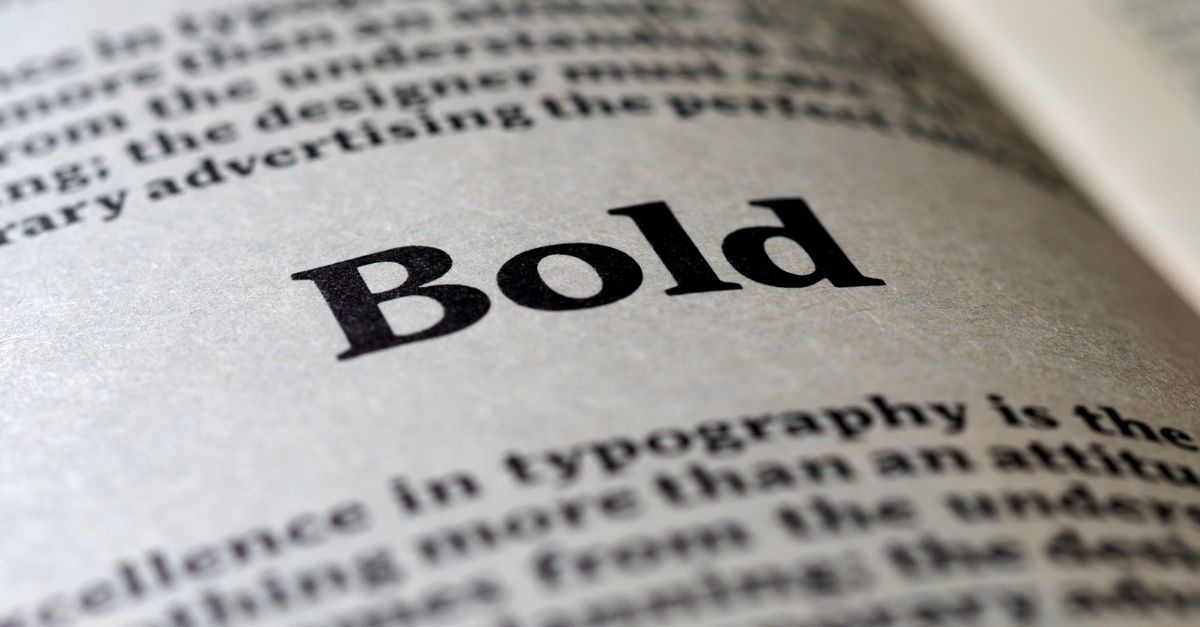
The Three Styles at a Glance
A single generator run produces three bold variants from one input. They look different, they map to slightly different Unicode ranges, and they do not all support digits. Those differences matter when one app renders one style reliably and another does not, which is normal across phones, browsers, and operating systems.
| Style | Unicode name | Look | Letters A–Z / a–z | Digits 0–9 |
|---|---|---|---|---|
| Serif bold | Mathematical Bold | Heavy, traditional — 𝐁𝐨𝐥𝐝 | Yes | Yes |
| Sans-serif bold | Mathematical Sans-Serif Bold | Cleaner, modern — 𝗕𝗼𝗹𝗱 | Yes | Yes |
| Bold italic | Mathematical Bold Italic | Slanted, emphatic — 𝑩𝒐𝒍𝒅 | Yes | Falls back to bold serif digits |
Sans-serif bold tends to render the most consistently across phones and apps, so it is usually the safest default when you do not know what the destination app supports. Bold italic is the pick when you want a slanted headline feel and do not mind that any numbers in the text will fall back to bold serif digits because Unicode never encoded bold-italic digits.
How to Generate Bold Text in Three Steps
- Type or paste your text into the input box of the Bold Text Generator.
- Watch the serif, sans-serif, and bold-italic Unicode versions appear instantly below the input.
- Click Copy next to the style you want, then paste the result directly into your bio, post, caption, or message.
Everything runs locally in the browser, so nothing is uploaded and the tool continues to work offline.
Character Coverage: What Gets Converted and What Passes Through
The converter only swaps characters it has a bold twin for. Anything else is passed through unchanged so the surrounding text stays intact. This is why a phrase like "Hi 👋 there!" comes out as "𝐇𝐢 👋 𝐭𝐡𝐞𝐫𝐞!" — the wave keeps its emoji form and the punctuation sits between the bold letters as plain text.
| Input type | Serif bold | Sans-serif bold | Bold italic |
|---|---|---|---|
| A–Z (uppercase letters) | 𝐀 → 𝐙 | 𝗔 → 𝗭 | 𝑨 → 𝒁 |
| a–z (lowercase letters) | 𝐚 → 𝐳 | 𝗮 → 𝘇 | 𝒂 → 𝒛 |
| 0–9 (digits) | 𝟎 → 𝟗 | 𝟬 → 𝟵 | Falls back to bold serif digits |
| Spaces | Passed through | Passed through | Passed through |
| Punctuation (., ! ? ; -) | Passed through | Passed through | Passed through |
| Emoji | Passed through | Passed through | Passed through |
| Non-Latin scripts (Chinese, Arabic, Cyrillic) | Passed through | Passed through | Passed through |
The same rule applies to accented characters and to characters from non-Latin alphabets: only plain A–Z and a–z have bold twins inside this Unicode block. Anything else survives the paste exactly as you typed it, which is normally what you want — your spacing, line breaks, and punctuation are never disturbed.
Why It Works: The Unicode Trick
HTML and word processors make text bold by tagging ordinary letters with styling, and that is exactly why the bold button fails inside an Instagram bio or an X/Twitter post: those fields accept plain text only and silently strip the tags. The generator takes a different route. Every "bold A" comes from the Unicode Mathematical Alphanumeric Symbols block, which is documented in the Unicode chart for U+1D400–U+1D7FF. That block was originally created for mathematical notation, where a bold A used inside an equation needs to be a different character from a regular A so the meaning survives copy-paste between papers and textbooks.
The practical consequence is the whole trick. When you paste 𝐁𝐨𝐥𝐝 into a bio, the destination app receives four distinct characters, each of which already looks bold on its own. There is no style to strip, because there was never any style to begin with. The boldness is part of the character itself, which is why the same output works across Instagram, TikTok, X, LinkedIn, Facebook, Discord, WhatsApp, and any other box that will not let you use real formatting.
Practical Decision Guide: Picking the Right Style
Three short rules cover most choices when you want bold text that survives the paste:
- Default to sans-serif bold when you do not know what the destination supports. It renders reliably on the widest range of phones and apps.
- Pick serif bold for a heavier, more traditional editorial feel — useful for LinkedIn headlines and longer-form bios where the visual weight helps a line stand out.
- Pick bold italic for short labels and single-word accents. Avoid it when your text contains numbers, because bold-italic digits do not exist in Unicode and will fall back to bold serif digits without warning.
- Mix within reason. Bold a single name, role, or hook inside an otherwise plain-text bio. The contrast is what makes the styling noticeable; bolding every word dilutes the effect.
Pre-Post Checklist: Limits and Pitfalls
Two practical limits apply whenever you swap letters for math characters, and they are easy to miss until something looks wrong.
Accessibility and SEO
Screen readers often pronounce these characters awkwardly — letter by letter, or as "mathematical bold A" — which is acceptable for a short accent but rough for an entire bio or post. Search engines may also fail to index bolded names or keywords the way they index plain text. The safe pattern is to keep your real name and important keywords in plain text, then use bold styling as decoration around them rather than as a replacement for them.
Rendering and Empty Boxes
The boldness survives the paste, but only if the destination app or device has the glyphs installed. On an older phone or inside an app that does not bundle the math block, an unsupported character shows up as an empty rectangle (□) instead of a letter. The fix is to preview before posting — paste the result into a notes app first — and if one style fails in your test, try the sans-serif style, which has the widest rendering support across modern devices.
For a deeper look, see Case Converter Alternative: 10 Styles in Your Browser.
For a deeper look, see How to Count Characters in a Word Doc for Any Limit.