A meta tag generator for website pages creates one escaped HTML head block with five foundational elements: UTF-8 charset, responsive viewport, title, description, and optional author metadata. The Meta Tag Generator is built for a deliberately narrow job: enter accurate page facts, generate the basic block, place it inside the document head, and audit the delivered source for duplicates or conflicts. Canonical links, robots directives, Open Graph properties, and Twitter Cards express separate page-level decisions, so they stay outside this block. That separation makes the output easier to review and helps prevent contradictory instructions from being copied together. Processing stays in the browser, and no entered text is sent to Lizely. The result is foundational syntax, not a guarantee of indexing, ranking, mobile layout, or a search-engine snippet. This workflow suits developers, editors, and site owners who want a compact, auditable foundation rather than a mixed set of optional directives. It keeps metadata creation separate from final deployment checks.
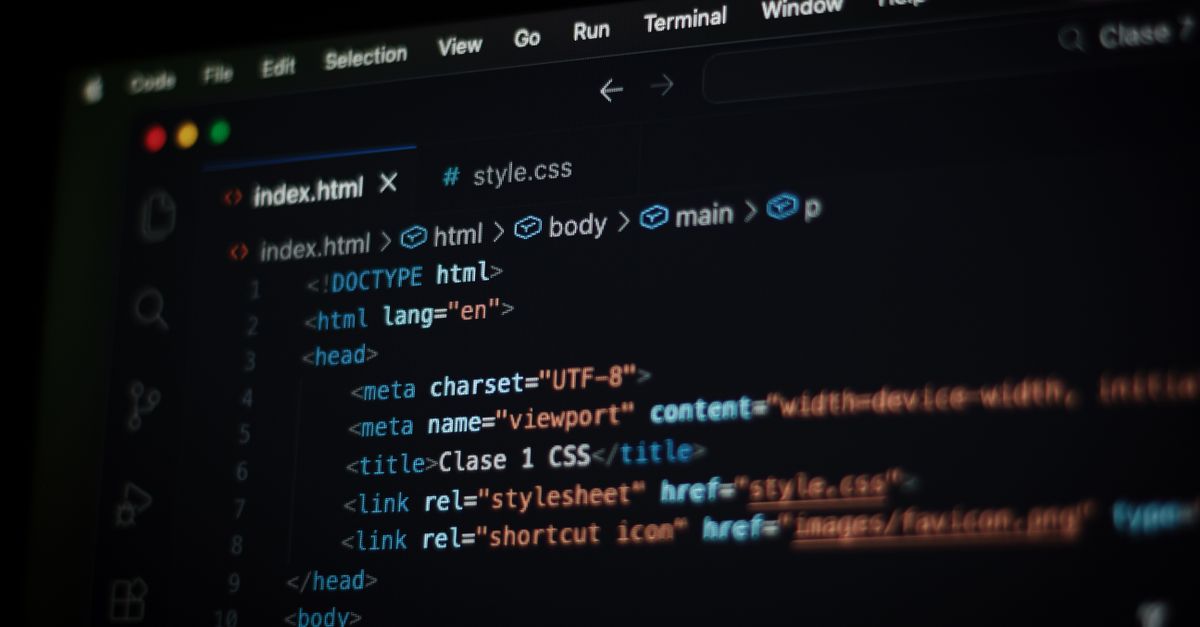
What the generated head block contains
The output is deliberately small and joins only basic document decisions that can be reviewed together. It prepares every text value for its HTML context while leaving specialized SEO and social metadata for separate tools.
| Generated element | Defined output |
|---|---|
| UTF-8 charset | Declares the document encoding and appears before the textual metadata. |
| Responsive viewport | Uses the fixed width=device-width and initial-scale=1 baseline without zoom restrictions. |
| Document title | Emits the required document title as one escaped title element. |
| Page description | Emits the required page summary as escaped description metadata. |
| Author | Adds escaped authorship metadata only when the optional author field is supplied. |
The fixed ordering makes the copied block easy to audit. The UTF-8 declaration must also appear early in the actual document head, and the server response must not declare a conflicting encoding. The generated block cannot inspect an HTTP header, template layout, or final byte position after a CMS inserts it.
Prepare accurate page inputs
Start with what visitors actually receive on the page. The title should name the document accurately, while the description should summarize its distinct purpose without a keyword list, unsupported promise, or wording copied from an unrelated page.
| Field | Requirement | Character limit | Writing goal |
|---|---|---|---|
| Title | Required | 200 | Provide one accurate document title or name. |
| Description | Required | 500 | Write a concise, human-readable page summary. |
| Author | Optional | 120 | Use a meaningful author name that the site maintains. |
Every submitted text value is trimmed. Ampersands and angle brackets are encoded, quotes are encoded where they could affect attributes, and control characters are rejected. Required fields cannot be blank. The character limits keep the output bounded; they are not recommended ranking lengths or promises about how a title or description will appear in search.
Generate and install the basic head block
- Enter the page facts. Add one accurate document title and one concise page description. Include the optional author only when the site maintains a meaningful authorship value. Check that the text describes the destination page rather than a category, template, or search query.
- Generate and copy the clean block. Create the output and copy the escaped basic head block while its lines remain intact. Do not append canonical, robots, Open Graph, or Twitter Card markup merely to make the block appear more complete.
- Place and verify it in the head. Insert the generated lines inside the document head. Inspect the delivered page source after saving, then remove duplicate or conflicting metadata introduced by a theme, plugin, framework, or deployment platform.
Place the generated lines inside one HTML head rather than pasting them as visible body text. Avoid an editor or field that escapes the markup a second time, because the browser would receive characters such as angle brackets instead of active elements. Use a source-level or dedicated head field when the publishing system provides one.
Keep specialized metadata separate
A canonical URL, robots directive, Open Graph property, or Twitter Card answers a different question from the document title and page description. Canonical and robots choices belong in dedicated generation workflows because they express separate page decisions. Social properties likewise require values reviewed for the specific sharing context. Keeping these vocabularies out of the basic generator is a design choice that keeps the copied block narrow and reviewable; it does not mean those decisions are universally unnecessary.
Inspect delivered source for conflicts
Review the raw public source rather than relying only on what appears inside the CMS editor. Confirm that the document contains one title element and no duplicate description metadata. Check whether a theme, plugin, framework, or platform has inserted another version with different wording. Remove the conflicting copy so the page has one clear set of basic metadata.
Also verify the character-encoding declaration in the actual head and inspect the HTTP response headers for a conflicting declaration. The generator cannot perform either check for you. Its escaped output is a correct starting syntax, not proof that a CMS placed the snippet in the right position or that the server delivered the intended encoding.
Know what title, description, and author do
The WHATWG HTML semantics describe the title element as representing the document title or name. Browsers can display it in tabs, bookmarks, and other interface surfaces, while search systems may use it as one input when creating a result title. Google’s title link guidance also reflects that a title link can be formed from the page title and other page signals. A generated title is therefore not a promise that a search system will display exactly the same text.
Description metadata provides a short summary for compatible consumers. Search engines may use it when it helps describe a result, but they can select other visible page text instead. Keep the summary accurate and distinct, avoid repeating it across unrelated pages, and do not describe an outcome the destination page cannot deliver.
The optional author field describes authorship metadata only. It is not a verified identity, copyright statement, replacement for a rel=author relationship, or structured data. Omit it when the site has no meaningful value to maintain. Articles, people, and organizations can also need accurate visible bylines and appropriate structured data.
Verify responsive and post-deployment behavior
The generated viewport uses width=device-width and initial-scale=1. It does not add maximum-scale or user-scalable restrictions because zoom restrictions can harm accessibility. Responsive behavior still depends on CSS, media queries, and usable component layouts, so test the page at a mobile width after publishing.
For final verification, inspect the raw public source and HTTP headers, review the page on a mobile viewport, and use relevant search-console inspection tools after recrawling. A clean source block can support correct metadata delivery, but it cannot guarantee indexing, ranking, a particular result title, or a specific search snippet.
Keep generation separate from SEO judgment
The generator does not measure keyword quality, pixel width, click-through rate, or search demand. Those questions depend on the content, product, audience, and search context rather than syntax validation. It also does not fetch the live page, update a CMS, inspect response headers, or publish changes.
Use it to create a consistent and auditable basic head block. Then make specialized metadata decisions separately, compare every claim with the delivered page, and verify the final source before treating the metadata as complete.
If you're weighing options, Robots.txt Generator: Build the File Locally in Your Browser covers this in detail.