No—higher error correction does not always make a QR code scan better; it adds restoration capacity while reducing data capacity and potentially making the symbol denser.
Error correction is built-in redundancy that can help a reader reconstruct a QR symbol after some modules are damaged, obscured, or poorly reproduced. It does not correct every scanning problem: focus, glare, poor contrast, undersized printing, and reader behavior remain separate issues. A higher setting is useful insurance under particular conditions, not a guarantee of faster or more reliable detection.
In a bulk workflow, one correction level applies to the current batch, so the choice can affect every symbol at once. If the output will appear on a clean screen, level M is the practical starting point. Test a denser level when physical damage or partial obstruction is likely, and confirm the final result on the device and application that will actually use it.
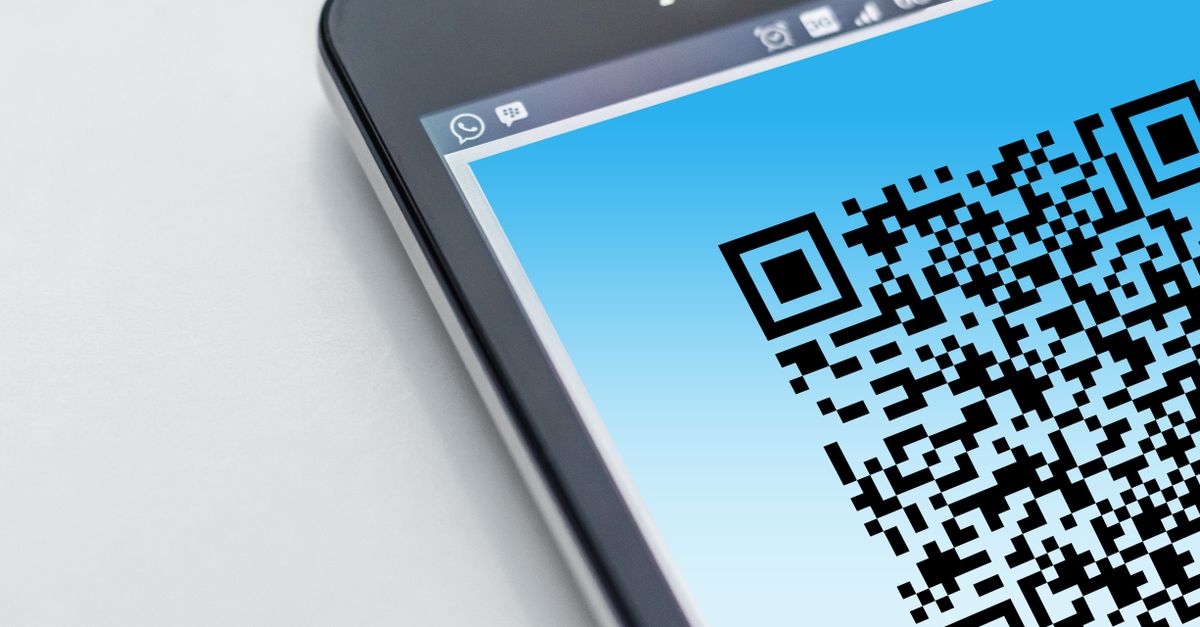
What error correction changes in a generated code
QR encoders divide available symbol capacity between payload data and error-correction data. Moving from L toward H increases the recovery allowance and reduces the space available for the payload. The approximate restoration figures below come from DENSO WAVE’s QR Code error-correction guidance.
| Level | Approximate restoration | Capacity effect | Practical starting point |
|---|---|---|---|
| L | About 7% | Least redundancy and greatest payload allowance | Clean, controlled output when capacity is the priority |
| M | About 15% | Balanced redundancy and capacity | Ordinary clean display conditions |
| Q | About 25% | More redundancy and less payload allowance | Printed or handled codes that may collect wear |
| H | About 30% | Most redundancy and least payload allowance | Codes facing substantial damage or partial obstruction, if the payload fits |
These percentages describe approximate codeword restoration, not the percentage of a printed image that can be covered and still guarantee a scan. When a higher level forces a denser symbol, fitting it into the same PNG canvas leaves less pixel space per module. That can make it harder to resolve on a small screen or low-resolution print even though it is better protected against damage.
The generator offers 128, 256, and 512 pixel canvases. More pixels can make the PNG look smoother when it is displayed or printed larger, but pixel dimensions do not increase the data capacity of the QR symbol. A larger image is therefore a presentation choice, not a substitute for adequate contrast, physical size, and camera conditions.
When a higher level helps and when it can hurt
Higher correction is most defensible when the code will be handled, printed, mounted, or exposed to conditions that can damage or obscure part of the pattern. Q or H may be worth testing for those situations. For a clean digital display, a dense H symbol may offer no practical advantage over M.
Conversely, a long payload can make a lower correction level more feasible because more capacity remains for content. Lowering the level does not guarantee success, though: the code must still fit, remain visually legible, and decode to the intended value. Capacity and readability need to be checked together, not traded off blindly.
If one batch mixes very different uses, such as clean screens and heavily handled labels, group the symbols by use case and verify each group with its own chosen setting. A single “highest for everything” decision can make the easier symbols less forgiving to scan without improving the harder ones in practice.
Generate and verify a batch with the Bulk QR Code Generator
- Prepare the input list. Put one text value or URL on each line. The batch can contain no more than 20 unique values, and each line is limited to 2,000 JavaScript characters. The parser trims surrounding whitespace, removes empty lines, and collapses exact duplicate lines while retaining the first occurrence, so 20 visible lines may produce fewer than 20 outputs.
- Open the tool and paste the list. Use the Bulk QR Code Generator and paste the prepared lines into its input. Encoding and PNG rendering happen entirely in the current browser tab; the payloads and PNG data URLs are not uploaded, shortened, tracked, or recorded.
- Choose the image size and correction level. Select 128, 256, or 512 pixels and L, M, Q, or H, then select Generate QR codes. Start with M for clean display use, or test a higher level when damage or obstruction is likely. If one payload exceeds the selected QR capacity, the batch displays an error instead of presenting a partial set as complete.
- Test every preview in its real context. Scan each preview with the target device and the application that will open or use the content. Check the decoded payload character for character. Include realistic lighting, distance, focus, and display glare rather than relying only on a close-up preview.
- Regenerate after any change. Changing an input or option invalidates the previous batch. Generate the new set and repeat target-device verification; an older preview is not evidence for the replacement PNG.
- Download each verified PNG individually. Each preview has its own deterministic filename and download link. There is no ZIP archive, and browser policies may require a separate click or download permission for each file. Preserve the clear quiet zone and avoid stretching, recoloring, cropping, or covering the finder patterns.
What can still stop a generated code from scanning
Even an H-level symbol can fail when the presentation or reader is not suitable. Check the factors outside the encoder’s control:
- Visual conditions: low contrast, glare, camera focus problems, an undersized print, or physical damage can prevent detection.
- Payload representation: long UTF-8 text and emojis can affect success. The underlying node-qrcode browser encoder does not implement full ECI support, so unusual character handling should be tested rather than assumed.
- Reader interpretation: separate QR readers may interpret URLs, contact text, or other payloads differently. Confirm the exact value in the intended application.
- Batch capacity: the 2,000-character line allowance does not guarantee that every payload fits the QR capacity available at the selected correction level.
Do not use an unchecked QR code for payments, authentication secrets, safety instructions, or irreversible actions. The safe release check is to scan the final PNG on the target system and compare the decoded value exactly before publication, printing, labeling, distribution, or replacement.
Keep the downloaded PNGs ready to scan
Download only after verification, and keep each PNG’s clear margin around the code intact. The PNG options change the canvas size, not the amount of data encoded, and filenames are convenience labels that never alter the payload. At the intended display or print size, favor a clean, high-contrast presentation rather than stretching an image to fill space.
A browser may ask for permission to download multiple files, but the tool does not launch 20 automatic downloads; each output remains an explicit action. This file-by-file workflow avoids surprising behavior and makes it possible to verify each symbol before distributing it. For larger campaigns, keep the final PNG, its source line, chosen size, and correction level associated so a later replacement can be regenerated and tested consistently.
Choose the level from the use case, then test
- For clean, controlled digital display, begin with M and verify on the target device.
- For a high-quality output where payload room matters most, test L against M with the same payload.
- For print or handling that may create wear, compare M with Q on the final dimensions and material.
- For substantial damage or partial obstruction, test H if the payload fits and the denser symbol remains readable.
- For an over-capacity error, shorten or simplify the payload or reconsider the correction level, then generate and scan the replacement.
The direct answer is therefore “not always”: error correction improves resilience, while scan success still depends on the symbol’s density, the available capacity, its physical presentation, and the target reader.
Related reading: How Do I Generate Bulk URLs in the Bulk URL Generator?.
Related reading: Generate QR Code to Email Address: mailto Workflow.