A barcode generator cheat sheet is the shortest path to picking the right 1D symbology and turning your data into a scanner-ready label. The reference that follows covers the four 1D formats the Barcode Generator supports — Code 128, EAN-13, UPC-A, and Code 39 — and the three-step workflow that turns any value into a print-ready vector SVG in your browser. Code 128 is the high-density logistics workhorse that encodes any ASCII character and is used for shipping labels and SSCC pallet codes; EAN-13 is the 13-digit retail barcode scanned at checkout on consumer products worldwide; UPC-A is its 12-digit North American sibling; and Code 39 is the rugged alphanumeric format still common in automotive, defense, and internal inventory systems. Each format has a job, and the cheat sheet below maps the format to its use case, character set, digit length, and check-digit behavior so you can pick correctly on the first try. Everything runs locally in the browser, which means your product codes, SKUs, and tracking numbers never leave your device.
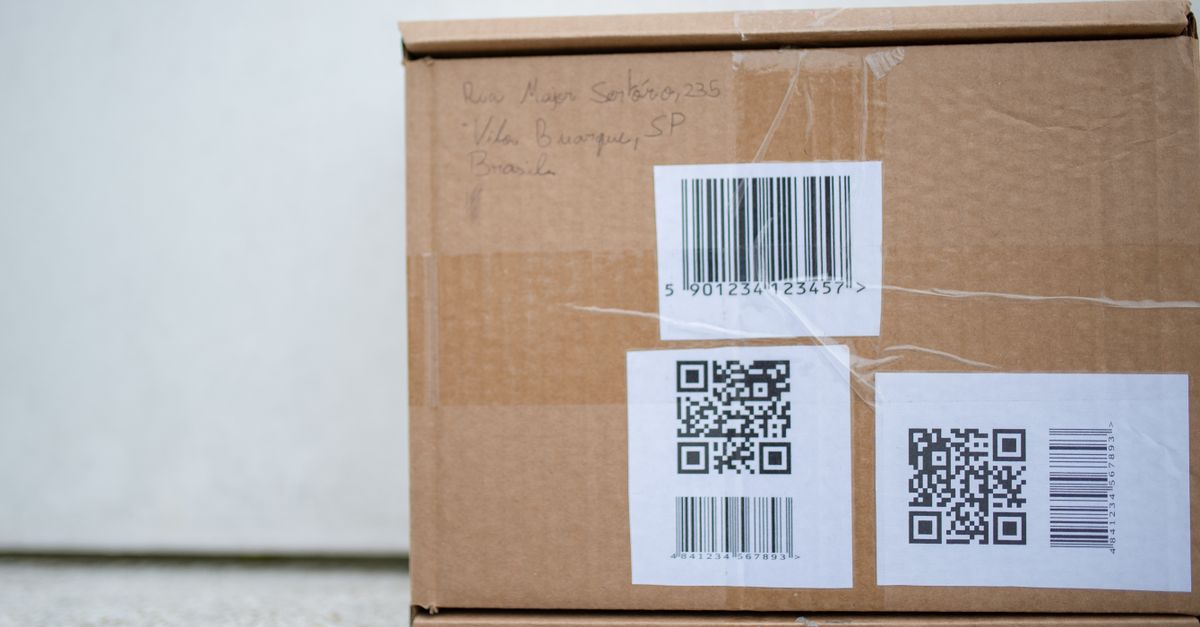
The Four 1D Formats at a Glance
The four 1D barcode symbologies supported by the Barcode Generator cover the vast majority of labeling jobs in retail, logistics, and inventory. Use the table as a quick lookup the next time you need to pick a format, then drop the value into the tool.
| Format | Best for | Character set | Typical length | Check digit |
|---|---|---|---|---|
| Code 128 | Shipping, logistics, SSCC pallet labels, any label mixing letters and digits | Full ASCII (letters, digits, symbols) | Variable | None required |
| EAN-13 | Retail consumer products sold worldwide | Digits only | 13 digits | Modulo-10, last digit |
| UPC-A | Retail consumer products sold in the US and Canada | Digits only | 12 digits | Modulo-10, last digit |
| Code 39 | Internal inventory, automotive, defense, industrial tags | Uppercase A–Z, digits, a few symbols | Variable | Optional, often omitted |
If you only remember one rule: Code 128 for letters-plus-digits logistics labels, EAN-13 or UPC-A for retail checkout scans, and Code 39 for rugged internal inventory tags.
How to Generate a Barcode in 3 Steps
- Pick a format. Code 128 for logistics and any text payload, EAN-13 or UPC-A for retail products, Code 39 for inventory tags.
- Type your value. For EAN-13, enter the first 12 digits and the tool adds the 13th check digit, or paste a full 13-digit code and the tool verifies the check digit is right. For UPC-A, enter the first 11 digits and the tool adds the 12th, or paste a full 12-digit code to verify it.
- Download the SVG. The barcode renders on the page as you type. Click Download SVG to save a print-ready vector file you can drop into a label template, packaging artwork, or design file.
Generation runs in JavaScript inside your browser, so nothing is uploaded to a server. The barcode re-renders every time you change the format or value, which makes it easy to iterate between retail and logistics variants while designing a label run.
Check Digits Explained
EAN-13 and UPC-A codes end in a check digit — a single extra number calculated from the preceding digits with a modulo-10 formula. The barcode scanner recomputes the same value from the digits it reads; if the computed check digit does not match the printed one, the scanner treats the read as a misread and rejects it. The check digit exists to catch typos and printing defects before they ever reach a checkout, which is why retail barcodes have carried one since the symbology was introduced.
Code 128 and Code 39 do not require you to compute or supply a check digit. Code 128 encodes the text directly with no check-digit setup required, and Code 39 is commonly printed without any check digit at all because the format is used in controlled internal environments where misreads are less costly.
With the Barcode Generator, you do not need to compute EAN-13 or UPC-A check digits by hand. Leave the last digit off when you type your 12 (or 11) digits and the tool appends the correct one. Paste a complete 13-digit EAN or 12-digit UPC and the tool verifies the check digit matches, which catches a typo before you commit to printing a useless label.
Why the Output Is SVG (and Why That Matters at Print Time)
The Barcode Generator downloads an SVG, not a PNG or JPEG. SVG is a vector format, which means the barcode is described by math — exact bar widths, exact bar gaps — rather than by a fixed grid of colored dots. Scaling a vector image up or down keeps every bar edge crisp because the renderer redraws the geometry at the new size; scaling a raster PNG simply stretches pixels and blurs bar edges.
Barcode readers are unforgiving about bar edges. A 1D scan works by measuring the widths of dark bars and light gaps and matching them to the symbology's pattern. Even a small blur across a bar boundary can shift a measured width by enough to flip a digit and cause a misread or a total scan failure. Vector output avoids that failure mode at any print size, from a tiny product tag to a full-page poster.
SVG also drops cleanly into design workflows. Most label design software, vector editors, and office tools import SVG natively. If you need a raster file for a specific workflow, you can export the SVG to PNG from any design tool or browser at the exact pixel size you need — but you start from a clean vector source.
Quick Reference: Match the Job to the Format
| Job | Recommended format | Why |
|---|---|---|
| Retail product sold worldwide | EAN-13 | The 13-digit global retail standard scanned at checkout |
| Retail product sold in the US or Canada | UPC-A | The 12-digit North American retail standard |
| Shipping label with a tracking number | Code 128 | High-density, supports letters and digits, carrier-friendly |
| SSCC pallet label | Code 128 | Used for SSCC pallet codes |
| Internal SKU bin label | Code 39 | Simple, rugged, alphanumeric, no setup |
| Automotive or defense part tag | Code 39 | Legacy support, easy to print on rough surfaces |
For label runs that mix formats — for instance, a UPC on the product and a Code 128 on the carton — generate each barcode separately and place them in your artwork. Each download is a self-contained, print-ready SVG that you can paste anywhere in your layout.
Privacy and Offline Use
Every barcode the tool produces is generated entirely in your browser using JavaScript. The value you type is not sent to a server, stored in a database, or shared with any third party. That matters when you are encoding SKUs, internal product codes, or tracking numbers that you do not want leaving your device.
Because the generator runs locally, it also keeps working after the page has loaded even if your internet connection is unreliable. There is no account, no watermark, and no usage limit. The same three-step workflow handles a single retail SKU and a batch of internal bin labels without any change to the inputs.
If you want a deeper walk-through of format selection, the guide on picking the right 1D format covers the same trade-offs with worked examples for each symbology. For label-specific printing tips — sizing, quiet zones, and contrast — the guide on generating barcodes for products and printing them right walks through the practical layout details that decide if a printed code scans cleanly the first time.