The most common mistakes when you use a chess clock are pressing before the move is complete, forgetting to press afterward, treating Fischer increment as delay, and leaving accidental taps uncorrected.
These errors affect three separate parts of the clock: which player is being timed, how much time or increment is credited, and what the saved daily record contains. Correcting only the visible number without restoring the active side or the recorded press is not a complete correction.
For deliberate practice, the Chess Clock keeps two mutually exclusive timers, applies a configured Fischer increment, and provides an explicit undo action. It is intended for a shared board, lesson, drill, or casual game rather than for recording moves or administering an official result.
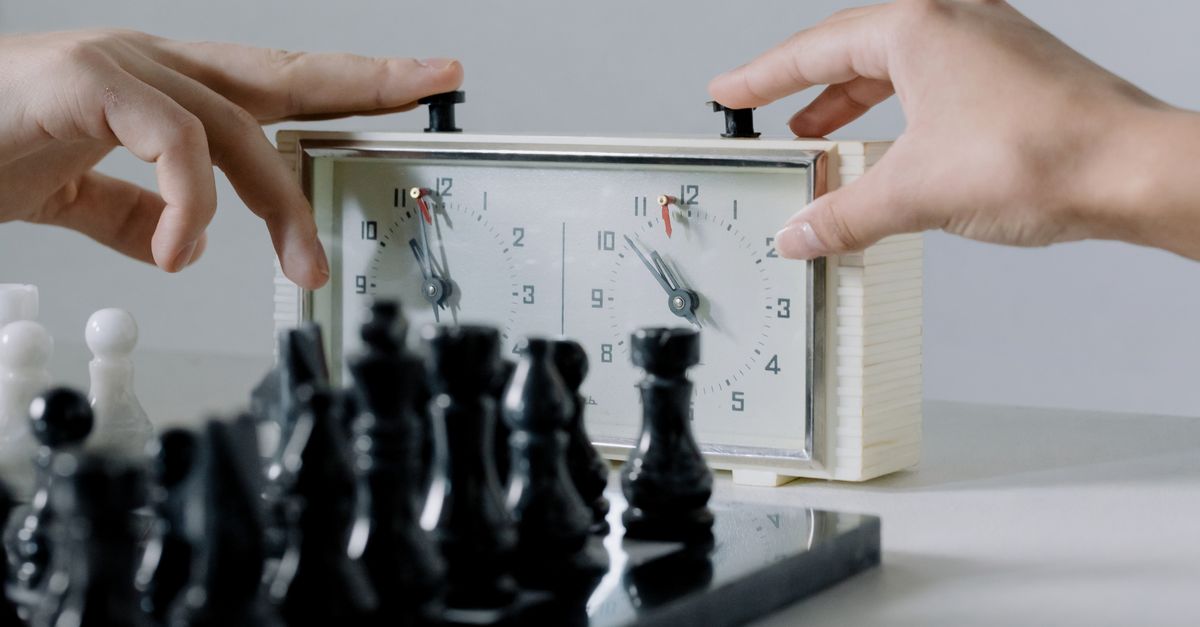
Separate setup mistakes from turn-taking mistakes
Diagnose the type of error before changing anything. A configuration mistake happens before the game, a turn-taking mistake happens around a move, and a correction mistake leaves the clock in the wrong state after an accidental input. These categories call for different responses.
| Common mistake | What goes wrong | Correct action |
|---|---|---|
| Choosing the initial time or increment late | The game begins with a time control different from the one intended. | Set both values before starting and confirm the initial display. |
| Selecting the wrong starting player | The intended opponent receives the first thinking period. | Choose White or Black deliberately before the first move. |
| Pressing before the move is finished | The mover is credited too early and the opponent's clock starts too soon. | Complete and release the move before pressing once. |
| Forgetting to press after a move | The active clock continues running even though the turn has changed. | Make the completed move and the clock press one deliberate sequence. |
| Double-pressing the clock | Another completed press can be recorded and the active side can switch again. | Use one press per completed move and check the display. |
| Ignoring an accidental tap | The timer state and daily press count may no longer represent the intended sequence. | Use Undo last press before making the next correct press. |
Protect the move-to-press sequence
The clean sequence is simple: complete the move, press once, and verify that the active side has switched. When these actions are separated, players often press while they are still thinking or moving. That stops their own clock, credits the configured increment, and starts the opponent's clock before the turn has properly passed.
The opposite error is forgetting to press. The clock does not infer that a move has been completed; until a press occurs, the active player's time continues to run. Make the press immediately after releasing the final piece so both players follow the same rhythm.
- Finish the move before touching the clock, including releasing the piece.
- Press once after the move and watch which column becomes active.
- Avoid rapid or repeated taps, which can create an extra completed press.
- If the practice game stops, use Pause rather than leaving the timer running.
Keep Fischer increment and delay separate
Fischer increment is credited when a player completes a clock press. It is not a delay, which is a different time-control mode. The most common configuration mistake is choosing an increment and then expecting it to behave like a grace period that replenishes during thinking.
This tool's initial display already includes the increment required before move one. That means the starting number is not simply a base value waiting for a later adjustment. It is the amount the first player sees at the start. Each later completed press credits the increment to the player who pressed and then switches the active side.
The implemented model follows FIDE Equipment 3.3.3 for increment before move one and the Laws of Chess 6.2.1 for a press stopping the mover and starting the opponent. Delay is intentionally excluded. If the rules for a practice session or event specify delay, do not treat this Fischer-increment clock as a substitute for equipment that supports that mode.
Set up and run the clock without timing errors
- Choose the time control before starting. Set the initial seconds and Fischer increment. Confirm that the displayed initial time includes the increment required before move one rather than adding the bonus a second time yourself.
- Select the starting player. Start White or Black according to the agreed game. The selected side receives the first active period, so verify this choice before the opening move.
- Complete each move and then press. Once the move is finished, press that player's clock. The active player's time stops, the other player's time begins, and the player who pressed receives the configured increment.
- Pause when the practice game stops. Pause applies the currently running elapsed time and leaves both clocks stopped. Do not use Undo as a substitute for an ordinary pause, because undo is intended to reverse a completed press.
- Reverse an accidental press. Select Undo last press. The tool restores the full prior clock snapshot, including the previous timers and active side, and removes the associated count from that day's history.
- Review the history only when it is useful. Check the device-local daily press history when you want to see timing activity. Export a PNG or CSV only if you need a private copy; the export is created in the browser and does not require an account.
Undo an accidental tap instead of guessing an adjustment
An accidental tap should not be corrected by subtracting an estimated number of seconds. The clock does not know how long you intended the previous period to last, and a manual adjustment can leave the active side, increment credit, and daily count inconsistent.
Undo last press restores the complete prior snapshot instead of reconstructing a game from a plain tally. It also removes the associated daily press count, which prevents a mistaken input from remaining in the private history. This is a correction for the most recent completed press; it does not undo a chess move because the tool has not recorded positions or moves in the first place.
After the undo, check the active side and make the next press only when a move has actually been completed. If an official event requires a correction, the arbiter or event official controls that process rather than a local practice clock.
Treat daily history as press history, not a game record
Every completed clock press creates a count in the device-local calendar-day history. That count can show how much timing activity occurred on a particular day, but it does not identify the players, preserve the moves, assign move numbers, calculate a score, or determine a result. A completed press normally corresponds to a timed move, but the history is still a count of clock presses rather than a complete game notation.
The PNG export creates a 1080 by 1350 image showing the private daily total and recent days, without a URL or player identity. The CSV export contains one Date and Completed clock presses row for each saved day. These exports are useful for a personal archive, but they are not official score sheets.
Privacy does not mean permanent storage. The current time control and daily history remain under the tool's local browser key, with no account, upload, cloud synchronization, or remote chess server. Clearing browser data removes the saved record, and another device begins empty. If browser storage is unavailable, the clock still works for the current page session, but it cannot retain the history.
Keep practice timing separate from official adjudication
A chess clock controls time, but it does not determine every part of a chess game. This Chess Clock is a local practice aid, not FIDE-certified hardware, an official tournament record, a result service, a chessboard, a move recorder, or an arbiter workflow. Tournament time controls, clock certification, flag claims, and corrections remain under the event's rules.
The same boundary matters when a clock reaches 00:00. That side is marked as flagged, and the tool stops accepting further move presses until a new local time control is set. Do not interpret the automatic flag state as a formal tournament decision.
Use the two visible timers for the part they handle well: deciding how long each person may think, switching the active side after a completed move, and crediting Fischer increment. Keep official adjudication, results, and move records outside the practice clock.
Make one final check before each turn
A brief routine prevents most repeated mistakes:
- Before the game: Confirm the initial seconds, Fischer increment, starting player, and increment already shown before move one.
- After each move: Confirm the piece has been released, make one clock press, and verify that the opponent is now active.
- After an interruption: Confirm that Pause has left both clocks stopped rather than allowing time to continue unnoticed.
- After an accidental press: Use Undo last press and confirm that the previous active side and daily count have been restored.
- Before saving: Decide whether a private PNG or CSV copy is actually needed; local browser history is not an official tournament record.
The most reliable habit is to make one deliberate press after one completed move. That single sequence prevents the common timing errors before they become disputes over whose time was lost.