An online stopwatch without an app is a browser-based timer that counts up from zero and displays elapsed time to hundredths of a second.
The Online Stopwatch gives you a ready-to-use way to measure an activity without installing software. Open it in your browser, press Start, and the count-up begins at zero. It is free, requires no account or sign-in, and keeps the measurement in your browser.
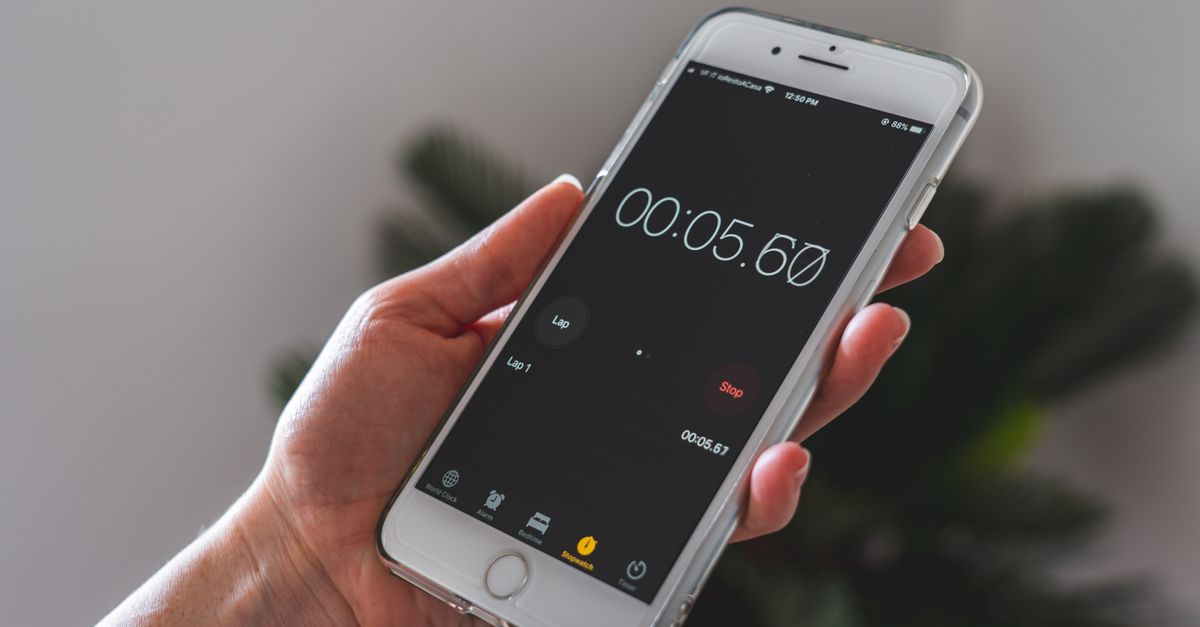
What a no-app stopwatch measures
An online stopwatch is designed for open-ended measurement. It starts at zero and continues until you pause or reset it, so it suits activities whose end point cannot be set in advance. This differs from a countdown, which runs down from a chosen duration, and from a Pomodoro timer, which follows fixed work and break blocks.
- Run, cycle, swim, or sprint intervals, as well as a full session
- Time a study block, editing pass, meeting, or other open-ended work task
- Track a boil, rest, brew, recipe stage, or other kitchen interval
- Measure a rehearsal, interview response, presentation, or target-length practice
- Follow timed exercises, plank holds, breathing routines, or workout circuits
For these jobs, the useful measurement is the time an activity actually consumes. Because the stopwatch has no preset endpoint, it can remain open while the work, exercise, or session unfolds.
Read the display and lap values
The main display shows minutes, seconds, and hundredths of a second while the timer is active. Once elapsed time passes one hour, it automatically changes to an hours:minutes:seconds format so longer sessions remain readable. A Lap record adds two related values to the list.
- Elapsed total: The time measured since Start, or the accumulated amount if the stopwatch is paused
- Split: The duration of the individual segment that just ended
- Cumulative total: The time since Start, including the newly completed segment
Laps are arranged newest first, so the latest split appears at the top. Pressing Lap takes a snapshot of the current moment without stopping the running clock. This is the main difference between recording a lap and pausing the stopwatch.
Run the timer without installing anything
Use the browser controls in this order for a complete no-app timing session:
- Open the Online Stopwatch page in your browser. No app installation, account, or sign-in is required.
- Press Start to begin counting upward from zero. The large display shows the elapsed minutes, seconds, and hundredths of a second.
- Press Lap at each meaningful transition. The clock keeps running while the new row records that segment’s duration and the cumulative total.
- Press Pause to freeze the accumulated time at the exact click. Press Resume when the activity continues, and the timer picks up from that frozen value.
- Press Reset to clear the elapsed time and all recorded laps. Review any results you want to keep before starting a fresh measurement.
For a single timed task, Start and Pause are enough. Add Laps when you need more than one result, and use Reset only when you want to discard the current measurement and begin again.
Turn laps into useful measurements
Laps turn one continuous measurement into a sequence of comparable intervals. The segment value answers how long the latest interval lasted, while the cumulative total shows where that interval sits within the entire session. Because both appear together, you can review a run or task without trying to reconstruct intermediate values from a single clock.
- Running or cycling: Compare individual intervals and the total session time
- Multi-stage work: Mark the end of each phase to see where the time went
- Rehearsal: Record each take or section while watching the overall length
- Cooking or exercises: Capture each stage while the timer keeps counting
Keep the timer running between laps. Pausing is appropriate when the entire activity is temporarily on hold; Lap is appropriate when one segment has ended but the overall measurement should continue.
Keep timing correct across tab changes
The stopwatch uses anchored timing rather than adding up individual screen ticks. At Start, it records a high-resolution reference. On each refresh, it recalculates elapsed time from the accumulated total plus the real time since that reference. This design keeps the reading from drifting or falling behind when the browser slows updates in a background tab.
If you switch to another tab and return, the display corrects itself to the genuine elapsed time. Pausing stores the accumulated total at the exact click, and Resume continues from that value. The verified workflow covers changing tabs, but keeping the page open while you measure is still the simplest way to retain access to the controls.
Keep the measurement private and available
All timing runs locally in your browser. There is no account, no sign-in, no upload, and no network request from the stopwatch, so the elapsed reading and lap records never leave your device. Because processing stays local, the tool is private and distraction-free.
It can also work offline once the page has loaded. That limitation matters: the offline guarantee begins after the tool is already open in the browser. For dependable access, load the page before beginning a session, then bookmark it for quick reuse.
Stopwatch, countdown, or Pomodoro?
The right timer depends on the shape of the task. Use a stopwatch for unknown durations and lap analysis, a countdown for a known interval that must end at a set point, and a Pomodoro cycle for structured focus and break intervals.
| Tool | Timing behavior | Best fit |
|---|---|---|
| Online stopwatch | Counts up from zero with no preset duration; supports laps, pause, and resume | Tasks with an unknown endpoint or repeated splits |
| Countdown timer | Counts down from a duration you set | Deadlines, cooking, or any interval with a fixed end |
| Pomodoro timer | Runs repeating focus and break blocks | Planned work sessions with scheduled breaks |
Do not substitute a countdown for a stopwatch if you need to record the time actually consumed; its direction and preset end point solve a different job. Likewise, a Pomodoro cycle adds a predetermined rhythm that is unnecessary when the task simply needs open-ended elapsed timing.
Use a clean timing routine
A dependable no-app timing routine is simple: define the exact event that means “start,” press Start immediately after it, and use Lap only for meaningful boundaries. For example, the first boundary could be the end of one work phase or the completion of one lap.
- Use Pause for a genuine stop in the activity, not as a substitute for Lap
- Review split and cumulative values before Reset erases the session
- For short intervals, use the hundredth-of-a-second display rather than estimating from a wall clock
- For long sessions, expect the display to switch format after the one-hour mark
- Allow the page to load before relying on offline access
The result is a browser-based workflow that needs no installation and preserves the details that matter: elapsed time, each segment, and the cumulative position of every lap. Use the Online Stopwatch whenever you need those results without downloading an app.