An “online stopwatch bomb” is a gamified focus timer, while the Online Stopwatch here counts up from zero with lap splits rather than running a preset bomb countdown.
That difference determines which tool fits the task. A bomb-style timer needs a chosen duration and counts toward zero. This stopwatch has no preset duration: it measures elapsed time until you pause or reset it. Its supported controls include Start, Lap, Pause, Resume, and Reset, but they do not provide a bomb graphic, burning fuse, explosion sequence, or automatic deadline.
The direct answer is therefore conditional. If “bomb” means a gamified deadline that ends when a fuse runs out, use an online countdown timer. If it means timing an open-ended focus sprint and recording each stage, the Online Stopwatch supports that workflow. You choose the target yourself, start the count, mark laps, and pause manually when the target is reached.
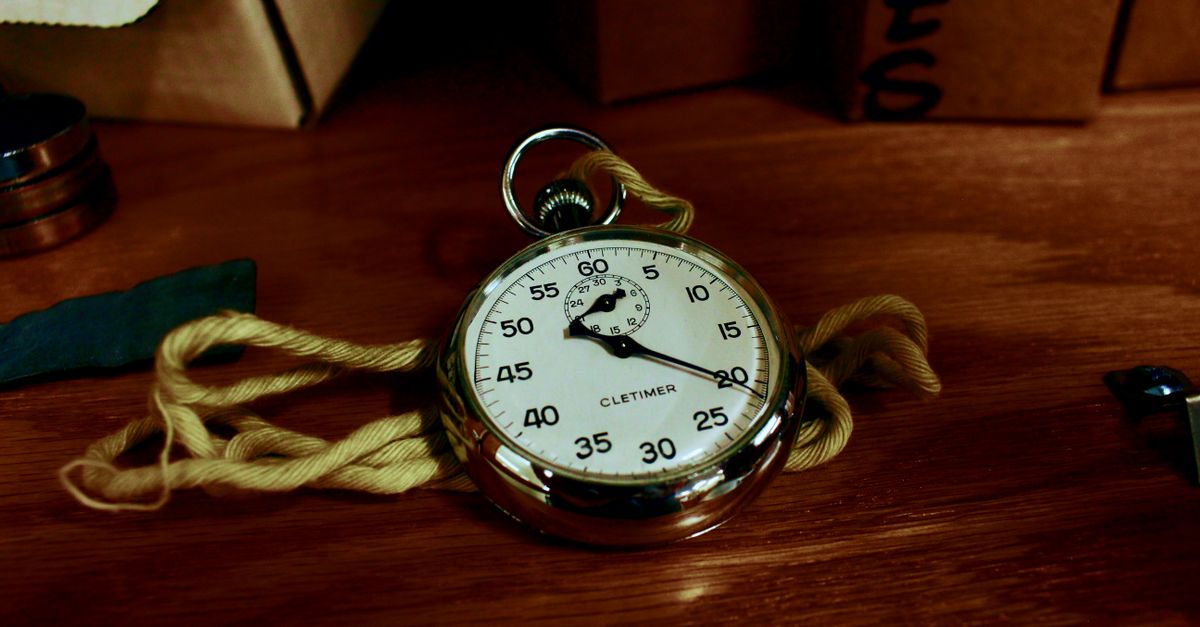
Separate a Stopwatch from a Bomb Countdown
A stopwatch and a countdown timer measure time in opposite directions. A stopwatch begins at zero and increases as an activity continues. A countdown timer begins with a selected duration and decreases toward zero. The bomb presentation is a visual way to make a fixed deadline feel urgent; it does not change the underlying countdown behavior.
This distinction matters when choosing a productivity tool. Measuring an open-ended task calls for elapsed time. Holding someone to a predetermined deadline calls for a countdown. A structured series of focus and break periods calls for a Pomodoro-style cycle instead.
| Timer | Time direction | Duration behavior | Primary use |
|---|---|---|---|
| Online Stopwatch | Counts up from zero | Open-ended; pause or reset when finished | Elapsed-time measurement and lap splits |
| Online Countdown Timer | Counts down toward zero | Uses a selected duration | Fixed deadlines and time limits |
| Pomodoro Timer | Cycles through focus and break blocks | Uses fixed work and break intervals | Structured focus sessions |
So a literal bomb countdown and the Online Stopwatch are not interchangeable. You can apply a bomb theme or challenge to a focus sprint, but the underlying timer still needs to count in the direction built into the tool.
Run a Bomb-Timer Focus Round Manually
Use the Online Stopwatch for a gamified focus round by treating a self-selected limit as the “fuse.” The tool supplies the elapsed measurement and lap records; it does not supply an animated fuse or an automatic end signal.
- Choose your target before starting. Decide how long the focus round should last and keep that limit somewhere visible. The Online Stopwatch cannot be configured with a preset duration.
- Press Start at the beginning. The timer starts counting upward from zero, and the large display shows minutes, seconds, and hundredths of a second.
- Press Lap at each meaningful checkpoint. The timer continues running while the lap captures both the current segment and the cumulative time since Start.
- Pause for an intentional interruption. The accumulated time freezes at the moment you press Pause. Press Resume when you are ready to continue from that exact value.
- Pause when the target is reached. Because there is no automatic explosion or countdown ending, your Pause action marks the end of the round. Review the final display and lap entries as needed.
- Press Reset for a fresh round. Reset clears the elapsed time and every recorded lap, returning the tool to zero.
The urgency in this workflow comes from the target and checkpoints, not from a special visual effect. That makes the process suitable for a timed writing challenge, a study sprint, a rehearsal limit, or any other activity where the finish line is known but the timer needs to show how far you have come.
Break a Focus Round into Lap Splits
A lap is useful when the activity has several stages. Pressing Lap freezes the current moment in the lap record without stopping the stopwatch. Each entry contains two values: the split, which is the duration of that individual segment, and the total, which is the cumulative elapsed time since Start.
Use those two numbers for different purposes:
- Compare stages: Review each split to identify which phase took the longest or which phase moved most quickly.
- Track the overall round: Use the cumulative total to see the complete elapsed time even when several laps have been recorded.
- Mark natural checkpoints: Press Lap when you finish reading a section, complete an exercise, switch tools, or reach another defined stage.
- Find the latest entry quickly: Laps appear newest-first, placing the most recent split at the top of the list.
Do not confuse Lap with Pause. Lap adds a timed record while the clock continues. Pause is the control for deliberately stopping the elapsed count. Reset is separate again: it removes the elapsed value and the lap history so the next measurement begins cleanly.
Keep Timing Correct After a Tab Change
The stopwatch uses anchored timing rather than simply counting individual screen refreshes. It records a high-resolution start reference and recomputes elapsed time from the accumulated total plus the real gap since that reference on each refresh. This prevents the display from drifting or falling behind when a browser throttles a background tab.
You can therefore move to another tab and return without expecting the measurement to lose time. When you come back, the display corrects itself to the genuine elapsed value. If you intended the activity to stop, press Pause before leaving; a tab change by itself does not freeze a running measurement.
The display is designed for both short and long sessions. It shows minutes, seconds, and hundredths of a second while the measurement is below one hour. After the elapsed time passes one hour, it automatically changes to an hours:minutes:seconds format so a long session remains readable.
Keep Measurements Private in the Browser
The Online Stopwatch runs entirely in the browser. It requires no account or sign-in, makes no network request during use, and does not upload timing data or laps. Your measurements remain on your device. Once the page has loaded, the tool also works offline.
That makes it suitable for private work blocks, exercise intervals, private rehearsals, and other measurements you would rather not send to a server. It also avoids the need to create an account merely to time a short task.
The verified workflow does not promise that an unfinished measurement survives closing or reloading the page. For a result you must retain, write down the final display and any important lap values rather than relying on an unstated recovery feature.
Where an Open-Ended Stopwatch Helps
The same count-up workflow applies beyond bomb-themed focus challenges. Runners, swimmers, and cyclists can time individual intervals or complete sessions. A cook can measure a boil, rest, or brewing period. Public speakers and interviewers can watch a rehearsal approach a target length without trying to force the clock to start from that target.
Students and knowledge workers can use a lap whenever they complete one stage of a task, while people following timed exercises or breathing routines can use the large display from across the room. In each case, the central advantage is the same: the timer shows how much time the activity actually consumed.
Choose a countdown timer instead when the duration must be established before the activity begins and the clock should reach zero automatically. Choose the Online Stopwatch when the useful information is the elapsed time from the start, particularly when separate stage timings will help you understand the result.
A Practical Rule for the Next Measurement
Ask one question before choosing: should the time move toward zero, or should it measure what has already happened? If it must reach a predetermined endpoint, use a countdown. If you want to begin immediately, compare stages, and decide when the activity is complete, use the count-up stopwatch.
For the exact phrase “online stopwatch bomb,” the honest distinction is that the Online Stopwatch supplies precise elapsed timing, lap splits, pause and resume, and private browser-based operation. It does not turn into an animated bomb countdown. For a genuine time-to-zero challenge, select a countdown tool; for a manually managed focus round with measurable stages, the Online Stopwatch provides the supported workflow.