WPM (words per minute) is calculated as (characters typed ÷ 5) ÷ minutes, where one "word" equals five characters including spaces and punctuation, and that single formula is what every AI-graded typing test reduces your keystrokes to. Net WPM counts only the characters you got right, gross WPM counts every key you pressed, accuracy is correct characters divided by total characters times 100, and errors are the characters that did not match the target passage. A free browser typing test surfaces those four numbers live, on every keystroke, which is the raw signal an AI coach needs in order to tell you whether to chase speed, fix mistakes, or both.
When readers search for how to use AI for typing test practice, they usually want one of three things: a smarter way to generate practice text, a coach that can analyse their error patterns, or a tool that adapts difficulty in real time. A plain browser test handles the measurement side of that loop — it gives you the live numbers — while the AI tools handle the surrounding workflow: writing passages at a chosen difficulty, reading them aloud so you can shadow-type them, and reviewing the results afterwards to suggest what to drill next. The combination is what "AI for typing test" actually delivers in practice.
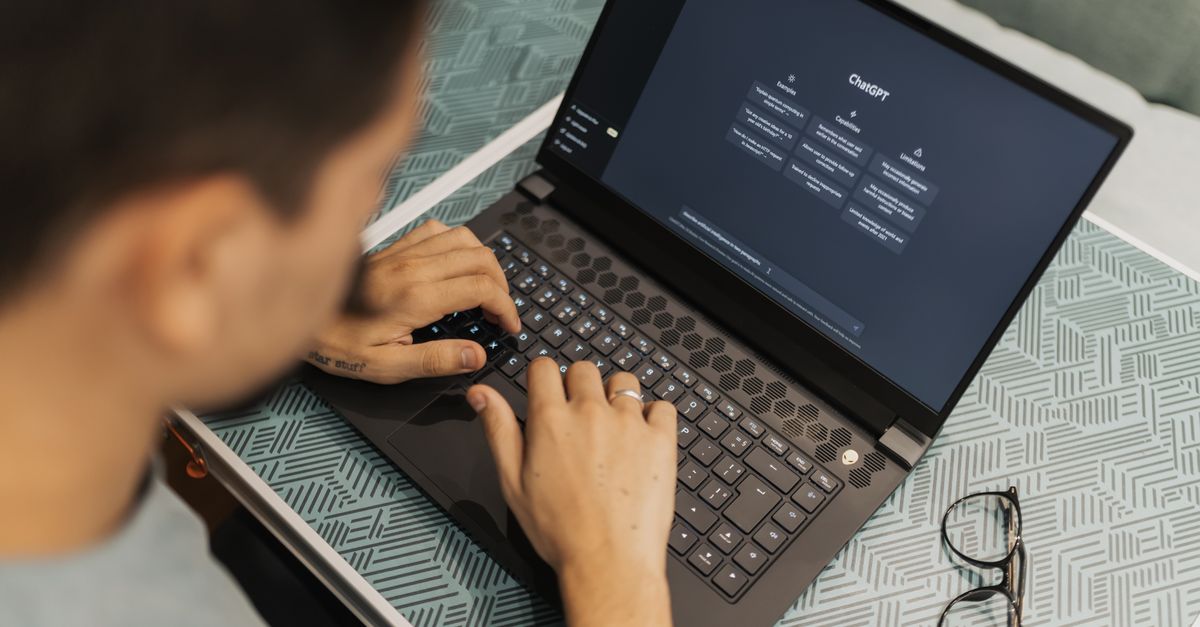
What AI Adds to a Typing Test
A typing test is fundamentally a counting problem — characters typed, minutes elapsed, correct versus wrong — not a language problem, so the AI layer sits around the test rather than inside it. In practice, that means AI is most useful for three jobs: generating the passages you practise on, dictating or highlighting them while you type, and reviewing the numbers you produced afterwards.
A free browser Typing Test takes care of the measurement side: it picks a random passage, starts the clock on your first keystroke, and updates net WPM, gross WPM, accuracy, errors and elapsed time live as you type. Each character turns green when correct and red when wrong, so you also get a built-in visual map of where you fumbled without any AI analysis at all. The "AI" part comes from the tools you wrap around it.
- An AI chat tool writes passages at a chosen vocabulary level or topic (legal copy, code snippets, prose) that you then take into the test.
- An AI text-to-speech engine reads a passage aloud at a steady pace so you can type along without looking down at the keyboard.
- After a few rounds, you paste your results back into an AI chat and ask it to spot which keys or bigrams keep tripping you up, then turn that into targeted drills.
How to Run the Typing Test Step by Step
- Open the Typing Test page in any modern browser — no sign-up, no install, nothing to download.
- Read the highlighted passage on screen so you know what is coming.
- Place your fingers on the home row, then start typing the passage into the input box. The timer starts automatically on your very first keystroke.
- Watch the live readouts — net WPM, gross WPM, accuracy, errors, and elapsed time — update on every press. Correct characters turn green, wrong ones turn red, so you can see mistakes in real time.
- Finish the passage to lock in your final score, or click Finish now to stop early if you want to compare a partial round.
- Press Restart for a brand-new random passage and try to beat your previous net WPM and accuracy.
Each round pulls a different passage, which is the point: you are training real words and punctuation rather than memorising one string. That variety is what lets a few short rounds a week produce a measurable climb in net WPM over a month, and it is also why the test doubles as a clean baseline for whatever AI practice workflow you build around it.
Using AI to Generate Practice Material
The test itself ships a new random passage every round, which is enough for most people. But if you want the test to behave like an AI-powered one, the easiest move is to generate your own passages and use them as warm-up material before you switch to the live test. A few requests that work well in any AI chat tool:
- "Write a 120-word paragraph of business prose at a B2 reading level, with semicolons, em dashes and quotation marks."
- "Give me a 60-word paragraph that includes the words 'rhythm', 'mnemonic', 'liaison' and 'connoisseur' so I can drill awkward spellings."
- "Write a 90-word passage with lots of capitalised proper nouns and bracketed citations [1] so I can train my shift key."
Read the result aloud yourself, or push it through Text To Speech at a steady rate and shadow-type it in a plain editor first. The point of the warm-up is to remove the surprise from the passage, so when you hit the real test you are training reaction and accuracy rather than reading speed.
For dictation drills, paste your generated passage into a text-to-speech tool, set the playback rate to something slightly faster than your comfortable typing speed, and type along without looking at the screen. This trains your ears and your fingers at the same time and exposes the words you would otherwise guess at from context.
Reading Net WPM, Gross WPM, Accuracy, and Errors
Once a round starts, the test shows four numbers that update live, and they each mean something different. Mixing them up is the most common reason people misread their own progress.
| Metric | Formula | What it tells you |
|---|---|---|
| Net WPM | (correct characters ÷ 5) ÷ minutes | The headline score — speed adjusted for accuracy |
| Gross WPM | (all characters ÷ 5) ÷ minutes | Raw finger speed, mistakes included |
| Accuracy | correct characters ÷ total characters × 100 | How clean your run was |
| Errors | characters that did not match the target | Specific places to revisit |
Net WPM is the number worth improving. It rewards hitting the right key over hitting it quickly, which is why 70 WPM at 90% accuracy can actually be slower in practice than 55 WPM at 99% — every mistake you leave behind costs time to fix. Gross WPM is useful as a stretch metric, because it tells you how fast your fingers can move when accuracy is taken off the table, but it is not the score to lead with on a CV. For the WPM formula in detail, the guide How Does a Typing Test Work? The WPM Formula Explained walks through the same calculation with extra examples, which is useful if you want to confirm exactly how your net WPM is being computed.
A Realistic WPM Benchmark by Skill Level
Knowing what counts as a good score matters more than chasing a number. The figures below are the bands most typing tests and recruiters treat as standard reference points, and the same numbers appear in the underlying tool.
| Skill band | Net WPM | Typical context |
|---|---|---|
| Average adult | around 40 WPM | Everyday email and chat |
| Confident everyday typist | 50–60 WPM | Office and study work |
| Professional / admin / support | 60–80 WPM | Job screening benchmark |
| Developer / transcriptionist | 60–80 WPM | Code and long-form transcription |
| Competitive typist | 100+ WPM | Typing competitions |
Job screening tests for data entry, administrative and support roles usually set a minimum WPM and a minimum accuracy, often 95% or higher, and a fast but sloppy score can fail the accuracy bar outright. Treat the table as the target shape: climb the WPM band while staying above the accuracy line. If your accuracy drops under 95% during a speed push, slow down on purpose for the next round — the net figure is what rewards you for that patience.
A Worked Example of the WPM Calculation
Suppose you typed for exactly one minute and produced 280 characters in total, of which 250 matched the passage and 30 did not. The arithmetic comes straight from the formula the test uses:
Net WPM = (correct characters ÷ 5) ÷ minutes = (250 ÷ 5) ÷ 1 = 50 WPM
Gross WPM = (all characters ÷ 5) ÷ minutes = (280 ÷ 5) ÷ 1 = 56 WPM
Accuracy = correct characters ÷ total characters × 100 = 250 ÷ 280 × 100 ≈ 89.3%
That single round shows the trade-off in numbers: you were moving at 56 WPM raw, but because almost one in ten keystrokes was wrong, your usable speed was only 50 WPM. The 6-WPM gap between gross and net is the cost of inaccuracy on that round, which is exactly why the test reports both side by side.
A Training Plan That Pairs AI With the Test
A simple weekly loop is enough to see a steady climb, and it uses the AI layer in the three places where it actually helps:
- Take the test cold at the start of the week to set a baseline. Note your net WPM and accuracy.
- Ask an AI chat tool to write three short passages aimed at the weaknesses the test exposed — slow on capital letters, hesitant on punctuation, sloppy on a specific key.
- Drill the AI-generated passages by reading them aloud with text-to-speech or by typing them into a plain editor.
- Re-run the Typing Test a couple of days later on a fresh random passage. Compare net WPM and accuracy to your baseline.
- Repeat every week. Because each round uses a different random passage, you are training real English rather than memorising a fixed string, which is how clean reps build the muscle memory that makes speed automatic later.
During each round, keep your fingers on the home row, look at the screen rather than the keyboard, and prioritise hitting the right key over hitting it quickly. The green and red character colouring already gives you immediate feedback on every keystroke, so you do not need a fancy AI overlay to tell you which keys are tripping you — the test shows it on the screen in front of you.
Why a Browser Test Is a Clean Fit for AI Workflows
Because the typing test runs as pure client-side JavaScript in your current tab, your keystrokes never leave the device. There is no upload, no log of what you typed, no account holding your practice history, and no cap on how many rounds you can take. Close the tab and nothing remains.
That matters once you start using AI tools to generate the passages you practise on. Anything you paste into a chat-style AI service is processed on its own servers under its own privacy policy, but the typing test itself sees only what runs in your browser. The result is a workflow that is easy to set up, easy to repeat, and honest about what each piece is doing: the AI writes and reviews, the typing test measures.
If you're weighing options, Typing Test Words Per Minute: What Your Score Means covers this in detail.