A wrong-looking tennis scorekeeper result almost always traces back to a single misattributed point, and the built-in Undo button restores the exact prior match state - including the point that ended a game, set, tie-break, or the entire match - so corrections do not require translating any tally backward by hand. Tennis scoring has more layers than a typical point counter: points move through Love, 15, 30, and 40; both players at three points show Deuce; one point beyond that reads Advantage; a set requires six games won by two; six-all triggers a numeric tie-break; and a match finishes on two sets. The scorekeeper treats those layers as an explicit local state machine, so a display that drops back to Deuce after a point, a set that reads 7-6 instead of 7-5, or a sudden jump to a fresh 0-0 in numeric mode is a sign the rules are being applied correctly, not a glitch. This guide walks through how to use Undo last point, when to start a new match instead, what to verify against the ITF rules, and how to export a corrected record without an account or upload.
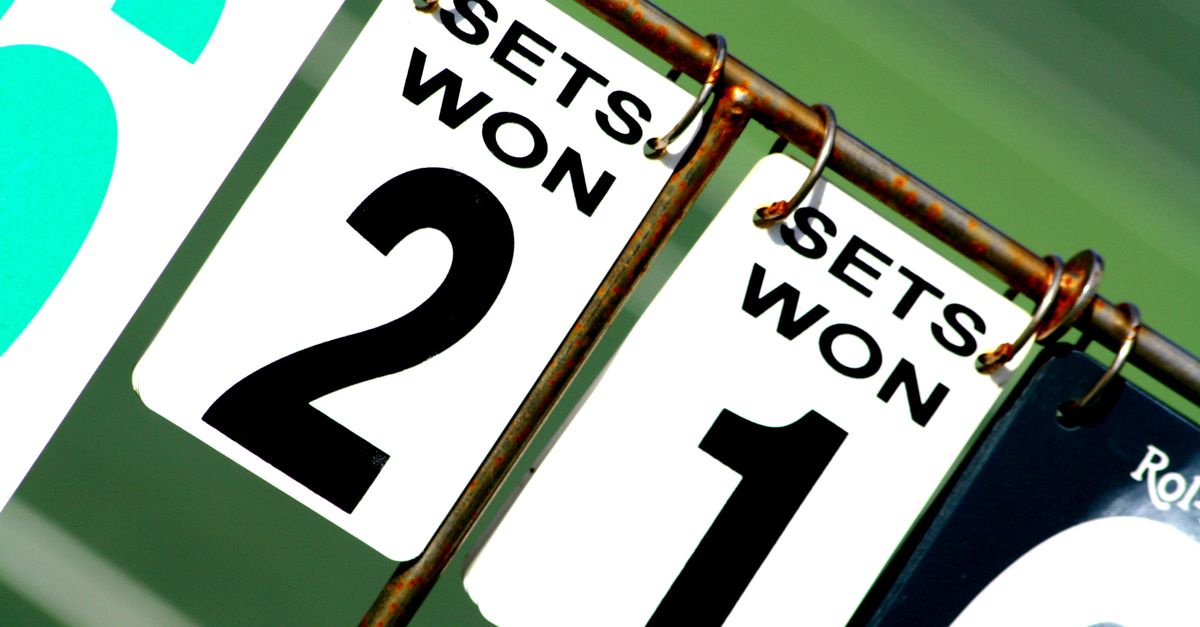
Why a Tennis Scorekeeper Result Can Look Wrong
Tennis is one of the few racket sports whose score is not a single running total, which is why a generic click counter quickly becomes misleading. The rules used by the scorekeeper separate point, game, set, and match into four nested layers:
- Points inside a game use the sequence Love, 15, 30, 40; both sides at 40 read Deuce, the next point reads Advantage, and a second consecutive point after that ends the game.
- Games accumulate into the set score, and a player needs six games won by two to claim the set.
- Sets are tallied, and a best-of-three match ends when one player has won two sets.
- Tie-break kicks in at six games each, replacing Love/15/30/40 with a numeric race to seven points, won by two.
Because each layer has its own transitions, a wrong-looking total is rarely a bug in the math. More often, a point was awarded to the wrong side - the wrong player's name was tapped at deuce, or a single tap landed on the wrong button during a tie-break. Another common cause is forgetting that tennis displays deuce-style scores after every point at 40-all rather than continuing to march up to 80 or 90. When you see a number that does not match what was happening on court, the fix is almost always at the point layer, not the match layer.
What the Undo Last Point Control Actually Restores
Undo last point is a full snapshot rollback, not a decrement. Each tap is stored as the complete prior match object, including the sets, games, points, and the tie-break toggle. Pressing Undo reverses a single point no matter where it landed in the match:
- A point inside a regular game steps back from 30 to 15 (or whichever pair of values the game had reached).
- A point that turned 40 into Game steps the score back to 40 and removes the new game win from the set tally.
- A point that ended a set, a tie-break, or the match itself is also safely reversible.
Because the snapshot covers the whole match, you can correct any single mistake with one press instead of re-tapping an entire sequence. The daily point history stored against your device's local calendar day is updated in the same step, so a corrected record does not leave a duplicate point in the history file.
How to Correct a Wrong Score in Tennis Scorekeeper
Open the Tennis Scorekeeper in your browser, then walk through the same routine you would use on court when the chair umpire is challenged on a call.
- Stop tapping any further points so the disputed total is frozen on screen.
- Read out the displayed sets, games, and point score and compare it to what actually happened on the last point.
- Identify which single tap changed the score to what you see now - for example, the point that ended the game, the point that switched from Advantage to game, or the point that took the set into a tie-break.
- Press Undo last point once. The scorekeeper restores the complete prior match snapshot, including whether the match was inside a regular game, in Deuce, in Advantage, or inside a numeric tie-break.
- Confirm that the new display matches the real score before the disputed tap. If it does not, the original mistake was earlier than you thought; press Undo again to step further back.
- When the display matches reality, resume tapping the correct winner for each remaining point.
- If the match has already been completed and you cannot salvage it with Undo, use Start new match to clear the active score and begin again. The daily point history up to that point is preserved.
For a follow-up read on confirming a result after the correction is in place, see How Do I Check the Result After I Use Tennis Scorekeeper.
When Undo Is Not Enough: Start a New Match
Undo is the right tool for a mistaken tap, but it is not the right tool for a match that was scored under the wrong format from the start - for example, a match tie-break at one set all, a long set with no tie-break, or a ten-point league tie-break, all of which are formats this personal scorekeeper intentionally does not manage. When the match is essentially unrecoverable, Start new match clears only the active score on the page so you can begin again while keeping the daily point history already recorded.
Clear local history is a separate, more destructive control: it removes the stored daily record so the browser starts from a blank state. Use it only when you want to wipe both the active match and the calendar-day history together, and only after you have already exported any record you wanted to keep.
Verifying a Fixed Score Against the Game and Tie-Break Rules
After undoing or replaying points, glance through this table to confirm the corrected score is consistent with the rules the tool implements.
| What the Display Shows | Why That Display Is Correct |
|---|---|
| Game score reads Deuce instead of 40-all | Both players have three points; the scorekeeper uses Deuce per the ITF game rules. |
| Game score shows Advantage next to one player | That player won the point right after Deuce and needs one more to win the game. |
| Set score resets to 0-0 after a player wins six games | A new set has begun; the previous set total is preserved in the set tally. |
| Numeric 0-0 appears under a fresh 6-6 set | The match has entered the standard first-to-seven tie-break at six games all. |
| Final set reads 7-6 rather than 7-5 | Tie-break sets always record 7-6 for the winner under the ITF tie-break rule. |
| Match shows a final set score of 2-0 in sets | Best-of-three matches end the moment either player reaches two sets won. |
Per the ITF Rules of Tennis, deuce requires two consecutive points to award a game, and the USTA scoring guide cross-checks the same Love, 15, 30, 40 sequence plus the tie-break format this tool uses. If a fixed display still does not match the table, the disputed point is further back than one tap and Undo can be pressed again.
Exporting a Corrected Record From Your Browser
Once the displayed score matches reality and the match is finished, the only way to keep a record outside the current browser is to export it. The scorekeeper offers two file formats and both run entirely on the device using browser Blob and canvas APIs:
- Export PNG creates a 1080 by 1350 image with a points total and recent days. The image deliberately does not include a URL or player names, which limits unnecessary personal context if it is shared.
- Export CSV creates a two-column file with Date and Points recorded, ready for a spreadsheet or archive.
There is no upload queue, no remote scoring API, and no signed-in account behind either export. Both files stay on the device until you move them yourself, and clearing site data later removes the local key under which they were stored.
Limits of a Local Tennis Scorekeeper
Undo and Start new match can correct any mistake that fits within the scorekeeper's rules, but they cannot extend the tool past what it actually covers. It is intentionally a personal scorekeeping aid rather than an official tournament scorer, so it does not administer service order, chair-umpire decisions, doubles rotations, line calls, court changes, retirement rulings, match tie-break alternatives, or event-specific scoring variations. A tournament announcement of a different format - no-ad scoring, a super tie-break at one set all, or a ten-point league tie-break - always controls the event. The scorekeeper should be reopened only when the standard game, tie-break-set, best-of-three structure matches the match you actually played.
If the display still looks wrong after several Undo presses, that is usually a signal to stop using the scorekeeper for the disputed match rather than to keep stepping back. Most wrong-looking displays in tennis come down to one tap; once you have undone the disputed point and the on-screen score matches what your partner or opponent calls, the result is correct to the limits of a personal device-side count.
If you're weighing options, Fix Wrong Results After Using a Water Intake Counter covers this in detail.