A tennis scorekeeper approach is the right one when it keeps standard games, deuce, tie-break, and best-of-three transitions in a single connected state machine rather than forcing you to translate a raw tally in your head. The scorekeeper you choose should start a game at Love, walk through 15, 30, and 40 as points are won, switch to Deuce at 40-all, require Advantage and a second consecutive point before the game ends, and switch to a numeric tie-break at six games each. It should treat a set as six games won by two, and a match as two sets won. The scorekeeper should record every tap locally against your device's calendar day, expose an Undo that restores the full previous match snapshot, and offer an export only when you deliberately ask for one, with no account, upload, or remote conversion involved. If a tool cannot describe the rule set it implements, it is not yet the right tool for tennis; a generic tally counter, watch, or court card can be useful in other contexts, but none of them will track Deuce correctly across a five-set practice match. The Tennis Scorekeeper matches the format described by the International Tennis Federation and cross-checked in the USTA player guide, so the rule path itself is the deciding factor.
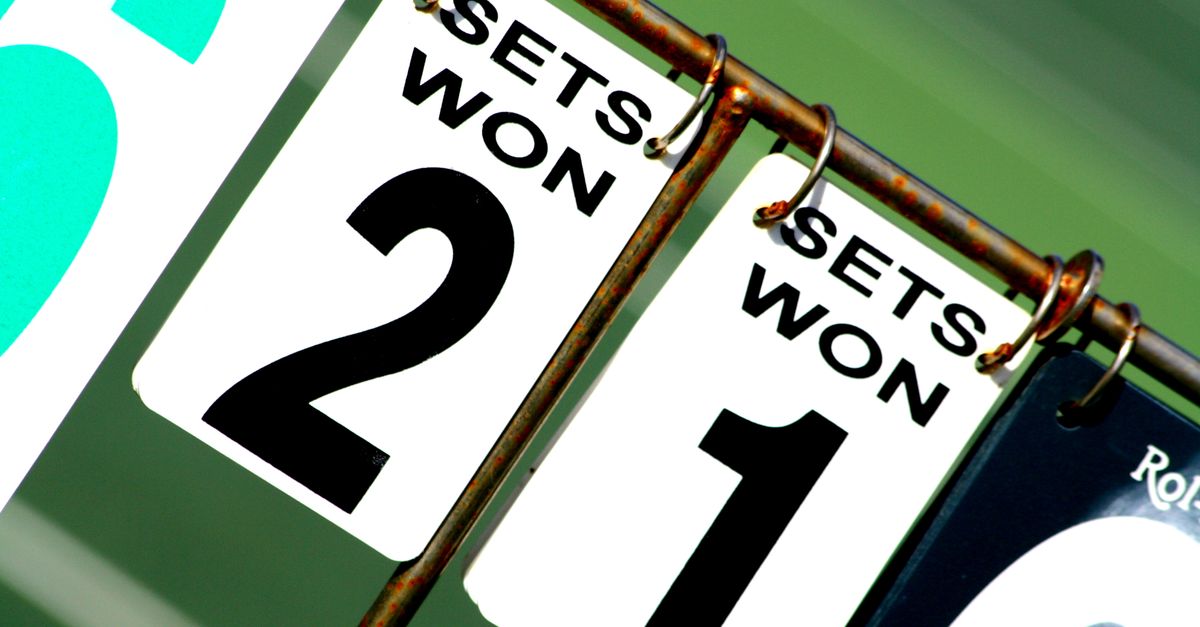
Why the Right Approach Starts With the Rule Set
Tennis is one of the few sports where a simple plus-one counter fails immediately. A game can end at Love, 15, 30, 40, Deuce, Advantage, or Game. A set can finish at 6-0, 6-1, 6-2, 6-3, 6-4, 7-5, or 7-6. A match in a friendly singles practice is usually best of three sets, and at six games all a tie-break decides the third set. Approaching the problem with a generic tally counter means you will lose track of which set you are in, miscount Deuce cycles, and almost certainly get a tie-break wrong. The right approach is therefore to choose a tool whose rule path is explicit, not implied.
Tennis Scorekeeper implements that rule path as an explicit local state machine with external golden-case tests, rather than guessing transitions from a final total. The score transitions follow ITF Rules 5 through 7, which describe the standard game, the tie-break game, and the set/match structure. If you want a fuller external reference, the ITF Rules of Tennis are published as a public PDF, and the USTA player guide cross-checks the same scoring logic in plain English.
Match a Scorekeeper Approach to Your Situation
The approach you pick should follow from what kind of match you are recording. A scorekeeper that handles every official event variant is not what most players need; the right tool handles the match you are actually playing, and that is usually a standard best-of-three tie-break-set singles match. The table below maps common situations to the approach that fits each one.
| Situation | Right Approach | Why It Fits |
|---|---|---|
| Friendly singles match at a club | Standard best-of-three with tie-break at 6-6 | Matches the ITF default and avoids mid-set disputes |
| Practice session focused on serve patterns | Standard best-of-three with undo ready | Records points exactly while letting you correct mistaps quickly |
| Club ladder note after a one-set match | Same standard rules, stop after one set | Keeps a readable single-set record without forcing a full match |
| Lesson where the coach wants on-screen scores | Standard rules with player names visible | Replaces paper marks with a clear, read-at-a-glance score |
| Casual point-counting while rallying | Out of scope for this tool | A simple tally counter is a better fit than a full scorekeeper for raw point counts |
| Official tournament match | Use the tournament's own scorecard, not a personal aid | A personal aid does not administer service order, officiating, or event-specific formats |
Use Tennis Scorekeeper Step by Step
- Open Tennis Scorekeeper in your browser. The match state and history live under a local key in this browser only.
- Enter the two player names before tapping any point. Names anchor the active match so every later tap is attributed correctly.
- Tap the player who wins each point. The scorekeeper applies the standard game and tie-break transitions for you, so Love, 15, 30, 40, Deuce, Advantage, Game, Set, and Tie-break appear in order.
- Watch the score for the next transition before tapping again. A single extra tap can close a set or end a match, so the on-screen score is your confirmation that the last point was meant.
- Hit Undo last point the moment a tap looks wrong. Undo stores the full prior match snapshot, so it safely reverses a point that ended a game, a set, a tie-break, or the match.
- Tap Start new match when the next match begins. Start new match clears only the active match score and keeps the local daily history you have already recorded.
- Open Clear local history only when you want a fully blank browser state for this tool; clearing site data removes the stored record.
Handling Deuce, Tie-Break, and Match End
Deuce is the moment that separates a tennis scorekeeper from a generic counter. At 40-all the screen should display Deuce; the next point gives that player Advantage; a second consecutive point ends it, and an opponent point returns the game to Deuce. Tennis Scorekeeper implements that cycle explicitly, so you are never asked to count advantage points yourself. The same care applies at six games each: the tool switches to a numeric tie-break, the first player to seven points by two wins it, and the set is recorded as 7-6. The match completes when one player has won two sets. If your situation calls for a match tie-break instead of a third set, or for a no-ad scoring variant, that is an event-specific format and the tournament's own rules apply; this tool is intentionally a personal aid for the standard structure.
History, Undo, and Export Choices
Each recorded point is saved against your device's local calendar day, using the day supplied by Intl.DateTimeFormat. That history is a point-record history, not a claim that a score was official, which is the right framing for a personal aid. Undo is the primary correction tool: it restores the entire previous match snapshot, so you can reverse a point that ended a game, a set, a tie-break, or the match without losing the rest of the score. Start new match clears only the active match and retains the local daily history. Export CSV creates a Date and Points recorded file you can open in a spreadsheet or archive. Export PNG creates a natural 1080 by 1350 image with a total and recent days, deliberately omitting URLs or player names so shared images carry less personal context. Both exports use Blob and canvas APIs in your browser and never touch a server. If browser storage is unavailable, the score still works on the current page while the tool discloses that it cannot retain history.
When a Tennis Scorekeeper Is Not the Right Approach
A tennis scorekeeper is the wrong tool for formats it does not implement. It does not manage service order, chair-umpire decisions, doubles rotations, court changes, or retirement. It does not apply no-ad scoring, super tie-breaks in place of a third set, or event-specific scoring variations. If your event announces a different format, that format controls the event. The tool is also the wrong approach if you only want to count raw points while rallying; in that case a simple tally counter is a better fit because you do not need a state machine for Love through Advantage. Finally, a personal aid is not an official tournament scorecard, so if your club or league requires signed paperwork or a chair umpire, run the match on the official card and treat any local history as a private reference only.
Putting the Right Approach Together
The right approach combines three habits: pick a tool that documents its rule set, keep Undo one tap away during play, and only export when you actually need a file outside the browser. Start by opening Tennis Scorekeeper and entering both player names. Tap the point winner and read the score out loud after each transition so a teammate on the other side of the net hears the same numbers you see. Use Undo the instant a tap looks wrong, since Undo restores the full prior match snapshot across every layer of the score. Use Start new match between practice sets so the daily history stays intact, and reserve Clear local history and the PNG or CSV exports for moments when you genuinely want a file or a clean slate. Those four steps, rule-set first, names entered, Undo ready, exports deliberate, are the approach that makes a tennis scorekeeper useful instead of fragile.
Related reading: How to Choose the Right Workout Rep Counter Approach.
Related reading: How Do I Document My Basketball Scorekeeper Steps.