A debate timer is a local practice aid that runs an ordered queue of named segments, and it does not replace an official tournament timer. The Debate Timer tool on this site is built for classroom drills, personal preparation, and coach-led practice rounds: it gives each speech or cross-examination its own visible name and duration, advances one slot at a time, and stores a private daily record on your device. Official tournament timing — including preparation banks, speaker eligibility, room scheduling, judge assignment, and rule interpretation — is administered by the event's tab room under that event's published rules. The tool does not decide a round's official order, hold a prep clock, or report a judging result. Use it as a transparent local queue during the long stretches of practice and preparation that happen before competitors walk into the actual tournament room, then defer to the published event schedule once the round is called.
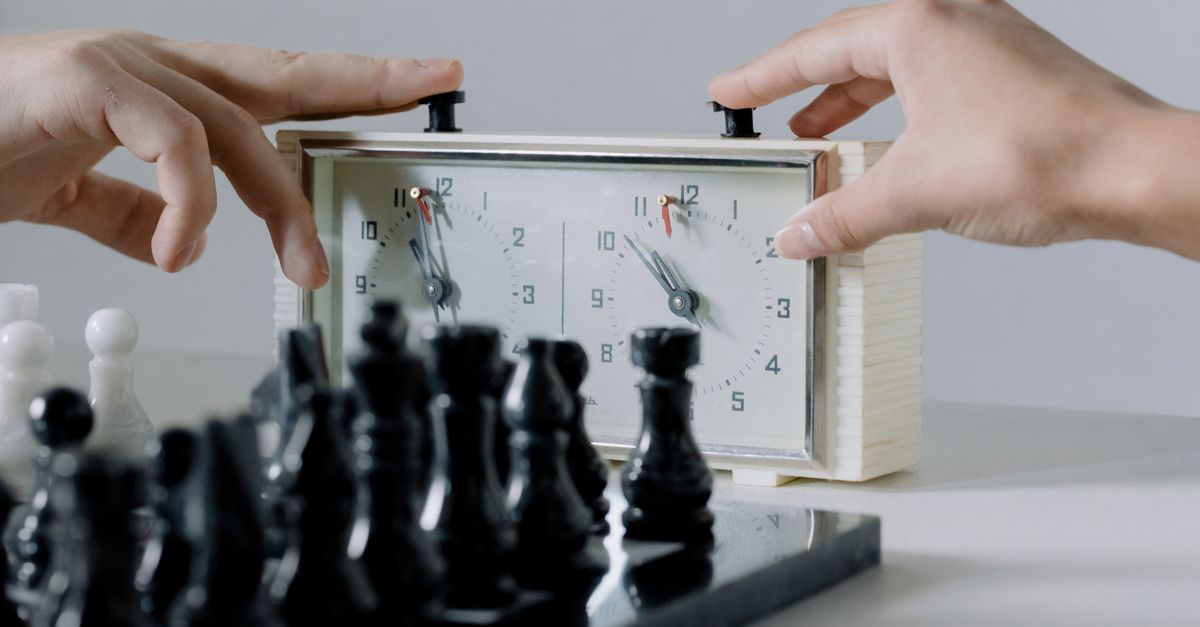
What a debate timer is built to handle
Most practice sessions fail not because the debater forgot the argument but because someone is stuck managing a single countdown and calling out transitions by hand. The Debate Timer replaces that single generic timer with an ordered queue of named segments. Each slot carries its own label — for example, Affirmative Constructive, Cross-Examination, Negative Constructive, Affirmative Rebuttal, Negative Rebuttal, Affirmative Rationale, and Negative Rationale — and its own configured duration in minutes and seconds. Only one segment is active at a time, and that segment counts down from its saved remaining time using an elapsed timestamp anchor rather than counting one-second browser callbacks.
That anchor matters because browser callbacks can drift when the tab is hidden or the device sleeps. Elapsed time is calculated from the saved anchor instead of trusting each tick to equal one second. When a segment finishes or you intentionally choose Advance segment, the next slot receives its own full configured duration, not whatever happened to be left on the previous slot. When the final slot advances, the round reports completion at 00:00. The result is a queue you can read at a glance, even mid-speech, without recalculating remaining time by hand.
Where official tournament timing still lives
The published rules of each event govern what counts as official timing, and no practice tool on a debater's laptop overrides those rules. Preparation time banks are administered by the tab room using the event's posted clock, not by anything running in a competitor's browser. Speaker eligibility, room assignment, judge pairing, ballot submission, and any challenge to a format interpretation are likewise outside the scope of a personal timer. If a coach, a parent, or a judge wants to confirm how a round was actually timed in the official room, the answer comes from the tournament's published schedule and the tab room's record, not from a device-local practice queue.
The tool also draws a sharp line on judgment. It does not record ballots, score rounds, declare a winner, or store competitor names. It exists to keep a practice session honest about its own structure — what slot came next, how long that slot was configured to run, and whether the run finished naturally or was cut short. Anything that affects a debater's standing in a tournament lives somewhere else.
Practice queue vs. official tab room
| Concern | Practice queue (Debate Timer) | Official tab room |
|---|---|---|
| Segment order | Editable named slots, default to current Coolidge 1v1 sequence | Fixed by the event's published schedule |
| Prep time bank | Not administered | Administered with the event's prep clock |
| Round result | Not recorded | Recorded on the official ballot |
| Speaker eligibility | Not checked | Verified at registration |
| Schedule storage | Browser-local storage under one device | Tournament database and posted pairings |
| Exportable record | Optional PNG or CSV of the day's segments | Posted results and tabroom reports |
Reading the table top to bottom makes the boundary clear: the practice queue handles the segments you can name and reorder locally, and the tab room handles everything that has to be authoritative across rooms, judges, and rounds.
Running a structured practice round with the Debate Timer
- Open the tool and start from the editable eight-slot 1v1 template, or replace any segment name and seconds with the labels and durations of the format you are practicing.
- Press Start for the current segment; the active slot's name and configured duration drive the visible countdown.
- Pause when practice stops — a partner question, a coach's note, or a short water break — and resume from the saved anchor without losing elapsed time.
- Choose Advance segment when the speech or cross-examination actually ends; the next slot receives its own full configured duration.
- Press Undo segment if you advanced the wrong slot; the prior slot, its remaining time, and the day's segment count are restored as a single snapshot.
- Repeat Start, Pause, and Advance for every slot in the round; the queue reports completion at 00:00 on the final slot.
- Open the day's history at the end of practice to see how many structured segments you completed locally, and export PNG or CSV only if you want a portable record.
For a closer look at the cross-examination slot specifically, the cross-examination timer guide for structured debate rounds walks through how that segment fits into the broader queue.
Editing the schedule for a different format
The default schedule is intentionally a template, not a universal claim. The Coolidge 1v1 sequence described by the Coolidge Presidential Foundation for 2025-2026 — five-minute constructives, two-minute cross-examinations, and four-minute closing speeches — is loaded as a starting point. If your school uses a different constructive length, your league runs public forum with eight-minute constructives and three-minute crossfires, or you are drilling a policy round with a preparation block, edit the label and seconds on each slot to match. Every label and duration is editable, and the active round is reset when an edit is applied so an old remaining time cannot silently belong to a new schedule.
For formats with a preparation block, add the prep slot in the queue before the relevant constructive. The tool is not in the business of tracking the prep bank minute by minute against a tab room clock, but the local queue can still hold the slot's name and duration so the round's order is visible during practice. The general structure of how debate formats use distinct constructive, cross-examination, rebuttal, and preparation segments with event-specific timing is described in DebateUS's policy debate overview, which is a useful sanity check when you are editing.
Reviewing the day's segments and exporting a record
Every Advance segment writes a small entry under the device's local calendar day, and the day count rolls over on the device's own clock. The history answers a modest question that a single generic timer cannot: how many structured segments did you complete in a practice day? That figure, and not the seconds on any individual slot, is what the tool tracks. Export CSV creates one Date and Segments advanced row per saved day, useful for a coach who wants a quick weekly summary or for a debater tracking drills across weeks.
Export PNG makes a 1080 by 1350 image containing the daily total and recent days, with no URL and no participant names. The exporter uses native Blob and canvas APIs in the browser, so the file lands on your device directly. There is no upload, no cloud copy, and no account. The schedule and the daily history stay under the tool's local storage key on this browser; another device starts empty, and clearing browser data removes the record. The tool discloses unavailable storage rather than treating it as a hidden backup, so the export step is genuinely the only portable copy you get.
When to hand timing back to the tournament room
The point of running a structured practice queue is to remove the busywork of resetting a generic countdown so debaters and coaches can focus on content and pacing. The point of an official tournament timer is to keep every room in the event running the same schedule against the same published rules. The two jobs do not overlap, and treating them as substitutes is a category error. Use the Debate Timer for the stretches of practice where you want a queue that names the next slot, lets you undo a mistake, and produces a private daily record of how much speaking you actually completed. Switch to the event's posted schedule — and to the tab room's clock — the moment a round is called in an official room.
If a coach asks for a copy of how a practice week went, the PNG or CSV export is enough. If an official at a tournament asks how a round was timed, the answer comes from the tab room, never from a device-local queue. Keeping those two tracks separate is what lets the practice tool be useful without overstating what it does.
If you're weighing options, 25 Minute Timer: Run a Pomodoro Cycle in Browser covers this in detail.