The cleanest way to count knitting rows from cast on is to label your project, declare how many rows belong to one pattern repeat, then tap a single Add row button each time you finish a row. That way every row is logged in order, and the running total is permanently linked to its position inside the repeat: you always see today's total, how many full repeats you have completed, and how many rows you are into the next repeat. The first row you log is the row immediately after the cast on, the second row is the one after that, and so on. Because the repeat length is locked once you start, the arithmetic relationship between rows and repeats never silently changes underneath you. This matters more than it sounds, because in patterns such as a 4-row repeat where row 4 finishes a repeat and row 1 begins a new one, the difference between row 4 and row 1 is invisible on the needle but huge on paper.
What "counting from cast on" actually means
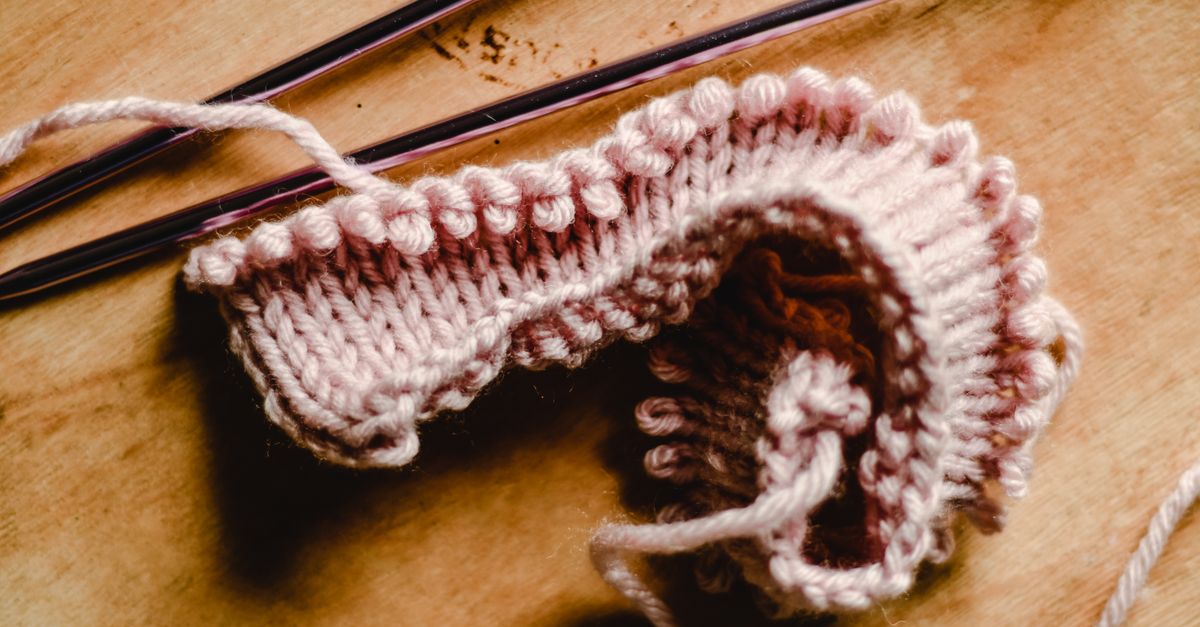
The cast on is the foundation row that puts your loops onto the needle, but it is not itself a knitted row. Row 1 of a pattern is the first row you actually knit, after those loops are on the needle. From that point onward, every row you knit counts as row N+1. The question "how many rows have I knit from cast on" is the same as "what row am I on in this pattern", and that is exactly the number the counter increments each time you press Add row.
For lace and cable patterns the repeat is short, often 4 rows, and the pattern repeats to build length. For texture or colorwork the repeat can be 6, 8, 12 or more rows. The repeat length is whatever the pattern says it is, and you set it once before any row is logged. With the setting in place, every row you press is mapped to its exact position inside the repeat without any mental math.
Why a plain tally loses repeat position
A tally mark or a paper scratch counter can count to 47. It cannot tell you whether row 47 is the third row of repeat 12 (so the next row will start row 4 of that repeat) or the final row of repeat 11 (so the next row begins a fresh repeat). In any pattern that repeats, two equally important questions live alongside the row number: is the current row the last row of a repeat or somewhere in the middle, and if you miscount, can you roll back a whole repeat in one action or do you have to undo each row?
A counter that links rows and repeats answers both questions in the same view. A counter that only shows a number forces you to do that math in your head, which is exactly how knitters lose their place on long projects. A generic online click counter can also be edited freely. That sounds helpful until you realize that on row 87 of a 6-row repeat you could change the total to 92, and the meaning of every saved row would shift under you without warning.
The fix is to lock the repeat length once rows are saved, so the arithmetic relation between row numbers and repeat position is preserved no matter what you do with the displayed total later.
Set up a repeat-aware count from cast on
- Open Knitting Row Counter in your browser and type a short project label such as "Lace shawl" or "Baby blanket". The label stays on your device and is not shared with any server.
- Choose the number of rows in one pattern repeat. You can pick any whole number from 1 through 1000. For a 4-row lace repeat choose 4, for a 6-row cable repeat choose 6, for a 12-row textured repeat choose 12. Set this before you log any rows, because the field locks once work has been saved.
- Cast on your stitches as the pattern instructs, then knit the first row after the cast on.
- Press Add row. The page now shows today's total as 1, completed repeats as 0, and Rows into next repeat as 1.
- Knit the next row, press Add row again, and continue this rhythm: finish a row, press once, knit the next row, press once.
- Watch the Rows into next repeat counter. When it reaches the chosen repeat length and the completed repeats count ticks up by one, you have just finished a full repeat. The next row you knit will start a fresh repeat at position 1.
Handle corrections without breaking the record
Two correction actions behave differently on purpose, and using them correctly is what keeps the row and repeat numbers honest.
Undo last row moves the total back by one. Use it the moment you realize you pressed Add row too many times. It works at any row count, even in the middle of a repeat.
Undo completed repeat is available only when the current row count lands exactly on a repeat boundary - that is, when a full repeat has just completed and the next row will start a new one. Pressing it removes the most recent full repeat in a single action and updates both the total and completed-repeats count together. A partial repeat can never be bulk-undone by accident, so an unfinished repeat is always safe from a stray click.
If you discover a mistake several rows back, undo one row at a time rather than trying to calculate a manual correction. That keeps the relationship between the row number and its repeat position honest. The repeat-length field stays locked once rows are saved, because changing it after the fact would silently reinterpret every logged row. To change the setting for a new project, clear the local history first.
Use the calendar history and exports
Every row you press belongs to the local calendar date reported by your device. A row worked at 11:50 pm stays on that day, not on the next UTC date. When a new day begins, a fresh record starts at zero while the previous days stay in the history list. Each history row shows the date, that day's rows, that day's completed repeats, and progress into the next repeat, which makes it easy to see how much you tend to knit in one sitting and which days you skipped.
When you want a snapshot of the project, two exports are available:
- Export PNG produces a 1080 by 1350 image with the Lizely mark, a grand total, and the recent calendar-day rows. It contains no URL and no project label, so a shareable summary does not disclose the project note.
- Export CSV creates a file with Date, Rows, Completed repeats, Rows into next repeat, and Rows per repeat columns - one row per saved date. Open it in a spreadsheet or print it and pin it to your paper pattern.
Both exports are generated in the browser with the native canvas and Blob APIs, so nothing about your project is uploaded.
Counting methods compared
| Approach | What it tracks | Repeat awareness | Correction behavior | Best fit |
|---|---|---|---|---|
| Knitting Row Counter | Rows + repeat position + per-day history | Yes - linked to a chosen repeat length | Single-row undo, plus atomic repeat undo only at boundaries | Any pattern that repeats |
| Paper tally or notebook tally | Rows only | No | Cross one out or rewrite | Truly one-off rows |
| Generic click counter | Rows only | No | Free edit of the number | Quick one-off counts |
| Mechanical row counter on a needle | Rows only | No | Manual back-click, no repeat link | Simple flat scarves |
Worked example: a 4-row lace repeat over three evenings
Suppose you set the repeat length to 4 and log 20 rows on day 1, 16 rows on day 2, and 12 rows on day 3. After day 1 the page shows 20 rows total, 5 completed repeats (because 20 divided by 4 leaves a remainder of 0), and 0 rows into the next repeat. After day 2 the totals become 36 rows and 9 completed repeats. After day 3 the totals become 48 rows and 12 completed repeats, with 0 rows carried into the next repeat. The next row you knit will be row 1 of the 13th repeat. The arithmetic check is 20 + 16 + 12 = 48 rows, and 48 divided by 4 = 12 completed repeats with nothing left over. This single worked example shows the linked relationship; the live page recomputes these numbers as you press Add row, so the figures on your screen will match what your hands are doing.
When to reach for a different tool
For an unrelated click total with no repeat concept, a plain tally counter is the lighter choice. For preset habit labels and a local-calendar streak, daily habit counter is a better fit. For comparing several different named counts side by side on one page, multi counter shows them at once.
For row counting that stays bound to repeat position from the cast on row onward, use the Knitting Row Counter and let the linked arithmetic keep your place.
For a closer look at how the linked counter compares with a dedicated knitting app, see the browser counter versus app guide.
For a deeper look, see Does a Tasbih Counter Need a Sign In to Save Counts?.