Standard paper sizes fall into three systems that together cover nearly every printed sheet you will ever handle: the international A series defined by ISO 216, the international B series also defined by ISO 216, and the North American US system that includes US Letter, US Legal, and Tabloid. Each system has its own logic, its own measuring units, and its own everyday uses, and beginners often run into trouble because those three systems do not line up perfectly. A4 and US Letter, for example, look similar at a glance but differ by a few millimetres in each direction, which is why a document formatted for one sometimes clips or shifts when printed on the other. The good news is that you do not need to memorise every size to work with paper confidently. A reliable paper size chart puts every standard dimension in one place, shows each size in millimetres, centimetres, and inches side by side, and adds a built-in converter that turns any sheet into pixel dimensions at the resolution you choose. With one open in your browser, you can stop guessing and start designing.
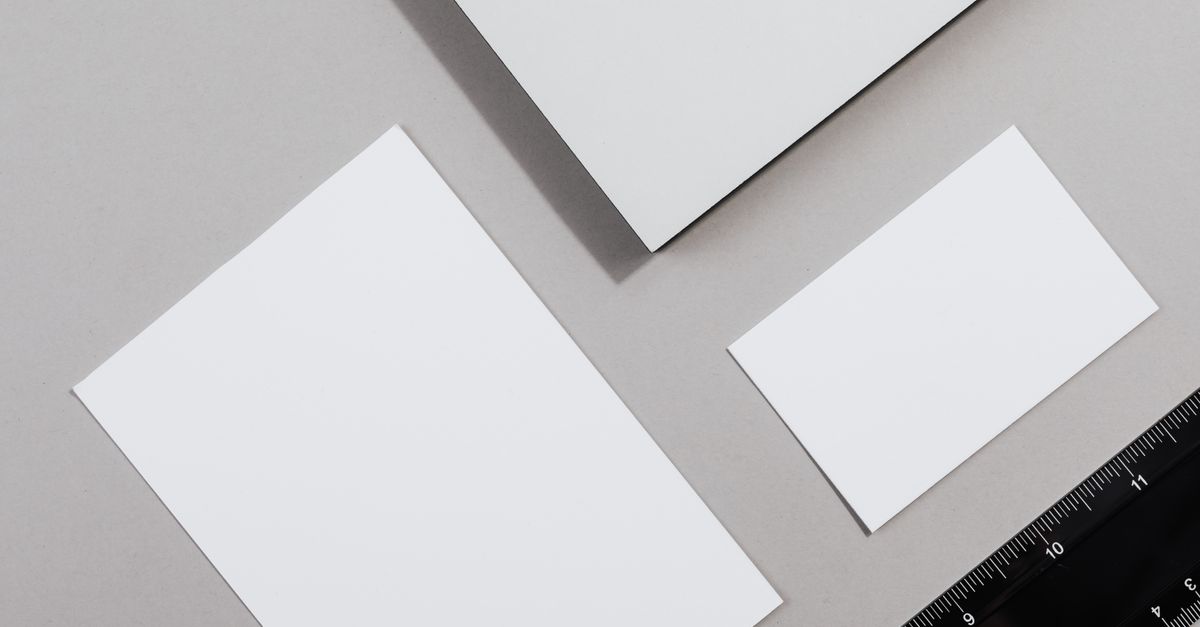
The three paper size systems
Most beginners are surprised to learn that paper sizes are not universal. Three main systems are in use today, and each one dominates a different part of the world.
The first system is the international A series, defined by ISO 216. It is the everyday standard across Europe, Asia, Africa, most of South America, and most international businesses. The A series covers everything from business-card-sized A7 sheets all the way up to A1 architectural drawings and oversized A0 posters.
The second system is the international B series, also part of ISO 216. B sizes sit roughly between two adjacent A sizes and are used for posters, books, envelopes, and passports where an in-between dimension is needed. Most beginners meet the B series through passport photos, oversized envelopes, or trim sizes for books.
The third system is the North American US system, defined under ANSI standards. It includes US Letter (8.5 by 11 inches), US Legal (8.5 by 14 inches), and Tabloid, also called Ledger (11 by 17 inches). North America uses this system for almost all everyday printing, which is why office printers sold in the United States default to Letter rather than A4.
Knowing which system you are working in is the first step to picking the right size, because the same physical sheet can carry a different name depending on where it is printed.
How the A series works
The A series has one neat trick that makes it easy to remember: every size in the series keeps the same height-to-width ratio of the square root of two, or about 1.414 to 1. This single ratio is what lets you scale a design up or down without distorting it, and it is what makes the whole system feel predictable once you understand it.
The series is anchored by A0, which has an area of almost exactly one square metre and measures 841 by 1189 millimetres. Fold A0 in half across its longer side and you get two sheets of A1, each 594 by 841 mm. Fold A1 in half and you get two sheets of A2. Keep folding and you reach A3, then the everyday A4 at 210 by 297 mm, then A5, A6, and so on down to A10.
This halving pattern means every A size is exactly half the previous one. A poster designed for A1 can be scaled down to A4 on the same artwork without anything being stretched or cropped, which is why the A series is the default for design software, printers, and office paper around the world.
The B series and US sizes
The B series uses the same square-root-of-two ratio and the same halving pattern as the A series, but every B size is scaled up so that it sits between two adjacent A sizes. B0 measures 1000 by 1414 mm, B1 measures 707 by 1000 mm, and the series continues down from there. In practice, beginners run into the B series most often through B5, which is a common trim size for European and Asian books and notebooks.
The North American US system is built on inches rather than millimetres. US Letter measures 8.5 by 11 inches (215.9 by 279.4 mm), US Legal measures 8.5 by 14 inches (215.9 by 355.6 mm), and Tabloid, often called Ledger, measures 11 by 17 inches (279.4 by 431.8 mm). Because these dimensions start in inches, their millimetre values are not round numbers.
This is also why US Letter and A4 are close but never identical. A4 is 210 by 297 mm, while Letter is 215.9 by 279.4 mm. A4 is a little narrower and a little taller. Most of the time the difference does not matter, but tight-margin designs, pre-printed forms, and address windows can shift noticeably when one is substituted for the other.
Look up any size and convert it to pixels
This is where a chart pays for itself. To find a paper size and turn it into pixel dimensions for your project, follow these four steps inside the Paper Sizes Chart.
- Scan the reference table to find your paper size in the A series, B series, or US group, with dimensions shown in millimetres, centimetres, and inches.
- In the converter, choose a paper size from the dropdown to load its exact dimensions.
- Type the resolution you need in the DPI field (300 is standard for print, 72 for screen) to see the pixel width and height instantly.
- Read off the pixel result alongside the millimetre, centimetre, and inch values to set up your canvas or export.
That is the whole workflow. Open the chart, pick your size, type your DPI, and the pixel canvas dimensions appear next to the physical measurements, ready to drop into Photoshop, Canva, InDesign, GIMP, or any other tool that asks for pixel canvas size. Everything runs in your browser, so no file is uploaded and no account is needed.
Why DPI matters for print and screen
Pixels are the one part of paper sizing that beginners find most confusing, because a physical sheet has no fixed pixel count until you pick a resolution. DPI stands for dots per inch and bridges the physical and digital worlds: the higher the DPI, the more pixels fit into each inch of paper.
The conversion is straightforward once you fix one constant: one inch equals exactly 25.4 millimetres. To turn a paper dimension into pixels, divide the millimetres by 25.4 to get inches, then multiply by the DPI and round to the nearest whole pixel.
A worked example using the A4 width: 210 mm divided by 25.4 equals about 8.27 inches, and 8.27 inches multiplied by 300 DPI equals about 2480 pixels. That is the standard pixel width for an A4 document at print quality, and the same A4 sheet reaches 3508 pixels tall at the same resolution.
Three DPI values cover most beginner projects. 72 DPI works for screen-only graphics where the file is never printed. 150 DPI is a useful middle ground for draft prints, on-screen previews, and home inkjet output. 300 DPI is the standard for high-quality print and the number most print shops ask for. The same A4 sheet at 72 DPI is only 595 by 842 pixels, while at 150 DPI it is about 1240 by 1754 pixels.
Quick reference: common sizes side by side
Here is a side-by-side look at the sizes beginners encounter most often. Dimensions come from the ISO 216 standard for A and B sizes and from the ANSI standard for US sizes, with conversions using the constant 1 inch = 25.4 mm.
| Paper size | Millimetres | Centimetres | Inches |
|---|---|---|---|
| A0 | 841 × 1189 | 84.1 × 118.9 | 33.11 × 46.81 |
| A1 | 594 × 841 | 59.4 × 84.1 | 23.39 × 33.11 |
| A4 | 210 × 297 | 21.0 × 29.7 | 8.27 × 11.69 |
| B0 | 1000 × 1414 | 100.0 × 141.4 | 39.37 × 55.67 |
| US Letter | 215.9 × 279.4 | 21.59 × 27.94 | 8.5 × 11 |
| US Legal | 215.9 × 355.6 | 21.59 × 35.56 | 8.5 × 14 |
| Tabloid (Ledger) | 279.4 × 431.8 | 27.94 × 43.18 | 11 × 17 |
The table shows the physical dimensions you will work with most often. For pixel dimensions at any resolution, open the Paper Sizes Chart and type your DPI into the converter. The same A4 sheet at 300 DPI is 2480 by 3508 pixels, which is the figure most print shops expect.
Where you will see these sizes in everyday projects
Most beginners do not need every size in the ISO and ANSI systems. A handful covers the vast majority of real-world tasks.
A4 is the international standard for letters, schoolwork, CVs, contracts, reports, and most office printing. A3 is the go-to size for spreadsheets that need to fit wide tables, double-page magazine spreads, and small posters. A5 is common for flyers, booklets, greeting cards, and notepads. A6 is the size of a postcard in most of the world.
US Letter does the same job in North America that A4 does everywhere else: letters, schoolwork, CVs, contracts, and office documents. US Legal appears mostly in legal, accounting, and government paperwork where the extra two inches of height matter. Tabloid, also called Ledger, is the size of a small newspaper page, popular for engineering drawings, large spreadsheets, and foldable marketing pieces.
The B series appears most often in passport photos, oversized C4 and C5 envelopes, and a handful of book trim sizes. If you do not work in print production, you may never pick a B size deliberately, but you will recognise the format the moment you see it.
Related reading: Paper Sizes Free, No Sign Up: Chart and Pixel Converter.
Related reading: Large Paper Sizes: A0, A1, A2 and Big Format Charts.