A wheel to pick a random winner turns a list of names into a single fair choice in one click: type or paste your entries, press Spin, and the wheel slows to a stop on the chosen name with no human bias involved. The Random Name Picker Wheel runs entirely in your browser, so it is ready the moment the page loads, accepts a handful of names or several hundred, and shows the winning name highlighted just below the wheel the moment it comes to rest.
Anyone who has tried to "just pick someone" knows the problem — you favor the names you like, the ones near the top of the list, or whoever you glanced at last, and the people not chosen almost always have a reason to argue the result was unfair. A spinning wheel solves both problems at once. It uses a cryptographically random source so each entry has an exactly equal 1-in-N chance, and because the whole room can watch the same wheel land, the result feels decisive. That combination of true randomness plus shared visibility is what makes a wheel the standard tool for classroom draws, giveaway winners, raffles, breaking ties, and any other moment where picking by hand would invite disagreement.
You can also flip on a "Remove winner after each pick" option to draw an entire ordered list without ever repeating a name, which is handy for presentation orders, tournament brackets, or running off a sequence of prize winners from the same entrant pool.
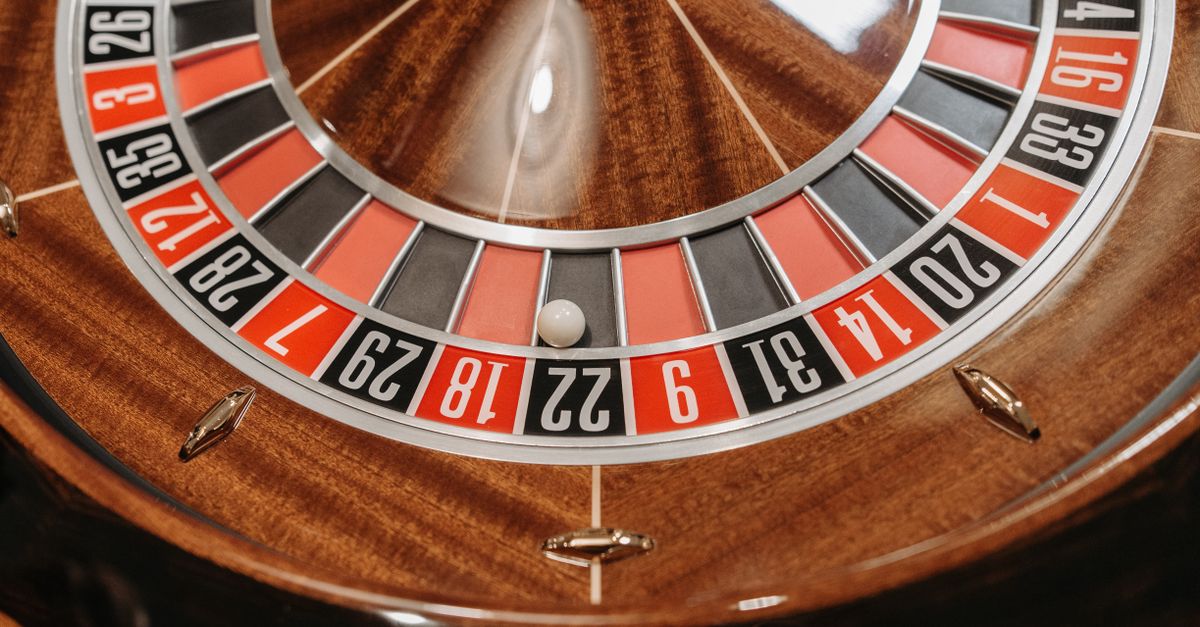
How to Spin a Wheel to Pick a Random Winner
- Open the Random Name Picker Wheel in any modern browser tab — no sign-up or download needed.
- Type or paste your names into the box, one name per line — blank lines are ignored automatically.
- Click "Spin the wheel" and watch it spin and slow to a stop on a random winner, shown highlighted below.
- Optionally tick "Remove winner after each pick" to draw without replacement, then keep spinning for the next name.
That is the entire workflow. The chosen name is shown highlighted below the wheel when it comes to rest, so you can read it aloud, screenshot it for evidence, or point at the screen. If you would like to draw more than one winner in a row, leave the remove-after-pick option on and keep pressing Spin — each winner drops off the wheel and the remaining names stay evenly weighted.
Why a Wheel Beats Picking Names by Hand
Human choices are not random. We tend to favor names we recognize, names near the top of the list, or whoever we happened to see last, and most people are uncomfortable calling out a bias they cannot fully name. A wheel removes that bias and, just as importantly, it removes the argument. When everyone watches the same wheel spin and slow to a stop on the chosen name, the result feels fair and final — which is exactly why teachers, team leads, contest hosts, and streamers reach for one.
The transparency is what closes the room down. The list is visible to anyone watching, the spin is a single mechanical-feeling motion that nobody can shortcut, and the outcome is shown on screen long enough for everyone to read. Compare that with "let me think of a number" or "I'll just choose someone", which starts an argument before it starts a process.
Common Uses for a Random Winner Wheel
The same tool covers a surprising range of decisions, which is why it has stuck around classrooms, livestreams, and offices for years.
- Classroom draws — cold-calling students, choosing a helper, or assigning presentation order without anyone claiming favoritism.
- Giveaway and raffle hosts — picking a prize winner live so the audience sees the draw is legitimate.
- Tiebreakers in meetings — who presents first, who picks the lunch spot, or how to split an even vote.
- Home choices — choosing a restaurant when nobody can decide, or settling "who does the dishes" at the end of the night.
- Streamers and community moderators — running subscriber prize draws on camera so viewers can verify the result.
For splits into balanced teams rather than a single winner, a dedicated random team generator handles the roster-splitting version of the same problem. The picker wheel is built for picking one entry (or a ranked list of them); the team generator is built for carving a list into groups.
| Use case | What to enter | Spin mode |
|---|---|---|
| Classroom cold-call | Student names | Single spin, keep names on the wheel |
| Giveaway winner | Entrants or ticket numbers | Single spin, keep names on the wheel |
| Presentation order | Speaker names | Remove winner after each pick |
| Tournament bracket | Players or seeds | Remove winner after each pick |
| Sequential prizes | All entrants | Remove winner after each pick |
| Two-way tiebreaker | Only the tied options | Single spin, keep names on the wheel |
What Makes the Spin Cryptographically Fair
The wheel does not use ordinary Math.random. It draws each winner from your browser's cryptographic random generator (crypto.getRandomValues) and applies rejection sampling to remove "modulo bias" — the subtle skew that makes some positions slightly more likely when a number range does not divide evenly. In plain terms, with N names on the wheel every name gets an exactly equal 1-in-N chance, and the distribution was verified across tens of thousands of simulated spins to stay statistically flat. There is no hidden weighting, no first-name favoritism, and no house edge baked into the spin.
That distinction matters most when the stakes are real. For a quick lunch choice the difference between Math.random and a cryptographic source is invisible, but for a giveaway, a classroom grade, or a tournament seed it is the difference between a draw that can be questioned and a draw that holds up under scrutiny.
Drawing Multiple Winners Without Repeats
Turn on "Remove winner after each pick" and each chosen name drops off the wheel automatically, so you can keep spinning to draw a full running order or a ranked list without ever landing on the same entry twice. This is the cleanest way to handle tournament brackets where every player needs a unique slot, seating arrangements where a guest cannot appear twice, and prize sequences where you want to award first, second, and third from one shared pool.
Because each draw still uses the same 1-in-N random source against the remaining names, removing a winner does not bias the rest of the wheel — it just narrows the pool.
Privacy and Practical Limits
Because the tool is client-side JavaScript, your list of names never leaves the page. Nothing is transmitted, logged, or stored on a server, so closing the tab truly does remove the list from the device. That makes the wheel safe for real student rosters, employee names, or contest entrants that you would rather not hand to a third party. There is no sign-up, no watermark, and no cap on how many names or spins you can run.
The tool handles a small handful of names or several hundred without slowing down, since the spin and the random draw both happen locally. A practical tip: paste directly from a spreadsheet column or a Google Doc — each line becomes one entry, blank lines are ignored, and any duplicate names are kept in the pool if you want to give someone multiple chances to win.
Related reading: Random Activity Generator: Match Your Time and Company.
Related reading: How to Get Random Teammates in Fortnite.