For lunch, choose a salad, soup, noodle dish, bowl, or sandwich, then use the What Should I Eat Generator and its 24-idea pool to narrow options by food mood and rough time limit.
The generator is designed for ordinary lunch indecision: it removes ideas that do not match your filters and gives you a fresh direction to consider. It does not certify that a dish meets your dietary needs, fit your pantry, or provide safe cooking instructions. You still make the final food decision.
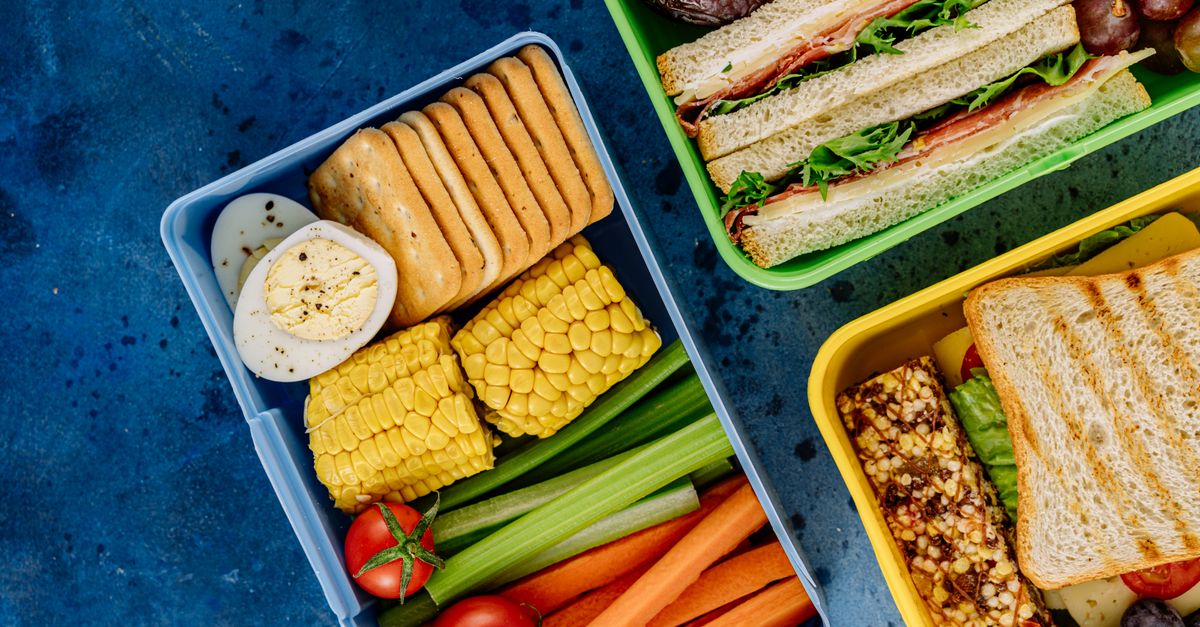
Start with a lunch format, not a perfect meal
A useful lunch decision begins with the kind of food you are willing to eat. The lunch portion of the editorial pool includes salads, soups, noodles, bowls, and sandwiches. These are broad formats rather than finished meal plans, so the title alone will not tell you the ingredients, portion size, or preparation method.
Think about the decision in this order:
- Format: Do you want something assembled, sliced, warmed, or served in a bowl?
- Mood: Does the idea sound fresh, cozy, or hearty?
- Time: How much realistic preparation time do you have?
- Constraints: Which ingredients, equipment, and dietary requirements must the final recipe satisfy?
This keeps the search practical. A result becomes useful only when its broad direction fits the actual lunch you can make.
Set filters around your lunch break
All active filters are applied together before a suggestion is selected. Leaving a filter open increases the eligible pool, while adding one narrows the choices according to the tool's editorial categories.
| Control | Available choice | What it changes |
|---|---|---|
| Meal | Lunch, or leave open | Selecting Lunch restricts the pool to lunch-labeled entries. Leaving it open makes ideas from every meal eligible. |
| Food mood | Fresh, cozy, hearty, or leave open | Fresh points toward crisp produce and brighter combinations; cozy toward warm, familiar food; hearty toward more substantial formats. |
| Maximum time | Up to 15, 30, or 45 minutes, or leave open | Up to 15 includes only ideas labeled 10 or 15 minutes. Up to 30 also includes 20- and 30-minute ideas. Up to 45 includes the full collection. |
The time control accepts a positive whole-minute value no greater than 60 minutes, but an up-to-45-minute setting already covers the full collection. Meal labels are not rigid rules: a breakfast wrap can work for dinner, and a snack mix can become part of lunch. Likewise, the mood words are only practical categories and make no nutritional, calorie, health, dietary, or emotional-wellness claims.
Choose a lunch in five practical steps
Use the generator as a short decision process rather than treating the first result as the final answer.
- Set the meal filter. Select Lunch for the most relevant starting pool. Leave it open only if a cross-meal idea would genuinely be acceptable at midday.
- Choose a mood and rough time limit. Pick the food mood that sounds appealing and the limit that reflects your available preparation window. Every filter can remain open when you want a broader selection.
- Draw and read the complete result. Review the title, short direction, broad preparation-time label, and eligible-pool count. If no idea satisfies all selected filters, the generator returns no result rather than relaxing a constraint automatically.
- Compare the suggestion with your real constraints. Check whether you have the ingredients and basic equipment, whether the recipe can meet dietary needs, and whether every allergen has been identified. The tool does not inspect your pantry, health information, budget, or kitchen.
- Choose a trusted recipe and make the final call. Find an appropriate recipe, follow its safe storage and cooking guidance, and adjust portions for the people eating. Once checked, you can copy the idea as a shopping note or use its wording as a recipe-search prompt.
Selection happens only after filtering, and the browser uses Web Crypto randomness. When another eligible idea exists, the current result is removed from the next draw, so two consecutive draws do not return the same entry. A later draw can bring it back, and the displayed count remains visible because only the next draw's pool changes.
Read the result as a starting point
Each suggestion supplies a title, a short direction, and a broad planning-time label. It does not include a complete ingredient list or cooking method. The copyable wording can help you remember the idea, add it to a shopping note, or formulate a more specific recipe search, but it is not a recipe by itself.
This distinction matters when checking suitability. A title such as tomato soup, yogurt bowl, stir-fry, or quesadilla does not reveal the ingredients, allergens, cooking surfaces, or substitutions used in a particular recipe. The same named dish can suit one person and fail another person's requirements.
The widget also does not rank restaurants, order food, calculate nutrition, compare prices, or locate nearby food. The result remains a conversation starter. Its filters and current suggestion stay in the open page, nothing is uploaded or saved by the widget, and clipboard access is requested only when you press the copy control.
Treat the time label as a planning estimate
The rough time labels are useful for eliminating ideas that clearly do not fit your schedule. They assume common ingredients and basic kitchen equipment are already available. They do not include shopping, thawing, marinating, unfamiliar techniques, cleanup, or interruptions. Your actual preparation time may therefore be shorter or longer than the label suggests.
A time label is also not a food-safety cooking time. Before preparing the meal, use the selected recipe's instructions and appropriate safety guidance rather than assuming that a quick preparation estimate means the food is ready to eat. For a better estimate, consider not only active preparation but also the time needed to gather ingredients, heat equipment, clean up, and serve.
Check what the tool cannot check
There is no dietary checkbox. The generator does not label ideas as vegan, vegetarian, gluten-free, halal, kosher, low-sodium, diabetic-friendly, pregnancy-safe, or allergy-safe. Every ingredient and preparation method must be checked against the needs of the people eating the meal.
- Ingredients and allergens: Confirm the exact recipe, shared equipment, substitutions, and possible cross-contact.
- Dietary needs: Treat dish names and food moods as ordinary editorial labels, not evidence of nutritional or dietary compliance.
- Availability: Check ingredients, pantry space, basic equipment, and the realistic time required to obtain anything missing.
- Preferences and context: The random result cannot account for taste, budget, culture, schedule, or previous meals.
For medically prescribed diets, serious allergies, infant feeding, pregnancy concerns, swallowing problems, or other health-related needs, rely on qualified guidance and verified ingredient information rather than a random general prompt.
Draw again when the fit is poor
If the suggestion requires an ingredient you do not have, suggests a format you dislike, or conflicts with your dietary requirements, it is reasonable to draw again. The immediate-repeat rule keeps the same idea from returning on the next click when another eligible choice is available.
If the eligible pool is empty, change one of the filters. For a strict lunch search, keep Lunch selected but try a different mood or a longer time limit. If cross-meal ideas are acceptable, leaving the meal filter open creates a larger pool. The random result can broaden the conversation, but your own constraints determine whether it becomes lunch.
Finish with a four-part decision
Before committing to a suggestion, ask four practical questions: Does the format sound good, does the rough time fit, can you realistically obtain the ingredients and use the equipment, and does a trusted recipe meet every dietary and safety requirement? If the answers are yes, the result has done its job as a concise starting point.
If any answer is no, do not force the meal. Draw again, adjust a filter, or choose a different recipe. The best lunch suggestion is not the one the random draw happens to produce first; it is the idea that survives your own practical checks.
If you're weighing options, What Should I Eat: 24 Local Ideas, No Sign-Up covers this in detail.
If you're weighing options, What Should I Eat Generator Alternative: A Fair Local Pick covers this in detail.