The What Should I Eat Generator produces one short food idea drawn from a fixed pool of 24 original entries, each labeled with a meal slot (breakfast, lunch, dinner, or snack), a mood (fresh, cozy, or hearty), and a broad time label of the form "Up to 15 / 30 / 45 minutes," so an example is a title plus a one-line direction plus a planning-time estimate plus the count of ideas that survived your filters. Because the pool is small, original, and editorial — two ideas for every meal-and-mood pairing, 24 entries total — you can preview the full inventory before drawing and see exactly what kind of example you might receive. That transparency is what the tool is designed to do: when the problem is meal indecision rather than a missing recipe, an example is most useful when you understand where it came from and what it does not claim about ingredients, nutrition, or dietary suitability.
The common case behind a "what should I eat" search is not a missing recipe. It is decision fatigue: too many plausible options and no prompt to pick from. The What Should I Eat Generator is built for that gap. It does not pull from a restaurant database, does not weigh calories or macros, and does not recommend a specific cuisine. It draws one idea from a pool you can read in full, then steps out of the way while you make the real food decision.
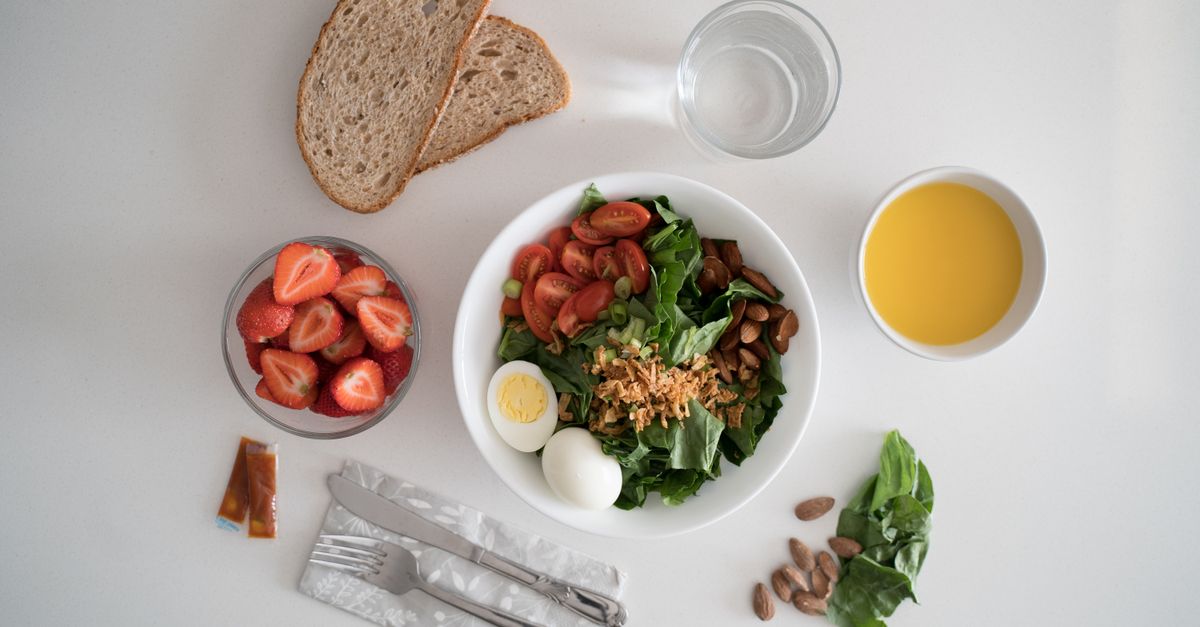
What's Inside the 24-Example Pool
The pool behind every example is structured as a 4 × 3 × 2 grid: four meal values (breakfast, lunch, dinner, snack) crossed with three mood values (fresh, cozy, hearty), with exactly two ideas in every cell. That math gives the constant 24: 4 meals × 3 moods × 2 ideas = 24 unique entries. Tests assert the 4×3×2 inventory and uniqueness, so each entry has a distinct title and the count of ideas in any meal-and-mood pair always equals two before any other filter is applied.
Each idea carries four pieces of metadata: a meal label, a mood label, a rough time label, and a short direction. The 24 titles, descriptions, categories, and planning times are original product copy written for the tool, not entries pulled from a restaurant database or cuisine authority. That distinction matters because every example you receive is a general prompt, not a verified recipe from a chef, cookbook, or nutrition source.
The general shape of the pool, drawn from the editorial descriptions of the 24 entries:
- Breakfast ranges from fruit and yogurt combinations to a potato hash.
- Lunch includes salads, soups, noodles, bowls, and sandwiches.
- Dinner covers tacos, pasta, rice, stir-fry, and a baked potato.
- Snack ideas include fruit, crackers, popcorn, toast bites, a folded quesadilla, and pantry snack mix.
The table below shows how the 24 entries spread across the meal-and-mood grid. It maps what each mood typically points to within a meal, based on the editorial descriptions of the entries.
| Meal | Fresh mood tends toward | Cozy mood tends toward | Hearty mood tends toward |
|---|---|---|---|
| Breakfast | Lighter fruit and yogurt combinations | Warm familiar breakfast formats | A more filling plate such as a potato hash |
| Lunch | Crisp salads and bright bowls | Warm soups and noodles | Substantial sandwiches and rice bowls |
| Dinner | Lighter stir-fry or a baked potato | Familiar pasta or rice dishes | Tacos, rice, or another more filling format |
| Snack | Fresh fruit or popcorn | Toast bites or crackers | A folded quesadilla or pantry snack mix |
Because the pool is editorial, the meal, mood, and time labels are practical interface categories, not rules. A breakfast wrap can serve as dinner, a snack mix can become part of a packed lunch, and a dinner-style stir-fry can work for a quick lunch if the time label fits.
How to Draw a What Should I Eat Example
To produce an example from the What Should I Eat Generator, follow the same three steps every draw is built around:
- Choose a meal, food mood, and rough time limit, or leave any filter open for a larger idea pool.
- Pick a food idea and review its title, short direction, time estimate, and eligible-pool count.
- Verify ingredients, allergies, dietary needs, food safety, and an appropriate recipe before copying or using the idea.
The first step is where you narrow the pool. Each active filter removes entries that do not match. Leaving a filter open keeps that dimension unrestricted, so an open mood plus a specific meal still gives you six eligible entries (the two ideas in each of the three moods for that meal). An open meal plus a specific mood gives you eight (the two ideas in each of the four meals for that mood). With everything open, you start at the full 24.
The second step is the draw itself. After the pool is filtered, the browser requests an unsigned 32-bit value from crypto.getRandomValues, rejects values at or above floor(2^32 / poolSize) × poolSize to avoid modulo bias, retries up to 128 times if needed, and maps an accepted value to one of the remaining entries. The result shows the title, a short direction (one or two sentences describing what the dish is, not a full recipe), the time label, and the eligible-pool count. If more than one entry is eligible and a previous pick exists, the previous pick is excluded from this draw so two consecutive clicks cannot return the same title.
The third step is yours. The example is a direction, not a recipe. Confirm ingredients, allergens, and cooking method against the people eating it, choose a recipe you trust, and adjust portions as needed.
Reading an Example Result
Every example you receive has the same shape, so you always know what to look for:
- Title — the dish name, which is a general prompt and not a verified recipe.
- Short direction — one or two sentences describing what the dish is, what it leans toward, or how it is typically served.
- Time label — a rough planning estimate of 10, 15, 20, 30, or a broader "up to 45 minutes" category.
- Eligible-pool count — the number of entries that survived your active filters before the no-repeat rule was applied.
The eligible-pool count is the most informative number in the result. If the count is 24, every filter is open. If the count is 2, your filters have narrowed the pool down to a tight pair of ideas and the next draw will choose between them. If the count drops to 1, you are looking at the only entry that survives your current settings. The result also includes a Copy idea button, and clipboard access is requested only when Copy idea is pressed. Filters and the current result live only in the open page, and nothing is uploaded or saved by the widget.
What an Example Does and Doesn't Tell You
An example tells you a dish title, a rough direction, a rough time estimate, and the size of the surviving pool. It does not tell you what ingredients to buy, how to cook the dish, whether the dish fits a medical need, or whether the dish is safe for the people eating it. That boundary is intentional and is repeated throughout the tool's design.
Meal labels describe when an idea might fit, but they are not rules. A title in the breakfast category can work as a quick dinner, and a snack entry can become part of lunch. Mood labels are similarly practical. Fresh points toward crisp produce and brighter combinations, cozy toward warm familiar food, and hearty toward more substantial formats. These words do not make nutritional, calorie, health, dietary, or emotional-wellness claims. They exist only to help narrow the editorial pool.
Time labels are rough planning estimates. They assume common ingredients and basic kitchen equipment are already available and do not include shopping, thawing, marinating, unfamiliar techniques, cleanup, or interruptions. Actual preparation can be shorter or longer, and a time label is not a food-safety cooking time. The tool accepts only positive integer time values no greater than 60 minutes for filtering.
The generator intentionally has no dietary checkbox. A title such as tomato soup, yogurt bowl, stir-fry, or quesadilla does not establish which ingredients, allergens, preparation surfaces, or substitutions will be used. The same named dish can be suitable or unsuitable depending on the recipe you choose. The tool does not label ideas vegan, vegetarian, gluten-free, halal, kosher, low-sodium, diabetic-friendly, pregnancy-safe, or allergy-safe.
A Worked Example: Narrowing the Pool Step by Step
To see how filters shape the pool, start with all filters open and count the eligible ideas as you tighten them:
Start with all filters open. The eligible pool is 24 (4 meals × 3 moods × 2 ideas).
Set meal = snack. The pool drops to 6 snack entries (24 / 4 meal slots).
Leave mood open. The pool stays at 6.
Set max time = 15 minutes. The pool keeps only snack entries labeled 10 or 15 minutes. The exact count depends on the time labels of all six snack entries in the pool, and the page reports that number before you draw.
Click to draw. With 2 entries left, the browser requests an unsigned 32-bit word from crypto.getRandomValues, rejects values at or above floor(2^32 / 2) × 2 (which is 2^32 — every 32-bit value is accepted), and maps the value by modulo 2 to one of the two surviving entries.
Click again without changing filters. The current pick is removed from the next draw. Because only 2 entries were eligible and one has now been removed, the pool becomes 1 and the next draw returns the other entry. Two consecutive clicks cannot return the same title as long as another eligible entry exists.
Widen a filter (for example, raise the time cap to 30 minutes) and the no-repeat exclusion is cleared on the next draw, so any idea in the new eligible pool can return. The relationship between filters and pool size is straightforward: more active filters usually mean fewer eligible ideas, and fewer eligible ideas mean the draw has less to choose from. The exact counts depend on which entries survive the time filter for the meal-and-mood pair, and the tool reports them directly on the page rather than asking you to compute them.
When an Example Isn't Enough
A What Should I Eat example works as a starting prompt for ordinary low-stakes indecision. It is not a substitute for dietary advice, medical guidance, or a real recipe, and the tool is explicit about that boundary.
For medically prescribed diets, serious allergies, infant feeding, pregnancy concerns, swallowing problems, or other health-related needs, rely on qualified guidance and verified ingredient information rather than a random general prompt. The generator does not label ideas vegan, vegetarian, gluten-free, halal, kosher, low-sodium, diabetic-friendly, pregnancy-safe, or allergy-safe, and a dish title alone cannot tell you whether the recipe you eventually choose will be safe for the people eating it.
If a suggestion is impractical, draw again or widen one filter. The same idea cannot repeat twice in a row as long as another eligible entry exists, so widening a filter gives the tool more variety to choose from. The full eligible count stays visible because the no-repeat rule changes only the next draw pool, not the underlying filter result. The best use case is the everyday decision loop: you want a broad idea, you understand your own constraints, and you will make the real food decision yourself.