A raffle number generator draws one or more winning ticket numbers from an inclusive range you define, and this browser-based version returns 1 to 1,000 integers with duplicates either allowed or blocked.
Running a raffle by hand has one weak point: the moment when a number is picked. A Random Number Generator removes the guesswork by drawing from the browser's Web Crypto random source instead of a predictable sequence. You type the lowest and highest ticket numbers you printed, say how many winners you need, and press one button. Everything happens in the current browser, and neither your bounds nor the resulting numbers are sent to Lizely.
Different raffles need different outputs. A single draw of one ticket number, several distinct winning numbers, or a complete random ordering of every ticket entered all come from the same three controls. This guide covers each setup, the limits that decide whether a request can be completed at all, and the honest boundaries around using a local draw for something consequential.
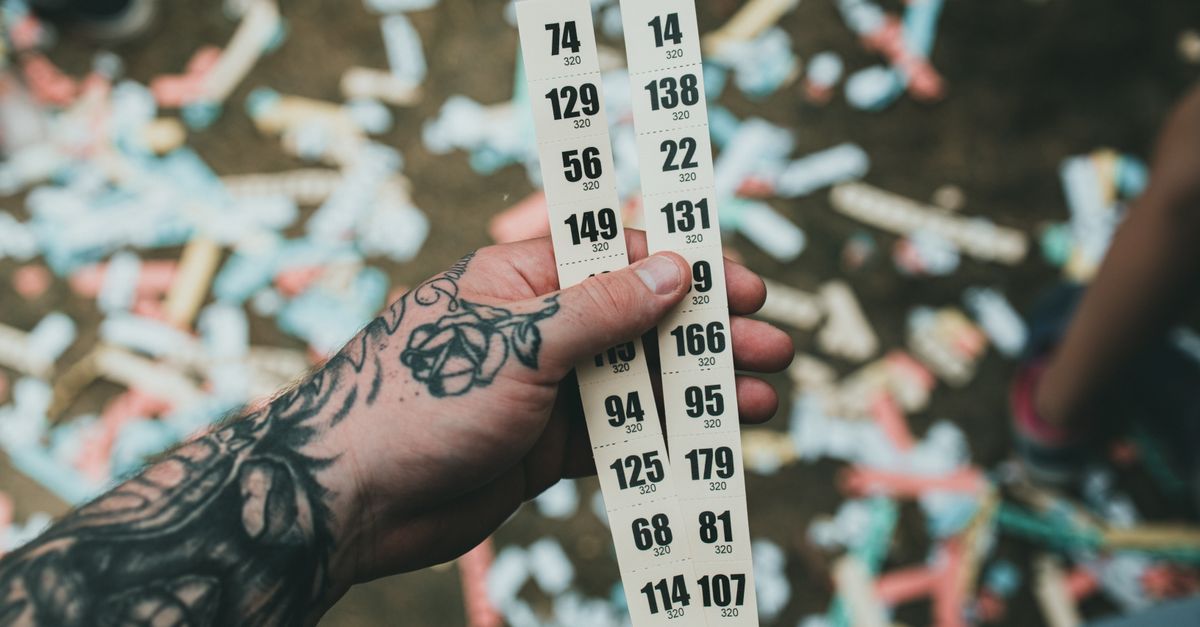
How to Generate Raffle Numbers
- Open the Random Number Generator and enter the lowest ticket number you issued in the minimum field and the highest in the maximum field. Both endpoints are eligible results, so the first and last ticket you printed can both be drawn.
- Set the result count to the number of winners the raffle calls for. The count accepts 1 to 1,000, so one winner and a large batch of ticket numbers use the same control.
- Decide whether duplicate numbers are allowed. Leave duplicates enabled when each draw should be independent, and disable them when every winner must hold a different ticket number.
- Select Generate numbers, then read the comma-separated list that appears on the page.
- Copy the list and work through it in the order you announced, keeping the bounds and the duplicate setting visible so the conditions behind the result are clear to everyone watching.
Setting the ticket range and result count
Ticket numbers are the input that matters most. Whatever scheme you used — a simple run of sequential tickets, padded numbers, or a block starting at an offset — the generator only needs the two endpoints of the range you want to draw from.
Because both ends are eligible, the number of possible tickets is one more than the distance between them. The count is worked out as: range size = maximum − minimum + 1. For a raffle whose tickets run from 1 through 100, that gives 100 − 1 + 1 = 100 possible ticket numbers, each equally eligible to be drawn.
Negative bounds and ranges that cross zero are supported, so a draw can mix negative and positive values when your numbering scheme needs it. A range that contains only one value returns that value every time, which covers a raffle with a single qualifying ticket.
The count field then decides how many results come back in one operation. Asking for a handful of numbers and asking for several hundred use the same range and the same fairness machinery; only the length of the output changes.
| Raffle setup | Count to request | Duplicates | What you get |
|---|---|---|---|
| One winning ticket | One result | Either setting | A single integer drawn from the full ticket range |
| A few distinct winners | Your number of winners | Off | A different ticket number for each winner |
| Random order for every ticket | The number of tickets in the range | Off | Each ticket number appears exactly once |
| Spare numbers or repeated draws | Your sample size | On | Independent draws that may repeat |
Two details are worth checking before you start. First, the range is the entire universe of ticket numbers the tool can produce, so tickets outside the bounds you typed can never appear in the output. Second, the result count describes how many numbers come back, not how many tickets entered the raffle; a raffle with hundreds of tickets and one winner asks for a count of one.
Turn repeats on or off for your draw
Duplicates are the only setting that changes the character of the result. With duplicates enabled, every draw is independent, so a number that appeared earlier can appear again, and an earlier result stays eligible for the next one. That is the right behaviour for repeated simulations, practice rounds, or a list of spare numbers where a repeat causes no problem.
With duplicates disabled, the tool guarantees distinct values. It does this with a sparse partial shuffle that selects unique offsets without constructing an array for every integer in a potentially large range, so pulling a small number of unique tickets from a wide ticket run stays practical.
Use duplicates off when you are selecting distinct positions, identifiers, or numbered participants — the classic case where the same ticket number winning twice would spark a dispute rather than a surprise. Use duplicates on when you genuinely want independent draws, such as choosing replacement numbers for a sample or generating several spare ticket numbers to hand out.
Input rules and the errors you may see
The generator checks what you type before it draws anything, and it refuses inputs it cannot handle exactly. Decimal values, blank fields, reversed bounds where the minimum is larger than the maximum, infinity, and unsafe integers are all rejected rather than being quietly rounded into something that looks valid.
Two limits deserve a closer look. First, bounds must stay inside JavaScript's safe integer range, because larger numeric text cannot always be represented exactly in the browser, and the inclusive range must have an exactly representable safe-integer size. If you need arbitrary-precision values wider than that, use a specialist system that accepts integer strings instead of ordinary browser numbers.
Second, the tool checks the size of the inclusive range before it starts. If you request more unique values than the range contains, it displays a clear error rather than retrying forever or quietly handing back fewer numbers than you asked for. The same check is what makes a full random ordering possible: set the count equal to the number of integers and turn duplicates off.
One more behaviour catches people out. Changing any input clears the previous list, so an old result is not mistaken for output produced by new settings. Select Generate numbers again after adjusting a bound, the count, or the duplicate preference.
| Setting | Accepted values | Outside those values |
|---|---|---|
| Result count | Whole numbers from 1 through 1,000 | Operations are limited to that range |
| Minimum and maximum | JavaScript safe integers | Decimals, blank fields, infinity, and unsafe integers are rejected |
| Bound order | Minimum at or below the maximum | Reversed bounds are rejected |
| Inclusive range size | An exactly representable safe-integer size | Inexact range sizes are rejected |
| Unique results | A count no greater than the number of integers in the range | The request is reported as impossible |
How the draw stays unbiased in the browser
Randomness comes from the browser Web Crypto interface rather than Math.random. The MDN reference for Crypto.getRandomValues and the W3C Web Cryptography API specification both describe that source in more detail.
Raw random bits do not map evenly to every possible range when a simple remainder operation leaves an incomplete group. The generator therefore uses rejection sampling: it discards values from that incomplete tail and draws again before mapping the accepted value into your range. Each integer receives the same number of possible accepted raw values, so no ticket number is quietly favoured by the arithmetic behind the draw.
Under the hood, browser Web Crypto 32-bit words are combined into an exactly representable 53-bit nonnegative integer, and that value is mapped into your inclusive range after the incomplete tail is removed. When duplicates are disabled, a sparse partial Fisher-Yates shuffle picks unique offsets using memory proportional to the count rather than to the size of the range, which is why a wide ticket run with a short unique list still completes quickly.
Good uses and hard limits of a local raffle draw
The tool suits ordinary, everyday jobs: classroom activities, drawings, raffles and giveaways, randomized test data, order selection, and game setup. It also runs entirely on your device, which means the ticket range and the results never travel to a server.
There are clear limits. This page is not a complete audited lottery, gambling, security, or cryptographic-key system. It does not publish a seed, a signed transcript, an external randomness beacon, or a reproducible audit trail, so a visitor cannot later prove which browser entropy produced a particular list. If a prize, a regulated drawing, access control, a password, or a token depends on the outcome, follow the rules and independently audited procedures your organization requires rather than relying on this convenience tool.
For classroom activities, randomized test data, or a random order to work from, the How to Generate Random Numbers for Any Task walkthrough covers the settings in more depth. The Number Picker Cheat Sheet: Inputs, Limits, and Settings lists the accepted values and error cases in one place if you would rather check a bound before drawing.
Running the draw and copying the result
Results appear as comma-separated integers that you can select and copy, which makes them easy to paste into a spreadsheet, a chat message, or a printed record of the draw. Keep your own note of the minimum, maximum, count, and duplicate setting used for that particular draw, because the tool itself keeps no signed transcript of what it produced.
For repeated experiments, generate a new list whenever you need a fresh independent sample rather than reusing an old one. And if your raffle needs a random pick among participant names rather than ticket numbers, a Random Name Picker wheel handles a list of names directly.
For a ticket-number draw, keep the range tight to the tickets that actually exist, settle the duplicate setting before anyone watches, and draw in front of the participants whenever the rules allow it. That simple sequence — announce the bounds, set the count, choose repeats or no repeats, generate — is the whole workflow this tool supports.