A story plot map is a labeled list of the five structural nodes — protagonist, setting, goal, complication, and twist — that turn a vague idea into a navigable plan. The Story Plot Generator draws one element from each of those pools and joins them into a single readable paragraph that you can copy straight into a notebook, outline, classroom handout, or blank document as a starting constraint. Because the paragraph exposes every component underneath the prose, you are looking at a five-node map the moment you click generate, not a hidden suggestion you have to reverse-engineer. Genre swaps the setting pool — adventure, mystery, or speculative fiction — and tone swaps the complication pool — hopeful, tense, or comic. The protagonist, goal, and twist pools are shared, so the same five nodes can carry very different meanings inside a different genre. Everything happens locally in your browser, uses Web Crypto rejection sampling for each pool, and never sends your genre, tone, or premise to a server.
The shape of a plot map matters more than the label you put on it. The five nodes map cleanly onto the questions a reader is implicitly asking at every point in a story: who is following the thread, where the action takes place, what the protagonist wants, what is making the goal hard, and how the world shifts by the end. A "map" in this sense is closer to a coordinate list than a hand-drawn diagram — a compact set of named anchors you can rearrange, swap, or expand without losing the thread. That is why a single paragraph premise with five labeled parts can do the work of a longer outline for a first draft.
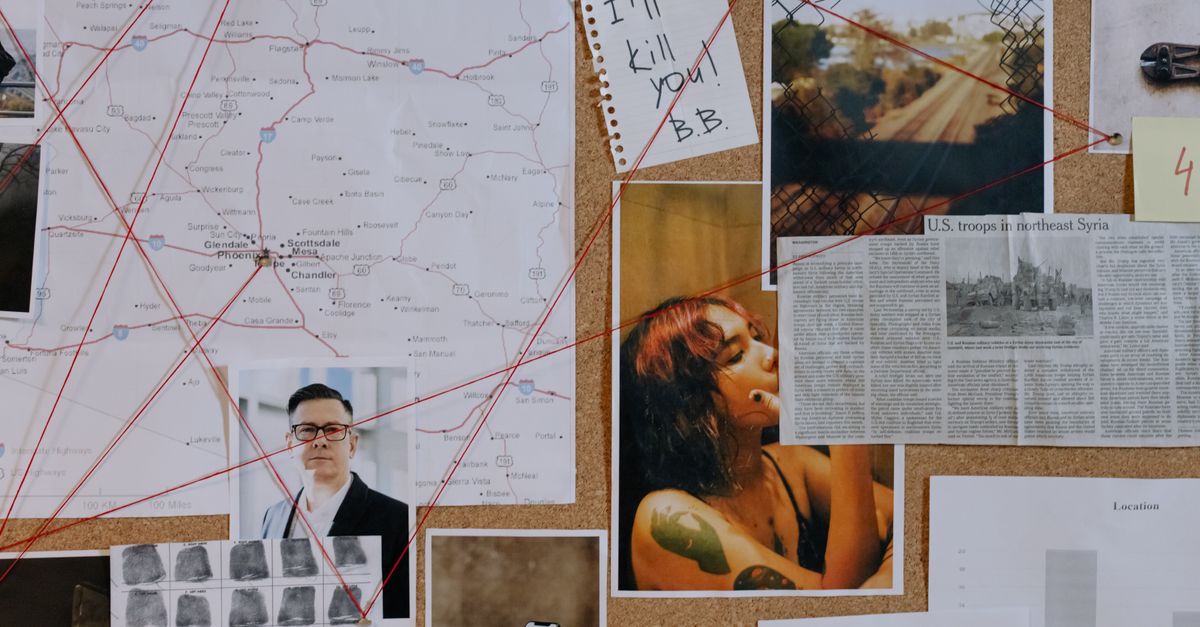
How the Five Pools Become Your Map Nodes
The Story Plot Generator stores five original arrays — six protagonists, three settings for each of three genres, four goals, two complications for each of three tones, and four twists. When you pick a genre and a tone and click Generate plot, the tool pulls one item from each required pool and assembles them into a grammatical paragraph with the parts listed underneath. That structure is your map: each labeled node is a coordinate you can edit independently without rewriting the others.
The genre choice controls only the setting pool:
| Genre | What it contributes to the setting node |
|---|---|
| Adventure | Travel, isolation, and physical discovery |
| Mystery | An unexplained change, message, ticket, or missing person |
| Speculative | One rule change about memory, time, planets, or civic life |
The tone choice controls only the complication pool:
| Tone | What it contributes to the complication node |
|---|---|
| Hopeful | Requires trust or helping another person before progress |
| Tense | Narrows safe choices or adds a pursuer |
| Comic | Misplaced credit or an inconvenient animal |
The protagonist, goal, and twist pools are shared across the whole map, so the same structural pieces can take on very different meanings inside an adventure versus a speculative fiction setting. The interface labels help focus the initial draw; they are not critical judgments about what a finished story must contain, and a premise may cross genre boundaries once you develop it. Genre controls the setting pool rather than promising a complete genre analysis, and the complication tone controls a narrow kind of friction rather than the overall feel of the story.
Generate a Plot Premise You Can Use as a Map
- Pick a genre — adventure, mystery, or speculative fiction — and a complication tone — hopeful, tense, or comic. The genre seeds your setting pool; the tone seeds your complication pool. Leave both at their defaults if you want an unconstrained first draw.
- Select Generate plot. The page requests an unsigned 32-bit value from the browser's Web Crypto interface for each required pool, applies bounded rejection sampling so no pool entry is slightly favored by a modulo shortcut, and joins the five accepted strings into a grammatical paragraph with the component parts shown underneath. A failed or invalid random source produces an error rather than a silently biased fallback.
- Read the labeled components in order — protagonist, setting, goal, complication, twist. Each one is a separate node on the map that you can keep, swap, or expand later. You do not have to parse the paragraph to find them, because the parts are listed directly under the summary.
- Select Copy plot when you are happy with the draw. Clipboard permission is requested only at that moment. Everything else runs locally in the current browser tab, and no account, saved history, external language model, or remote content feed is involved.
- Replace generic details with your own choices and review for unintended resemblance before publishing, sharing, or submitting the premise for a class. Because the pools are finite and each draw is independent, later clicks can repeat a previous combination, so a result that fits is also a reason to lock it in before drawing again.
The result is a paragraph you can paste anywhere as raw material. If you want a deeper walkthrough of how the same five blocks compose into longer structures, see how to build a story plot from five building blocks.
Turn the Paragraph Into an Expandable Outline
A single paragraph is the spine of the map, not the whole map. Once you have the five labeled nodes, each one can become a branch you hang scenes under. For a text-based expansion, four moves cover most cases: keep one field and replace the others to find the version that pulls hardest; turn the complication into a choice the protagonist must make instead of an event that happens to them; identify why the goal matters now rather than next week; and ask how the twist changes the protagonist's understanding of what they were really after. A premise becomes more useful when it contains a concrete desire, escalating obstacles, meaningful consequences, and a decision that reveals character.
The generator supplies the collision of ideas; it does not create scenes, dialogue, chronology, a satisfying ending, or a complete outline. Those still come from you. For visual planning, you can paste the five labeled nodes into a mind map built from an outline and treat each node as a branch you can hang scenes, questions, and references under. That is the cleanest path from a one-paragraph premise to a navigable story map you can read at a glance.
Use the Map for Classrooms, Writing Groups, and Solo Drafts
The same paragraph premise can be mapped three different ways depending on the room you are in. For a writing group, generate one premise and ask each participant to propose a different protagonist motive or consequence; the shared setting and twist keep everyone on the same coordinate grid, while the variation exposes how a single map node can carry very different stories. For a classroom, ask students to preserve the setting but rewrite the tone — the complication node changes, but the protagonist, goal, and twist stay locked, which makes the contrast between hopeful, tense, and comic visible without rewriting the whole map. For solo drafting, copy the paragraph and write ten questions before you write any prose: what does the protagonist already know, who is lying, what is the protagonist willing to sacrifice, and so on. The questions become the first layer of branches on your map.
If the generated combination feels incoherent, draw again or treat the mismatch intentionally as a creative constraint. There is no score, ranking, or claim that one result is more original, marketable, or emotionally effective than another. The map is a starting coordinate, not a verdict.
Edit the Map Before You Commit to a Draft
The paragraph is grammatical product-authored scaffolding, not a factual account, prediction, publishing recommendation, audience rating, or substitute for human revision. The tool does not compare output against copyrighted works, assess substantial similarity, prove originality, establish authorship, or provide legal advice. Broad story structures can resemble existing works by coincidence, and the finite pools mean the same combination can come up again. Change distinctive details, research any territory the premise pushes you toward, and reread the result for sensitivity and unintended resemblance before you share or develop it into a finished work.
Practical limits are worth keeping in mind while you edit. Everything runs in the current browser tab. Genre, tone, and the generated prompt are not submitted to Lizely by the widget. Clipboard permission is requested only when Copy plot is selected. The tool has no account requirement, saved history, external language model, personalized profile, or remote content feed. Refreshing or leaving the page clears the current state, and random selection uses the browser's Web Crypto interface with bounded rejection sampling so each eligible item is fairly chosen. Avoid pasting confidential project details into a copied prompt on a shared device, since the clipboard is the one place the paragraph can leave your browser.