Yes, you can generate a 75-ball bingo card directly in your browser — the Bingo Card Generator builds each card locally on your device with no upload, no app install, and no account. Open the page, choose how many cards you want, click Generate, and a fresh batch of standard 5×5 boards appears in seconds. Every card follows the classic North American 75-ball format: B-I-N-G-O across the top, a free space in the middle of the N column, and twenty-four randomly chosen numbers split into fixed column ranges. Once generated, you can send the cards straight to your printer or download the whole batch as a self-contained file you can reopen and reprint later. Because the work happens inside your browser tab, nothing about your cards, your numbers, or your clicks is sent to a remote server. Once the page finishes loading, the generator keeps working even if your internet drops — handy when the venue's Wi-Fi is unreliable. This guide walks through exactly what happens when you generate in-browser, how the tool builds each card, and the steps to go from an empty page to a printed stack of ready-to-play boards.
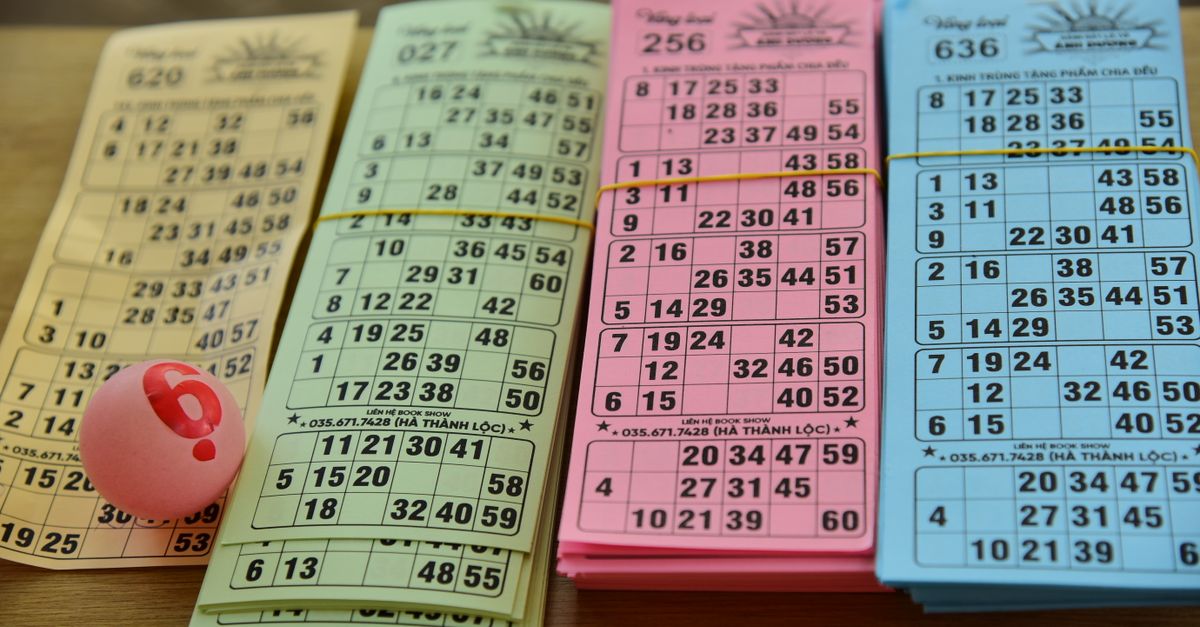
What a 75-Ball Bingo Card Looks Like
Before generating, it helps to know what a valid 75-ball card looks like. Each card is a five-by-five grid with the letters B, I, N, G, and O printed across the top, and the middle square of the N column is always a free space that every player marks from the start. That free middle cell is the reason a finished card shows twenty-four numbers instead of twenty-five: one cell is reserved, the other twenty-four are filled in.
The numbers on each card must stay within the column's fixed range. If a caller draws B-7, that number can only appear on cards where column B is set up to contain 7, and B only ever covers 1–15. Getting those ranges right is what separates a real bingo card from a meaningless grid of digits. The rules behind the numbers are strict, and that is exactly why the generator follows them precisely for every single card in the batch.
This 5×5 layout with lettered columns and a free center has been the standard for the version of bingo played at community halls, school fundraisers, retirement homes and family game nights across North America for decades. Sticking to the standard means the cards you print work with any caller, any traditional dauber, and any of the patterns the room chooses to play that night.
How the In-Browser Generator Builds a Card
When you click Generate, the tool builds each board inside your browser tab using its own random source. There is no template, no pre-made library, and no server call — the numbers are picked fresh for every card in the batch. That is why hitting Generate twice is very unlikely to produce the same batch twice.
For each card, the generator picks five unique numbers for the B column from 1–15, five unique numbers for the I column from 16–30, four unique numbers for the N column from 31–45 with the middle cell becoming the free space, five unique numbers for the G column from 46–60, and five unique numbers for the O column from 61–75. No number repeats inside a single card, and every number stays inside its column's legal range. Because each card is generated independently with fresh random numbers, two players are very unlikely to hold identical boards, which keeps the game fair. The randomness question is worth its own closer look — the guide on whether 75-ball bingo cards are random walks through how the picks stay independent from one card to the next.
Column Ranges at a Glance
The table below summarizes the fixed range that applies to each column on every valid 75-ball card, along with how many numeric cells that column carries on a finished card.
| Column | Number range | Cells filled with numbers |
|---|---|---|
| B | 1–15 | 5 |
| I | 16–30 | 5 |
| N | 31–45 | 4 (center is free) |
| G | 46–60 | 5 |
| O | 61–75 | 5 |
Add the numeric cells together and you get 5 + 5 + 4 + 5 + 5 = 24 numbers, which matches the count on every completed card.
How to Generate a 75-Ball Bingo Card in Your Browser
This is the practical path from opening the page to holding a printed card in your hand. No special software, no plug-ins, no account, and no upload step to worry about.
- Open the Bingo Card Generator page in any modern browser on desktop, laptop, or tablet.
- Enter how many cards you need — up to 24 in a single batch, enough for a full classroom, small party, or one large table.
- Press Generate to build a fresh batch of 5×5 bingo cards. Each card is created independently using fresh random numbers.
- Check each card on screen: confirm the B-I-N-G-O headers, the free center square, and the 24 random numbers sitting inside their column ranges.
- Press Print for a clean, ink-friendly layout that goes straight to your printer, or press Download to save the batch as a self-contained HTML file you can reopen and reprint anytime.
The whole flow — open page, enter a number, generate, print or download — typically takes well under a minute on a normal laptop, and only a touch longer on older tablets with no functional difference in the result. If the first batch is not quite right, run Generate again for a brand-new set.
Why Generating in Your Browser Matters
Generating cards in your browser rather than through a remote service has a few practical consequences worth understanding, especially for events where you handle attendance lists, kids, or sensitive groups.
- Privacy by default. Cards are created on your own device. No numbers, cards, or clicks are sent to a server, and you do not need to sign up for anything to start.
- Works after the signal drops. Once the page has loaded, the generator continues to create cards and run without an internet connection, so a flaky venue Wi-Fi or a classroom with no network will not stop your game.
- Instant output. Print a stack for tonight's event, or download a self-contained file you can email, drop on a USB stick, or store in the cloud and reprint later.
- No device clutter. Nothing is installed, no browser extension is required, and your device stays exactly as it was before you opened the page.
For teachers drilling number recognition and listening skills, ESL instructors practicing English numbers, activity coordinators running rounds for seniors, and hosts spinning up birthdays, baby showers, classroom rewards and office icebreakers, this combination — private, offline-capable, and printable — turns a simple generator into a tool that fits real events rather than a demo you cannot rely on.
Common Game Patterns You Can Play
Once you have printed cards, you need a pattern for the caller to call. Standard 75-ball bingo uses one of the following shapes, and a valid card works for any of them without needing a different batch.
- Any single horizontal row. The simplest win, usually the first round of the night.
- Any single vertical column. Works under the same one-line rule, just turned ninety degrees.
- Either diagonal. Corner to corner, two valid lines on the same card.
- Four corners only. Only the four corner cells need to be covered.
- Blackout. Every square on the card must be covered, usually the final and toughest round.
Gameplay stays simple, which is why bingo works for almost any age: a caller announces one ball at a time, players cover the matching squares, and the first person to complete the agreed pattern calls out Bingo and wins. Because the generator does not seed any pattern into the cards, the same printed batch works for any pattern you choose to run during the evening, and a fresh batch is just as easy to make for the next group when the room is ready for a rematch.
For a deeper look, see Can You Print a 75-Ball Bingo Card From a Generator?.