A memorable Instagram handle built from your name is rarely the best starting point because the same name is already registered by thousands of other accounts, and reusing your real full name on a public profile leaks identity information you can never take back. The smarter approach is to treat your name as inspiration, not a literal string — pick an adjective that reflects your vibe, pair it with a concrete noun, and optionally append a short number so the handle stays human-readable, easy to type aloud, and far more likely to be available on the sign-up form. A browser-based Username Generator does this in a single screen: it draws from a curated bank of 84 adjectives and 88 nouns to assemble brandable handles, lets you set style, casing, separator, and digit length, and reshuffles the whole list with each click of Generate. Every handle stays identity-free by design, and nothing leaves your browser.
Why Your Real Name Is the Wrong Starting Point on Instagram
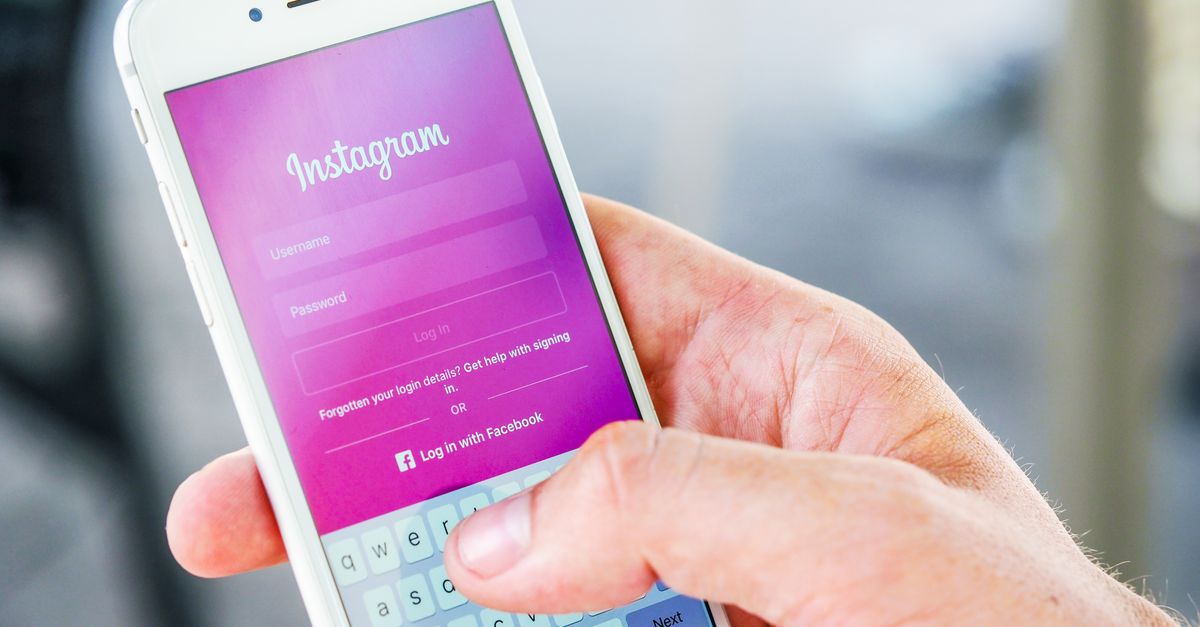
Typing your full name into Instagram's sign-up field almost always returns a red error. The platform counts more than two billion monthly active accounts, and its auto-suggest will happily offer variants like yourname_2024 or yourname.official — strings that look spammy, get mistaken for fan pages, and stay hard to defend if you ever want to claim the plain version later.
Beyond availability, a real-name handle creates a privacy debt. A username is public, indexed by search engines, and effectively permanent once registered. If your full name, birth year, or home city ever ends up baked into that string, anyone who Googles you — recruiters, ex-colleagues, strangers — gets a direct pointer to the photos, follows, and DMs on that account. Treating your name as raw material for the handle, rather than the handle itself, removes that risk while keeping the result personal.
Instagram's own rules also shape what you can register. Usernames are limited to 30 characters, can contain only letters, numbers, periods, and underscores, and must start and end with a letter or number. Building the handle with those rules in mind — choosing the right separator and casing up front — saves you a rejected form and a wasted attempt.
How to Generate a Handle That Still Feels Personal
The trick to a personal-feeling Instagram handle without your real name is to choose one adjective that captures your tone and one concrete noun that hints at your niche or interest, then glue them together. SwiftFalcon reads as fast and agile without leaking anything; CalmStudio feels like a creator account without saying who runs it. Because each piece is short and the pair is two real English words, anyone hearing the handle once can type it from memory.
The combinatorial math is what makes this approach scale. With 84 adjectives and 88 nouns in the word bank, the base space already contains 84 × 88 = 7,392 distinct adjective-noun pairs. Add a 3-digit number suffix — any value from 000 to 999 — and the space grows by a factor of 1,000, reaching 7,392 × 1,000 = 7,392,000 possible handles. That is well past seven million variants, which is why the generator can hand you a full batch with no duplicates and why your chosen handle still stands a real chance of being unclaimed on the sign-up form.
Formatting choices stretch the space further. Capitalize, lowercase, and camelCase give you three readable variants for every pair; separators (underscore, dash, dot) add three more. None of these changes alter the underlying combination, but each lets you match the visual conventions of the platform you are registering on without rejecting the form.
Build an Instagram Handle With the Username Generator
Open the tool, set the controls to match Instagram's rules, and click once. Here is the exact workflow:
- Open the Username Generator in your browser — no signup, no install, nothing leaves your device.
- Pick a style: Adjective + Noun for a clean brandable handle, Adjective + Noun + Number for platforms that reject short or common names, or Noun + Number for a compact gaming-style tag.
- Choose casing — Capitalize (SwiftFalcon), lowercase (swiftfalcon), or camelCase (swiftFalcon). For Instagram, lowercase reads most like the handles users actually see in the wild.
- Pick a separator if your style calls for one: underscore, dash, or dot. Instagram allows all three, but underscores and dots dominate the platform's visual style.
- Set how many usernames you want in a single batch.
- Toggle Add a number on and choose a digit length. Choose a digit length to balance handle length and uniqueness.
- Press Generate to produce a fresh batch. Each click reshuffles the entire list deterministically from a seeded pseudo-random sequence.
- Use Copy on any single handle you like, or Copy all to grab the whole batch into your clipboard, then paste candidates into Instagram's sign-up field to confirm availability before committing.
Format Options That Match Instagram's Rules
Instagram's username rules reward short, lowercase, underscore-friendly strings. The table below summarizes how each style in the generator maps to a real Instagram context.
| Style | Example | Best For | Trade-off |
|---|---|---|---|
| Adjective + Noun | swiftfalcon | Personal brand, creator, business page | Shortest and most readable; gets taken first |
| Adjective + Noun + Number | swiftfalcon42 | When short names are already claimed | More variants available; slightly longer |
| Noun + Number | falcon42 | Compact, gaming-style, niche tags | Fewer base combinations; very punchy |
For Instagram specifically, lowercase plus a single dot or underscore separator tends to look the most native — the platform's own auto-suggest almost always recommends that pattern. If you are also building a matching handle on TikTok, YouTube, or Twitter/X, repeat the exact same string so people can find you across platforms without guessing.
Keeping the Handle Safe to Reuse Anywhere
A good username is identity-free by design. Avoid baking your real full name, birth year, hometown, or any password you reuse into the string — the handle is public, indexed by search engines, and effectively permanent once you register it. Every word in this generator's word bank is neutral and contains no personal information, so the output stays safe to reuse on a gaming tag, a forum, a side-project repo, or a creator account without exposing who or where you are.
Privacy is also why everything runs locally. The entire generator executes inside your browser using an embedded word list, so no selection is uploaded, no account is required, and no generated handle is logged or stored on a server. Press Generate as many times as you like until a handle feels right, then copy and confirm availability on Instagram's sign-up form before committing. For a deeper look at how a good username should feel across platforms, the guide on generating usernames that are unique and easy to remember is a useful next read.
Related reading: Merge Word Documents and Name the Master File.