The most damaging mistake when you generate a story plot is treating the output as a finished story instead of a one-paragraph collision of five borrowed parts — protagonist, setting, goal, complication, and twist — that you still have to make your own. The Story Plot Generator shows you exactly which phrase it picked from each pool so you can keep what works, replace what doesn't, and finish the work yourself. The mistakes that derail a quick story fall into three predictable clusters: confusing a random premise for an outline, publishing a combination that happens to resemble an existing work, and ignoring that the visible blocks are editable scaffolding rather than fixed instructions. Each cluster has a fix, and most fixes take seconds once you know where to look.
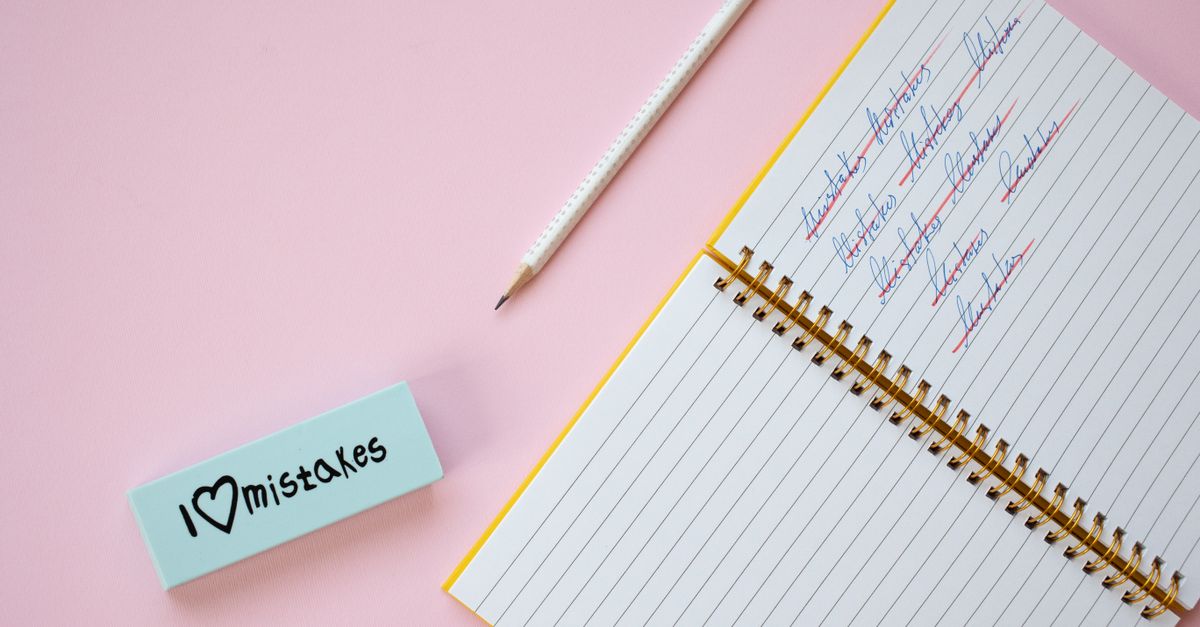
Why These Mistakes Happen in the First Place
The tool is deliberately small. It supports three genres — adventure, mystery, and speculative fiction — and three tones — hopeful, tense, and comic. That gives nine filter combinations on top of the visible pools. Inside those filters sit fixed inventories: six protagonists, three settings per genre, four goals, two complications per tone, and four twists. The paragraph you read is grammatical product-authored scaffolding, not finished fiction. Mistake patterns emerge when a writer forgets that the result is a starting constraint.
A second reason is the way the tool builds combinations. Each pool is sampled independently using the browser's Web Crypto interface, with bounded rejection sampling so an item near the end of a pool is not slightly favored. That fairness is exactly what makes repetition possible — finite pools can repeat combinations, and a "duplicate" draw is not a bug. Writers who expect every click to produce a brand-new saga misunderstand what the random source is doing. It is being fair, not being original.
Where Story Plot Generator Users Slip Up
Five predictable mistakes show up again and again:
Picking a genre and tone that fight each other. A hopeful tone asks the protagonist to help someone before they can progress; a tense tone narrows safe choices or adds a pursuer. Choosing both at once is fine, but if the resulting complication tries to do both at once, the paragraph reads as two drafts glued together. Pick the tone that matches the genre's natural stakes, or change one filter.
Stopping at the paragraph. A premise that begins "A junior cartographer in a city of levitating merchants must locate a misplaced letter..." is a constraint, not a synopsis. Writers who publish the paragraph as a story outline skip the work of turning a collision into a chain. If you want a plot map, you need a separate drafting pass after the draw.
Publishing before replacing generic details. The inventory is small and the wording is original, so a freshly drawn combination can still match a familiar structure by coincidence. Publishing without changing at least the protagonist's name, the setting's specifics, and the twist's mechanism is the fastest way to ship something that reads as a parody of an existing work.
Hiding the building blocks. Some users paste the paragraph straight into a notebook without noting which pool each phrase came from. That makes editing harder later, because you cannot tell whether the awkward sentence is the goal or the twist. The tool exposes the five parts on purpose — write them down or screenshot them before you start rewriting.
Drawing forever. Because repetition is allowed, you can click Generate plot until something feels right. This is wasteful when the underlying issue is that the genre and tone filters are wrong, or when the protagonist pool is mismatched to your idea of the story. Fix the filter first; the draw second.
How to Avoid Mistakes When Generating a Story Plot
A short workflow removes most of these problems before they appear.
- Pick a genre that matches the kind of stakes you actually want: adventure for travel and physical discovery, mystery for an unexplained change, message, ticket, or absent person, speculative fiction for a single changed rule about memory, time, planets, or civic life.
- Pick a tone that fits the genre's natural pressure: hopeful when the protagonist can grow by helping someone else, tense when safe choices have to narrow, comic when a misplaced credit or inconvenient animal makes the obstacle absurd.
- Click Generate plot and read the five visible blocks — protagonist, setting, goal, complication, twist — separately before reading the paragraph as a whole.
- Decide which blocks to keep, which to replace, and which to develop. The tool exposes the parts so editing is easier; you can keep one field and rewrite the others.
- Rewrite the distinctive details — names, locations, the mechanism of the twist — before doing any structural work.
- Ask the four sharpening questions: what is the protagonist's concrete desire, what makes the obstacles escalate, what are the meaningful consequences, and what decision reveals character.
- Turn the complication into a choice rather than an event, and ask how the twist changes what the protagonist thinks they know.
- Save the five parts alongside the rewritten paragraph so a later revision knows what each block did.
Reading the Five Visible Pools Like an Editor
Each block has a job. The protagonist is a role, not a person — "a junior cartographer" tells you what the character does, not who they are. The setting is a place with a pressure attached: adventure settings emphasize travel and isolation, mystery settings introduce an unexplained change, and speculative settings change one rule. The goal is what the protagonist wants at the start of the story; it should be specific enough to be falsifiable. The complication is the obstacle the tone filter chose — a hopeful complication requires trust, a tense complication narrows safe choices or adds a pursuer, a comic complication brings a misplaced credit or an inconvenient animal. The twist is the line at the end of the paragraph that reorders what the reader assumed.
When you read them in that order, the paragraph stops sounding like a synopsis and starts sounding like a checklist. The combination is fixed, but the way each block does its job is up to you. If the goal is too vague to be falsifiable, replace it; if the twist does not change the protagonist's understanding, replace it. The paragraph is scaffolding; the building is yours.
Editing the Premise Before You Build On It
A premise becomes more useful when it contains a concrete desire, escalating obstacles, meaningful consequences, and a decision that reveals character. The paragraph supplies a collision of ideas, not those four elements, so your first edit should be a pass that adds what is missing. Replace the protagonist's role with a person, give the setting a name, sharpen the goal until it can succeed or fail, escalate the complication so it forces a choice, and test whether the twist is a reversal or only a surprise. For longer work, the guide on making a unique story plot from visible pools walks through the same five-block editing pass in more detail.
Two quick tests catch most trouble before you draft. First, can you state the protagonist's desire in one sentence without using the word "must" or "should"? If not, the goal is hiding a want. Second, does the twist change what the protagonist believes, or only what the reader knows? If it is the latter, the twist is a reveal, not a reversal, and the draft will feel clever rather than satisfying.
What to Do When the Result Feels Wrong
If the combination reads as incoherent, the simplest fix is to draw again. The pools are finite and draws are independent, so a second click is a fair new sample from the same pools. If the second draw is also incoherent, the issue is usually in the filters: a tense speculative tone, for instance, narrows safe choices inside a setting that has already changed one rule, and the result can feel over-constrained. Switch the tone or the genre and try again. If you want to keep the mismatch anyway, treat it as a deliberate creative constraint — write ten questions before drafting prose and see whether the mismatch produces something interesting.
The table below summarizes the most common failure modes and the one-step fix that resolves each one.
| Mistake | What it looks like | Fix |
|---|---|---|
| Genre and tone fight each other | Two drafts glued into one paragraph | Match the tone to the genre's natural stakes, or change one filter |
| Stopping at the paragraph | Premise published as a synopsis | Add a separate drafting pass that turns collision into chain |
| Publishing generic details | Output resembles an existing work | Replace distinctive names, locations, and mechanisms before sharing |
| Hiding the building blocks | Awkward sentence with no clear source | Write down the five parts before rewriting |
| Drawing forever | Many clicks, no improvement | Fix the filter first, the draw second |
| Treating output as originality proof | Generic-looking draft declared safe | Edit distinctive details, then research relevant material |
The tool does not score, rank, or claim that any one result is more original or marketable than another, and it does not compare output against any catalog or provide legal advice. Its reliable contract is a small one: a supported genre picks one of three setting pools, a supported tone picks one of three complication pools, and the browser fairly picks one item from each required pool. Everything else — rewriting, drafting, the publish-or-revise decision — is your work. Once you treat the paragraph as scaffolding rather than story, the mistakes that derail a quick plot become easy to predict, easy to fix, and a normal part of the process instead of a recurring surprise.
If you're weighing options, How Do I Compare Scatter Plot Maker Approaches? covers this in detail.