A reliable 75-ball bingo card plan has four stages: choose the batch size, generate the 5×5 cards, verify the fixed number ranges and free center, then choose an output.
The Bingo Card Generator follows that workflow in your browser and creates standard 75-ball cards for a party, class, fundraiser, or community game. It is most useful when you need a prepared batch but do not want to write and number every grid by hand. The practical planning decision is to decide how many cards you need and whether you will print them now, save them for later, or do both.
That sequence matters because generating, checking, and distributing the cards are separate tasks. Generating the batch does not replace a quick review, and choosing the wrong output can leave you without a reusable copy. Use the plan below to keep those actions in order.
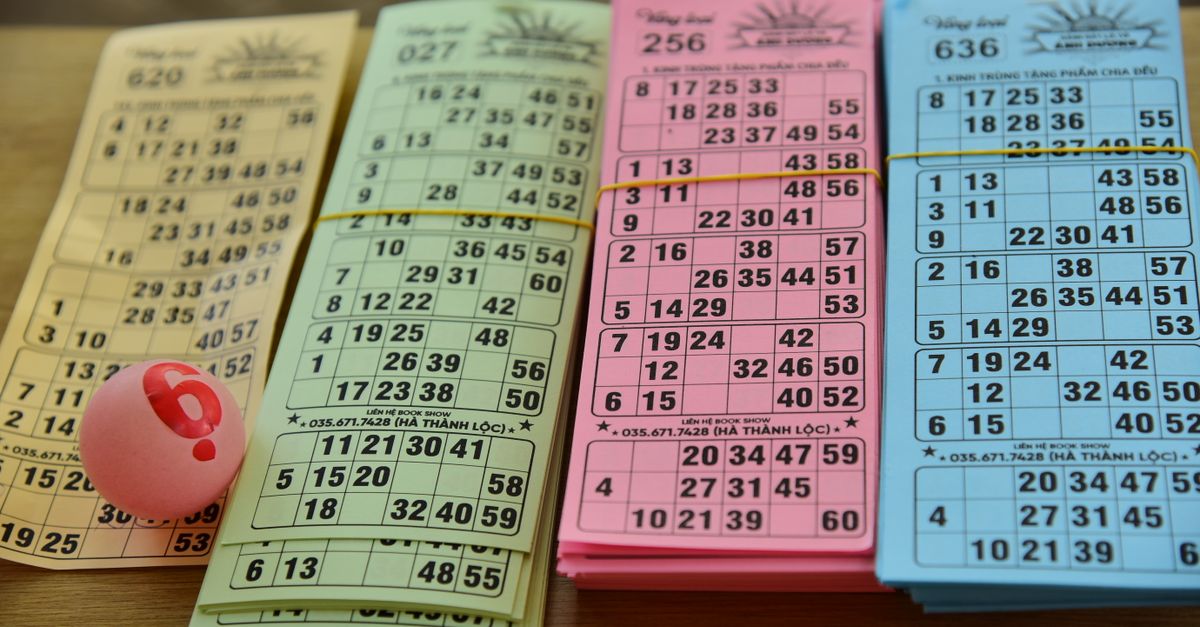
Choose the batch size and final use
Begin with the number of people who will actually receive a card. That is usually the safest basis for the first batch because it prevents extra cards from creating uncertainty at the table. If several people are waiting to see whether they want to play, you can create another fresh batch later instead of trying to reclaim cards during play.
The generator supports up to 24 cards in one batch. For a larger group, plan separate batches and keep them clearly labeled so players do not mix cards intended for different rounds. Each new batch is generated independently with fresh numbers.
- For a one-time event: Plan to print the batch and carry enough copies for every player.
- For recurring rounds or future groups: Plan to download the batch so you have a reusable copy.
- For an event with uncertain attendance: Generate the likely number first, then create another batch if more players arrive.
- For a printed game with a paper backup: Plan to print the cards and download the same batch for later reprinting.
If you need help matching the quantity to your group, review how many 75-ball bingo cards to generate before setting the batch size.
Generate the 75-ball cards
Use this browser-based workflow to create and prepare a standard 75-ball batch:
- Open the generator and choose the quantity. Decide how many cards the group needs, keeping the documented limit of 24 cards per batch in mind.
- Enter the number of cards. Set the count to the number you selected during your planning stage rather than leaving the size to chance.
- Press Generate. The tool builds a fresh batch of 5×5 bingo cards with B, I, N, G and O across the top.
- Review every card before producing the final copies. Confirm that each card has the free center square, exactly 24 numbered squares, the correct number in every column, and no repeated number within that card.
- Choose Print or Download. Print when you need paper copies immediately, or download the batch as a self-contained HTML file when you need to save and reprint it later.
- Check the chosen output. If printing, inspect a printed page for clear headings and readable numbers. If downloading, open the saved file once to confirm that the cards appear and can be reprinted.
You can also keep the generated cards visible on screen when that suits the event. Even then, keeping a printed or downloaded copy provides a practical backup if the page is closed or the screen is unavailable.
Verify the 75-ball number rules
The generator follows the standard 75-ball column ranges, so your review should confirm correct placement rather than ask you to supply numbers for each square. Check the finished cards against these defined values:
| Column | Allowed number range |
|---|---|
| B | 1–15 |
| I | 16–30 |
| N | 31–45 |
| G | 46–60 |
| O | 61–75 |
The middle square of the N column is always the free space, and each completed card contains 24 numbered squares. Numbers do not repeat within an individual card. Your uniqueness check should therefore focus on each card separately; two independently generated cards can contain some of the same numbers without either card being invalid.
These rules correspond directly to the way 75-ball bingo is called. A lettered-and-numbered announcement such as B-7 or O-72 can only match a square in the correct letter column. This prevents a generated card from containing a number that could never be called under its assigned letter.
Select the output that matches the event
The generator provides two supported ways to use the completed batch:
| Output | What it does | Best use |
|---|---|---|
| Opens a clean, printer-friendly layout that goes directly to your printer. | Creating physical cards for players at an event. | |
| Download | Saves the batch as a self-contained HTML file. | Keeping a reusable copy or reprinting cards later. |
The verified download format is a self-contained HTML file, so plan to open it in a browser when you want to review or print it again. If the event requires both paper copies and a reusable version, print the current batch and save the downloaded file before closing the page.
For a single event, printing directly is usually the shortest handoff. For a game that may be repeated, downloading gives you a saved version to reopen later. Keeping the file on your device also means you are not relying on the live generator page remaining open throughout the event.
Run the event handoff
Once the cards are generated and checked, prepare them for actual play:
- Count the cards: Match the number of copies with the number of participating players.
- Identify the free space: Make sure the free center square is clearly visible on every printed card.
- Check legibility: Confirm that the B/I/N/G/O headings and all numbers can be read without straining.
- Prepare marking supplies separately: The generator creates cards, not markers, so have an appropriate marking tool ready for each player.
- Agree on the winning pattern: Decide whether the game uses a full row, column, diagonal, four corners, or blackout before play begins.
- Retain the reusable copy: If you downloaded the batch, keep the HTML file accessible for later rounds or replacement copies.
The caller should announce the letter and number together, and players mark the matching square. Agreeing on the pattern in advance removes a common source of confusion when someone completes a line but another pattern was intended.
Know the supported boundaries before game day
A dependable plan accounts for what the generator is built to handle as well as what happens after generation:
- Fixed card format: The documented output is a classic 75-ball card with a 5×5 grid, five fixed number ranges and a free center.
- Batch limit: One batch contains up to 24 cards. Create another fresh batch when more are needed.
- Defined outputs: The available actions are printing and downloading a self-contained HTML file.
- No account required: You can start without signing up.
- Local processing: Numbers, cards and clicks are not sent to a server, and nothing is uploaded. Card creation happens on your own device.
- Offline availability: After the page has loaded, it continues working without an internet connection.
The cards are independently randomized, making identical boards very unlikely, but the generator should not be treated as a formal uniqueness guarantee. If two complete cards appear together, compare them carefully and generate a new batch if necessary.
The complete plan is therefore simple: determine the batch size, generate the cards, check the 5×5 layout and number ranges, select the appropriate output, and confirm that the final cards are ready for players.