A spelling test game runs five fixed rounds where every round contains exactly one misspelled entry and exactly one hidden standard correction; you score 200 points only after both stages succeed, and a clean run finishes at exactly 1,000 points.
That structure is what separates a true test from a casual spelling puzzle. Spelling Quiz uses a deliberate two-stage design that scores recognition and recall separately, so simply spotting an odd-looking word is not enough to bank a round's points. You also have to reproduce the standard form on a blank line, with no hints, no multiple-choice corrections, and no visible feedback before submission. The widget keeps the answer out of its candidate buttons, aria labels, hidden text, and placeholder fields, which makes each round function like a written spelling test rather than a guessing game.
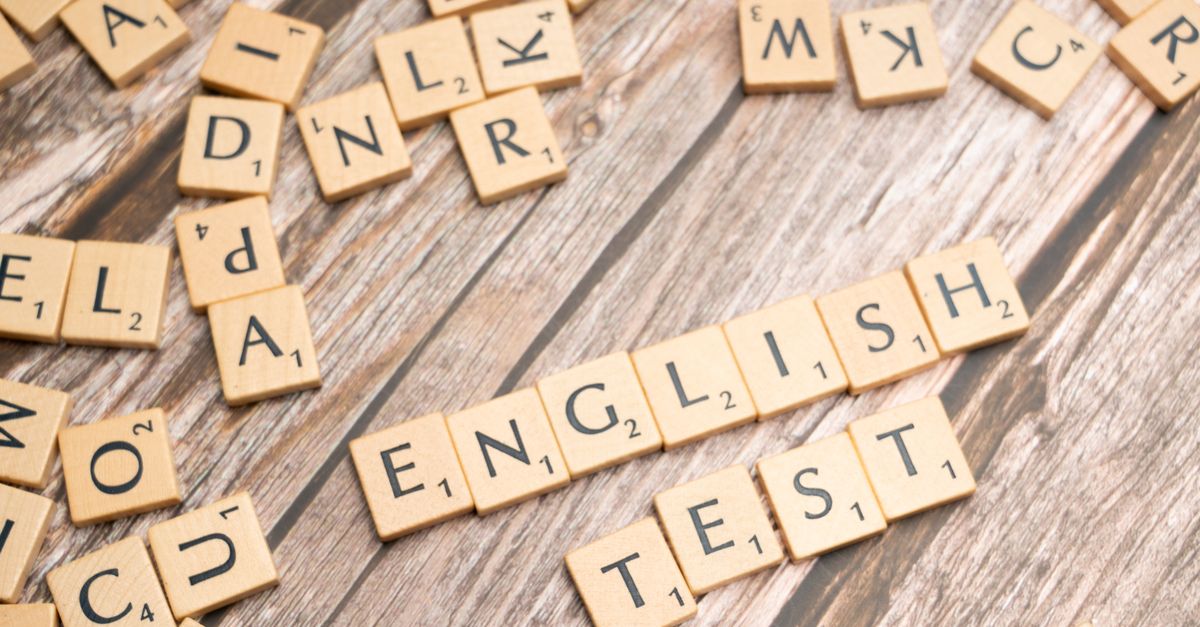
How a Five-Round Spelling Test Game Differs From a Spelling Quiz
Most spelling games on the web give the answer away before you finish typing. An anagram unscrambler reveals the rack letters, a crossword lights up the crossings, and a word-search flashes a tick when you find a target. A spelling test game, by contrast, is meant to measure whether you can both spot an irregular form and reproduce the correct one under no prompting. The format here is closer to a classroom dictation: you read four entries, decide which one looks wrong, then write the standard spelling the way you would on paper.
Three design choices keep the test feel consistent. First, every round contains four unique strings, exactly one of which is the intended misspelling; the other three are verified standard English words. Second, the corrected form is deliberately absent from the four candidates, so the detection stage never reveals the answer sitting next to the misspelled entry. Third, the correct position rotates across all four slots from round to round rather than following a repeated pattern, so you cannot memorize a slot number.
Run One Spelling Test Round in Two Stages
- Read the four visible entries and select the only misspelled word by touch, pointer, or arrow keys followed by Enter.
- Wait for the candidate buttons to lock and a blank text field to appear, signalling that the recall stage has begun.
- Type the standard spelling as one ASCII word; the field trims surrounding whitespace and converts letters to lowercase before comparison.
- Submit the correction by tapping the submit button or pressing Enter while the field is focused.
- Confirm that 200 points are added and the next round loads with a fresh four-entry detection panel.
Each of the five rounds follows that same two-stage flow. Recognition and recall are tested independently, which is why the design deliberately refuses to award points merely for picking an odd-looking candidate. The scoring only registers after the second stage produces a verified correction, so reading four candidates and guessing correctly does not by itself add anything to your score.
| Stage | What you see | What you do | What happens after a correct submission |
|---|---|---|---|
| Detection | Four candidate words, only one misspelled | Select the misspelled entry by touch, pointer, or arrow keys + Enter | Candidate buttons lock and a blank correction field appears |
| Recall | One empty text field, no candidate list | Type the standard spelling and submit | 200 points awarded and the next round begins |
What the Spelling Test Accepts as a Correction
The normalization policy is narrow and explicit, and that is part of what keeps the test honest. Before comparison, the widget trims leading and trailing whitespace from your typed text, then converts ASCII letters to lowercase. Anything outside that rule is rejected as a single atomic no-op that does not alter your score, error history, or progression.
The accepted form is one uninterrupted sequence of letters from a through z. Anything else, including blank text, multiple words, apostrophes, hyphens, digits, accented letters, emoji, and punctuation, is refused in one pass. That policy prevents a correct answer embedded inside extra text from sneaking through. Submitting " Receive" with a stray space returns "RECEIVE" the same way submitting "receive" does, but submitting "re ceive", "recieve!", or "r3ceive" is rejected as one indivisible attempt.
Why the Standard Answer Stays Hidden Until Submission
The widget deliberately keeps the standard answer out of the DOM. Gameplay state stores only the round number, keyboard cursor, selected candidate index, score, normalized error signatures, and terminal flags. The standard spelling is not copied into candidate aria labels, data attributes, hidden elements, status text, input placeholders, or CSS class names. The correction field starts empty and contains only what you type.
That design is what lets the game behave as a test rather than as a multiple-choice quiz. If you view source or inspect the element, you will not find the answer waiting beside the misspelling. You have to know the standard spelling yourself, which is the entire point of the recall stage. The same source-fidelity principle is reflected in the implementation methodology: every standard correction and every correctly spelled distractor was found as an exact indexed lemma in Princeton WordNet 3.1, and each intended misspelling was confirmed absent from that same index.
Princeton WordNet 3.1 is used as the primary machine-readable spelling reference (WordNet 3.1 index data), and Cambridge Dictionary supplies an independent cross-check. Each of the five standard corrections has a live Cambridge entry that returned an HTTP 200 page containing the expected spelling. Combining a fixed indexed dictionary with a current published dictionary reduces the chance of approving an invented correction or a historical variant that does not fit the quiz's intended modern standard.
Touch, Pointer, and Keyboard Play at Every Stage
The test works equally well on a phone, a desktop, or a screen reader. Pointer and touch play use native candidate buttons with a minimum height greater than 44 pixels, so the misspelled entry is easy to tap without zooming. Candidate words wrap inside their controls, and the mobile layout stays in one bounded column, switching to two columns on wider screens. Minimum-width protection and overflow containment stop long entries from forcing the page to scroll horizontally.
Keyboard play covers both stages of every round. Arrow keys move the detection cursor through the four entries and wrap at the ends, and Enter selects the highlighted entry. After the unique misspelling is selected, focus moves to the native text input, where Enter submits the correction through the form. A global shortcut ignores Enter originating from a button or input, so pressing Enter twice in a row cannot double-submit. The boss key is unrelated to scoring: pressing Escape twice within the timing window replaces the quiz with a spreadsheet-like cover, then twice again restores it. Boss mode does not change your chosen entry, typed correction, errors, or score.
Why the Best Possible Score Stays at 1,000
The scoring policy is fixed and explicit. A round awards exactly 200 points only after both stages are correct, so completing all five rounds produces exactly 1,000. Errors from both stages share one deterministic rule. Selecting a correctly spelled entry records a signature containing the round and candidate index. Submitting a valid but incorrect correction records the round and the normalized word you typed.
Repeating the identical selection, or repeating the same correction with different case or surrounding spaces, does not add another error. The first distinct error remains recoverable; the second different error deadlocks the run until you Restart. Invalid candidate indices, fractional indices, unknown movement commands, and invalid correction formats are atomic no-ops and never alter score, history, or progression. Once you complete the final round or hit the second-error deadlock, all game actions freeze. Restart restores round one, the first cursor position, no selection, zero score, a blank input, and an empty error history, so each new attempt starts from a clean slate.
All detection and correction logic runs locally in your browser. Typed text is not uploaded, no account is required, and no paid service is called. The shared GameShell also stores your best completed score locally when browser storage is available, so your 1,000-point record survives page refreshes but never leaves your device.
The quiz is fixed recreational spelling practice rather than an adaptive literacy assessment, educational diagnosis, language certification, or measure of intelligence. Focused tests like this keep the reference fixture independent from any production evaluation, so the five rounds are a consistent benchmark rather than a personalized reading level.